
Better thinking. Better work.
Every week I take a look at some of the tools and ideas emerging in AI. And I focus on the things that are important and useful for creatives and entrepreneurs. No insider valuations or who is doing what… just stuff you can use today. I use Claude CoWork to help compile this list.
Better Thinking, Better Work, is a reader-supported publication. To receive new posts and support my work, consider becoming a free or paid subscriber.
Well,it happened… Adobe finally showed up inside ChatGPT, a new open video model is worth a look if you shoot anything that moves, and Anthropic quietly started stamping its text output. Buried in the middle is a piece on differentiation that every photographer, designer, and writer reading this should sit with for ten minutes. Let’s get into it.
Adobe shipped a ChatGPT plugin that puts more than 70 tools from Photoshop, Firefly, Premiere, and Acrobat directly inside a chat window. You can generate and edit images, cut video, and work PDFs without leaving ChatGPT or opening a single Adobe app.
For working photographers and designers, this collapses a step most of us have been doing manually for years: describe the edit, then go make it. Now you can describe it and get a usable output back in the same conversation, which matters most for quick client mockups, concepting, and the fifteen small edits nobody wants to charge for separately.
It’s free to try, and it’s early. Treat the first week of output as a rough draft, not a delivery. But if you’ve been resisting bringing AI into your Adobe workflow because switching apps felt like too much friction, that excuse is gone.
(via The Neuron)
Lightricks released LTX-2.5, an open-weights video model that generates consistent multi-shot footage with native audio and 4K HDR. The weights are free to run or fine-tune on your own hardware if your organization pulls in under $10M ARR; API access starts at nine cents a second.
What makes this one worth your time isn’t just the spec sheet. The LTX team ran a live, beginner-friendly stream teaching video prompting: how to control shots and motion, describe scenes so the model actually understands them, and figure out what these models pick up from your instructions versus what they ignore. That kind of direct access to the people who built the tool is rare and worth catching in the replay if you missed it live.
If you shoot video, direct motion work, or build client pitches with mood reels, this is the one to test this month. Open weights means you’re not locked into a subscription to find out if it’s useful.
(via The Neuron)
Anthropic began embedding invisible watermarks into text, code, and files generated by newer Claude models. The mark survives copy and paste, and files get the same C2PA provenance label already used across the industry for AI-generated media. Anthropic says the mark indicates content was processed by Claude, not that it was fully authored by Claude, which is a meaningful distinction if you’re using AI to edit or polish your own writing rather than generate it from scratch.
This lands right on top of a story photographers already live inside every day: can people tell what’s real. BagelBots ran its usual “which image is real” poll this week, and readers got it wrong on half the pairs in the prior round. That’s not a one-off. The gap between AI output and camera output keeps narrowing on the visual side, and now the text side is getting its own paper trail.
If you’re delivering written work to clients, know that provenance marking is coming for everyone, not just images. Worth understanding now, before a client asks you about it.
(via The Rundown and BagelBots)
Lea at Excellent AI Prompts wrote the sharpest piece I’ve read this year on why AI adoption alone won’t save your business. Her argument: when everyone has access to the same tools, competence stops being a differentiator. If AI helps you produce more of what anyone else can produce, it’s making you more efficient at becoming interchangeable.
Her fix isn’t a tool, it’s a sequence: define what you actually believe about the work, translate that into a system that repeats your decisions consistently, then let AI execute inside that system rather than substitute its own generic judgment for yours. Two photographers with identical gear and identical AI subscriptions still build different businesses if they’re working from different visions of what their work is for.
This is worth reading in full if you’ve felt the ground shift under your pricing or your inbound leads over the past year. The four-prompt framework she includes walks you through finding your center, defining a real vision, building the system around it, and translating all of that into positioning the market can actually recognize.
(via Excellent AI Prompts)
A Rundown reader named Alastair had hundreds of scanned family photos to prep for his mother’s 80th birthday photobook, on a tight deadline, with no time to open and clean up each image by hand. He asked ChatGPT to build a tool that accepts a folder of scanned images in mixed formats, including overlapping scans and photos cut off by the scanner, then crops and straightens each one and gives him a review UI to make adjustments.
The tool exported to Google Drive and generated a spreadsheet with thumbnails and a rating system so the family could pick favorites together. Total build time was a fraction of what manually cleaning hundreds of scans would have taken.
This is the kind of workflow that translates directly if you do any restoration, archival, or family photography work. The batch-processing shortcut alone (build a tool instead of doing the repetitive edit by hand, one photo at a time) is worth adapting for your own intake process.
(via The Rundown)
BagelBots ran a mega-prompt this week for turning your expertise into a full month of LinkedIn content. If you’re a photographer, designer, or writer who knows you should be posting more consistently but never has the ten minutes to figure out what to say, this is built to solve exactly that.
Act as an expert LinkedIn content strategist
specializing in personal branding, audience growth,
authority building, and lead generation.
Your job is to create a complete 30-day LinkedIn
growth plan tailored to my expertise, target
audience, brand voice, and business goals.
MY INPUTS
Role or expertise:
[Your Role or Expertise]
Target audience:
[Who You Want to Reach]
Primary LinkedIn goal:
[Build Authority / Generate Leads / Grow Audience /
Find Clients / Grow Newsletter / Other]
Topics I want to be known for:
[3-5 Core Topics]
Offer, product, or service:
[What You Sell or Promote]
Brand voice:
[Direct / Analytical / Funny / Educational /
Contrarian / Conversational / Other]
Experience or credibility:
[Relevant Experience, Results, Stories, or Insights]
Posting frequency:
[Daily / Monday-Friday / Specific Days]
YOUR TASK
Build a 30-day LinkedIn content strategy designed
around my specific audience and goal.
Do not give me generic topic suggestions.
Every post idea should be specific enough that I
could immediately turn it into a finished post.
1. CONTENT STRATEGY — Identify 3-5 content pillars,
what topics belong under each, why my audience cares,
and how each supports my primary goal.
2. 30-DAY CONTENT CALENDAR — Day-by-day, with content
pillar, post format, opening hook, core idea, 3-5
points to cover, and recommended CTA. Vary formats
throughout the month; never repeat the same format
two days in a row.
3. STRONGER HOOKS — Avoid generic openings like "Here
are 5 tips" or "Let's talk about." Use curiosity,
specific results, unexpected observations, strong
opinions, mistakes, or useful tension instead.
4. CTA STRATEGY — Rotate comment prompts, questions,
follow prompts, save-this-post prompts, resource
mentions, and direct lead-gen CTAs. Don't make every
post promotional.
5. WEEKLY STRATEGY — For each week, explain what
authority I'm building, what behavior I'm encouraging,
and which posts are for reach, engagement, or leads.
6. EXECUTION SYSTEM — A simple weekly batching system:
what to create together, what to prep beforehand, how
to turn one idea into multiple posts, what to review
before publishing, what to track.
Make every idea concrete enough that I know exactly
what to write. If anything is missing, make the most
reasonable assumption and state it briefly before the
plan.
(via BagelBots)
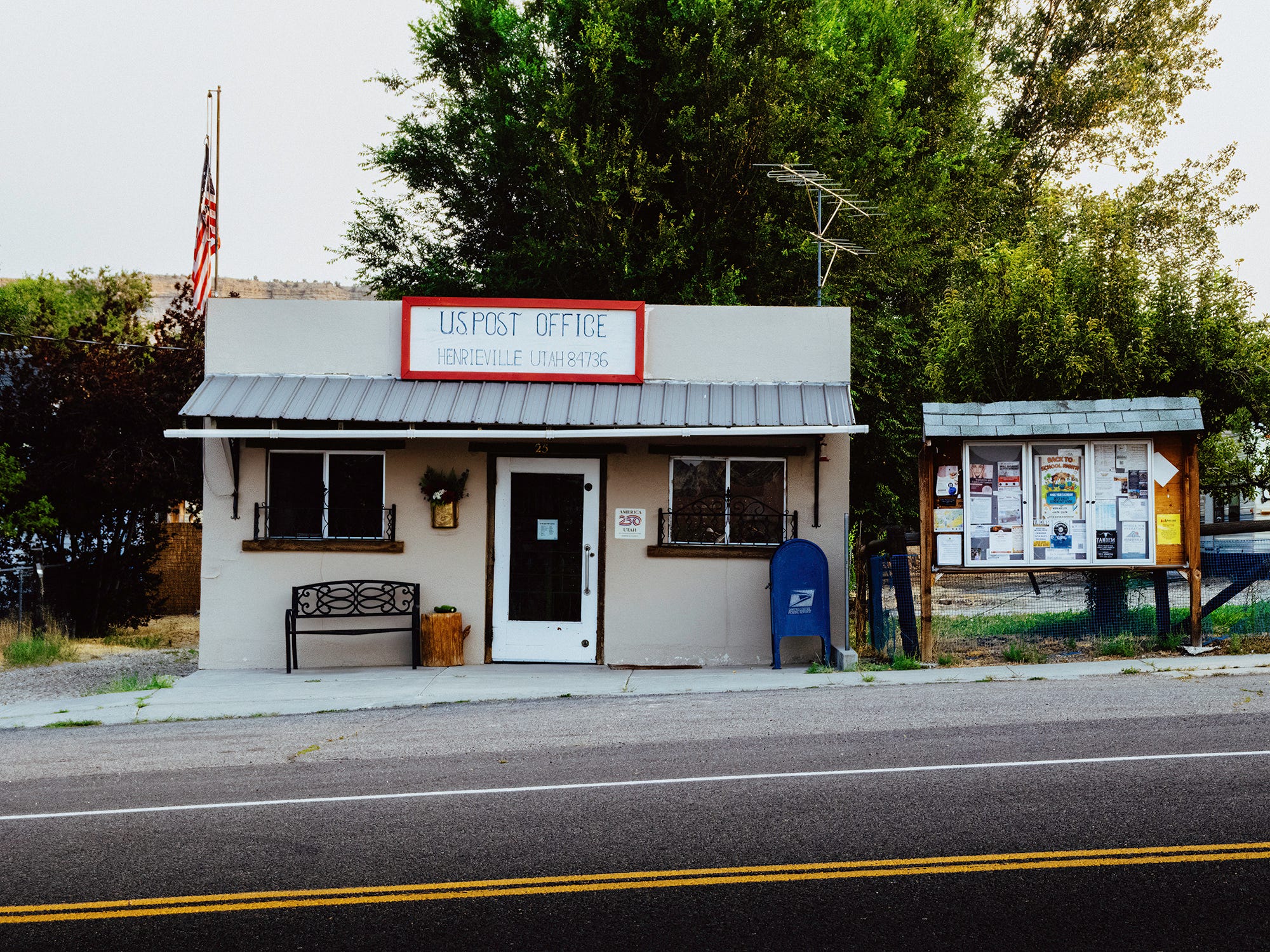
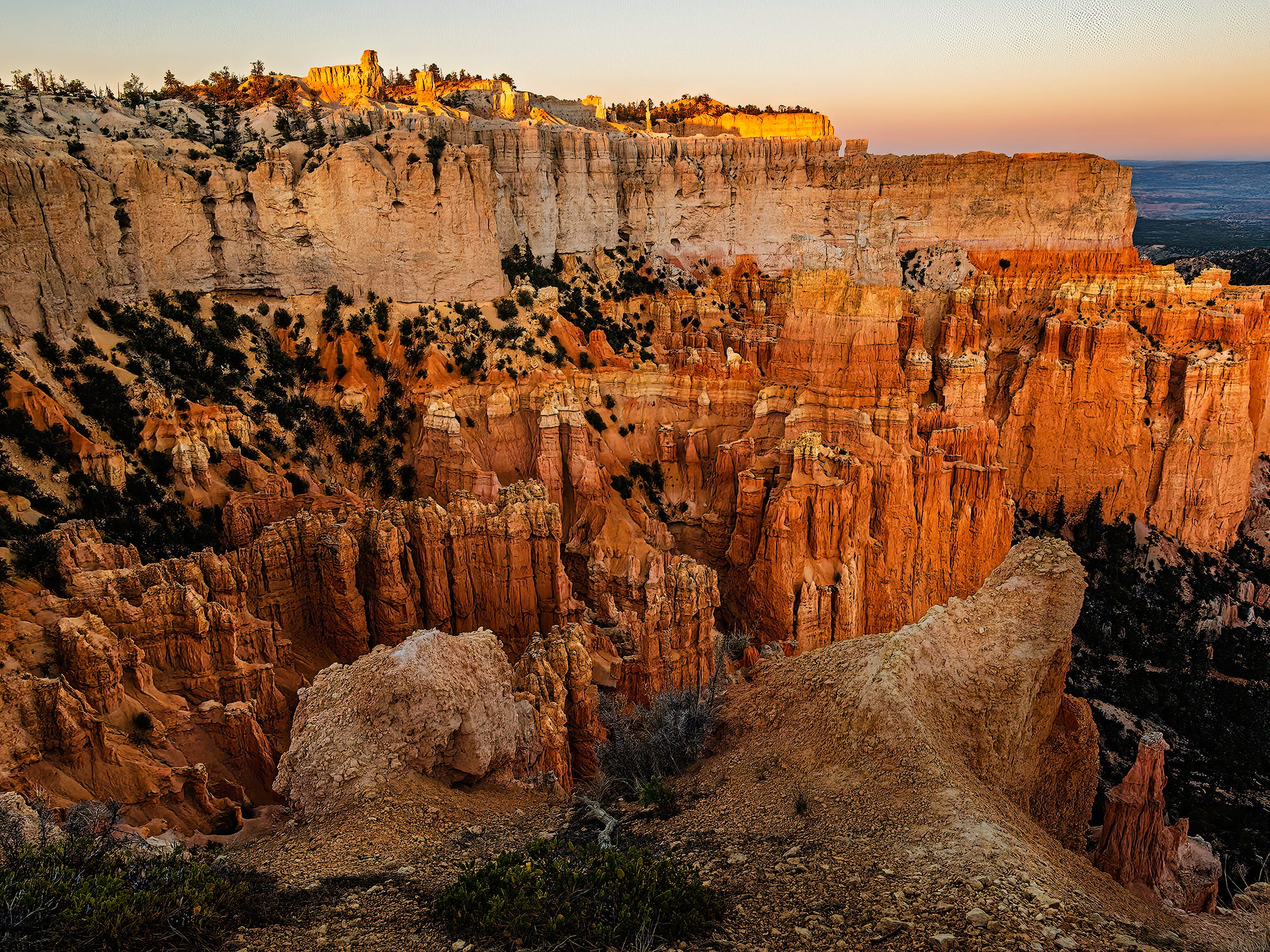
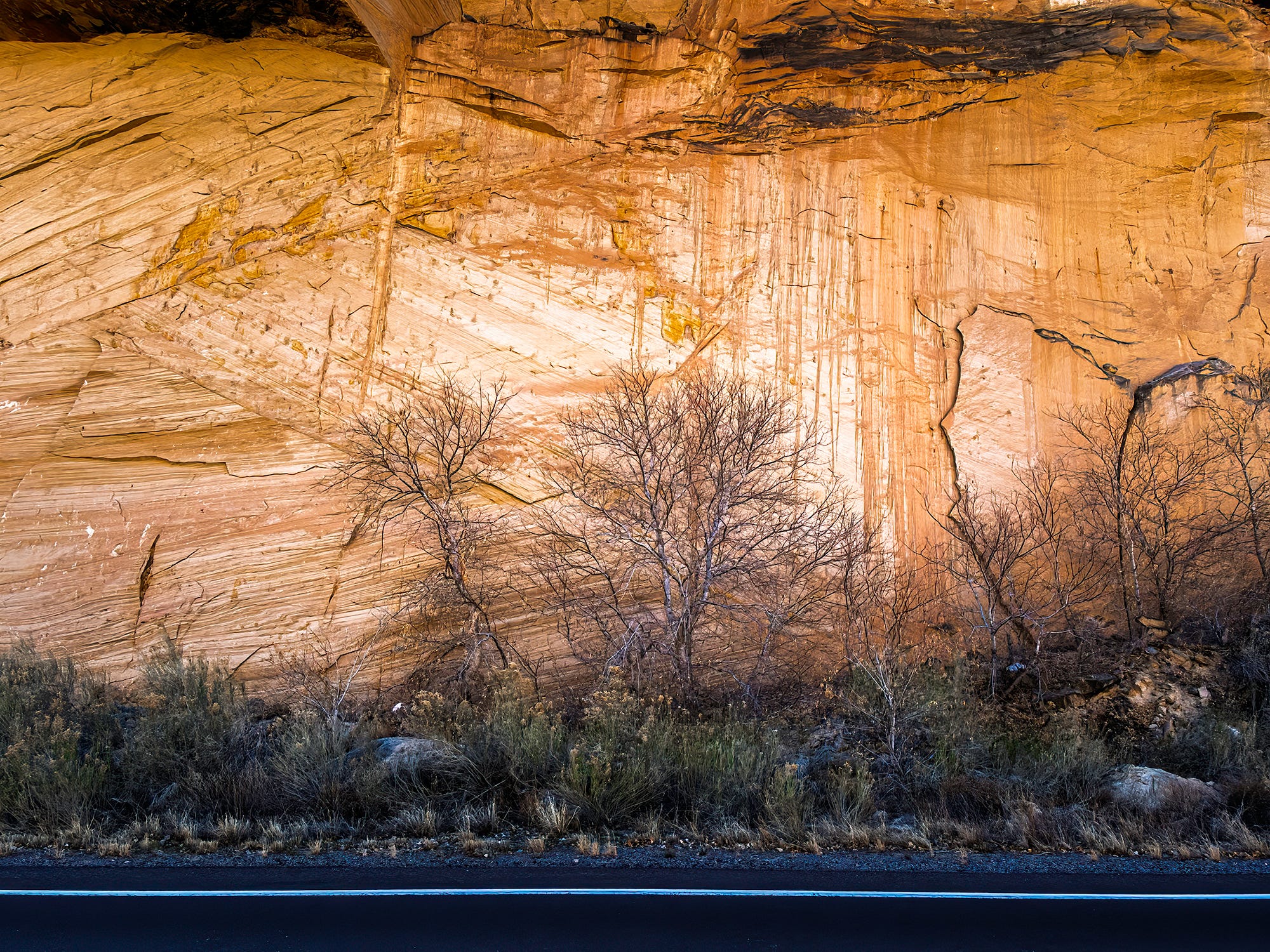
A few photos from my Utah trip.

Comments
Nothing yet. Say the first thing.
Sign in to join the conversation.