
To start 2026, we’re diving into the different live lessons happening across the sector through a series of guest articles. First up, we’re hearing from Helen Spicer at Blue Cross, who tells us more about their choose-your-own-adventure ‘Superlive’ school session and why going unscripted works for them.
Over to Helen…
In March 2020 as the pandemic lockdown got underway, I sat in a work Teams meeting being shown how to deliver an online talk. It did not go well for me. After the meeting ended I had a little cry to myself and sincerely hoped that no one would ever ask me to do one of those because I had understood about 10% of what had been explained to me and could not understand at all how you could make an online talk fun, interactive and memorable for children.
Fast Forward 5 ½ years and the team I am a part of, the Blue Cross Education Team, has just delivered another incredibly popular webinar, this time on Animals in World War I to link with Remembrance Day, to over 22,000 primary school age children across two webinars. This year we have reached over 55,000 children and young people through our webinars, which is no small feat for a small team.
As the years have gone on, we have adapted the way we work. During the pandemic we delivered online talks to children logging in from home, and then to schools when visitors were not allowed. These were very popular during ‘pandemic times’ but once the world returned to normal it was clear that there had to be a different way of engaging children digitally.
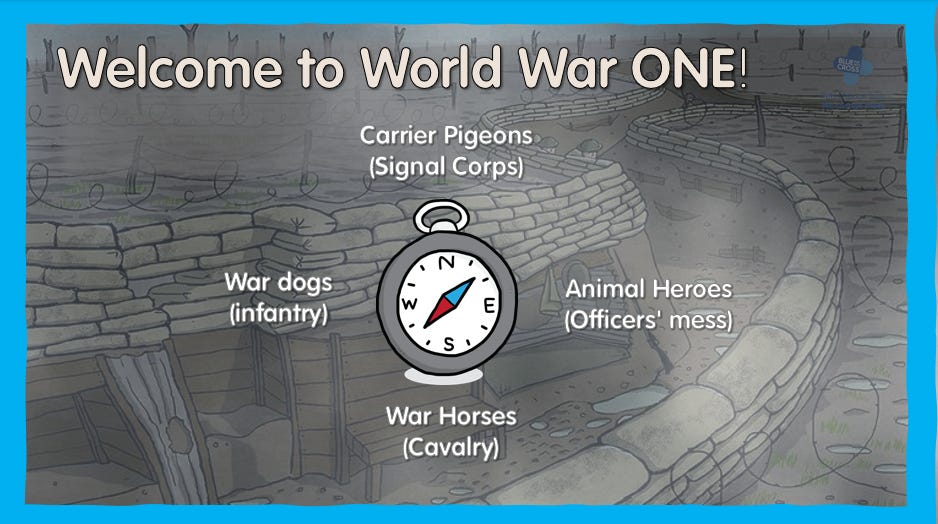
‘Animals in World War I’ was our first webinar for multiple schools. We call this format ‘Superlives,’ as we repeat them every other year (we do Animals in World War II in the alternative years.) and market them widely. This is one of our favourites to run as it incorporates an element of ‘pick your own adventure’ where the children can choose which order to visit the animals. The idea is that we take a yearly event and hook our webinars onto it. Remembrance Day is a good one, and because Blue Cross (formerly known as Our Dumb Friends League before the 1950s) did so much for animals during both World Wars, we had a wealth of photographs, stories and information to draw on. Other yearly events that we use as a hook are Christmas and Science week for example.
Our Team of four Education Officers is made up of two former teachers, a technical whizz with an eye for detail, and a brilliant ideas person. Each webinar has a ‘lead’ Education Officer, but with such broad ranging skills across the team we all design the messaging, look and feel of the webinar together. If we can link our webinars in with the National Curriculum that is great and always popular, but linking with events such as Remembrance Day, Christmas and Careers week work well too.
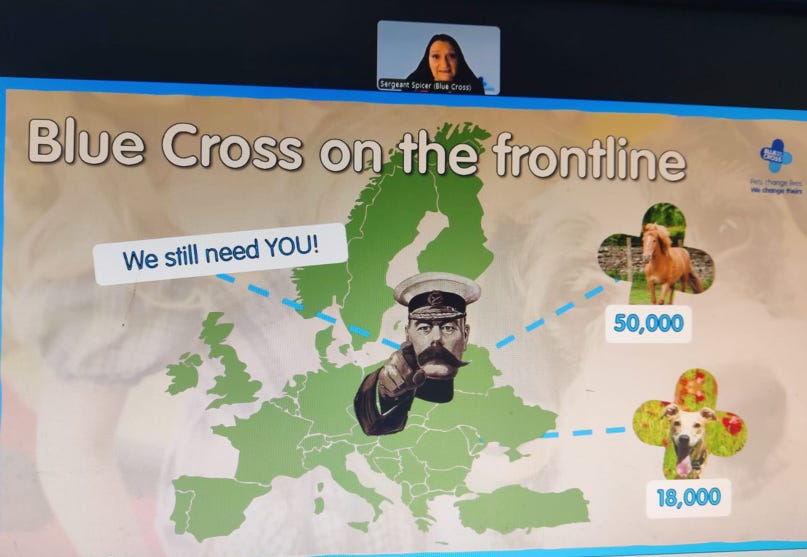
We use Zoom because it has its own booking system, is simpler for novice users to access and use than Teams, and the chat box function works well even for the person sharing their screen. We felt quite strongly from back in the pandemic days that Zoom was a simpler tool for people outside of the organisation to use than Teams or any of the other sharing platforms. Making everything as easy as possible to use for those attending was paramount to us, followed by how easy it was for us to use. Other than Zoom and PowerPoint, which you can make do some quite swish looking things when you know how, the only tech we use is a WhatsApp group so that our eyes in the ‘audience’ can let us know if everything is working and looking as it should, as you do get a different view when presenting to that of the attendee.
Whether we are designing an online talk for a class of 30, or expecting thousands to attend,our webinars are as interactive as we can possibly make them, using the chat box function for the teachers to write their answers into. The only change we have made for large numbers attending, is in how they communicate with us. We used to let everyone see what everyone else was writing, but because our webinars involve puzzles, quizzes and games, we found that whatever we said the answers were coming into the chat box before we wanted them; so these days we have it set so that only the presenters can read everything coming in. No answers are being given now before the younger children have had a chance to work them out! We also have a huge number of bookings from home-educated children who can be quite distracting writing random things in the chat box, such as their dog has just been sick or other information of that ilk, so now only the presenters can read all comments. We never give access to microphones or cameras – there are just too many individual logins to do so.
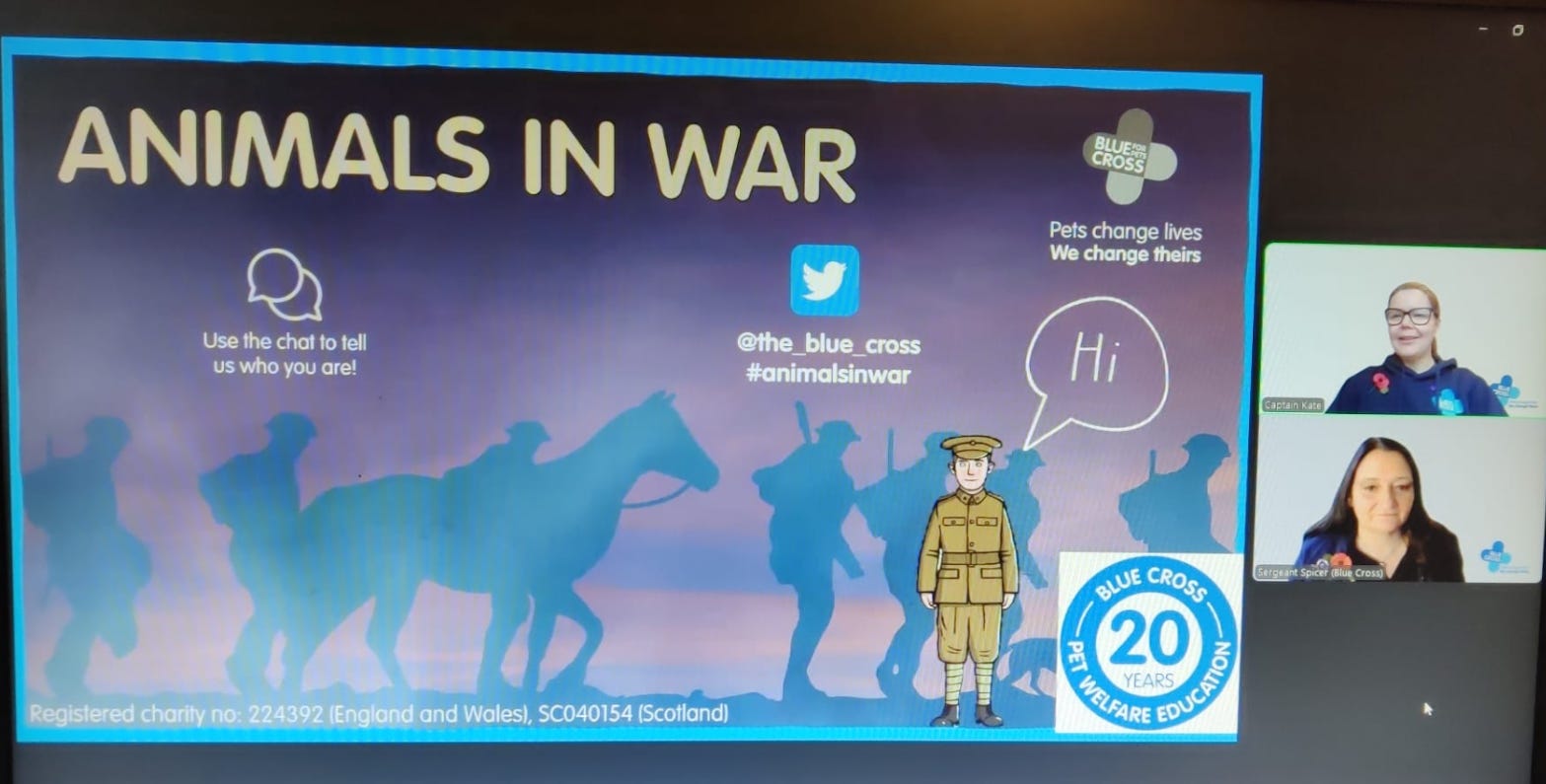
The one thing we never do is read from a script. Some presenters can do it better than others, but you can always tell, and the spontaneity is lost. We want to bounce off the answers coming in; and we like to work in pairs so that if something goes wrong, we can joke about it with each other. It is obvious that we are enjoying delivering the session, and that we enjoy presenting together. It makes the experience worth logging into rather than just watching it on a video, because we will mention good answers from certain schools and comment on how quickly they are working out puzzles. In the World War I presentation they even get to choose the order that we visit the animals. We always end with a call to action as well, so that the participants are not only involved and feel involved throughout the webinar, but afterwards as well.
We keep the interaction going with links to activities that the teachers can do in the classroom emailed to them the next day, along with a link to a feedback form so we can address anything that participants felt was not good or that they would like included. Sometimes these include comments about it being a ‘bit too young’ for their Year 6s, or a bit long for Year 1. We try and aim most primary webinars at Year 3 & 4 in the hope that the children a couple of years older and younger will still be able to enjoy it, but possibly in the future we will need to be more specific with our age range targeted.
One area that we have had a mixed response to is the emojis that can float up the screen that participants can choose to send. These are particularly popular with children that are home educated as, again, it gives them a feeling of being involved and taking part. It also gives us instant feedback on popular stories and activities. However, they can be constant at times, and some teachers are not keen at all. We can’t find a way to turn off having the ability to send the emojis, so the compromise now is we explain at the start how to stop having to see them if you would rather not. That way, those that enjoy taking part with emojis still can, but for those that find it annoying, they can switch them off.
We get a lot of repeat bookings now – schools returning because they have enjoyed the ones already attended and now just book up for anything we are doing. You just can’t get a better recommendation than that. I look back to my initial fear of online talks and still understand it – after all, I still see a lot of unengaging webinars that are meant to be for children– but now I know that they don’t need to be that way – they can be fun, competitive and interactive. You just have to plan it that way with your audience in mind, and enjoy delivering it.
Coming up this March we have a Careers Week Special for secondary and college students, and for the primary school children we are linking with Science Week to run a webinar on their theme of ‘Curiosity’, linking it to the science curriculum and animal habitats and adaptations. To book a place, and to find out about the rest of the ‘superlives’ we are running this year, go to: https://www.bluecross.org.uk/education-events
A huge thank you to Helen and the team at Blue Cross for sharing how they make their online sessions so engaging.
At DLNET, we loved their approach to keeping sessions spontaneous. What tips or tricks do you use to help live sessions feel this way?
Next time, we’ll be hearing from Lauren at Chester Zoo, who’ll be sharing more about their national live broadcasts and what it’s like working with a production partner. Make sure you’re subscribed to our Substack, or follow us on LinkedIn, to stay up to date.
No posts
Comments
Nothing yet. Say the first thing.
Sign in to join the conversation.