
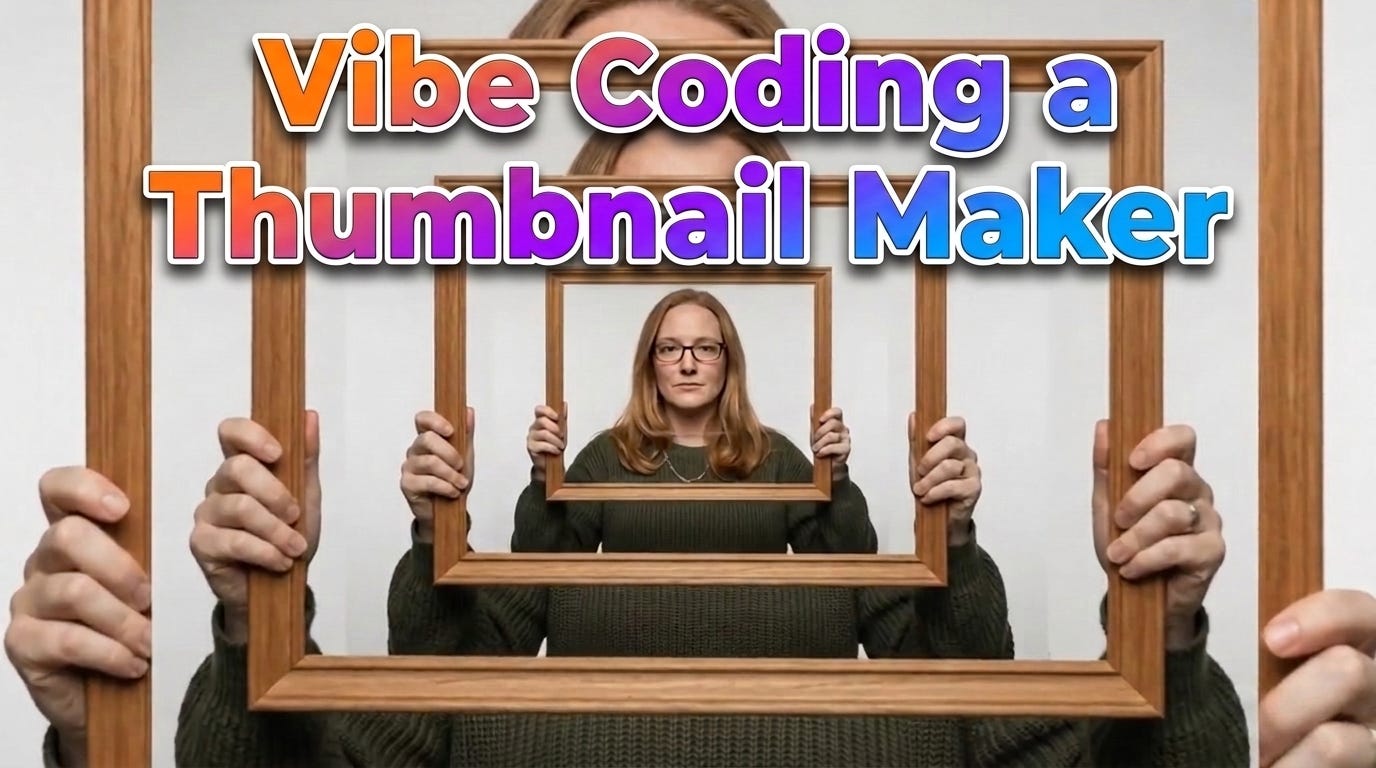
In about the time it takes to drink a coffee, I built my own YouTube thumbnail tool from scratch. And I built it within an animation tool, which may not make sense until you see how it works. (A video walk through of building the tool is also available on YouTube.)
Google Flow, Google’s tool for creating animations, added “vibe coding” earlier this year. I am obsessed with it, both as a product manager and as a creator.
Building a thumbnail tool inside an animation platform might seem random, but it actually makes perfect tactical sense. Google Flow is an entire AI creative ecosystem built natively on Google’s specialized creative models. By building your tool directly inside Flow’s Tools Panel, your custom app gets direct, sandboxed access to those underlying creative models and your existing project asset library. It is not just a random code sandbox. It is an extension of the workspace where your video files already live.
Most of us who make things have custom workflows. Until recently, you either had to bend your process around existing software or pay $$$ to have something custom built. Vibe coding, which means guiding generative AI models to build what you need using natural language, changes that. It lets you create exactly what you need without breaking the bank.
My most recent project was tackling the thumbnail challenge. I wanted a tool that could spit out as many variations as I wanted. It took about fifteen minutes to build a functional, genuinely useful app, and I have continued to tweak it since.
Here’s how I did it. If you have any interest in vibe coding, this is an easy project to start with. Then you can evolve it to be your own.
As I just talked about in my Think Before You AI article, it is crucial to outline your needs before you start building.
Vibe coding isn’t about letting the AI do the thinking. It requires more human intent, not less. If you don’t know what you want, the AI will happily hallucinate a mediocre, generic app for you. You have to maintain the cognitive harness.
I wrote down, in plain words, everything I need to make a thumbnail and would need from a tool. If you cannot describe what you need in your own words, even imperfectly, no coding tool is going to magically figure it out for you.
Depending on how organized your thoughts are, you can either clean them up into a basic list or hand them to an AI. I gave my raw thoughts to Claude and asked it to create an organized, natural language blueprint.
Claude took my brain dump and handed back these clean instructions:
I want to build a thumbnail generator for my YouTube videos. The whole point is to mix and match text overlays with visual styles so I can quickly try a bunch of thumbnail options for one video and pick the best. The app doesn't render final thumbnails itself, it builds the image-generation prompts (with my reference images attached) that I'll feed to an image model.
It should be four tabs across the top, and I need to move between them freely in any order without ever losing what I've entered. Everything lives in one project for one video.
Tab 1, Background. This is where I load reference images and context. Everything here is optional. Give me four upload areas: a host or main character (usually me), settings or backdrops, specific props or products, and stills from the video. For each image let me see a thumbnail, give it a short label, and delete it. Also give me one text box to describe the video in a sentence or two. All of this should be available to the later tabs.
Tab 2, Text Overlays. This is where I decide what the thumbnail says. Show a running list of headlines I'm keeping, where I can type in new ones and edit or delete any of them. Then a brainstorm panel with six preset style buttons: educational, clickbait, 90s tabloid, grievance/confession, bold claim, and question hook. Plus a text box for extra notes about the style I want. When I hit brainstorm, ask an LLM for a batch of headline options in that style (using my notes and the video context), and show them as a clickable list. Clicking one adds it to my keep list. I want to be able to brainstorm over and over and cherry-pick.
Tab 3, Visual Styles. Same idea but for looks. A keep list of visual styles I can edit and delete. Three ways to add to it: upload my own reference images, pick from a gallery of what I've already uploaded, or click a preset. Give me these presets: cinematic, gaming, documentary/photoreal, bold graphic, vintage/retro, minimal/clean, high-energy, and editorial. Plus a text box to describe a custom style and add it.
Tab 4, Prompts. This is where the mixing and matching happens. Make a card for each combination of headline and visual style. For each card, use the built-in AI agent to actually write a real, well-crafted image-generation prompt (not just my inputs pasted into a template) that weaves together the headline as the text overlay, the visual style, the video context, and the reference images from tab 1. The reference assets are part of the mix too: when there are several hosts, settings, props, or stills, the agent should vary which ones it uses across the grid and pick the ones that fit each pairing, so the thumbnails explore real variety instead of reusing the same asset every time. Give me a "Write all prompts" button at the top that fills in every card at once, plus a write/rewrite button on each card. Prompts are editable after they're written. Generating the images is a separate step: a "generate" button per card and a "generate all" at the top, each showing the result with a download button, plus a "download all" that bundles the images with a document listing each prompt, headline, style, and the references used.
Build the four tabs and the never-lose-my-work navigation first, then fill them in one at a time in order. Make sure I can jump between tabs and edit anything at any point, and the final prompts are editable before I generate.
I read through the blueprint, tweaked a couple of things, and used it as my final prompt. Taking a few minutes to organize your thoughts upfront genuinely pays off. Garbage in, garbage out.
Flow lives at labs.google. It is technically an experiment, but it is surprisingly functional.
Inside the Tools area, you can click Create Tool to open a vibe coding interface. You describe what you want in natural language, and the system writes the actual code and hands you back a working app.
I pasted my entire organized description in and let it run. Sometimes I build section by section, ensuring Tab 1 works perfectly before moving to Tab 2. This time, I went full “YOLO mode” and handed over everything at once.
Instead of just giving the AI a vague wishlist of features, I defined the literal architecture of the app, how many tabs, what fields go on each tab, and how data flows between them. By giving the AI a structural interface to build first, I prevented the code from breaking under a wall of unstructured text (in theory...).
About a minute later, it was done. Under the hood, the app uses Nano Banana Pro for image generation and an LLM to write the prompts behind the scenes.
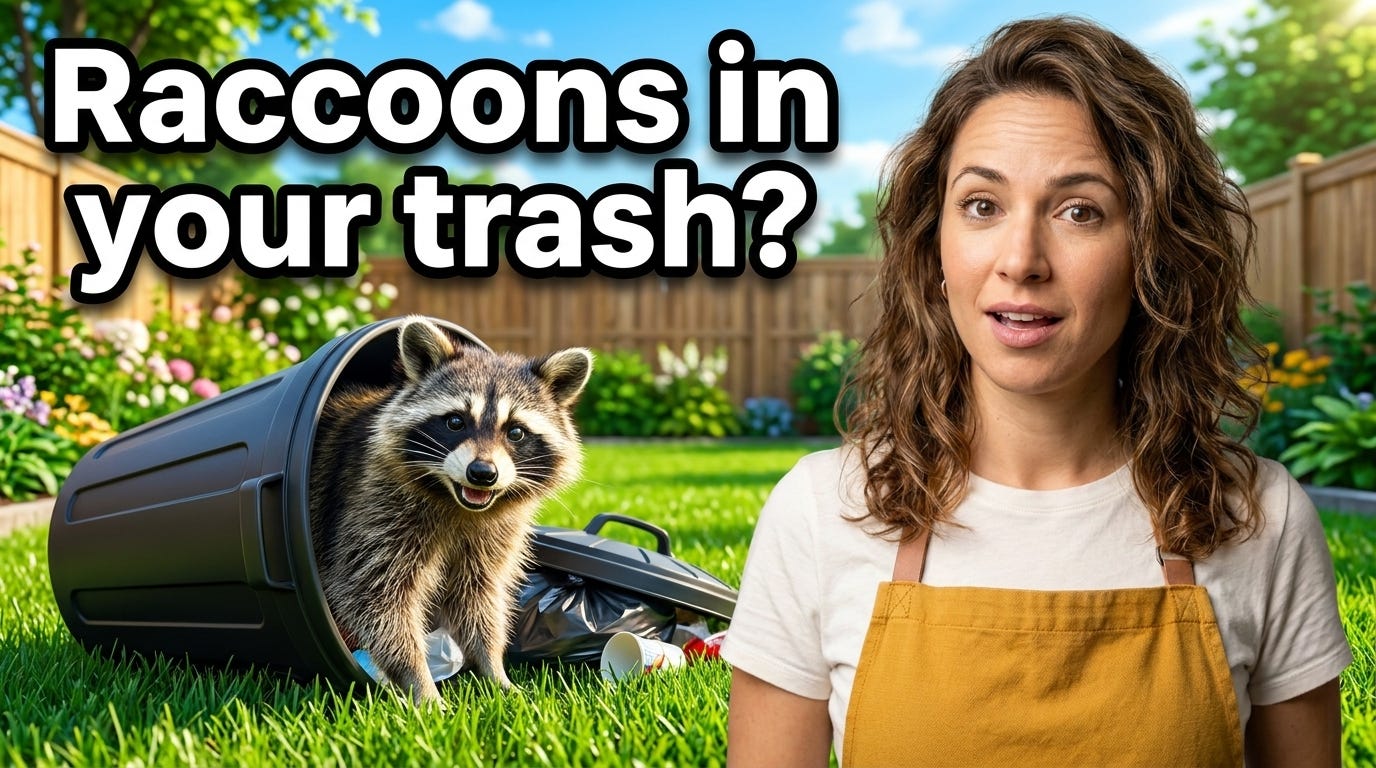
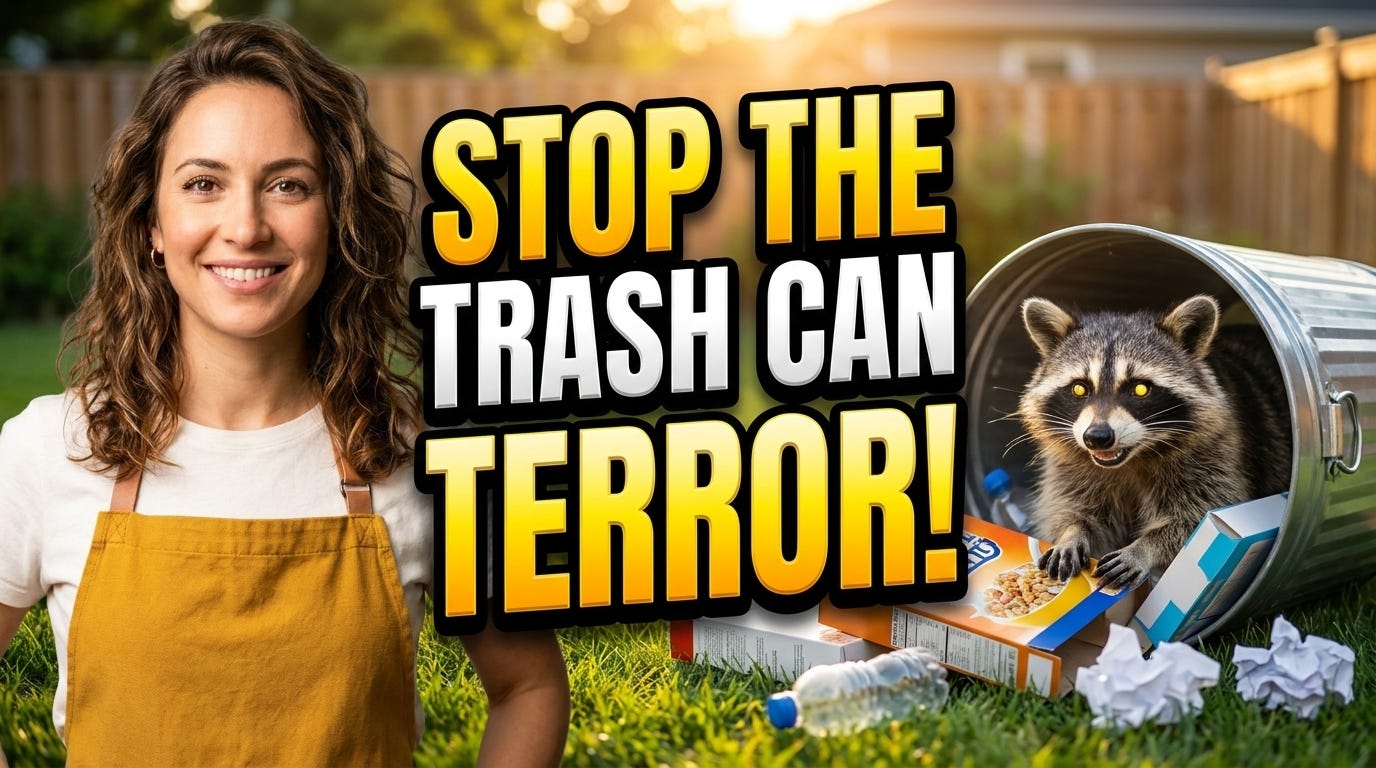
Once the tool was built, I tested it using a fake show topic: a tutorial on how to stop raccoons from getting into your trash cans.
The Background Tab held my description and reference assets, including an image of the host and a cartoon raccoon.
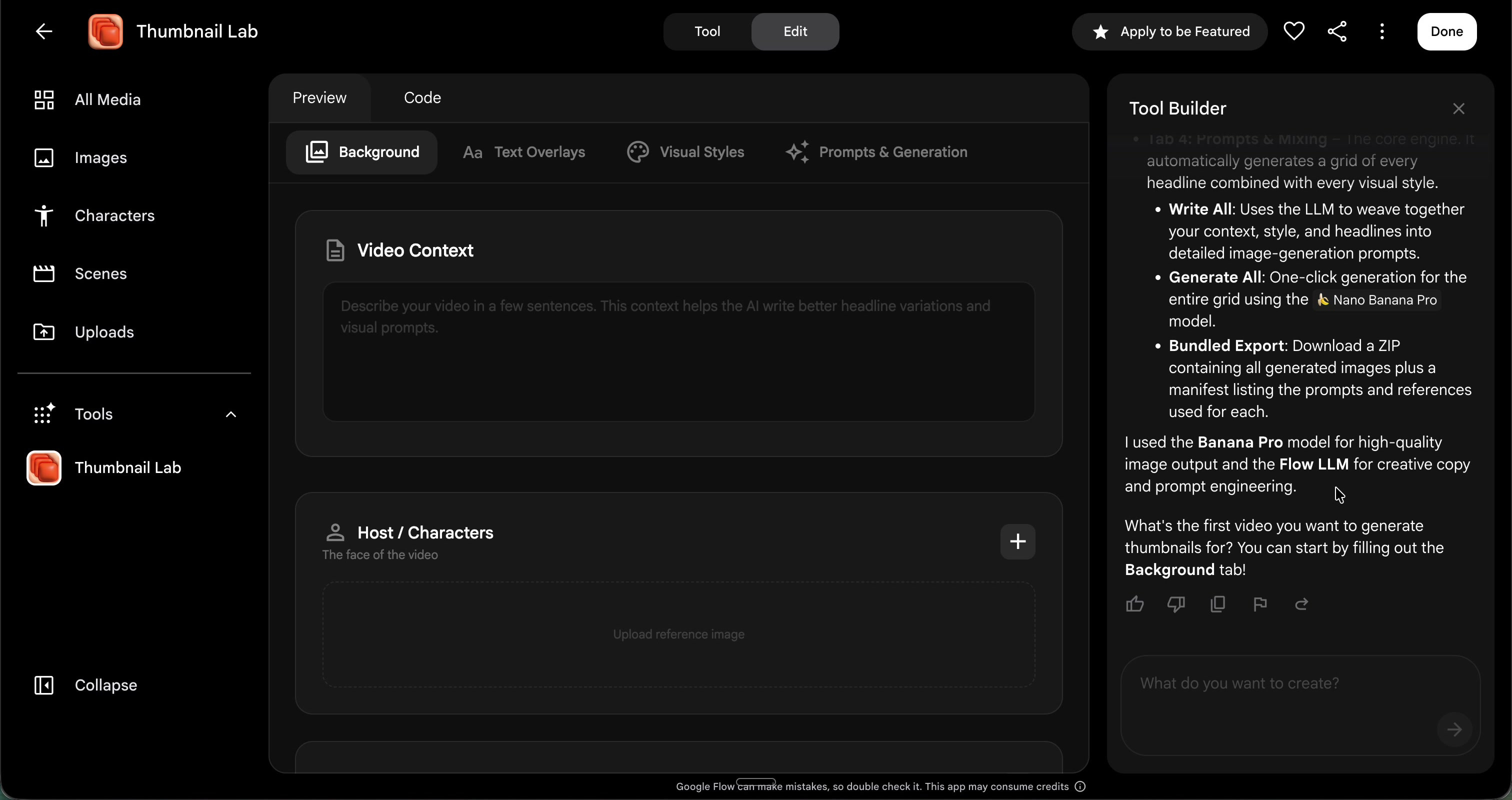
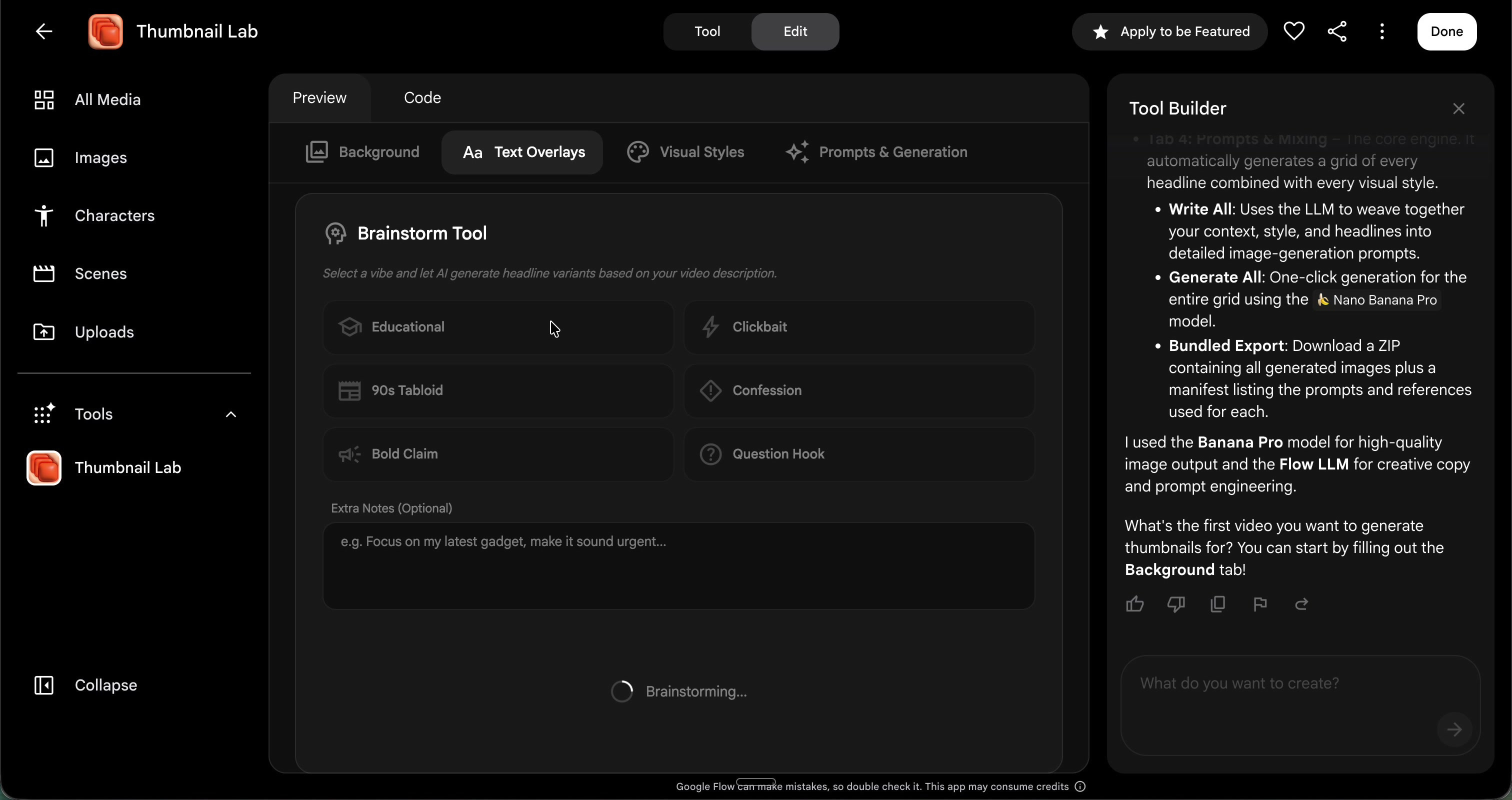
The Text Overlays Tab gave me fantastic options. The “90s tabloid” preset was a favorite, spitting out delightfully unhinged headlines like Midnight Trash Terror and Stop the Masked Bandits Now.
You are using the AI as a brainstorming partner to push boundaries, but you are still the editor cherry-picking the best output. It is about human-in-the-loop curation, not automated content farming.
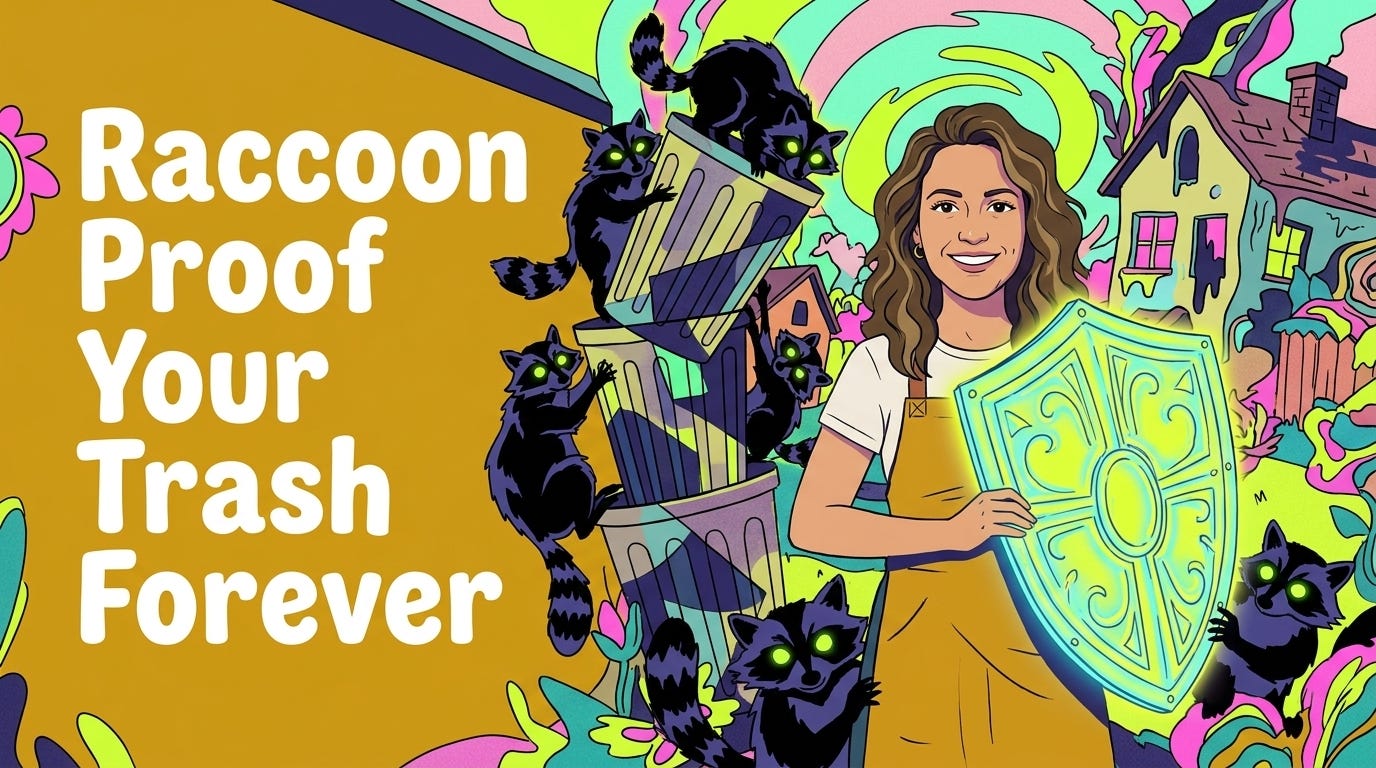
The Visual Styles Tab let me select cinematic, high-energy, and bold graphic options. I also added a custom style described as “avant-garde, 2D animation weirdness,” which turned out great.
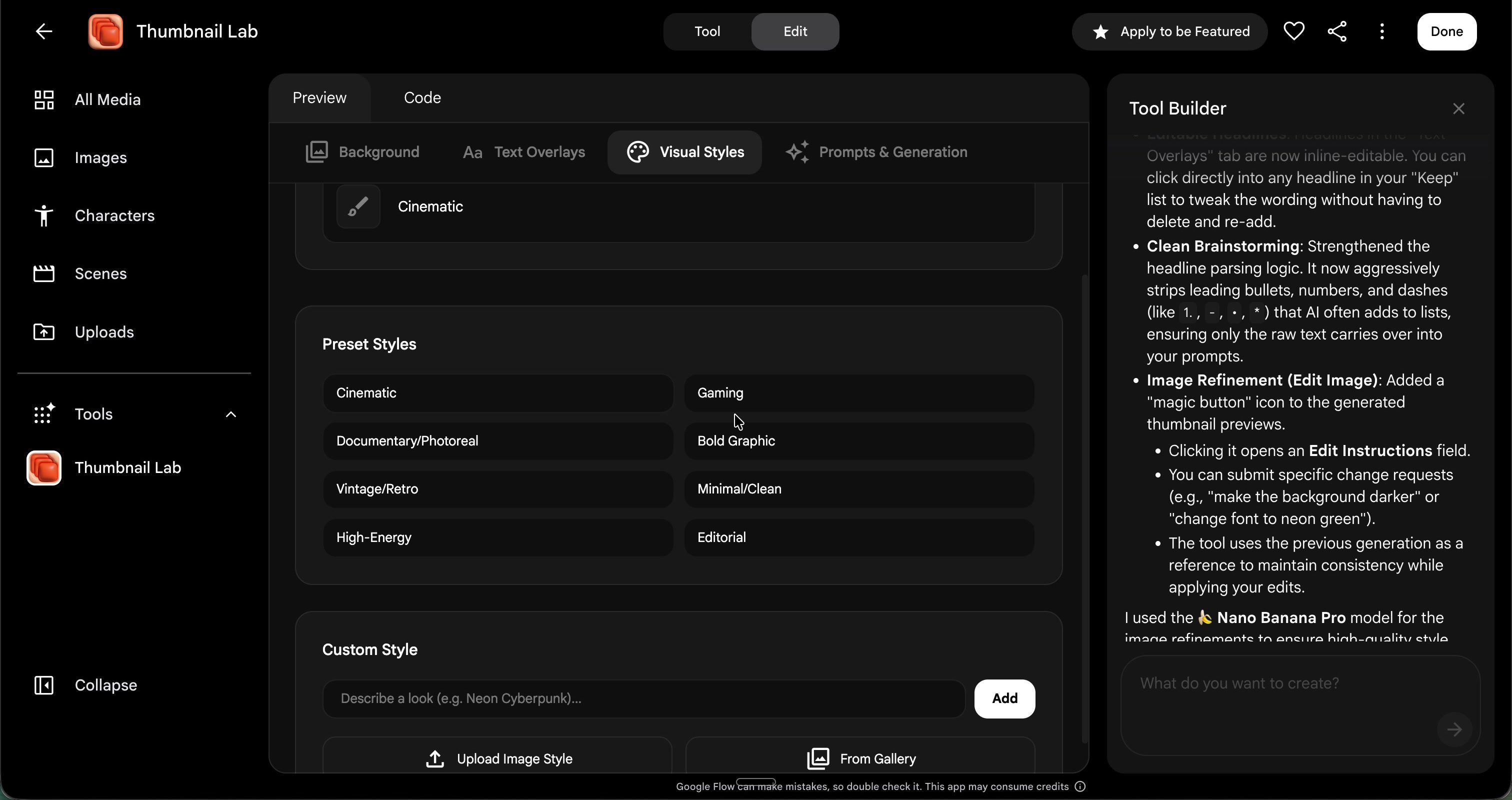
The Prompts and Generation Tab mixed everything together. I hit “write all prompts,” and the tool generated a distinct image prompt for every combination of headline, style, and reference image.
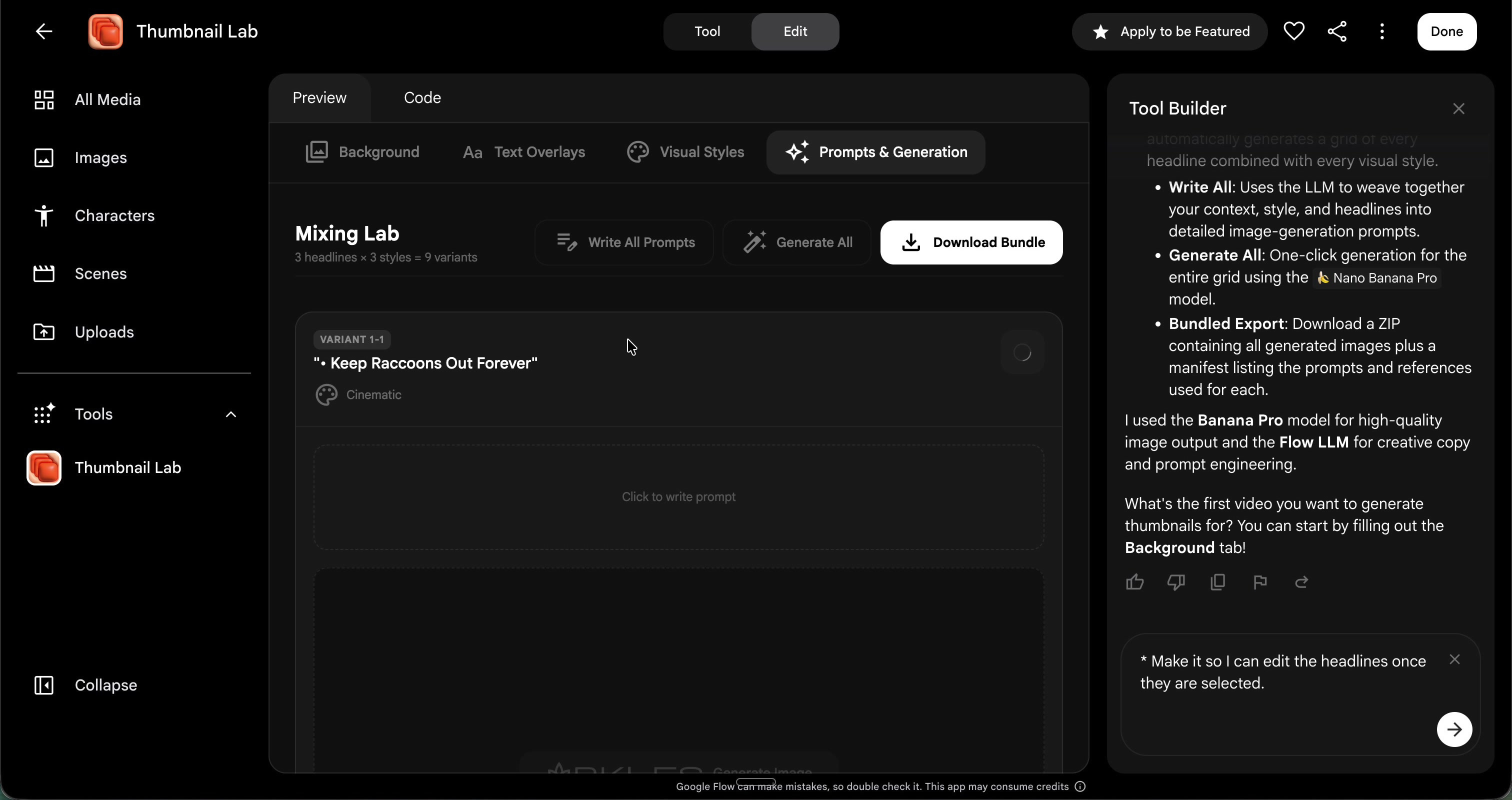
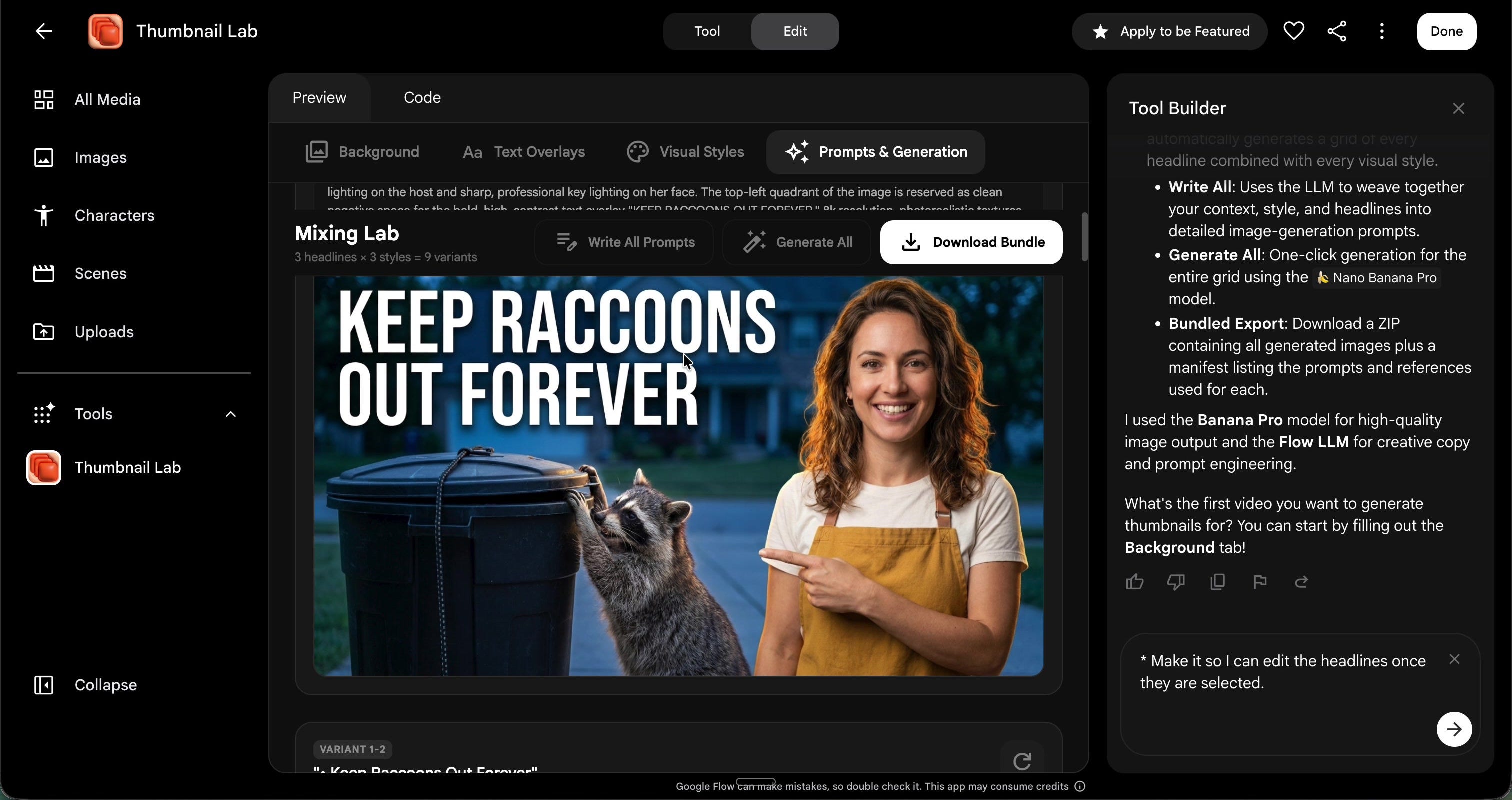
I had to make a few minor edits. The initial version did not let me edit headlines easily, and a small bug pulled formatting bullets into the text. I also updated the tool to make sure it did not accidentally replace my host image with random people.
The final images are high quality. Misspellings and minor AI weirdness still happen occasionally, but the tool is highly practical.
Once you build your first functional tool, a weird thing happens to your brain: you stop looking at your software as a fixed, unchangeable environment. You start seeing it as raw material.
If a 15-minute vibe coding session can give me a completely customized YouTube thumbnail engine, why stop there?
The exact same structural blueprint can be tweaked to solve other bottlenecks. For instance, you could easily pivot this exact app framework into an Ad Creative Generator. You would simply swap Tab 2 (YouTube Headlines) for a panel that inputs your core marketing hooks and spits out multi-platform ad copy variations (like Instagram Hooks, LinkedIn text, or a programmatic A/B testing matrix). Tab 3 could be loaded with your strict brand design assets and guidelines instead of unhinged raccoon styles.
Once you get comfortable with vibe coding, you realize you don’t have to wait for software companies to build features for you anymore. You can build custom micro-apps for your needs.
We are moving away from an era where creators have to adapt their workflows to fit rigid, off-the-shelf software. When you build the tools yourself, the software finally adapts to you.
In about fifteen minutes I had a fully functional thumbnail tool, built around my assets, my host, my video, and my working style. All within my Google AI subscription.
For decades, creators had to bend their workflows to fit rigid, corporate software like Adobe or specialized design apps. Vibe coding completely flips the power dynamic. Software now bends to the creator. We are moving from being passive software consumers to active workflow engineers.
I made my thumbnail tool remixable, so you can try it, change it, add your own styles, and make it yours (as long as you have a paid Google AI subscription. Though I also highly recommend starting from scratch (either with my prompt or your own).
I’m Dr. Carla Engelbrecht. I’ve spent 25 years creating education and entertainment media for Sesame Street, Netflix, PBS Kids and more. Now I help families, educators, and creators understand AI and how to make genuinely good things. Please reach out if you’re interested in learning more about my work!
Comments
Nothing yet. Say the first thing.
Sign in to join the conversation.