

I wish this was the first time I had this situation, but it is not. I got a call from a customer that recently purchased a new computer. They bought it from a national electronics chain, so they decided to let their in-house services set it up for them.
Once they got home, they soon realized that it was set up with the wrong Microsoft account and all of her documents were now mingled with her husband’s OneDrive. They ended up having a remote session with the company to attempt to fix it and now there are no documents at all on their new computer.
They called me and I looked all through her new computer and verified that her documents were not there. Now I am going to their house to copy all of her files from her dead old computer so she will have access to her stuff again. Luckily, they did not recycle their dead computer.
When my customer called me, they said the same thing others in the same situation said. Since I was already at the store, I figured this would be easier. Easier is not always better.
Having someone take their old and new computers into some backroom to attempt to transfer everything without any communication, can’t compare to having someone, like me, who will sit next to you, asking you many questions and making sure it is set up the way you want it done.
I know my customers. And I know how they use their computers. I don’t follow a script to set up a new computer. I do it customized to how my customer wants it done. When I help someone set up a new computer, the process usually takes one to two hours and I encourage my customers to stay as I walk them through everything to make sure nothing is missed and everything on their new computer works just like it did on their old computer.
Save yourself some trouble and call me the next time you need a new computer. I also help many of my customers find their new computer. There is a lot more to think about than just the price. I would rather help you find a good computer that will do what you need it to do, than have to tell you why your new computer is so slow and that it can’t be corrected. This is something that happens occasionally also.
So, if you are thinking about a new computer, give me a call and I can coach you through what to look for, help you decide between a few choices, or even handle the purchase completely. Whatever works best for you.
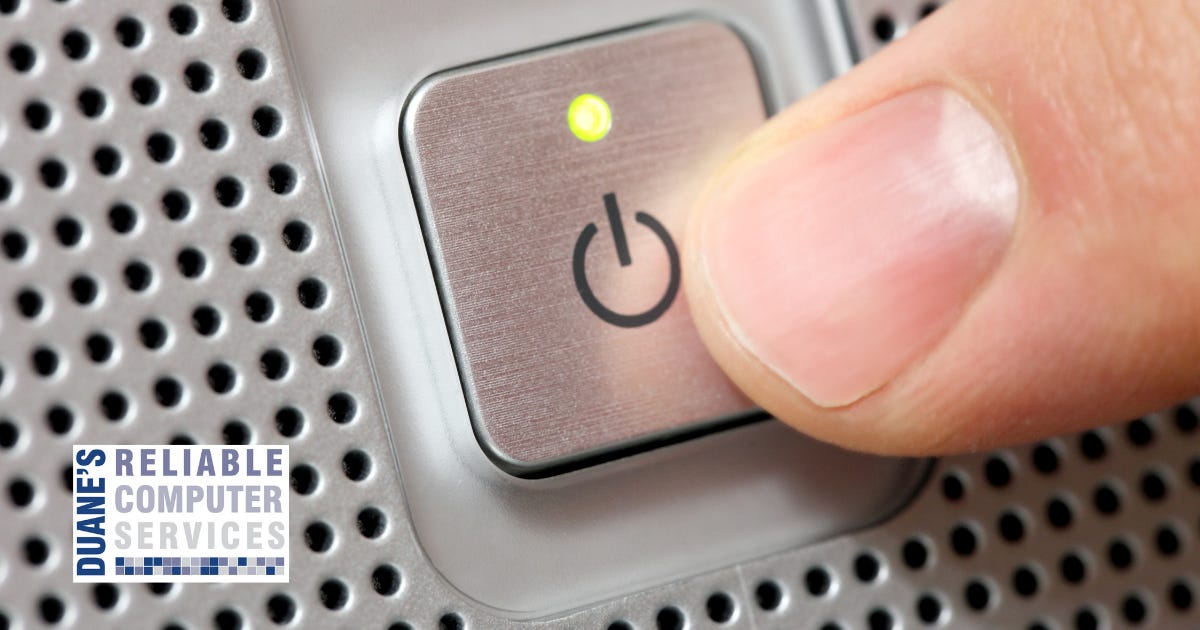
This actually comes up a lot, and most people don’t know this. That button that you use to turn your computer on is not set up to turn your computer off. I am talking about the physical button, not the icon on your screen.
The reason this comes up a lot is that I regularly get phone calls from my customers telling me they accidently clicked on something on the internet, or they sometimes don’t know what happened but now there is a big box covering their entire screen, yelling at them to call some number immediately and clicking anywhere does nothing, so they feel stuck.
I would hope that by now everyone would have heard about this scam but apparently not because I get typically one call per week about this. Many times, people will tap that physical power button and then the screen goes black and they think they are in the clear.
Then they tap the button again to turn it back on and immediately the same screen pops up and the yelling starts again. When this happens, people become really concerned and sometimes think the only way to solve this is to call the number.
This is all part of the scam. The scammers know that when you only tap the power button it is set up to sleep the computer unless someone has gone in and changed this setting. They hope this happens so that you will call them so they can perpetuate their scam.
When people call me about this, I always explain how this button really works. It is mainly a sleep button. To make it actually turn off your computer, you need to hold it down for a little while until all lights and sounds go out. I usually recommend holding it for about 30 seconds.
After that, when you hit this button again you should see the complete start up. The manufacturer logo followed by the circle until Windows loads. This is how you know you held it long enough.
Since it did completely turn off, not just go to sleep, the window with no controls is now gone and there is no more yelling. Just don’t restore your previous session on your browser and everything will be fine.
Some of you might be wondering why the computer makers would make the power button work like this. That is because quickly shutting down your computer can cause damage to the hard drive and the operating system. That is why they make you hold the button for a while. This allows the computer to activate the complete shutdown to avoid damage. This is why it isn’t a good idea to pull the plug from a desktop computer.
Unless you have a situation similar to the one, I just explained it is always better to use the start icon on your screen and then choose turn off from there. Holding the button just once will probably not damage your computer but doing this regularly could cause damage.



The talk about how to avoid becoming a victim of scams. Email Scam Busters is your monthly resource to let you and your parents in on the latest scams they should look out fo
No posts
Comments
Nothing yet. Say the first thing.
Sign in to join the conversation.