
Unite Pro for macOS allows you to turn any website into a native Mac app.
We’ve released Unite Pro 1.7, an update focused on better organization, improved password management, and a smoother experience across tabs, shortcuts, and Menu Bar apps.
This release introduces nested bookmark folders, with imported bookmarks retaining their original organization. It also expands the 1Password autofill beta with support for multiple signed-in accounts and per-app account selection. Unite Pro 1.7 includes important fixes for startup tabs, link forwarding, tab renaming, keyboard shortcuts, saved passwords, and overall tab stability.
Users of Unite 6, Coherence X5, and Quip can upgrade to Unite Pro at a special price for a limited time.
Keep reading to learn more.
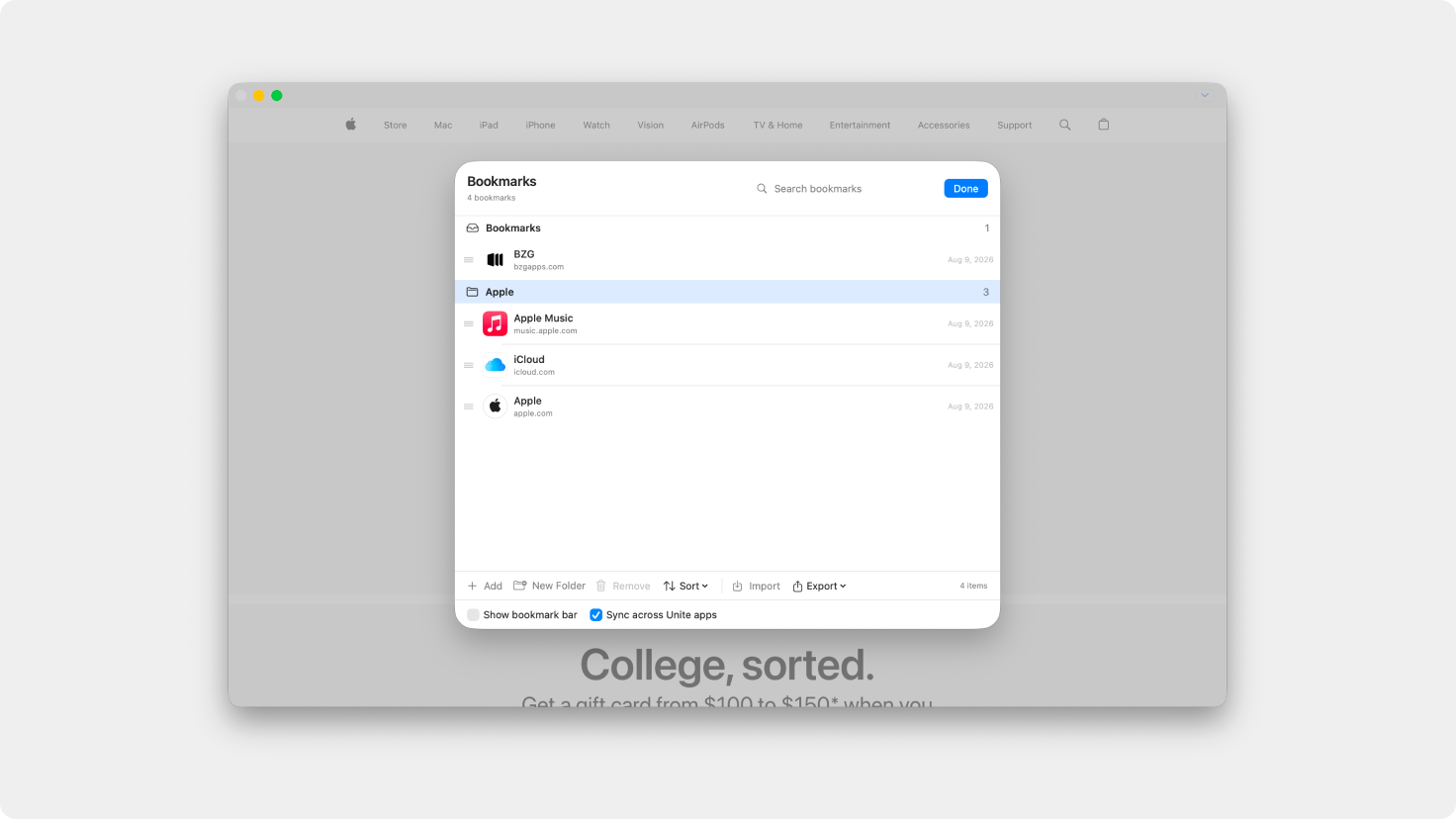
Create, rename, and organize bookmarks into nested folders, making larger bookmark collections much easier to navigate.
When importing bookmarks from another browser, Unite now preserves their original folder structure instead of placing everything into a single list.
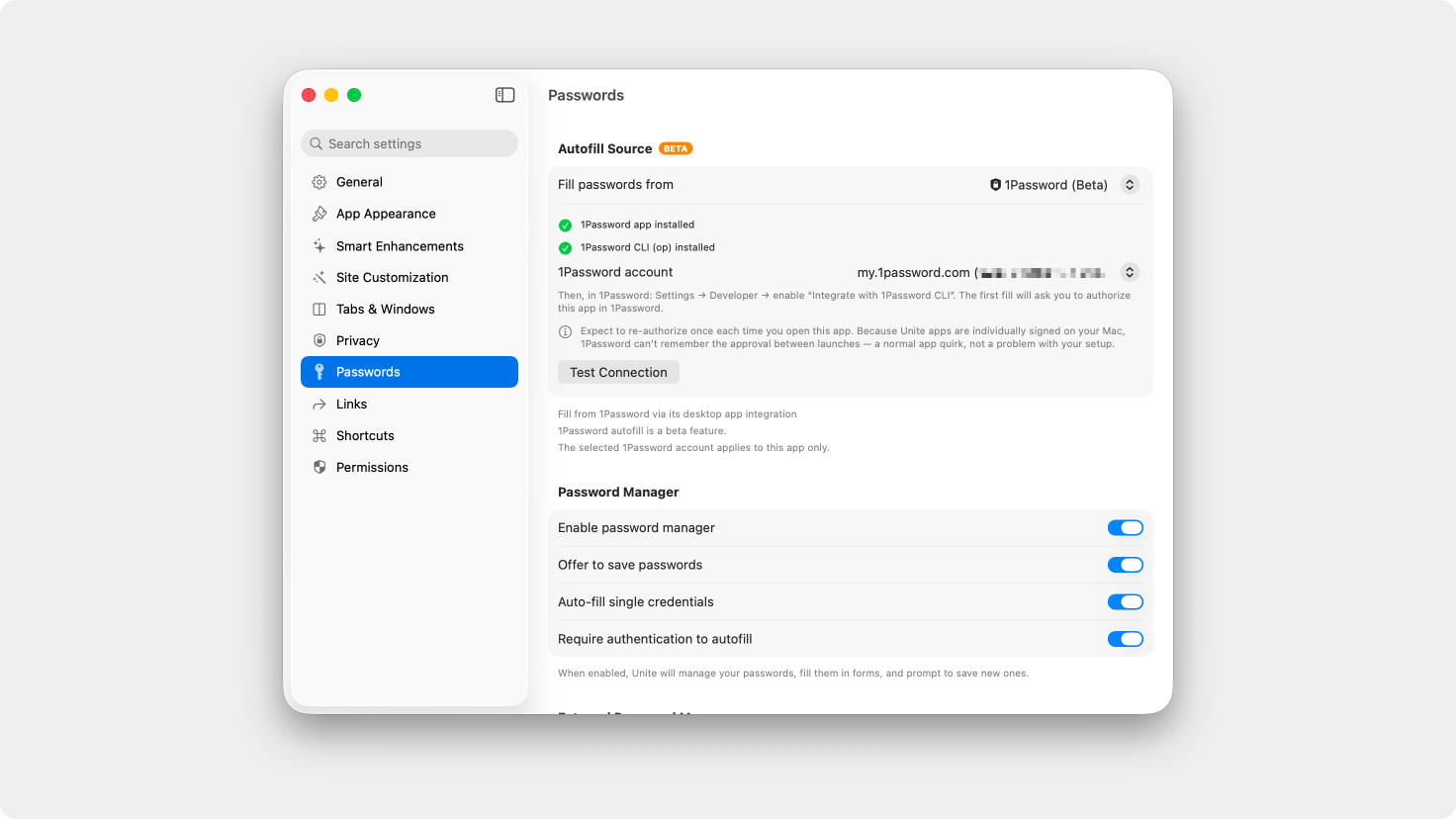
The 1Password autofill beta now supports multiple signed-in accounts.
If you use separate personal, work, or business accounts, you can select the appropriate 1Password account for each Unite app. Unite remembers that selection, along with your other autofill preferences, between launches.
1Password autofill remains in beta while we continue improving and expanding the integration.
Custom link-forwarding rules now work more reliably in Menu Bar apps, including when a website is also included in an app’s whitelist.
Links should now open in the expected place more consistently across different forwarding configurations.
Fixed an issue that could cause startup tabs to appear twice after relaunching an app.
Tabs you intentionally close will also remain closed instead of unexpectedly returning the next time the app launches.
Fixed an issue that could prevent tabs from being renamed in Menu Bar apps and other tab menus.
Fixed an intermittent crash that could occur when closing tabs or opening links outside an app.
Cmd+L now correctly focuses the address bar in Sidebar Mode and other window layouts.
Fixed an issue where some older saved passwords could not be edited or deleted.
This update also resolves an issue that could temporarily cause the saved-password list to appear empty until the app was relaunched.
Fixed Cmd+Shift+[ and Cmd+Shift+] occasionally skipping every other tab when moving between open tabs.
Unite Pro 1.x updates are free if you already own Unite Pro.
If you’re using Unite 5 or 6, you’re eligible for a discounted upgrade to Unite Pro. Upgrade now and unlock the most powerful version of Unite ever at a special launch price.
Thank you for being part of the Unite community! As always, we’re excited to hear your feedback and help you get the most out of your Mac.
Enjoy Unite Pro! 🚀
Please do not reply directly to this email. Contact us if you need assistance with anything!
Comments
Nothing yet. Say the first thing.
Sign in to join the conversation.