
Why That “Resisting AI” Line Lit a Match
I used the term “resisting AI” in a LinkedIn post, and the platform exploded.
4 things on that → 1 admission, 1 realization, 1 stance, and 1 solution:
I can admit that my language was provocative (and to many, insensitive and akin to an insult)
I have a better idea of where all the hate comes from: a projection of fear caused by radical change.
I believe what I say in my posts: AI is here to stay. It’s changing the way we work and will continue to, whether you like it or not.
An open mind and an adaptability mindset will keep you future-proof. Instead of fearing the unknown, we need to get curious about the potential of AI for our work and lives.
If you want more practical prompts, agents, and AI workflows you can actually use day-to-day, please subscribe.
I honestly feel for all those affected by this change. I mean, I’m one of them. I changed careers in Q4 of 2022 (from construction GC to content & copywriting), and not long after, ChatGPT arrived on the scene.
Perhaps this is what has kept me flexible and adaptable: my new career wasn’t a moat for me because it was so fresh. For many, their career is, and it’s scary as hell to have that challenged.
The Tools People Distrust Are the Tools That Can Help
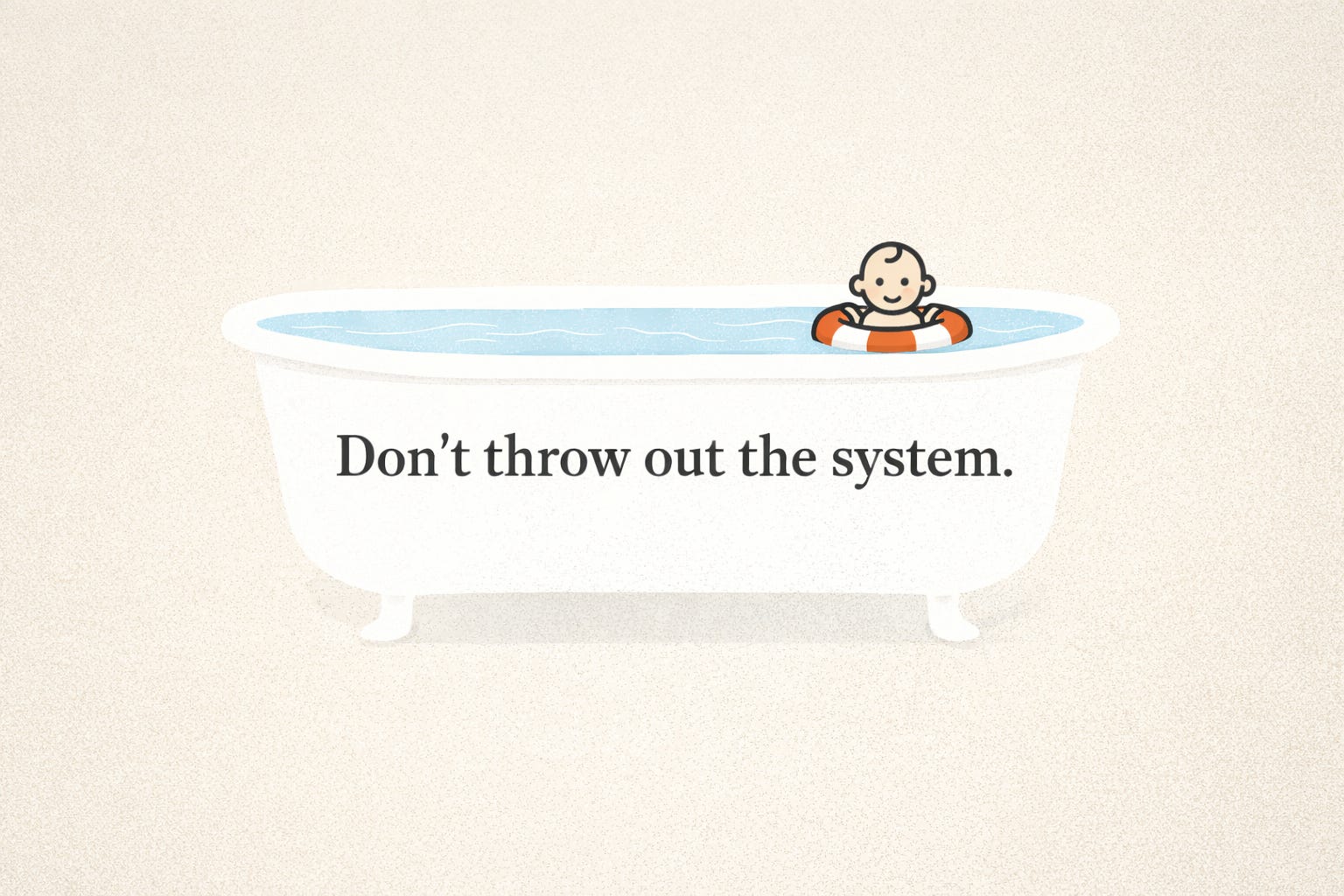
But there is an irony in all of this: the tools people are so skeptical of (and critical of) are the same tools that will help them adapt to the change. People judge things they don’t understand, and I honestly believe most people have only a minimal understanding of how to actually use a GenAI tool, like an LLM. They’ve cemented in their minds that they’re just slop-producing Google search chatbots on steroids. They say they’re shit and throw the baby out with the bathwater.
Not Text, Workflows
Everyone thinks LLMs are for generating text, and yes, they can do that, and some can even do it well, with highly detailed prompts, but their real potential is in creating systems, by which I mean structured workflows that can streamline repetitive tasks, even in creative processes. All modes of work and life have these.
Dishwashers are the easiest analogy. They handle the repetitive grind so you can focus on what actually needs your attention—the delicate, fragile, or expensive stuff. They didn’t replace handwashing; they reduced the workload. That’s how I see LLMs: offload the repeatable tasks, then put your real effort into the parts that matter most, like developing your ideas, expanding your network, sharing what you’ve created, learning new skills, and gaining more knowledge.
For me, early on, this showed up as creating an LLM prompt series to streamline my podcast workflow for Foreign Radio.
What My Podcast Prompt System Looks Like IRL
I created a prompt for each of the following:
◽ A Guest Question Creation Prompt that takes in the guest's information, resources such as book titles and synopses, websites, and social media profiles, and outputs a detailed bio, a potential episode theme, and a list of questions that fit the theme. This made it easy for me to review the guest’s work, get to know them better, and refine my questions.
I’ve been told by numerous guests and viewers that I have my shit together, am well prepared, and ask good/thoughtful questions, so I know this prompt works well.
◽ A Narrative Intro Script Creation Prompt for video podcasts. I love narrative intros and started to do them on episode 6 of the podcast. I immediately knew I wanted to continue doing them, but I didn’t want to repeat the hours-long script-creation process for every episode. So, after the first one, I asked GPT to analyse our conversation (I used ChatGPT to help me draft the first one) and track my thought process and the revisions I made along the way. After it generated the process report, I asked it to create a structured prompt that tracked the report’s workflow.
So, for the next narrative intro, I fed the prompt into the LLM with all the info from the notes I took during the editing process, along with the guest bio created when I generated the guest questions. The prompt output a detailed list of soundbites and voice-over segments (which I would then record) that followed a narrative arc, tracking the theme from the Guest Question prompt. It even includes timestamps for easy referencing when finding clips for editing the intro.
Now, I’ll admit that the first output is never perfect, and I’m picky AF. So, after a solid round of editing, having arrived at the intro script I want, I run the whole process back through the evaluation (which I created a prompt for) and then update the Narrative Intro Script Creation prompt for the next time. This process keeps the prompt constantly improving through iteration and refinement, making the future workflow tighter and faster.
◽ When it’s time to publish the episode on various platforms (Substack, YouTube, Apple Podcast, and Spotify), I use an Episode Description Generator Prompt to create all of the on-page assets. I feed in the guest’s details, the episode transcript, and the intro transcript, and it produces the page copy, which includes the guest bio, episode description, key takeaways, timestamps for key concepts in the episode, and a list of potential titles/subtitles for Substack and YouTube.
◽ On the social media promotion side, I have a series of prompts that create post captions, a Medium post for podcast backlinking, and YouTube episode tags.
All of this process saves me 10’s of hours and condenses down the roles of many into a manageable workflow for one person (me) working part-time on evenings and weekends.
Being able to offload this work to an LLM has given me time to learn how to edit podcast videos, create narrative intro videos, explore podcast networking platforms, engage with guests outside recording time, and develop ideas that evolve the podcast format and drive long-term growth.
It’s important to remember that while I use prompts to enhance my workflow, I never take any output verbatim. I am constantly evaluating and pushing my tastes, ideas, thoughts, and desires into everything I do. I own the creative process. This is where so many people get these tools wrong. They think you just pilfer other people’s ideas, mash ‘em up in an LLM, spit them out, and call them your own. No. Never!
Many think these tools are just a slop machine, but they are really bridges to systems thinking that enable everyday people to explore their creativity and elevate their workflows and productivity.
So many people criticize the use of LLMs for creative thievery, but my experience is contrary. GenAI tools make creativity more accessible. I can now add animations to my podcast intros because I know how to prompt and have access to image-to-video models like Veo3.
And this is really just the tip of the iceberg when it comes to their real function. Anyone with patience and a grasp of proper prompt structure can vibe-code their way into a highly functional AI Agent or web app MVP, something that was previously impossible without spending years learning to code or having massive financial backing to hire someone with the skills to build it out.
That idea stirring in your mind? You can ask your favourite LLM to help develop it into a plan and then try to squash it to see how it holds up to scrutiny. If it has some legs, you can jump into Replit and, with the assistance of an LLM, generate highly detailed prompts to feed to the programming agent, who turns them into code and your vision into a functioning digital entity. I’ve done this and am currently doing it, and so can anyone.
From Workflows to Building Things
Right now, in addition to an MVP I’m developing, I’m beta-testing an AI Agent that helps people transition into new careers. The idea was sparked by the challenges I faced when I moved abroad and changed jobs, and by my efforts to reframe my work experience. So I created an AI Agent that asks about your employment background, your lived experience, and the “why” behind the change. It even asks you about volunteer work and hobbies because unrecognized skills often hide there. Then it analyzes all the data and suggests new career avenues to pursue. It generates lists of high-level and specific skills you can actually claim, then matches you to realistic career paths that match those skills.
There is also an execution layer that helps you create a job search plan, write a new resume to reflect the new skills, draft cover letters for job applications, suggest a follow-up routine, and help you prep for interviews. It’s a tool with real potential to help people in a challenging time. And the kicker? You can do all of this for free because most of these tools use a freemium business model.
A clarifying line for any GenAI skeptics out there: This wasn’t a “type two sentences and hit generate” project. The core of this agent is a 3,500+ word prompt engine. It calls a sub-agent for drafting cover letters. And it was all done with an intricate system of prompts. Yes, prompts. This ain’t slop people! And it sure as shit isn’t uninspired or lacking in creativity.
So far, my tests show it works well. I wish I had a tool like this years ago, but alas, that was out of reach back then. But not anymore.
A Simple Systems Framing People Can Reuse
If you’re still skeptical, here’s the simplest way I can frame it:
LLMs aren’t most useful as content machines. They’re most useful as systems generators. A repeatable workflow that takes the boring, error-prone, time-sucking parts of a project and turns them into a checklist you can run again and again without lowering your standards.
For my podcast, the system is basically
Inputs → Theme + Questions → Narrative Intro → Episode Page Assets → Platform Versions → Social Spinoffs → Improve the prompts.
But, I call it P.A.C.K.E.T:
P — Prepare: gather inputs once (guest bio, links, notes, transcript)
A — Ask: generate the theme + questions (the thinking layer)
C — Compose: draft the narrative intro + core page copy (the shape layer)
K — Key moments: pull soundbites, timestamps, takeaways (the editing layer)
E — Export: adapt it for each platform (Substack, YouTube, Spotify, etc.)
T — Transform: spin it into promos (captions, Medium post, tags)
Same show. Same standards. Less grind.
And if you’re feeling behind, or even threatened by all of this, join the effin’ club. I get it. I changed careers right as this wave hit. But the whole point is: you don’t have to become a “tech person” to learn these tools. You just have to build one small workflow that saves you time, then build the next one.
Start with one process you repeat every week. Make the tool carry the repetition. Keep the thinking, standards, and decisions for yourself. That’s how you stay human and stay relevant.
Comments
Nothing yet. Say the first thing.
Sign in to join the conversation.