
Figma, as the industry-leading design platform, has seen an explosion of AI-powered plugins that can dramatically enhance productivity and unleash new creative possibilities.
I've spent countless hours testing dozens of these plugins to bring you this curated list of the 5 most impactful AI Figma plugins available right now. Whether you're a seasoned designer or just starting out, these tools will help you work smarter, faster, and more creatively.
Create stunning logos and graphic designs in seconds using natural‑language prompts based on what you have in mind.
The ability to generate multiple variations and fine-tune the results directly within Figma makes this an essential tool for designers working on branding projects or anyone who needs to quickly visualize logo and design concepts.
Figma Community Link: https://www.figma.com/community/plugin/1488265865606608850/ai-logo-design-generator
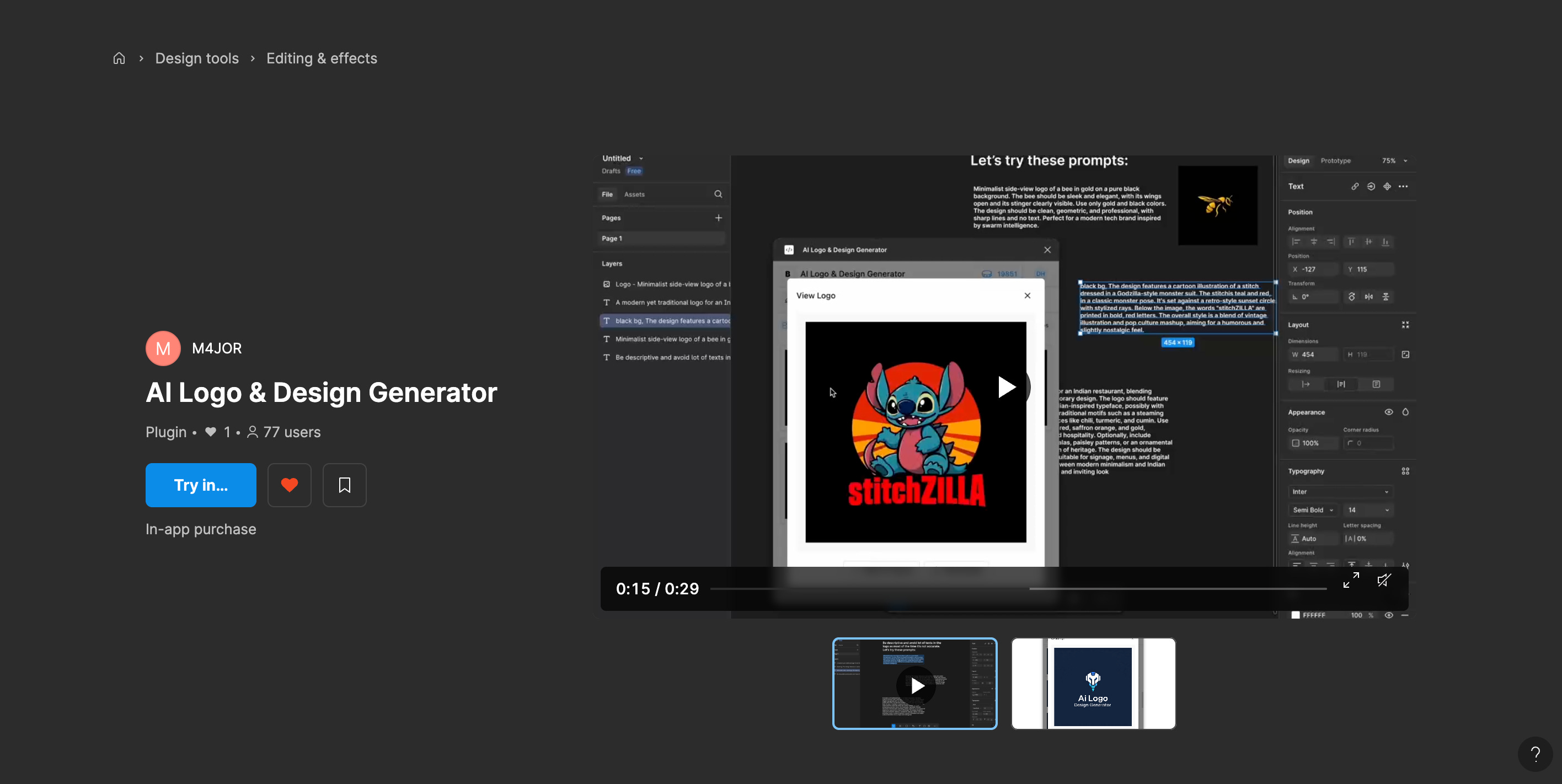
Why you’ll love it:
You get multiple logo and design concepts instead of dabling for hours.
Pick the style and image settings to fit your design requirements.
Content Reel has evolved into an AI powerhouse that generates contextually appropriate placeholder content for your designs. Unlike standard lorem ipsum generators, Content Reel uses machine learning to provide realistic content that actually makes sense for your specific design context.
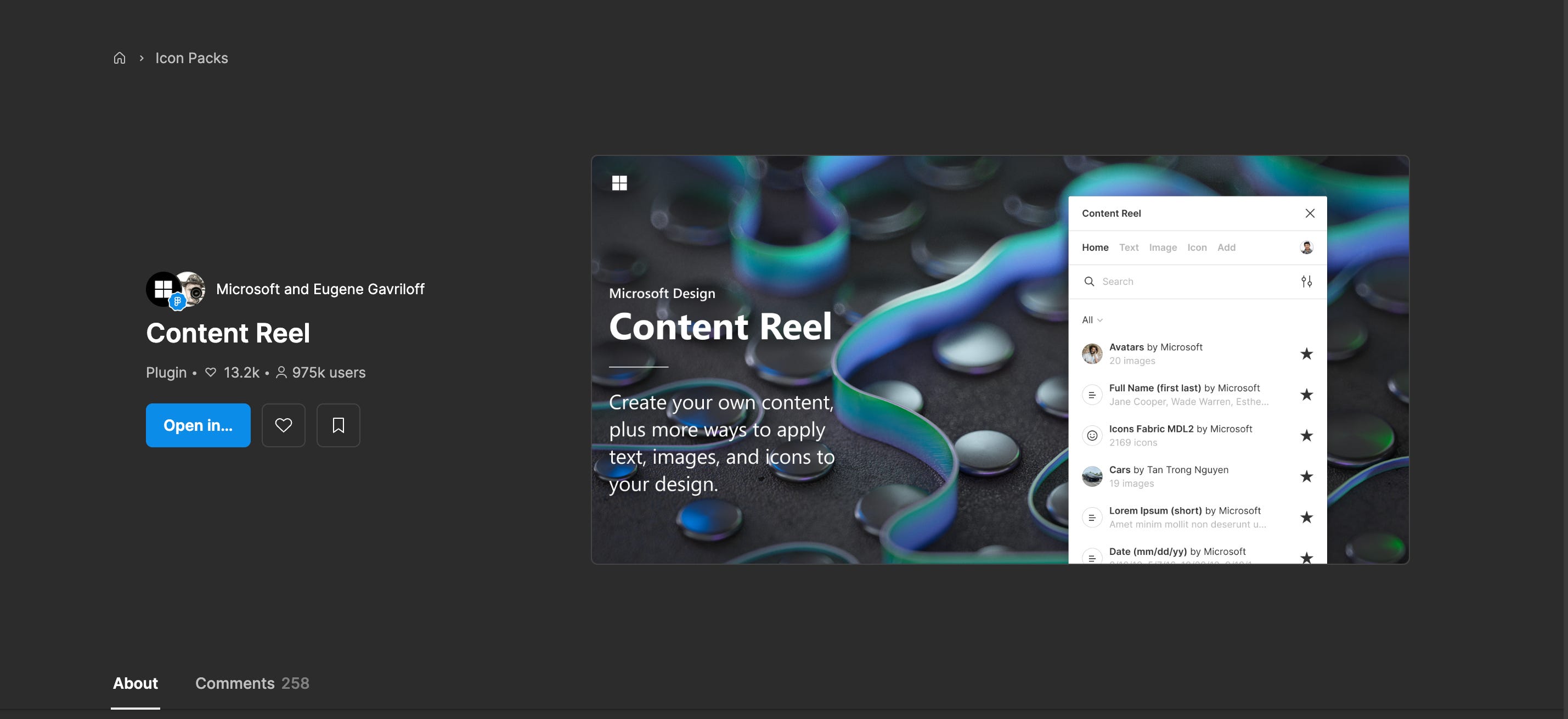
Need user profiles for a healthcare app? Content Reel generates medically relevant names, titles, and descriptors. Working on an e-commerce product page? The plugin provides realistic product descriptions and pricing. This contextual awareness saves tremendous time and helps stakeholders better visualize the final product.
Figma Community Link: https://www.figma.com/community/plugin/731627216655469013/content-reel
HTML to Design is an emerging workflow that uses AI to convert HTML code or live web pages into editable design components in tools like Figma. This approach is incredibly useful for designers working on redesigns, audits, or prototyping existing websites, as it eliminates the need to manually recreate layouts, styles, and components.
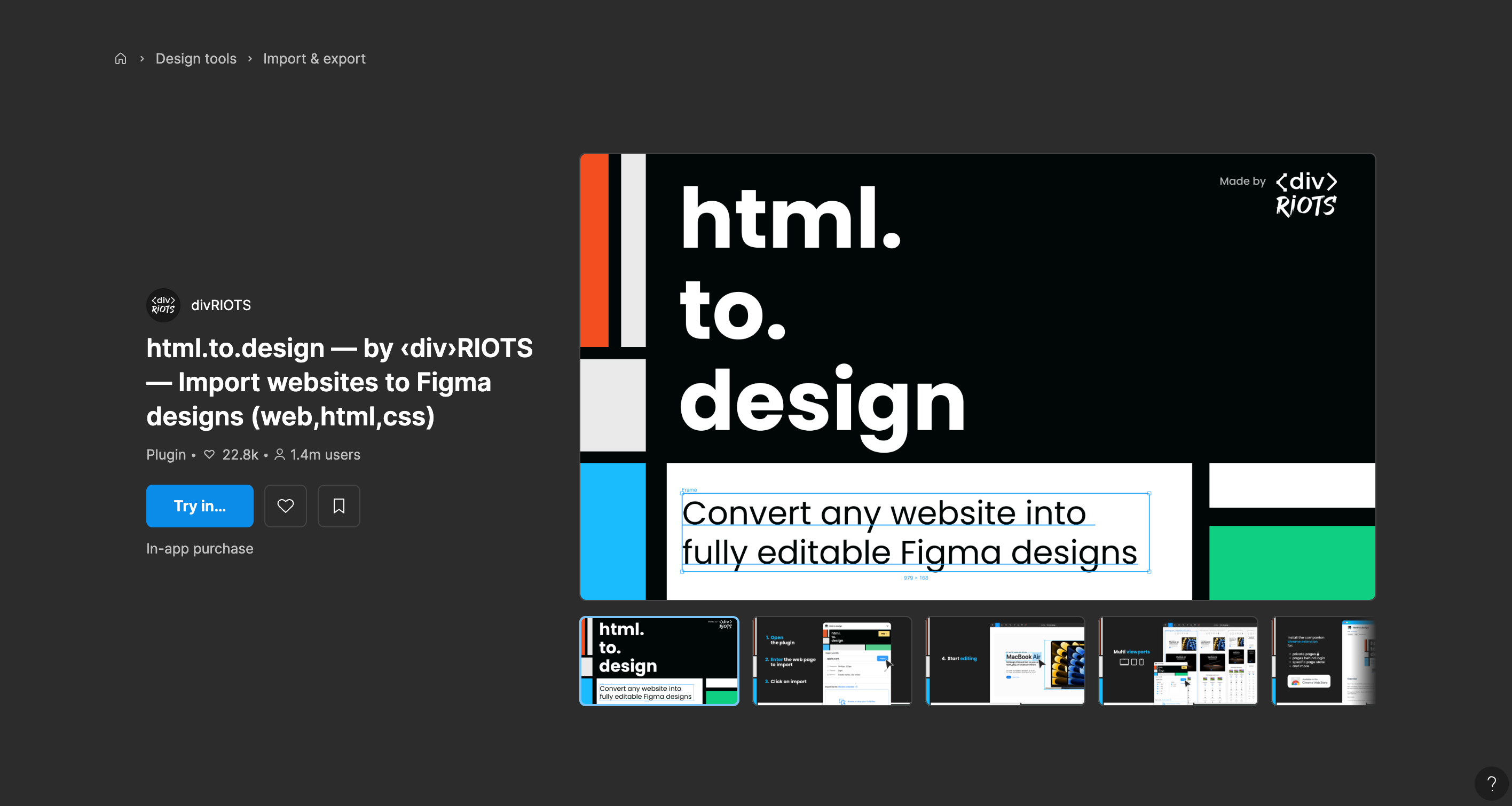
By analyzing the DOM structure, CSS rules, and visual hierarchy, these tools generate layered, editable mockups that mirror the original site—saving hours of effort. It’s also a great way for developers and designers to collaborate more efficiently, bridging the gap between code and design with speed and accuracy.
Figma Community Link: https://www.figma.com/community/plugin/1159123024924461424/html-to-design-by-divriots-import-websites-to-figma-designs-web-html-css
Converting from screenshot/code to design can help designed while converting design to code can help developers that’s where Anima comes into play.
Anima uses sophisticated AI to transform your static Figma designs into production-ready code. The plugin has made tremendous advances in generating clean, maintainable code that accurately reflects your design intent.
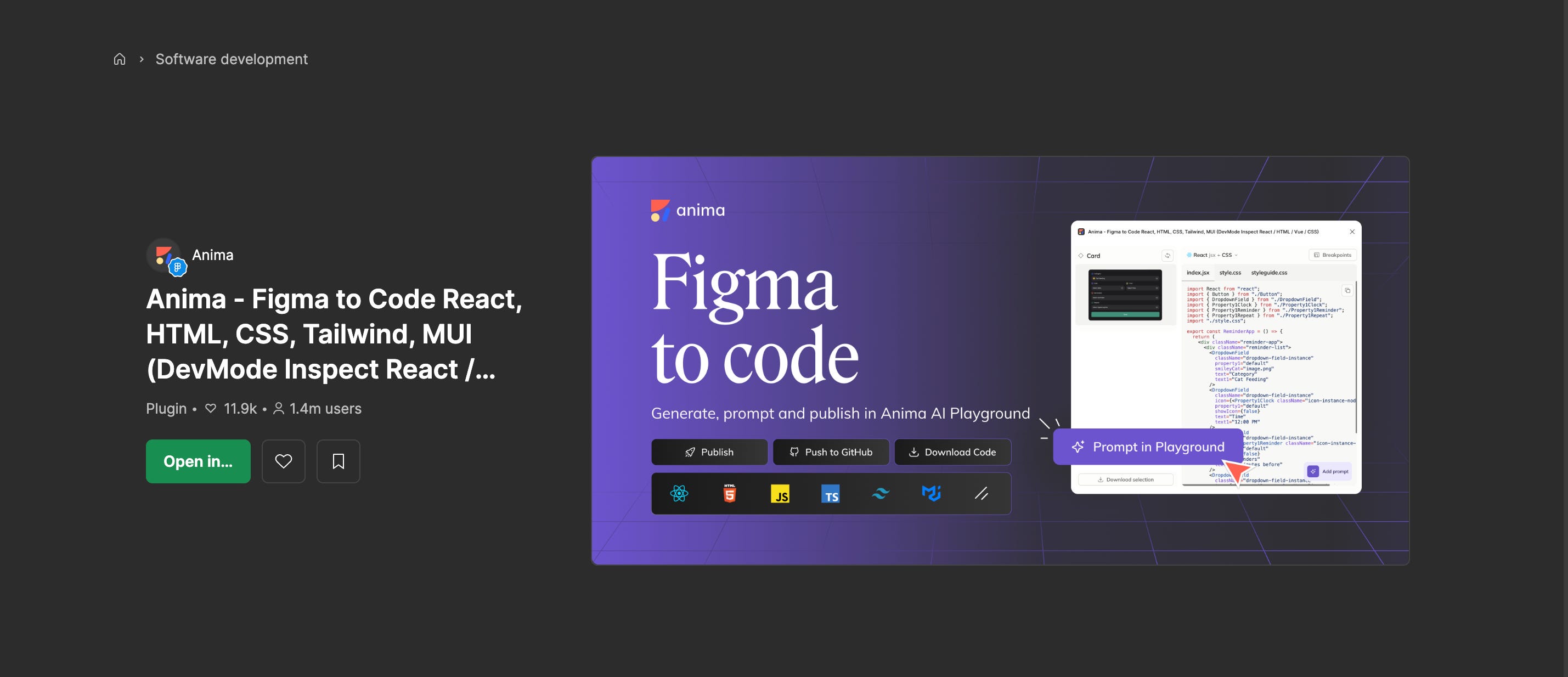
What's remarkable about Anima is how it intelligently identifies components and patterns in your design, generating code that isn't just a pixel-perfect replica but is also structured in a way that makes sense to developers. The AI understands responsive design principles and generates adaptable code accordingly.
For designers working closely with development teams, Anima can significantly reduce handoff friction and implementation discrepancies.
Figma Community Link: https://www.figma.com/community/plugin/857346721138427857/anima-figma-to-code-react-html-css-tailwind-mui-devmode-inspect-react-html-vue-css
This tool represents an exciting frontier in design tooling - one where artificial intelligence serves not just as a production accelerator but as a genuine creative collaborator. As the plugin continues to evolve, we can expect even more sophisticated understanding of design principles and creative problem-solving approaches.

Unlike AI Logo & Design Generator which is focused more on logo design and graphic design concepts, Unblocked AI can be used for much more usecases like generating real images of humans and product demons and more…
Figma Community Link: https://www.figma.com/community/plugin/1429927008820741722/unblocked-ai
The integration of AI into the design process is no longer just a novelty, it's becoming an essential part of staying competitive and efficient. These plugins represent the cutting edge of what's possible when AI meets design, offering capabilities that would have seemed like science fiction just a few years ago.
Of course, these tools are most powerful when wielded by designers with strong fundamentals and clear creative vision. AI enhances rather than replaces human creativity, allowing designers to focus more on strategic thinking and less on repetitive tasks.
Which AI Figma plugins have transformed your workflow? Are there others you think should have made this list? I'd love to hear your experiences in the comments below!
Comments
Nothing yet. Say the first thing.
Sign in to join the conversation.