

Figma launched their (beta) design agent yesterday. It lives directly on the canvas, in the left rail, right where you work. You can prompt it to generate screens, apply your components and tokens, remix styles, make bulk edits, swap states across flows, populate content, and document your design system.
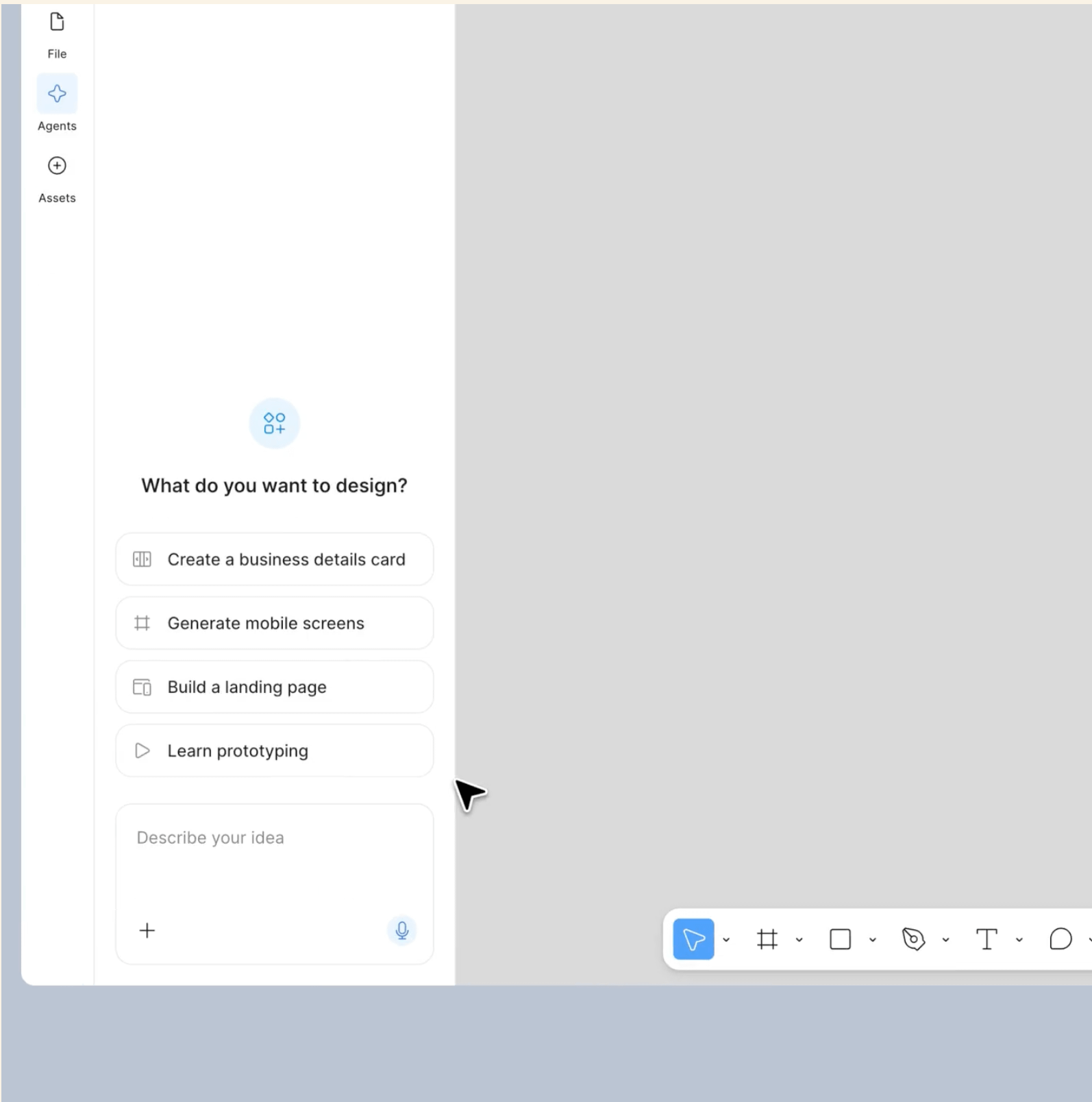
It reads your file. It knows your components. It works in the same multiplayer space as your team.
It’s currently in a closed beta with a waitlist, so I haven’t used it yet. But I’ve been watching the demos and reading through what it can do, and I have a lot of thoughts.
The first reaction
My honest first reaction watching the demos was a weird mix of excitement and discomfort. The excitement was obvious. Some of the tasks I spend hours on every week (populating frames with realistic content, swapping component states across screens, renaming and documenting library components) can apparently happen in seconds now.
The discomfort was harder to pin down. It took me a while to figure out what it was.
It’s this: Figma was the last space that felt entirely mine. The canvas was where my thinking happened. Every frame, every layout decision, every pixel adjustment was a choice I made. Now there’s something else on the canvas making choices too. And from what I’ve seen, its choices look reasonable, which is the unsettling part. If they looked bad, I could dismiss it. They look good enough that you’d have to actually evaluate whether your version would be better.
That evaluation is the new job. And it’s a different muscle than creating from scratch.
Where it looks strongest
Based on the demos and documentation, the agent seems built for the work that was always tedious but necessary.
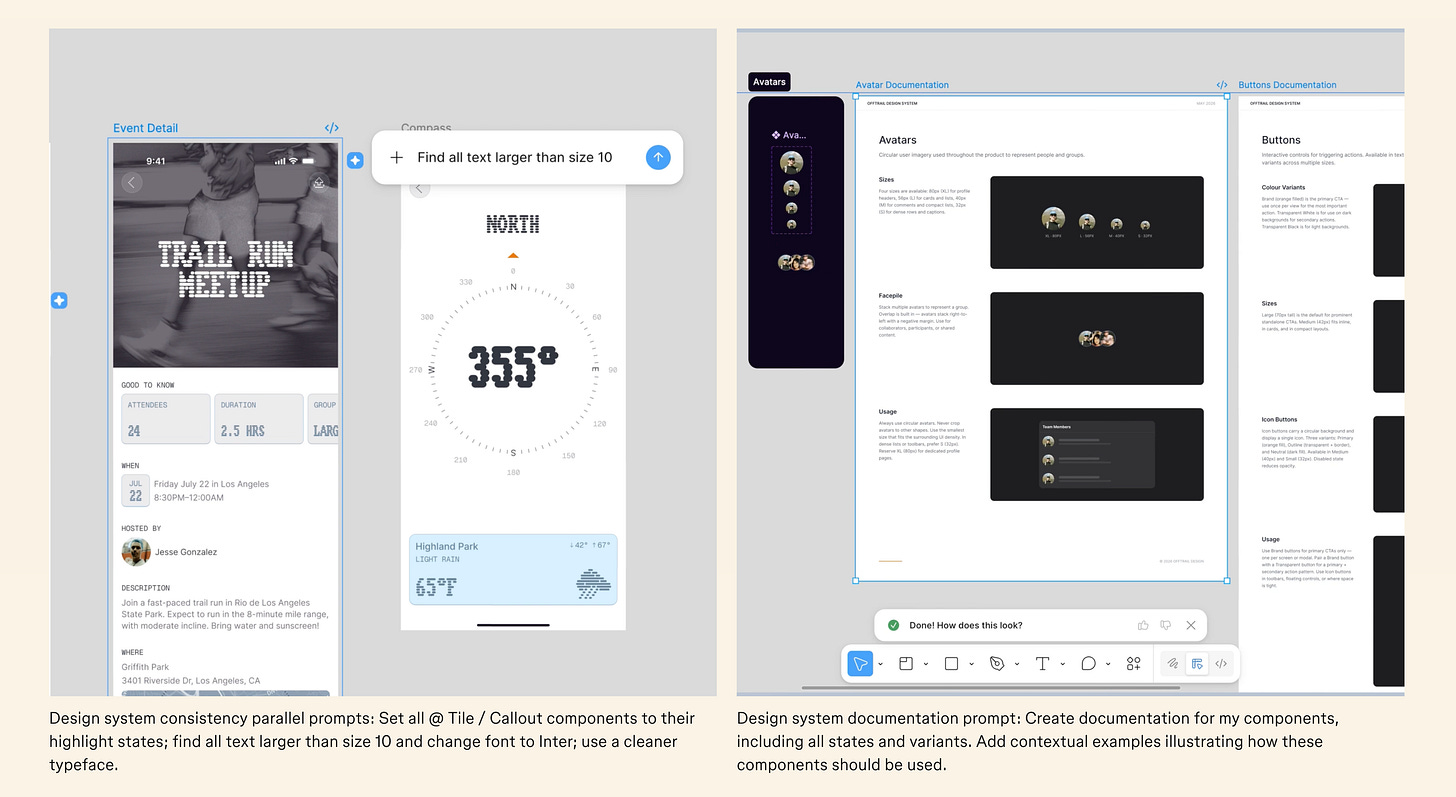
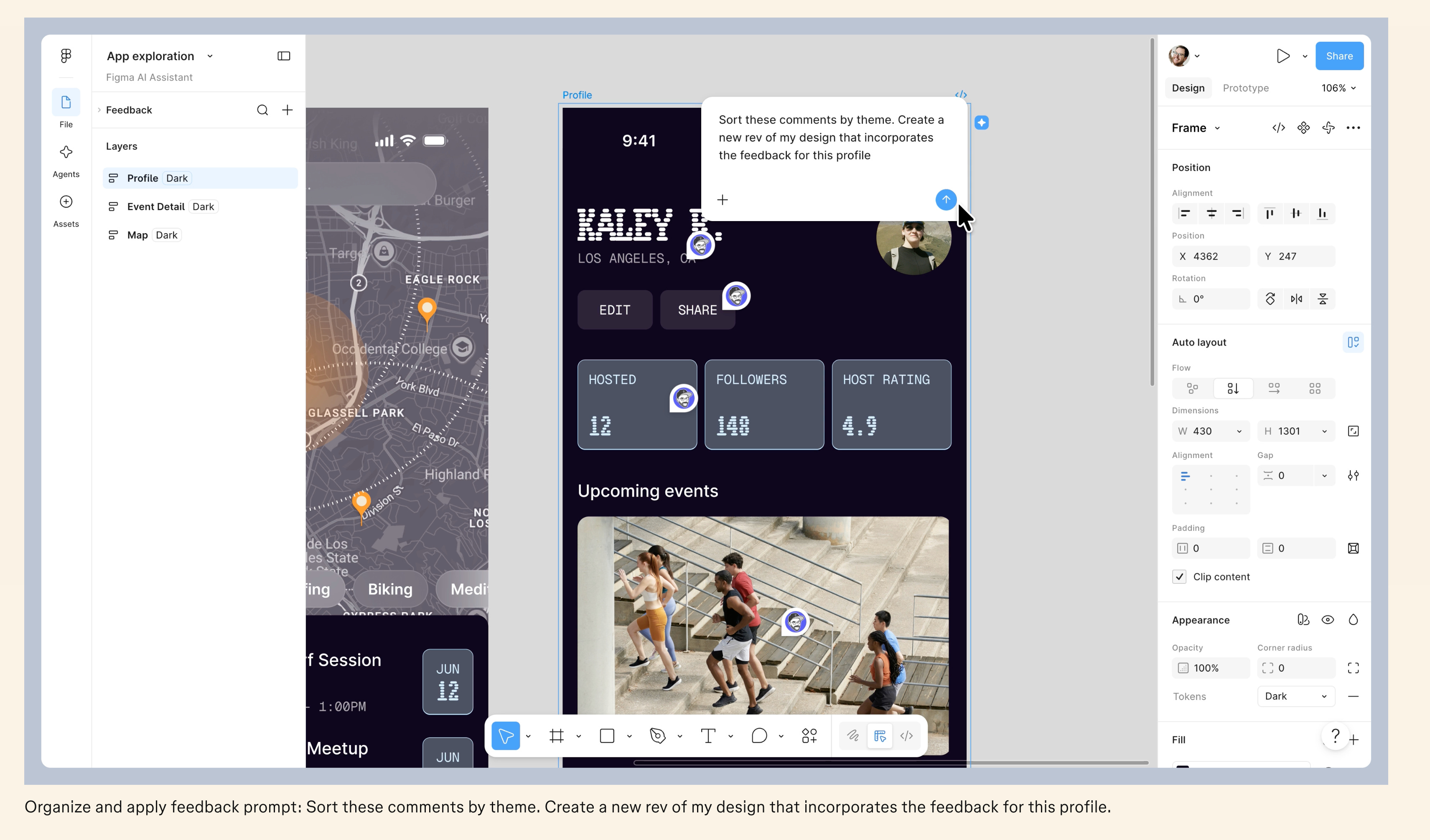
Bulk edits — Changing typography across a file, setting component states across screens, even solving your comments. This used to take an afternoon of careful, repetitive clicking. Now it takes a prompt and a review.

Design system documentation — Writing descriptions for components, documenting states and variants, standardizing naming conventions. Most design systems have a documentation debt that nobody wants to pay down. The agent makes that debt cheaper to clear.
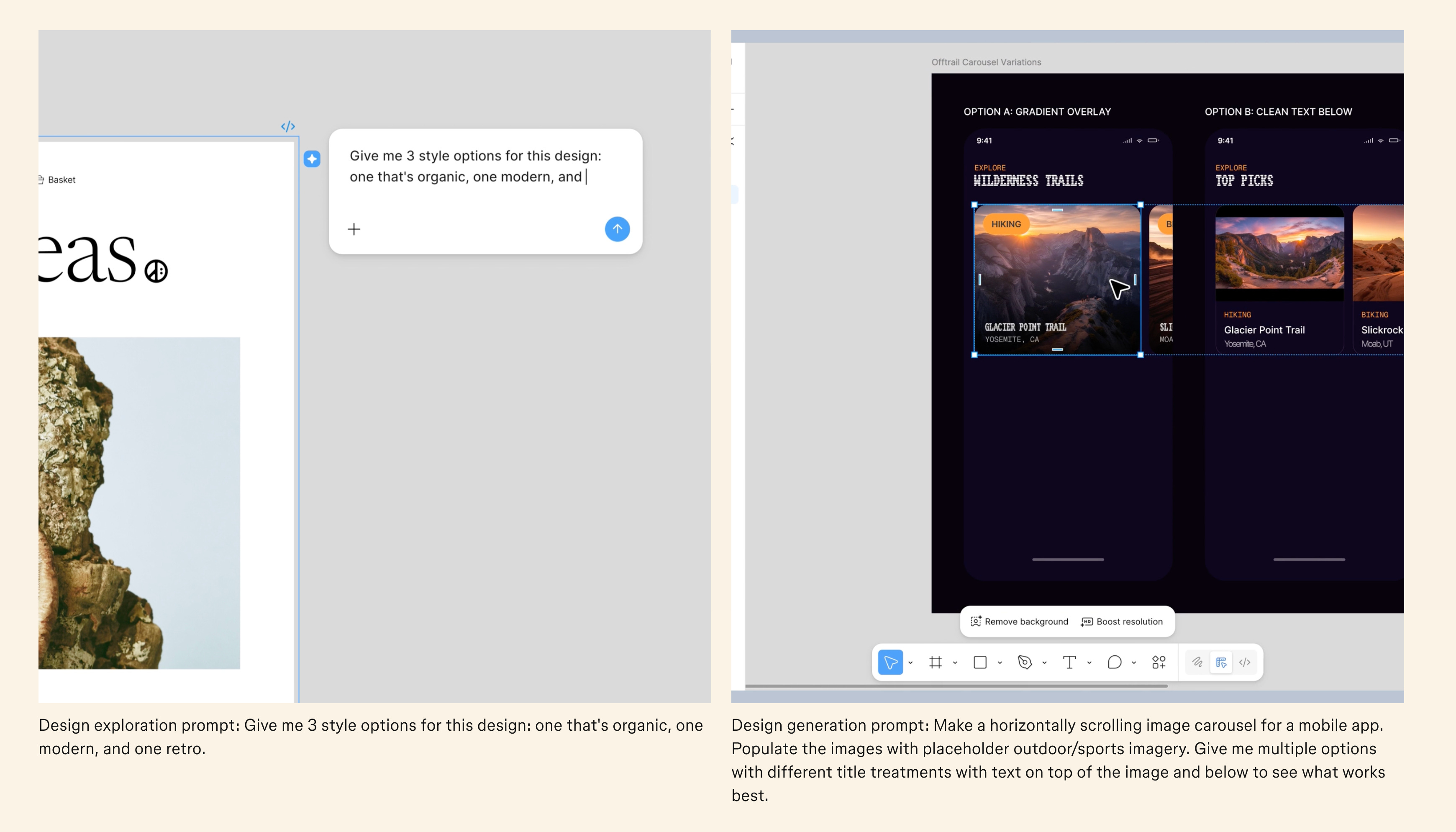
Exploration — “Give me three style options for this screen: one organic, one modern, one retro.” You get directions to react to instead of staring at a blank canvas trying to generate them from nothing.

Content population — Replacing placeholder text and images across dozens of frames with realistic content. This is one of those tasks that takes 20 minutes of pure tedium and adds nothing to your thinking. Good riddance.

Read the official announcement →
What it can’t do
The agent generates from your design system and from patterns. It produces output that’s consistent with what already exists. That’s useful for 70% of design work.
The other 30% is where the human part lives. And it’s the 30% that matters most.
The agent doesn’t know that your users are anxious freelancers who need reassurance at every step. It doesn’t know that the last time you put the payment method field before the invoice amount, users hesitated because the sequence felt psychologically wrong. It doesn’t know that your returning users need a completely different experience than your new users because they’ve already built trust and just want to repeat what they did last time.
It doesn’t have taste. It has statistical averages trained on what exists. Products built entirely on statistical averages all feel the same. The ones that feel different are the ones where someone made a specific choice that broke from the average because they knew something about their users that no model could learn from training data.
That knowledge, that judgment, that instinct for when the “correct” pattern is wrong for your specific situation, is still yours.
The real shift
I think what’s happening is bigger than “Figma added AI.” The role of the designer is splitting into two activities, and the split is happening fast.
Activity one: production. Laying out screens, building component variants, populating content, documenting systems, making bulk edits. This is the work that the agent handles well. It’s getting cheaper and faster by the month.
Activity two: judgment. Deciding what to build. Understanding who it’s for. Knowing which pattern to break. Evaluating whether something that looks right actually is right. Presenting your reasoning to stakeholders. Making the call that no amount of training data can make for you.
Most designers have been spending 70 to 80% of their time on activity one. The agent doesn’t eliminate that work, but it compresses it. Which means you suddenly have more hours in the week for activity two.
The question is whether you know how to fill those hours. If you’ve been defining yourself by your Figma output, this shift feels threatening. If you’ve been wanting more time for research, strategy, and the thinking that happens before the canvas, this shift is a gift.
What I’m planning to change about my workflow
I signed up for the waitlist. I don’t have access yet. But I’ve already been thinking about how this changes things once it rolls out.
I want to use it for first drafts of exploration. Instead of spending two hours generating three layout options myself, I could prompt for them and spend that time evaluating which direction is right and why. The thinking time wouldn’t shrink. The production time would.
I want to hand it the tedious parts of design system maintenance. Bulk documentation, naming standardization, state audits. These are tasks I’ve been putting off for months. If the agent makes them painless enough, I might actually do them.
And I want to be deliberate about when I don’t use it. Some screens I’ll still build from scratch, start to finish, with no assistance. Because the blank canvas is where my design instincts stay sharp. If I outsource every first draft to an agent, those instincts will fade.
Where this leaves us
Figma is the tool most product designers use every day. Adding an agent to that tool is a bigger deal than adding AI to a standalone app, because it changes the daily rhythm of the work itself.
The designers who will do well with this are the ones who already spend their time on judgment: research, user understanding, strategic thinking, clear communication. The agent gives them more room to do what they’re already good at.
The designers who will struggle are the ones whose value was primarily in production speed and Figma proficiency. The agent will be faster than any human at the tasks that used to differentiate them.
This isn’t a distant prediction. The beta is rolling out over the coming weeks. By the time most of us have access, the question won’t be whether to use it. It’ll be whether you were already doing the work that the agent can’t do.
Thanks for reading :) If something in this issue resonated, please reply and tell me.
Even one line. These replies are my favorite part of writing this newsletter.
See you next Thursday 🙌
— Balint
What else I’m working on?


Thanks for reading Balint’s Newsletter! Subscribe for free to receive new posts and support my work.
Comments
Nothing yet. Say the first thing.
Sign in to join the conversation.