
Meta has two interesting products, neither of which I will buy. One is a set of smart glasses called Ray-Ban Meta (see left). These focus on the use cases of taking photos, listening to music, and making voice calls. The other is a set of Virtual Reality (VR) goggles called the Meta Quest (see right) (Apple has a similar product named the Vision Pro). These focus on the use cases of playing immersive games, watching movies, virtual exercise, and virtual social meetups. Apple’s goggles have a mode where you can “see through” the virtual world, to keep an eye on the real world at the same time, and a way for external users to see your eyes behind the glass as well. However, they are still isolating and cover your head.
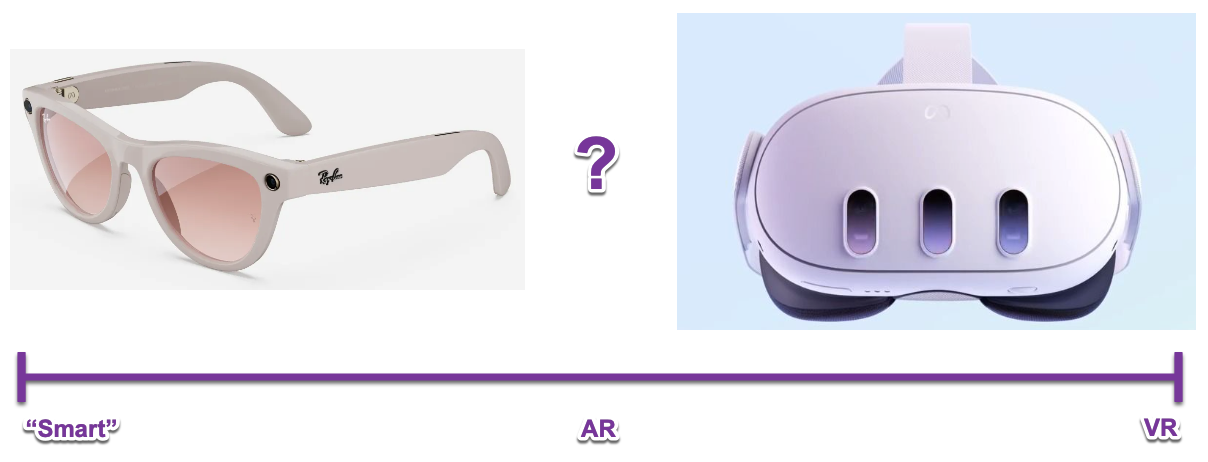
What we likely need is something in the middle, between glasses and goggles.
Focusing On The Wrong Things
Glasses are traditionally used to assist with seeing, protecting your eyes, and sometimes as a fashion statement. Smart glasses are trying to add music and cameras, just because it is easy to mount it on the pre-existing hardware - but it’s not clear users even want that functionality. Goggles might have some valid use cases in the virtual world such as gaming, but they are isolating, disorienting, and heavy.
Let’s make a list of things that are currently socially awkward, and that may continue to stay that way:
• Talking to yourself in public.
• Tapping your head in public.
• Covering your eyes or face in public.
• Making large random motions of arms and legs in public.
• Taking pictures of people without permission in public.
• Not being able to hear people when they talk to you, with no prior warning to those people (e.g. earbuds in ears signal non-availability).
These two products by Meta seem to have targeted the most awkward interactions and use cases first for their MVP. Possibly VR goggles aren’t intended for use in public, but Apple certainly demos them that way. Also, if the functionality is truly useful, you would probably want to bring it to multiple locations such as coffee shops.
Let’s go back to first principles: Glasses are primarily about vision.
Augmented Reality (AR) glasses design and use cases should be vision-first.
Thus, the first real “smart glasses” should give you computer assisted 20-20 vision, or automatically adjust to lighting conditions to protect your eyes, or let you see in the dark, or highlight cars that are about to hit you.
Overlap With AI
One of the primary unexplored use cases for AI is taking on the role of a personal assistant which understand their user and provides timely information or guidance throughout the day. Currently AIs type or speak to you in chat formats, which can be distracting and require a lot of attention. However, LLMs and diffusion models are able to create custom images, label objects, and provide advice based on goals. So instead of talking to you most of the time, your assistant could overlay labels or icons on what you are already seeing, with minimal distraction and added awareness.
Use Cases For AR
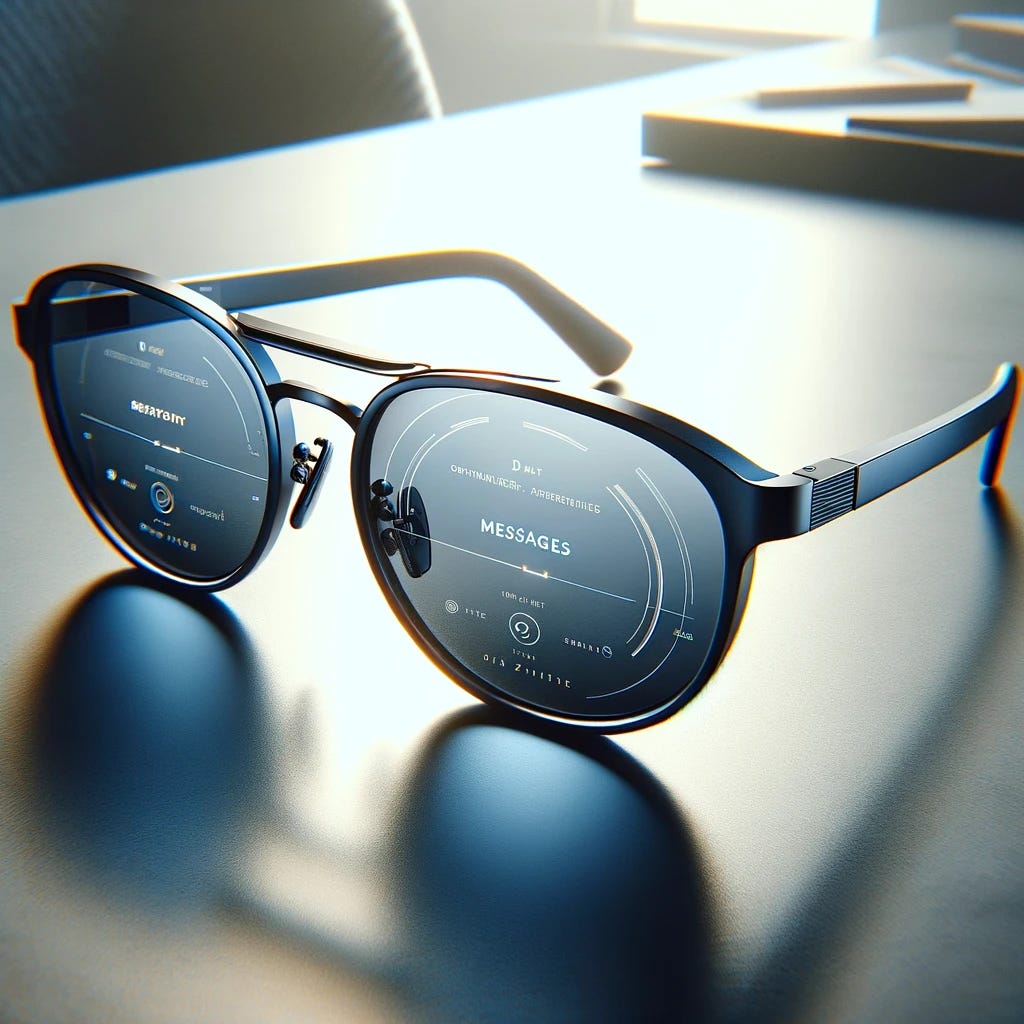
Augmented Reality (AR) uses digital overlays to provide information on top of your normal vision. It is about helping you to interact more effectively, safely, and knowledgeably with your environment, not distracting you or isolating you from it. In terms of interaction, it is the opposite of VR goggles and only has a bit of synergy with the photo-taking feature on the glasses. Below are some scenario-based use cases, all of which would primarily be communicated by visual overlays.

Vision: Help improve my vision and get me closer to 20-20, adjusting for any known deficiencies.
Eye Safety: Safeguard my eye safety by protecting me from UV, or glare, or environmental conditions.
Super-sight: Help me see in conditions where I normally would not be able to effectively. Think: fog, dark nights, obscured objects, extreme glare, dust storms, smog.
Extend my vision: Think: infrared, zoom lenses, filters, resolution upscaling.
Help me go to sleep: Think: dim brightness levels, show me a moonlit beach, block loud noises, play ambient music.
Danger Awareness: Highlight dangerous things that are projected to do me bodily harm. Think: Erratic cars, mountain lions in the bushes, skateboards in the middle of the sidewalk, shark fins.
Navigation: Show me the optimal route to a store in a mall, or to my gate at the airport, or to the nearest public restroom.
Parking: Show me where I can legally park my car, by reading the signs and highlight valid spots green.
Eating: Suggest restaurants I would like, based on personal preferences history, that are nearby when I typically start getting hungry. Do this by placing a subtle icon in the corner of my vision which can provide an overlay of restaurant locations on my vision if clicked.
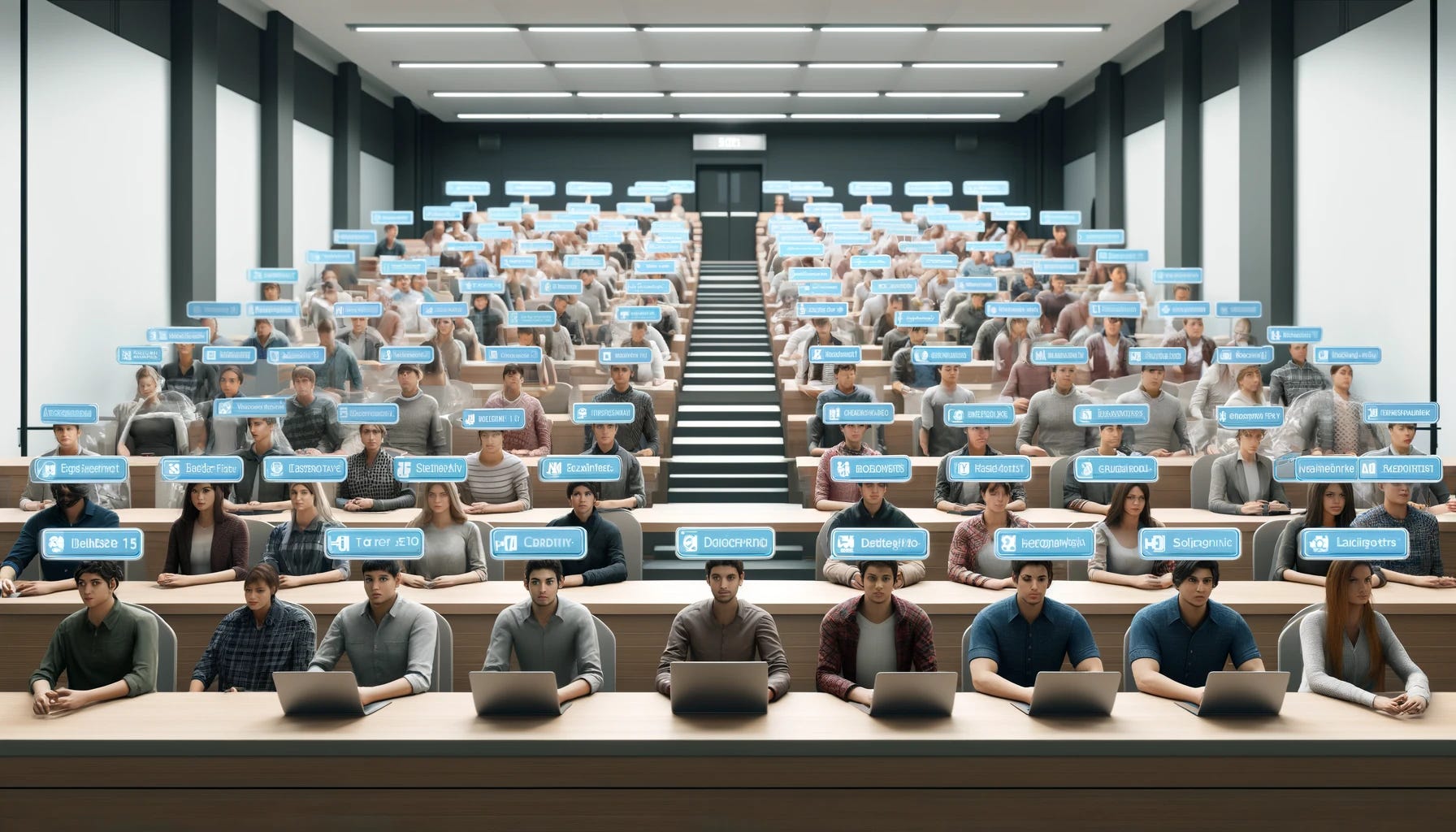
Facilitate Social Interactions: Show me the first or full names of strangers when I interact with them (with their permission/preference). Do this with a transparent label above their head or on their chest.
Diet Coach: Watch what I eat, and guide me towards things I should be eating versus things I shouldn’t (with permission).
Botanist: Show me the names of plants and trees when I go on a hike.
Resident Chef: Show me how to best open the avocado in front of me. Do this with an animated overlay showing the line to cut and how to pull it apart. Also, tell me when my pasta is al dente.
Design Guidelines
Prioritize augmenting, de-prioritize interrupting:
Lean towards highlighting actual things in the world, instead of generating new virtual objects.
Show very subtle visuals for most messaging, and more conspicuous visuals only for high-importance or alert scenarios.
Use audio or verbal prompts sparingly, and typically only for dangerous situations that require disrupting the user.
Prioritize the visual:
First and foremost, respect the user’s native state (natural vision, no overlays, natural sounds, no distractions).
Once a use case is identified, first look for visual ways to help the user complete the task or objective.
In order of preference for interaction design, proceed in this order: 1) visuals (subtle, non-animated 2) visuals (non-subtle, non-animated) 3) visuals (animated) 4) soft-sounds (e.g. soft chime) 5) harsh-sounds (e.g. buzzer) 6) speech 7) vibration.
Multi-modal:
Input methods: Do not make the user speak all commands out loud, which is often not socially appropriate. There needs to be another subtle and quiet method of interacting. Gestures may work to some degree. Eye gaze may work to some degree, but this could be very distracting during in-person events and produce eye strain. Sub-vocalization may be a promising direction.
Support multiple interaction methods to achieve the same goal. The method you choose in a crowded theatre will not be the same one you choose when alone in your car.
Extreme user control over attention and serenity:
Make it simple to wave all overlay content away immediately.
Make it simple to activate a do-not-disturb mode.
Consider a “meditation” mode to give users an easy way to take a break, both from the real and virtual worlds.
Operate in “muted” mode most of the time, with options to interrupt in extreme scenarios.
All features and overlays should be at the complete control of the user to activate, turn off, mute, or control “interactivity thresholds” for. Distraction and ADD behaviors will degrade in-person social interactions if the interactive experience is not extremely minimal and respectful of the user’s primary senses.
Conclusion
Let’s talk about beautiful, minimalistic, and elegant design. It is often so natural to use, that you don’t even realize you are using it. No confusion. No manuals. No error messages. No alerts nagging you. The tool just becomes an extension of the human body and mind. Very few products reach this goal.
AR glasses could be it. You slip on your glasses in the morning and forget the reason why you’re suddenly smarter, more focused, more aware, and more effective. Companies producing AR products need to focus on “vision-first” and conceptualize features that augment, extend, and improve vision before considering unrelated features. It will likely be a difficult path to hold back monetization efforts such as ads, SEO, and marketing, which inherently try to be as distracting as possible.
Note: Shortly after publishing this article I noticed there is a kickstarter with a similar idea for smart-binoculars.

*Most images AI-generated.
Comments
Nothing yet. Say the first thing.
Sign in to join the conversation.