
Anthropic recently ran a session showing how their US GTM team actually runs their week using Cowork.. their AI-powered desktop tool for automating tasks and workflows. (Watch the session here)
It was one of the most practical demos I’ve seen in a while.
Travis Bryant, Head of US Mid-Market GTM at Anthropic, walked through what a real AI-assisted week looks like in practice alongside Brittney Tong, a Growth AE on his team. A daily briefing that assembles your data before your first meeting. A Friday forecast pulled from Salesforce and BigQuery in the format leadership already expects. An overnight workflow that scored 4,000 accounts so AEs knew exactly where to focus. (Read the full blog post here)
To be clear.. Travis isn’t doing this solo. He has a team of AEs executing their accounts. The point isn’t that one person replaced a team. The point is that the assembly layer.. the prep, the formatting, the scoring.. got automated so the humans could focus on the work that actually requires a human.
He described the shift this way: Claude builds the what. I do the why.
That’s the architecture most teams are still missing.
Here’s what I’ve found after sitting in on 6 roundtables within the last 2 months on AI and its impact on SaaS / tech in general. A lot of teams right now are trying to boil the ocean. They want the full transformation. The enterprise-wide rollout. The custom-built everything. And in chasing all of it, they end up with none of it.
What Travis showed isn’t super different from what we’ve been hearing over the last few months. It’s just a handful of simple automations that actually work.. set up properly, connected to the right data, running consistently. Tools like Cowork make this accessible without needing a developer. You don’t need a six-month implementation. You just need a few hours of blocked time and a willingness to start small.
Here are five things you can set up in an afternoon (or two) so your team hits the ground running next week. You don’t need to do all five. Pick the one that solves your biggest pain point, carve out your Friday afternoon, and see how fast your team moves on Monday.
1. Stop typing. Start talking. (Wispr Flow)
This one is the fastest win on the list and the one most teams haven’t tried yet.
Wispr Flow is a voice dictation app that works across every app you already use. Claude, ChatGPT, your email, your Slack. You speak. It transcribes. You never type the input. It just raised $81M because the use case is that real.
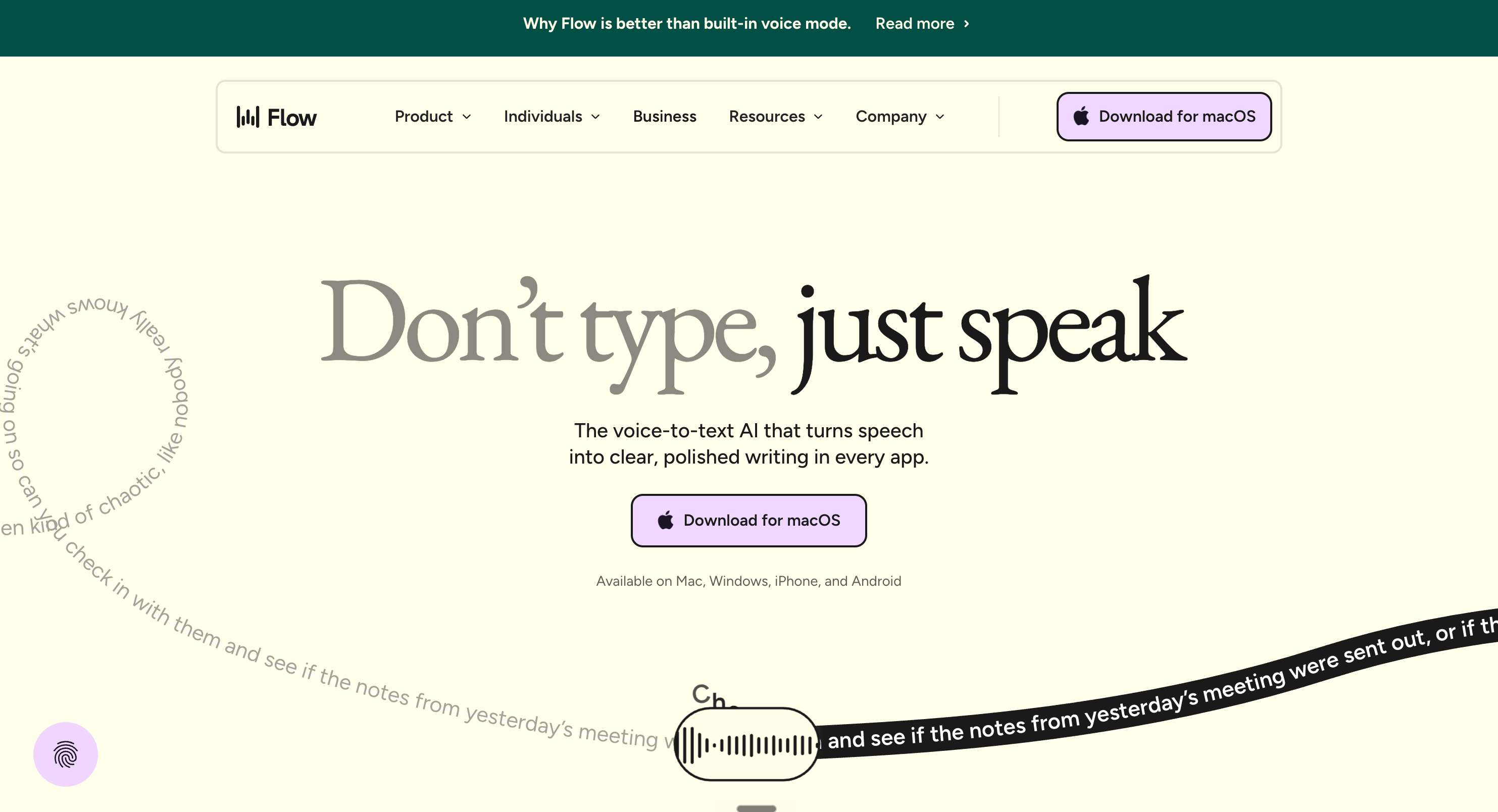
Think about how much time your team spends typing context into AI tools. Describing a customer situation before asking Claude to help build a QBR deck. Drafting a prompt to research a prospect before a discovery call. Dictating notes on a deal to update the CRM or Claude instead of typing them in. That friction is invisible until you remove it.. and then it’s obvious.
An AE can speak their deal notes into Wispr on the drive back from a prospect meeting and have them structured and logged in HubSpot before they get to the office. A RevOps leader can dictate a complex analysis request to Claude instead of typing a multi-paragraph prompt. A CS leader can talk through the context for a QBR prep and have a first draft ready before the next meeting starts.
The time savings isn’t just in the typing. It’s in the cognitive load. Speaking is faster and more natural than formatting. When you lower the friction between a thought and an action, people actually use the tools.
Friday afternoon: Download Wispr Flow. Install it. Spend 20 minutes testing it with Claude across a few different use cases relevant to your team. On Monday morning, show one person on your team a single example. That’s it. By Thursday they’ll be using it on their own.
2. Build a pre-call brief workflow
The daily briefing Travis described starts before the first meeting. Yours should too.
A pre-call brief workflow pulls the information that’s already in your systems.. CRM data, recent activity, open tickets, last interaction, health signals, open opportunities.. and assembles it into a one-page brief before every customer-facing call. No manual research. No digging through HubSpot five minutes before the meeting. Just show up prepared.
This applies across the GTM team. An AE walking into a renewal upsell conversation needs to know the account’s product usage, support history, and any open commercial items.. not just what they remember from the last call. A CSM heading into a renewal conversation needs the full picture of what happened over the quarter, not just what they can pull together in 20 minutes the night before.
The brief doesn’t just save time.. it surfaces things the rep would have missed if they were rushing. That’s the compounding value. Every call that goes better because someone walked in more prepared is a relationship that gets stronger and a deal that moves faster.
Friday afternoon: Map out the five data points your team wishes they had before every customer call. That’s your brief template. Build the Claude Project around it. Takes about an hour. By Monday your team walks into their first call of the week already prepared.
3. Automate your weekly forecast
The Friday forecast Travis described.. pulled from Salesforce and BigQuery, formatted the way leadership expects, ready without anyone touching it.. is the kind of thing most teams assume requires a data engineering team to build.
But that’s not always true.
If your data lives in HubSpot or Salesforce, a Claude workflow that pulls the week’s pipeline activity, renewal status, and key signals and formats a structured forecast takes an afternoon to set up and saves hours every week going forward.
The secondary benefit is consistency. When forecasts are generated from the same data with the same logic every week, you stop comparing apples to oranges. Revenue leaders get a view they can actually trust. Sales managers stop spending their Sunday evening reformatting spreadsheets. And the reps get their Friday afternoon back.
This one is especially high-value for sales and RevOps teams who are currently stitching together forecast data from multiple sources manually every single week.
Friday afternoon: Pull last week’s forecast. Count how long it took to produce manually. That’s the time you’re getting back every single week. Set up the Claude workflow and run it in parallel with your manual process next week to validate the output before you rely on it fully.
4. Set up account scoring that runs without you
The overnight scoring workflow Travis described.. 4,000 accounts scored on a custom rubric, ranked by propensity, written rationale for each.. is the kind of output that used to require an analyst, a spreadsheet, and two days of work.
Now it runs while you sleep.
For most GTM teams, account scoring is either not happening or happening manually in a spreadsheet someone updates when they have time. Which means AEs and CSMs are prioritizing based on gut instead of signal. The highest-value accounts aren’t always the ones getting the most attention. The at-risk accounts aren’t always visible until it’s too late.
A Claude-powered scoring workflow changes the question from “who should I call this week?” to “here’s exactly who to call and why.” It requires clear criteria — what does a healthy account look like? What signals indicate expansion potential? What behaviors indicate risk? Once those are defined, Claude evaluates every account against them and produces a ranked list with reasoning. Not just a number. A rationale.
That rationale is what makes it useful in a leadership conversation and what makes the rep confident enough to act on it.
Friday afternoon: Write down what a high-priority account looks like for your team right now. Three to five criteria. That’s your rubric. Feed it to Claude with a sample of five to ten accounts. See what it produces. An hour of work and you’ll have a working version before you log off for the day.
5. Build a follow-up workflow that captures what actually happened
Meeting transcripts are good at capturing what was said. They’re not good at capturing what it means, what was committed to, and what needs to happen next in a format anyone will actually use.
A follow-up workflow closes that gap. Using the transcript from your meeting tool.. Fireflies, Gong, or similar.. a Claude workflow generates a structured follow-up that captures the key discussion points, the commitments on both sides, the next steps with owners, and any risk signals that surfaced in the conversation.
This applies across the GTM team. An AE walks out of a discovery call and the follow-up email is drafted before they get to their next meeting. A CSM finishes a renewal conversation and the executive summary with agreed actions is ready to send within the hour. A RevOps leader wraps a pipeline review and the action items are already organized by owner.
The human still reviews it, adjusts the tone, adds the personal touch. But the structural thinking is done. The commitments are captured. Nothing falls through the cracks because someone ran out of time.
Friday afternoon: Pull one call transcript from last week. Ask Claude to generate a structured follow-up from it. Compare it to what was actually sent. That gap tells you exactly what this workflow is worth — and it takes about 30 minutes to prove.
The only metric that matters..
Alright, here’s my semi controversial take about all five of these workflows.
The goal isn’t for your team to be running them. The goal is for your team to have more time in front of customers.
AI adoption is no longer the thing worth measuring. We should all accept that AI is part of how work gets done now. Measuring whether your team is using AI tools is like measuring whether they’re using email. It’s table stakes, not an outcome.

The outcome is the story. The tools are just details.
What’s worth measuring is what AI makes possible. Time actually spent with customers. Deals that moved because a rep walked in more prepared. Renewals that held because a risk signal got caught early. QBRs that landed because the prep was thorough instead of rushed.
Strip the assembly from your team’s plate and you free them for the work that only a human can do. The relationship. The judgment call. The moment in the room that changes how a customer feels about your company.
That’s the outcome worth measuring. Not whether the workflows are running.
Take your Friday afternoon. Set up one of these. Start with Wispr Flow if you want the fastest win. Start with the pre-call brief if you want the most visible impact. But pick one, make it work, and see what Monday looks like when the assembly is already done.
The teams getting real results from AI aren’t the ones who built the most. They’re the ones who built the right things and actually measured what changed.
Thanks for reading Success & Growth ! Subscribe for free to receive new posts and support my work.
Comments
Nothing yet. Say the first thing.
Sign in to join the conversation.