
Context
When developing an Android application, a lot of decisions have to be made. Decisions like how are we going to structure the codebase, which tradeoffs we can accept and which solutions we can implement considering the business requirements and constraints. When considering these decisions, we always have the context in mind of why specific implementations need to be done in a certain way. As months go by, the application continues to grow and more features will be added. To a point where the original maintainers are no longer in the same role or company. Without any additional documentation, the initial context of the implementation is now forever lost.
Problem
At this point, the codebase becomes the single source of truth and our knowledge base for all our decision making. This becomes an issue since the codebase can only tell us the current state of the implementation, whereas the “why” it was done in a specific manner will always be a mystery. This often leads to confusion and uncertainty on whether changing the current implementation would lead to harm or unexpected behavior. Most importantly, every time a bug or an undesired behavior is found within the application, a large number of development hours are wasted on trying to learn and understand how the feature works by going through the codebase. This is also true when trying to understand the current state when planning a new feature or checking whether the existing implementation will break if something changes on the backend.
Documentation in general
Writing documentation is often hard and boring. I get that. One could even argue that there is no significant return of investment on writing documentation and that time could better be spent on implementing more features. When we think of documentation, we usually visualize those fancy templates that are often associated with third-party libraries that explain all of the available functionality and required parameters to use those functions. Something like that works great for software that needs to be shared. But in our case of developing an Android project that is maintained by a small team of developers, documentation templates like those seem like an overkill.
Documenting context
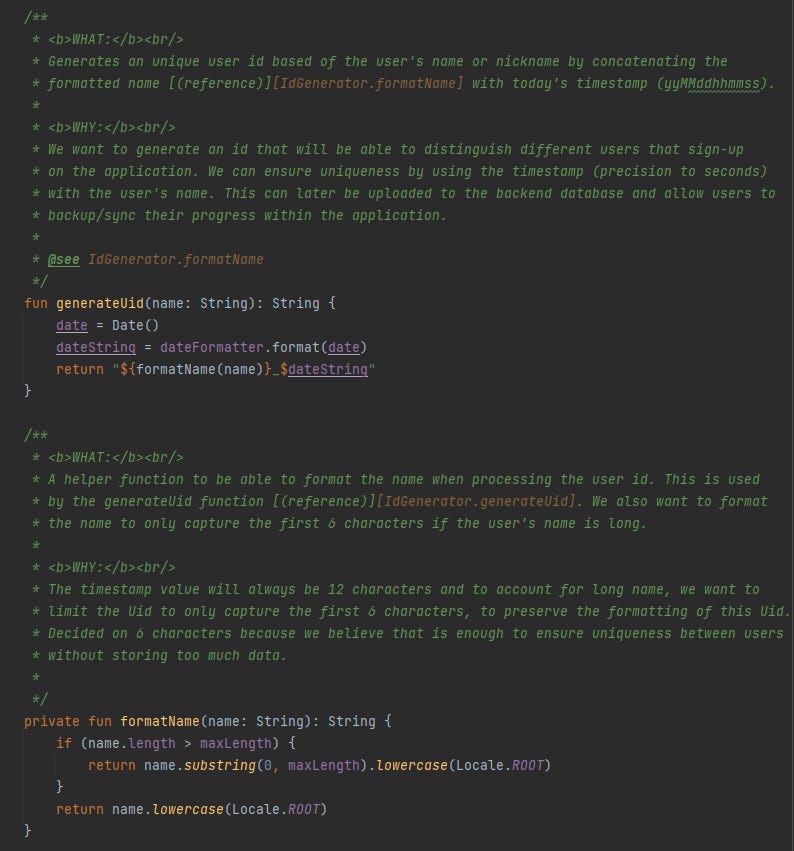
With the goal of preserving context through history, we have to document our code in such a way to best indicate what it does and the intent behind it. In that way, when we go through the documentation we can easily discover the state of the current implementation, our limitations as well as the reasoning of why it was implemented in that certain way. We should not waste time and effort documenting anything that will not bring value to us in the future.
The idea in action
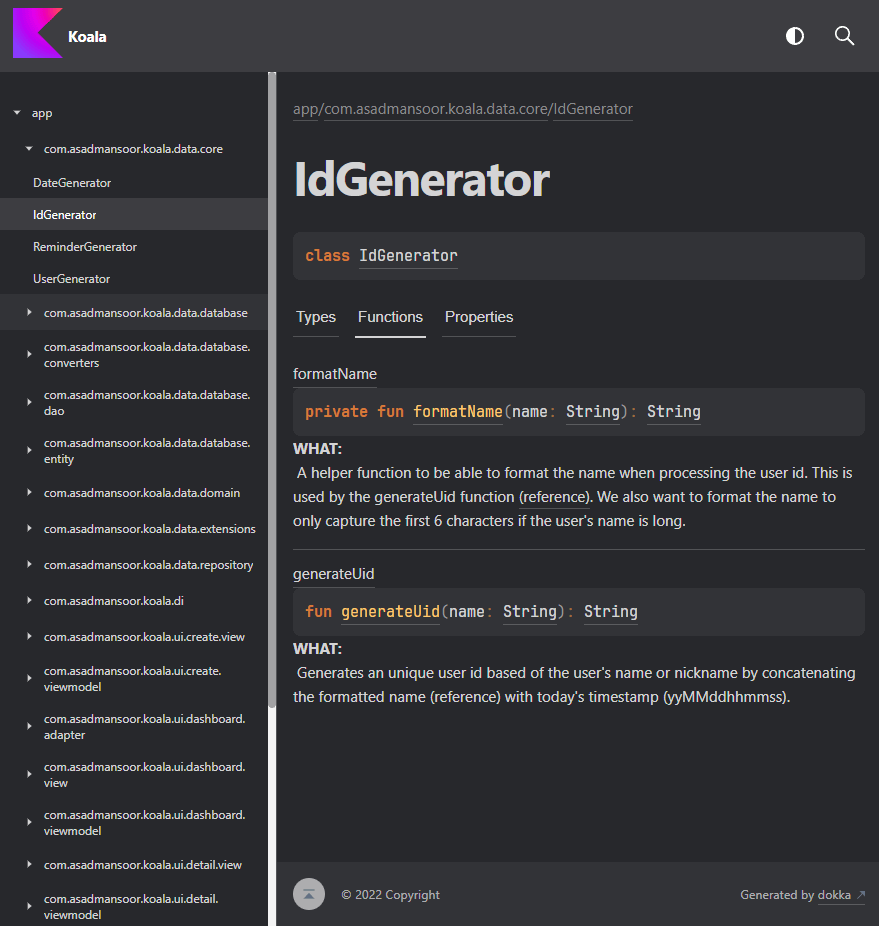
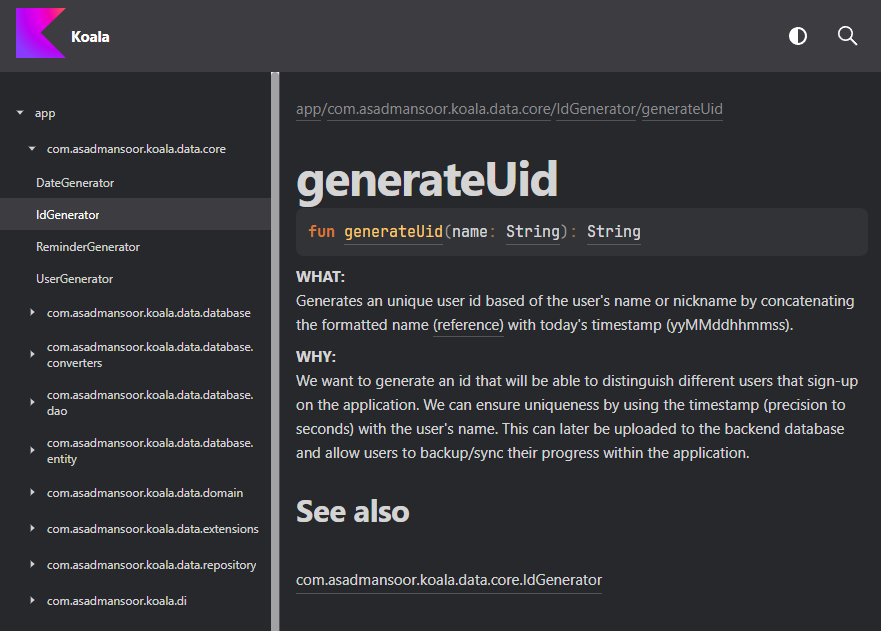
To reduce friction in writing and managing documentation, I ended up using KDoc and Dokka. After integrating the Dokka Gradle plugin, a task is created to gather all of the functions and comments found in the codebase and generate a web-based documentation template. With Dokka handling all of the UI formatting, it makes it really easy to document the code without context switching to a different application and managing all of the UI elements. And the fact that it is a web-based template, I can host the html files on an internal server so other folks can understand the behavior of the app without needing access to the codebase. The web-based template also provides the search functionality to easily scan through the corresponding functions.
This looks quite similar to the documentation templates of third-party libraries, but I am using these to document the context of the features that I am working on, so in the future I do not have to waste time scanning through the codebase if an issue arises or relearn the limitations when considering new features.
No posts
Comments
Nothing yet. Say the first thing.
Sign in to join the conversation.