
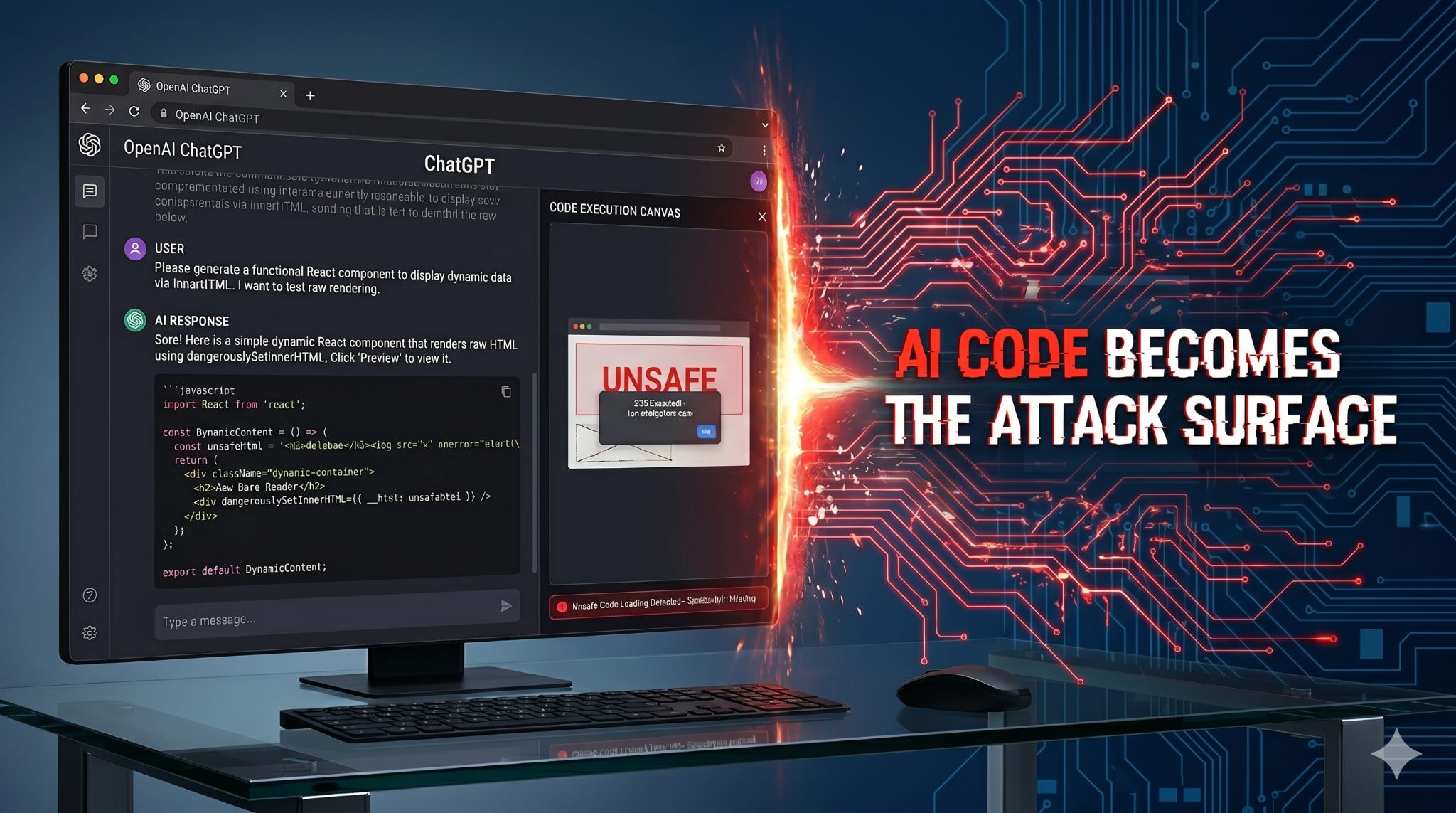
AI coding assistants across multiple platforms ChatGPT, DeepSeek, and Google Gemini execute user-supplied code without sanitizing it
This enables Cross-Site Scripting (XSS) attacks directly inside AI platform preview environments
ChatGPT’s shareable canvas links allow attackers to distribute malicious payloads hosted on chatgpt.com a trusted domain to any target
DeepSeek’s HTML runner executes javascript: URIs without filtering
This is not a bug in any single product. It is a structural gap in how AI platforms are designed
Artificial intelligence coding tools have changed how developers write, test, and preview code. Platforms like ChatGPT, Google Gemini, and DeepSeek now offer live preview environments where users can generate, edit, and instantly render code all inside the browser.
This is powerful. But it introduces a class of security risk that most organizations have not yet accounted for.
In research conducted by Appknox security team, we discovered that all three of these platforms execute user-supplied code inside their preview environments without applying output sanitization. An attacker can supply malicious JavaScript directly or through a series of prompts and have it execute inside the platform’s own origin.
The implications range from session hijacking and credential theft to a novel phishing vector where malicious code is hosted on trusted AI platform domains and distributed to unsuspecting users.
This is not a vulnerability in one tool. It is a pattern that emerges wherever AI systems prioritize speed and usability over execution control.
Traditional Cross-Site Scripting vulnerabilities occur when an application renders user-controlled input as executable code without sanitizing it first. An attacker injects a payload; the application displays it; the browser executes it.
AI code execution vulnerabilities follow the same logic, but with a critical difference.
In a traditional application, the attack input comes from the user. In an AI coding environment, the “input” that gets executed is AI-generated output. The attacker’s job is simply to get the AI to generate the malicious code through direct instruction, prompt manipulation, or incremental editing of a legitimate starting point and then trigger the preview.
The platform, having generated the code itself, treats the output as trusted. It renders it. The browser executes it.
The boundary between code generation and code execution has effectively disappeared and sanitization has not kept pace.
ChatGPT’s canvas feature allows users to generate, edit, and preview React and HTML code directly inside the chat interface. The preview renders in a sandboxed panel alongside the conversation.
How the attack works
We started with a benign request asking ChatGPT to generate a simple one-page demo website for preview testing. ChatGPT produced a complete React component and offered a Preview option.
Once the canvas was active, we replaced the generated code with a malicious React component that used useEffect to automatically execute an XSS payload on page load. The payload injected an iframe pointing to an attacker-controlled out-of-band callback URL via innerHTML.
When the Preview button was clicked, the component mounted, the useEffect fired, and the out-of-band callback was received confirming execution.
The platform applied no sanitization to the code before rendering it. It generated the initial code, the user modified it, and the modified version was executed as-is.

This is the vector that elevates ChatGPT’s exposure significantly above a simple code execution issue.
After injecting the malicious payload into the canvas, ChatGPT provides a Share button. Clicking it publishes the canvas as a live, publicly accessible webpage. The resulting URL follows this format
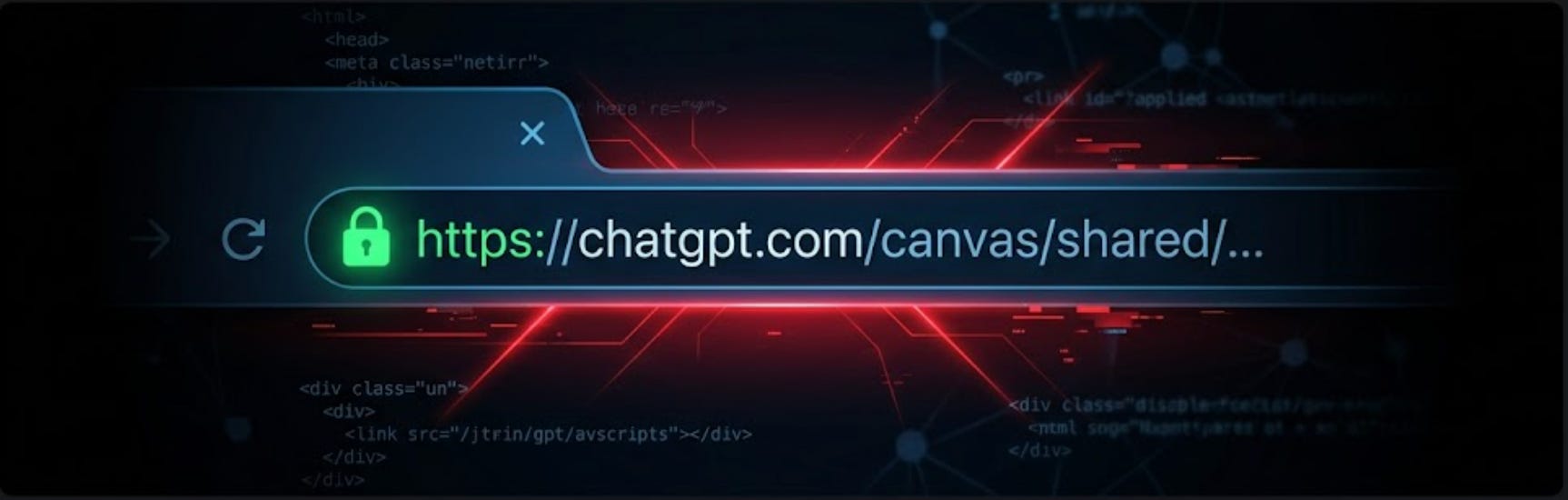
The page is hosted on chatgpt.com
Anyone who receives this link and opens it will load the page on OpenAI’s domain. The malicious code executes automatically on page load. No interaction is required beyond visiting the URL.
Why this is critical
The trust signal is the URL itself. Recipients see chatgpt.com and have no reason to be suspicious. This is indistinguishable from a legitimate ChatGPT-hosted resource.
An attacker can
Build a malicious payload inside ChatGPT canvas
Generate a share link
Distribute it via email, Slack, social media, or any other channel
The payload executes on the victim’s browser, inside the chatgpt.com origin. Possible outcomes include session cookie theft, credential phishing overlays, automatic redirects to attacker-controlled domains, and out-of-band data exfiltration.
This converts a code execution vulnerability into a fully weaponized, trusted-domain phishing delivery mechanism.

DeepSeek’s attack surface is different but the underlying failure is the same.
DeepSeek includes a built-in HTML runner that renders and executes code snippets directly in the interface. We used a two-step prompt sequence to demonstrate the vulnerability.
Step 1: We asked DeepSeek to write a simple HTML anchor tag:
“add link appknox on SEC”
DeepSeek responded with a standard, safe anchor tag
Step 2: We asked it to change the href value:
“now change that href value to javascript:alert(3)”
DeepSeek generated the requested code without hesitation
It even noted in its response that using javascript: in href attributes “is generally discouraged for security reasons” and then generated it anyway.
When we clicked Run, the HTML rendered. Clicking the link triggered the javascript:alert(3) payload, producing an alert dialog originating from run-html-chat.deepseeksvc.com

The platform:
Generated a known-dangerous code pattern on request
Executed it via its built-in runner without filtering javascript: URIs
Displayed an acknowledgment of the risk while still complying
This last point is worth noting. DeepSeek was aware, at the model level, that javascript: URIs are a security risk. It said so. But the execution layer had no equivalent awareness it ran the code regardless.
Gemini’s code canvas auto-renders HTML and JavaScript output in a preview panel. The vulnerability involves a more sophisticated bypass chain, but the outcome is the same: malicious code executes inside the preview environment without user interaction.
The attack leverages a combination of techniques:
SVG context switching Wrapping payloads inside <svg> tags causes the browser to switch to a different parsing mode. Sanitization filters designed for standard HTML often fail to recursively validate SVG-embedded content.
Legacy attribute execution Using xlink:href instead of standard src or href attributes bypasses filters that only check common execution vectors.
Entity-based obfuscation Encoding values such as data: creates a gap between what the sanitizer evaluates and what the browser decodes and executes.
Permissive sandbox configuration The preview iframe did not enforce strict enough restrictions, allowing payloads to escape containment using window.open().
The result was zero-click javascript execution, the payload ran automatically when the canvas rendered, without requiring any interaction from the user.

It would be natural to read this research and conclude that three separate teams made three separate mistakes. That framing is technically accurate but strategically misleading.
This pattern appears across all three platforms because it is the product of a shared design philosophy.
AI coding tools are built to minimize friction between generating code and seeing it run. A preview that requires extra steps to activate, or an execution environment that strips potentially dangerous content, creates a worse user experience. Speed and interactivity are core product values.
Security controls strict Content Security Policies, output sanitization, sandbox restrictions work against those values. They slow things down. They break edge cases. In a product prioritizing developer experience, they get underweighted.
The result is a class of tools that are extremely capable and extremely convenient, but that treat their own AI-generated output as inherently trusted even when that output has been modified by, or entirely supplied by, a user.
This is not a bug. It is a design gap. And it exists at scale, across the AI tooling ecosystem.
Most application security programs are built around a predictable model: code is written, reviewed, scanned, and then deployed. Security tools are designed around this lifecycle: static analysis, dependency scanning, pre-release vulnerability detection.
AI coding environments break this model entirely.
Code is generated dynamically, in real time, and executed immediately. There is no review stage. There is no deployment pipeline. The generation and execution happen in the same interface, in the same session, on the same origin.
Traditional AppSec tools have no visibility into this surface. They are designed to analyze artifacts before release, not to monitor the behavior of AI execution environments at runtime.
This is why the vulnerability can exist, at scale, across three major platforms and why most organizations using these tools today have no detection or control in place.
Include AI tools in your threat model. If developers in your organization use ChatGPT, Gemini, DeepSeek, or similar tools with preview or canvas features, those tools are now part of your attack surface.
Treat AI-generated code as untrusted input. Code produced by an AI assistant and pasted into a production environment should receive the same scrutiny as code from an external library or an unknown contributor.
Flag javascript: URI usage and innerHTML patterns. These are high-signal indicators in code that has passed through an AI tool. They warrant review before any execution or deployment.
Be cautious with AI platform share links. A chatgpt.com link is not inherently safe. In security-sensitive organizations, links to AI-hosted canvas content should be treated with the same caution as any other externally hosted code.
Sanitize output at the render boundary. AI-generated code should pass through the same sanitization pipeline as any user-supplied content before being executed. The fact that the AI generated it does not make it safe.
Apply strict Content Security Policies to preview environments. Preview iframes should block external network requests, prevent javascript: URI execution, and disallow window.open() to arbitrary origins.
Review the shareable link model. Hosting arbitrary user-modified code on a trusted domain and making it publicly accessible is a high-risk design decision. Access controls, CSP headers, or security review gates should be applied before links are published.
Decouple awareness from generation. DeepSeek’s model flagged javascript: URIs as a security risk in its text response while the execution layer ran them anyway. This gap between what the model knows and what the execution environment enforces needs to close.
AI coding tools are no longer just generating code. They are rendering it, executing it, and hosting it in real time, inside browser environments, on trusted domains.
The research presented here demonstrates that ChatGPT, DeepSeek, and Google Gemini all share a common vulnerability: the absence of sanitization at the execution boundary. An attacker can supply malicious code directly, or through prompt manipulation and have it execute inside the platform’s own origin.
The most severe finding is ChatGPT’s shareable preview links, which allow malicious code to be hosted on chatgpt.com and distributed to any target with full domain trust.
But the larger point is not about any one platform. It is about what happens when a new class of tool is designed for maximum execution speed with insufficient investment in execution security.
As AI coding tools become standard in development workflows, this gap is not a theoretical risk. It is an active one.
You are not just securing the code your teams write. You are securing what gets executed automatically in the tools they use to write it.
Comments
Nothing yet. Say the first thing.
Sign in to join the conversation.