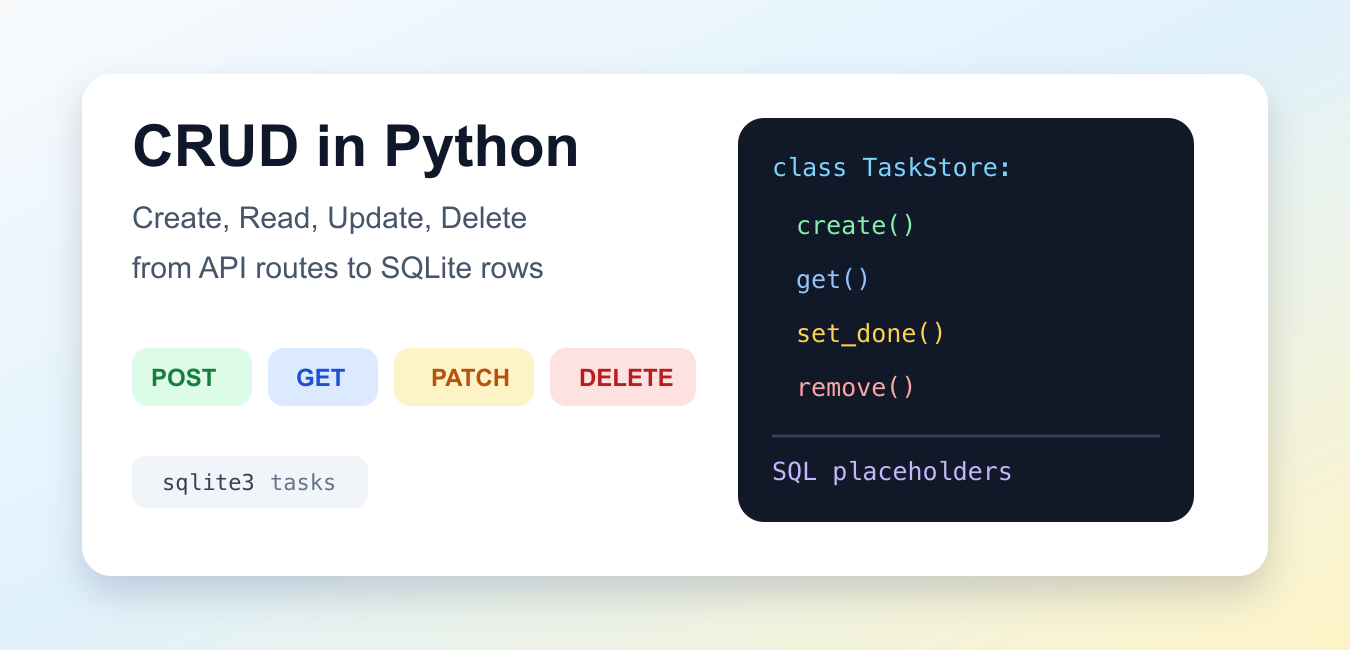
Quick answer: Implement CRUD in Python with a clear repository or service boundary, validated inputs, parameterized database statements, deliberate transaction boundaries, predictable missing-record behavior, and tests for every state transition. CRUD code should protect data and explain failures.
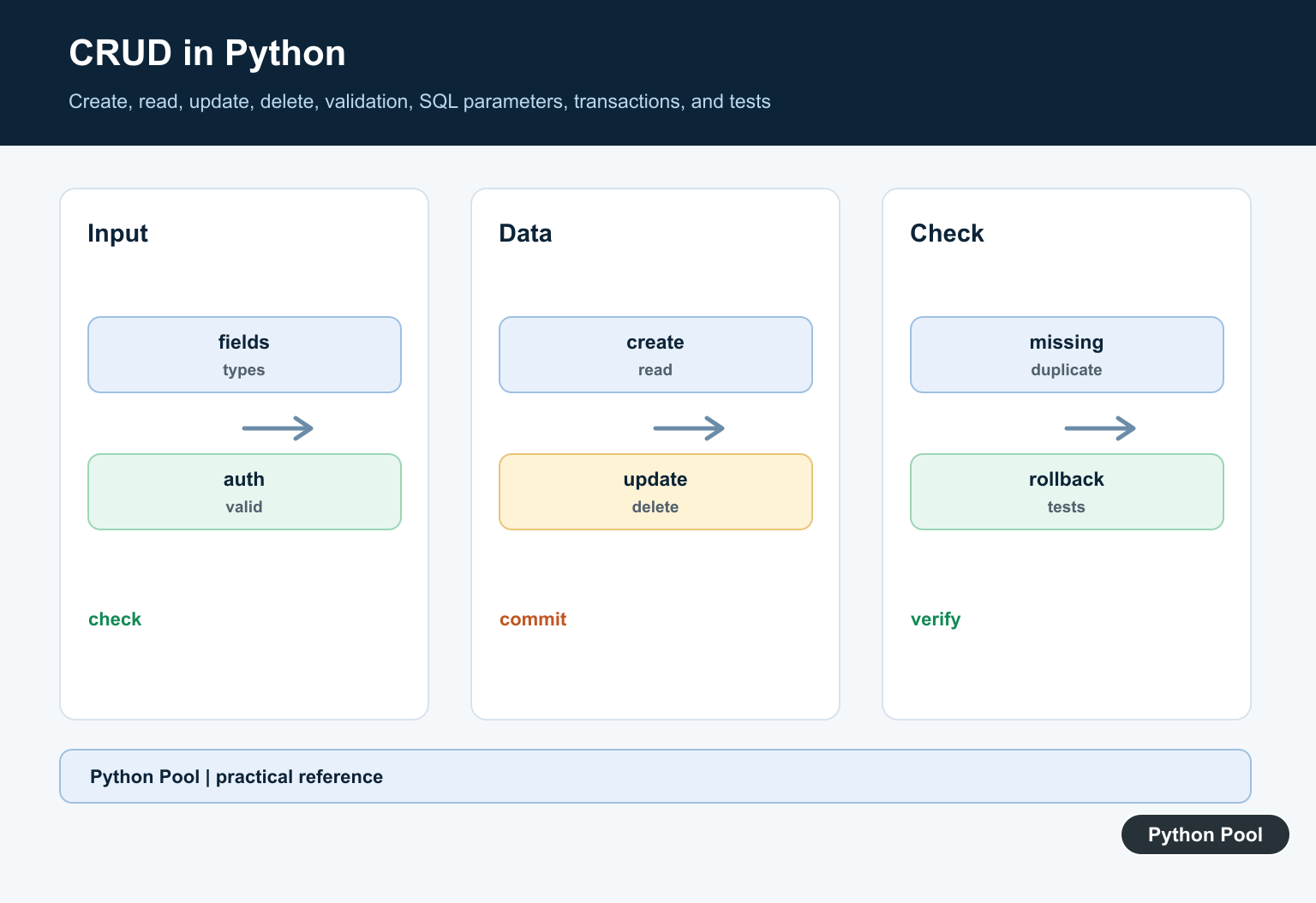
CRUD in Python means the four operations most data-backed programs need: create a record, read records, update an existing record, and delete a record when it no longer belongs in the store. The same idea appears in command-line tools, desktop apps, web APIs, and background jobs. The storage layer might be SQLite, PostgreSQL, a document store, or a service endpoint, but the Python code still needs clear boundaries around those four actions. For local dictionary-like persistence without a full database server, use Python shelve Module Persistence Guide.
This guide uses the standard library so every example can run locally. The primary references are Python’s sqlite3 documentation, the dataclasses documentation, the http.server documentation, and RFC 9110 HTTP method definitions.
For a small app, do not start by choosing a framework. Start by deciding what a valid record looks like, which fields are required, which operation may change which fields, and what should happen when a requested row does not exist. Once that behavior is easy to test in plain Python, you can attach it to a web route, a form, or a scheduled job without changing the core rules.
| CRUD action | Typical SQL | Typical API method | Purpose |
|---|---|---|---|
| Create | INSERT |
POST |
Add a new record. |
| Read | SELECT |
GET |
Return one record or a filtered list. |
| Update | UPDATE |
PUT or PATCH |
Change an existing record. |
| Delete | DELETE |
DELETE |
Remove an existing record. |
Create A Record With sqlite3
A create operation should validate the incoming data, insert only the approved fields, and return the new identifier. The sqlite3 module supports placeholders, which keep values separate from SQL text and avoid unsafe string formatting. For a MySQL-backed CRUD workflow, Fix NameError: name _mysql is not defined fixes the low-level _mysql name and mysqlclient installation path.
import sqlite3

with sqlite3.connect(":memory:") as db:
    db.execute(
        """
        CREATE TABLE tasks (
            id INTEGER PRIMARY KEY AUTOINCREMENT,
            title TEXT NOT NULL,
            done INTEGER NOT NULL DEFAULT 0
        )
        """
    )
    cursor = db.execute(
        "INSERT INTO tasks (title, done) VALUES (?, ?)",
        ("write CRUD notes", 0),
    )
    task_id = cursor.lastrowid
    row = db.execute(
        "SELECT id, title, done FROM tasks WHERE id = ?",
        (task_id,),
    ).fetchone()

print(row)
The table is intentionally small: an integer primary key, a required title, and a numeric done flag. In a larger app, keep create logic narrow. It should not also list every row, format the full API response, or decide how the user interface should look.
Read One Or Many Records
Read operations should make the returned shape predictable. A row factory is useful because it lets Python access selected columns by name and convert them into dictionaries for display, tests, or JSON serialization.
import sqlite3

with sqlite3.connect(":memory:") as db:
    db.row_factory = sqlite3.Row
    db.execute("CREATE TABLE tasks (id INTEGER PRIMARY KEY, title TEXT, done INTEGER)")
    db.executemany(
        "INSERT INTO tasks (title, done) VALUES (?, ?)",
        [("draft outline", 0), ("review examples", 1), ("ship guide", 0)],
    )

    rows = db.execute(
        "SELECT id, title, done FROM tasks WHERE done = ? ORDER BY id",
        (0,),
    ).fetchall()

for row in rows:
    print(dict(row))
Filtering belongs close to the read operation. If callers need only unfinished tasks, let the query express that requirement instead of fetching everything and hiding rows later. That keeps memory use lower and makes tests more direct.
Update An Existing Record
An update should confirm that exactly one row changed. If no row changes, the caller probably supplied an unknown id. If more than one row changes, the WHERE clause is too broad and the code should fail loudly during testing.
import sqlite3

def mark_done(db, task_id, done=True):
    cursor = db.execute(
        "UPDATE tasks SET done = ? WHERE id = ?",
        (1 if done else 0, task_id),
    )
    if cursor.rowcount != 1:
        raise LookupError(f"task not found: {task_id}")

with sqlite3.connect(":memory:") as db:
    db.execute("CREATE TABLE tasks (id INTEGER PRIMARY KEY, title TEXT, done INTEGER)")
    db.execute("INSERT INTO tasks (id, title, done) VALUES (1, 'test update', 0)")
    mark_done(db, 1)
    print(db.execute("SELECT id, title, done FROM tasks").fetchone())
Some systems split update behavior into full replacement and partial change. For HTTP APIs, PUT is often used when the client sends a full replacement, while PATCH is often used for partial edits. The database still needs the same discipline: know the id, know the allowed fields, and verify the row count.
Delete With A Clear Result
Delete operations should be explicit about success. A quiet delete that removes nothing can hide bugs in route parameters, form data, or authorization checks. Return a small status value that the caller can turn into a message or response code.
import sqlite3

def delete_task(db, task_id):
    cursor = db.execute("DELETE FROM tasks WHERE id = ?", (task_id,))
    return cursor.rowcount == 1

with sqlite3.connect(":memory:") as db:
    db.execute("CREATE TABLE tasks (id INTEGER PRIMARY KEY, title TEXT)")
    db.executemany(
        "INSERT INTO tasks (id, title) VALUES (?, ?)",
        [(1, "keep"), (2, "remove")],
    )

    print("deleted:", delete_task(db, 2))
    remaining = db.execute("SELECT id, title FROM tasks ORDER BY id").fetchall()

print(remaining)
In real applications, deleting may mean archiving instead of removing the row. That is still a CRUD design choice. The public operation can be named delete while the storage layer sets an archived_at field, writes an audit row, or keeps a recovery window.
Wrap CRUD In A Small Store
Once the raw SQL works, wrap it behind a focused class. The rest of the program can call methods such as create(), get(), set_done(), and remove() without repeating SQL text across views, commands, and tests. For SQL CRUD against a cloud data warehouse, continue with Snowflake Python Connector Guide.
from dataclasses import dataclass
import sqlite3

@dataclass(frozen=True)
class Task:
    id: int
    title: str
    done: bool

class TaskStore:
    def __init__(self):
        self.db = sqlite3.connect(":memory:")
        self.db.row_factory = sqlite3.Row
        self.db.execute(
            "CREATE TABLE tasks (id INTEGER PRIMARY KEY, title TEXT NOT NULL, done INTEGER)"
        )

    def create(self, title):
        cursor = self.db.execute(
            "INSERT INTO tasks (title, done) VALUES (?, 0)",
            (title,),
        )
        return self.get(cursor.lastrowid)

    def get(self, task_id):
        row = self.db.execute(
            "SELECT id, title, done FROM tasks WHERE id = ?",
            (task_id,),
        ).fetchone()
        return None if row is None else Task(row["id"], row["title"], bool(row["done"]))

    def set_done(self, task_id, done):
        self.db.execute("UPDATE tasks SET done = ? WHERE id = ?", (int(done), task_id))

    def remove(self, task_id):
        self.db.execute("DELETE FROM tasks WHERE id = ?", (task_id,))

store = TaskStore()
task = store.create("review store")
store.set_done(task.id, True)
print(store.get(task.id))
store.remove(task.id)
print(store.get(task.id))
This store is small enough to test without a web server. That is the key advantage of separating CRUD logic from the API layer. You can prove the record behavior first, then test the route layer for request parsing and response codes. For low-latency key-value CRUD and caching rather than relational rows, see Python Redis Cache and Data Store Guide.
Map CRUD To API Methods
HTTP does not require every app to use the same route names, but the method mapping should be consistent. A predictable API might use POST /tasks to create, GET /tasks/1 to read, PATCH /tasks/1 to update, and DELETE /tasks/1 to delete. This offline example maps routes to action names and response status codes.
from http import HTTPStatus

ROUTES = {
    ("POST", "/tasks"): ("create", HTTPStatus.CREATED),
    ("GET", "/tasks/1"): ("read", HTTPStatus.OK),
    ("PATCH", "/tasks/1"): ("update", HTTPStatus.OK),
    ("DELETE", "/tasks/1"): ("delete", HTTPStatus.NO_CONTENT),
}

def route(method, path):
    try:
        return ROUTES[(method.upper(), path)]
    except KeyError as exc:
        raise LookupError(f"unsupported route: {method} {path}") from exc

for method, path in ROUTES:
    action, status = route(method, path)
    print(method, path, action, status.value)
The practical workflow is to build CRUD from the inside out. Define the record, create a table or store, write one small function for each operation, verify row counts, and then map those operations to API methods. This keeps the Python code testable, keeps SQL placeholders in one place, and gives the web layer a simple contract to call. For PostgreSQL CRUD, Fix No Module Named psycopg2 Error explains how the psycopg2 import name, installed distribution, and active environment must line up.
Separate The Layers
Keep request validation, business rules, persistence, and response formatting distinguishable. A small repository API makes database behavior easier to test and replace.
Create Safely
Validate required fields, types, ranges, uniqueness, and authorization before inserting. Use parameterized statements and return the created identifier or record according to a documented contract.
Read Predictably
Support a clear single-record result, collection pagination, ordering, and filtering policy. Decide whether a missing record returns None, an application error, or a typed result rather than mixing conventions.
Update With Concurrency In Mind
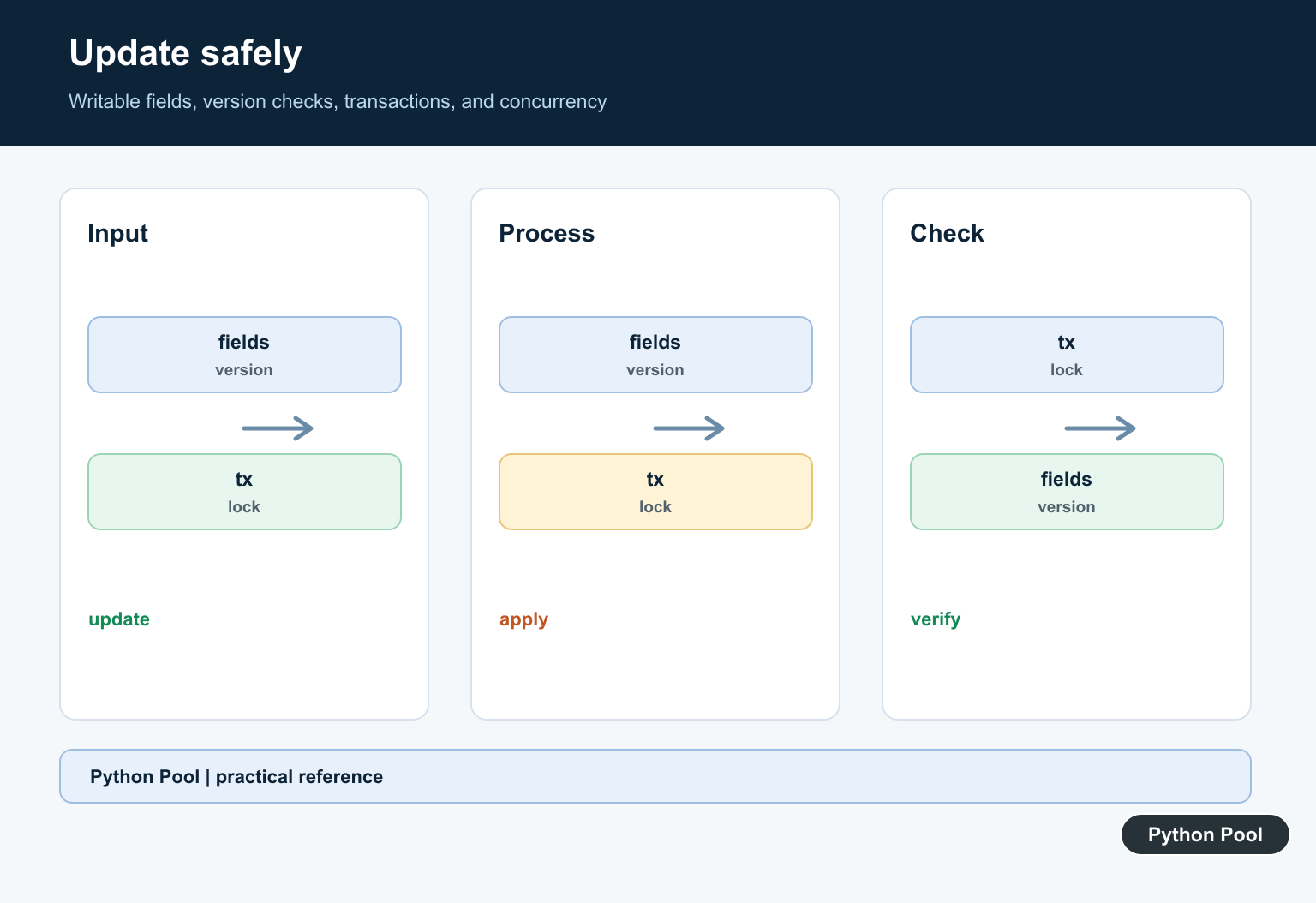
Validate partial or full updates, restrict writable fields, and use a transaction. A version or updated-at check can prevent one writer from silently overwriting another.
Delete Carefully
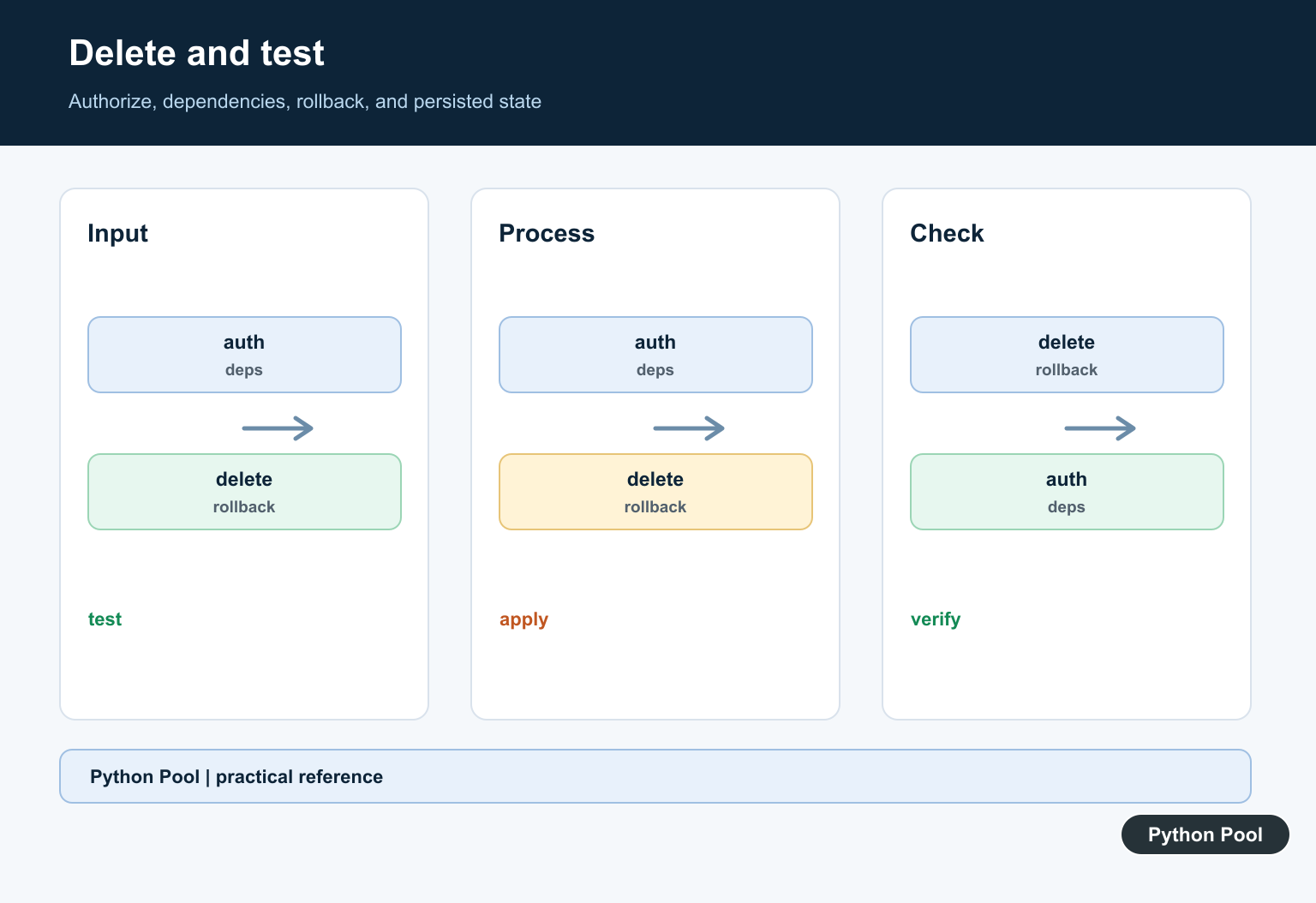
Check authorization and dependencies before deletion, distinguish an already-missing record, and choose hard delete or soft delete based on retention and recovery requirements.
Test Transactions
Test valid operations, invalid input, duplicate keys, missing records, rollback, authorization, serialization, concurrent changes, and database failures. Use an isolated test database and verify persisted state.
Use the official Python sqlite3 documentation for parameter substitution and transaction behavior. Related Python Pool references include testing frameworks and data mappings.
For related data workflows, compare field mappings, transaction tests, and database diagnostics before changing CRUD behavior.
Frequently Asked Questions
What does CRUD mean in Python?
CRUD stands for create, read, update, and delete, the core operations a Python application performs against a data store.
How do I prevent SQL injection in Python CRUD code?
Use the database driver’s parameterized statements rather than concatenating user input into SQL strings.
Should each CRUD operation use a transaction?
Choose transaction boundaries that match the business operation and commit or roll back as one coherent unit.
What should CRUD tests cover?
Test valid creation, reads, updates, deletes, missing records, duplicate or invalid input, rollback behavior, authorization, and concurrent edge cases.