
Quick answer: Use sorted or list.sort with a key function that selects the tuple field to compare. sorted returns a new list, while sort changes the existing list in place. Python sorting is stable, so equal keys retain their original order; for multiple fields, return a tuple key or perform stable sorts in reverse priority order.
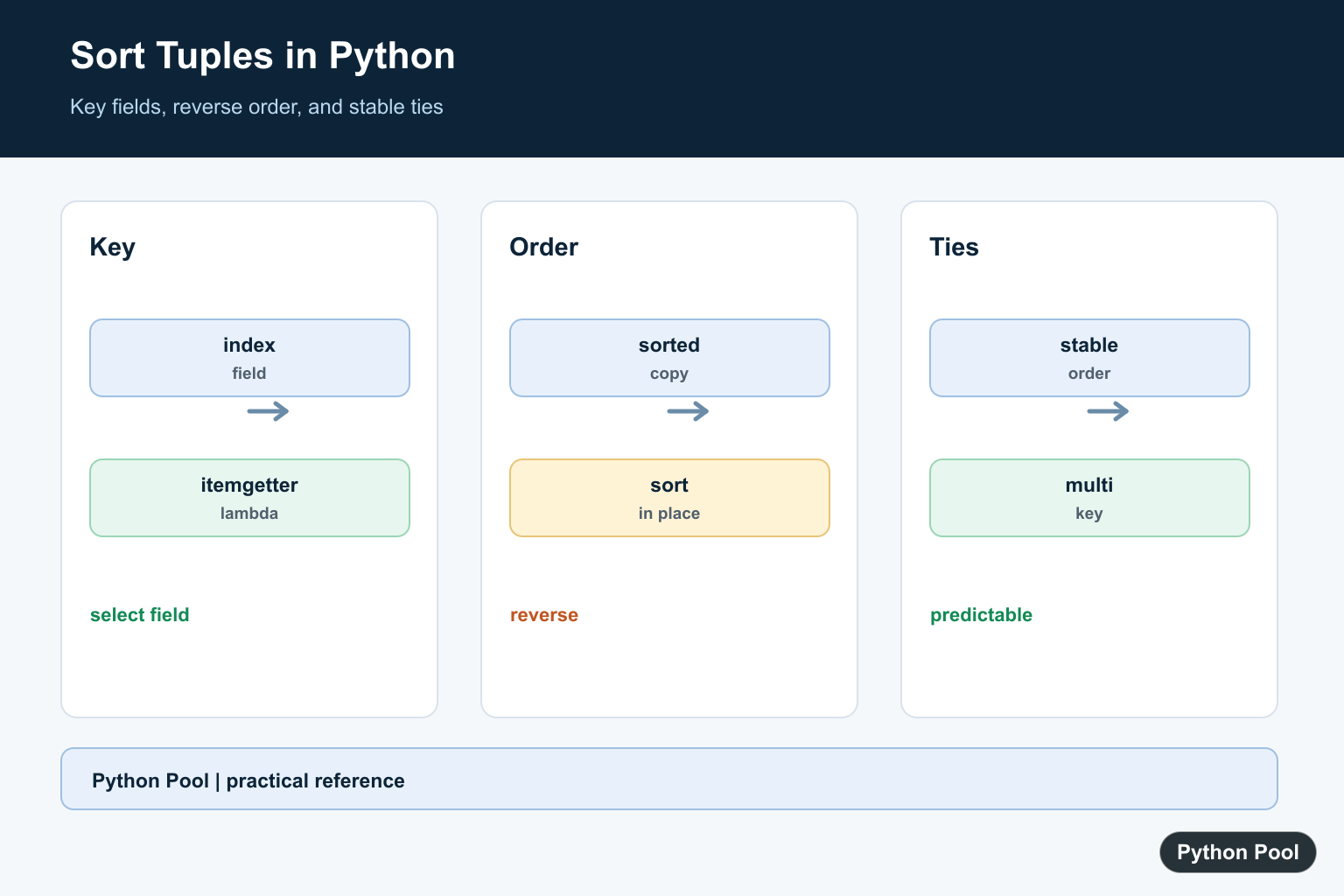
To sort a list of tuples in Python, use sorted(records, key=lambda item: item[index]) when you want a new sorted list, or records.sort(key=lambda item: item[index]) when you want to sort the existing list in place. Tuple sorting is most useful when each tuple represents a small record, such as (name, score) or (city, year, value).
Quick Example: Sort by the Second Tuple Item
The Python Sorting HOWTO recommends key functions for sorting records. The key function receives each tuple and returns the value Python should sort by.
students = [("Ada", 95), ("Linus", 91), ("Grace", 98)]

by_score = sorted(students, key=lambda student: student[1])

print(by_score)
Here, student[1] is the score. The original list is unchanged because sorted() returns a new list.
sorted() vs list.sort()
The built-in sorted() function accepts any iterable and returns a new list. The list.sort() method sorts the list itself and returns None.
records = [("b", 2), ("a", 3), ("c", 1)]

new_records = sorted(records, key=lambda row: row[1])
records.sort(key=lambda row: row[0])

print(new_records)
print(records)
Use sorted() when you need to keep the original order somewhere else. Use list.sort() when mutating the list is acceptable. Avoid assigning the result of records.sort() to a variable, because that result is None.
Sort by the First Tuple Item
If you do not pass a key, Python compares tuples from left to right. That means a list of two-item tuples is sorted by the first item, then the second item if the first items match.
pairs = [("banana", 2), ("apple", 5), ("apple", 1)]

print(sorted(pairs))
This default behavior is useful for simple alphabetical ordering, but explicit keys make the code easier to read when the tuple fields have meaning. A key also protects the code from future tuple changes where the first field may no longer be the field you care about.
Sort by Multiple Tuple Fields
A key function can return a tuple too. Python then sorts by the first key field, then the second, and so on. This is the cleanest way to handle tie-breakers.
students = [("Ada", "B", 95), ("Grace", "A", 95), ("Linus", "A", 91)]

result = sorted(students, key=lambda student: (student[2], student[1]))

print(result)
This example sorts by score first and grade second. You can choose any tuple positions that match your data model. Keep a short comment near the data definition if the tuple positions are not obvious.
Sort in Descending Order
Use reverse=True to sort descending. This is common for scores, dates, counts, and rankings.
scores = [("Ada", 95), ("Linus", 91), ("Grace", 98)]

highest_first = sorted(scores, key=lambda row: row[1], reverse=True)

print(highest_first)
If only one field should be descending in a multi-field sort, use a custom key such as a negated numeric value for that field.
Use operator.itemgetter()
operator.itemgetter() returns a callable that fetches tuple positions. It is a readable alternative to small lambda functions when sorting by one or more indexes.
from operator import itemgetter

records = [("Ada", 95), ("Linus", 91), ("Grace", 98)]

print(sorted(records, key=itemgetter(1)))
print(sorted(records, key=itemgetter(1, 0)))
Use itemgetter(1) for one tuple field and itemgetter(1, 0) for multiple fields. Both lambda and itemgetter() are valid; choose the form your team finds clearer.
Stable Sorting Matters
Python’s sort is stable, which means records with equal keys keep their original relative order. This is useful when the existing order already has meaning, such as imported row order or a previous sort. You can also perform multiple passes: sort by a secondary field first, then sort by the primary field.
For most tuple data, returning a multi-field key is simpler than multiple passes. Stability is still useful to understand because it explains why equal-key rows do not appear randomly shuffled.
Avoid Hand-Written Sorting Algorithms
Older examples sometimes sort tuples with a manual algorithm. That is useful for learning algorithms, but it should not be your default application code. Python’s built-in sorting is stable, readable, and heavily optimized.
If your goal is algorithm study, see related sorting guides such as Shell sort in Python. If your goal is practical tuple sorting, prefer sorted() or list.sort().
Common Mistakes
One common mistake is calling the list as though it were a function, such as records(key=lambda row: row[1]). The correct method is records.sort(...), or the correct function is sorted(records, ...). Another mistake is using an index that does not exist, which raises an index error.
Use meaningful variable names for tuple fields whenever possible. If the data structure grows beyond a few fields, consider dictionaries, dataclasses, or named tuples. For dictionary sorting, see sort dictionary by value.
Which Tuple Sorting Method Should You Use?
| Need | Use |
|---|---|
| New sorted list | sorted(records, key=...) |
| Sort existing list | records.sort(key=...) |
| Sort by one index | key=lambda row: row[1] or itemgetter(1) |
| Sort by multiple fields | key=lambda row: (row[1], row[0]) |
| Descending order | reverse=True |
Summary
Use sorted() to create a new sorted list of tuples and list.sort() to sort in place. Pass a key function to choose which tuple field controls the order, and use operator.itemgetter() when it makes the key clearer.
Sort By One Field
Tuple indexes are zero-based. operator.itemgetter makes a reusable key clear, while a lambda is convenient for a small local sort.
from operator import itemgetter

records = [("Ada", 91), ("Linus", 88), ("Grace", 95)]
print(sorted(records, key=itemgetter(1)))
Sort In Reverse
reverse changes the direction after the key is calculated. Keep the key focused on the field and avoid reversing the tuple itself when only one field should descend.
records = [("Ada", 91), ("Linus", 88), ("Grace", 95)]
ordered = sorted(records, key=lambda item: item[1], reverse=True)
print(ordered)
Sort By Multiple Fields
Return a tuple from the key when each field uses the same direction. For mixed directions, use a stable multi-pass sort or transform only the field whose direction differs.
records = [("Ada", 2), ("Ada", 1), ("Grace", 1)]
ordered = sorted(records, key=lambda item: (item[0], item[1]))
print(ordered)
Choose sorted Or sort
Use sorted when the original order must remain available or the input is any iterable. Use list.sort when mutating a list is intentional and avoiding a second list matters.
records = [("b", 2), ("a", 1)]
copy = sorted(records)
records.sort()
print(copy, records)
Python’s Sorting HOW TO covers key functions, stability, and multi-pass sorting. Related references include itemgetter, tuple formatting, and Timsort.
For related ordering, compare itemgetter, tuple formatting, and Timsort when sorting structured records.
Frequently Asked Questions
How do I sort tuples by the second value?
Use sorted(items, key=lambda item: item[1]) or operator.itemgetter(1).
How do I sort descending?
Pass reverse=True while keeping the key function focused on the field being compared.
How do I sort by two tuple fields?
Return a tuple from the key or use stable multi-pass sorts in reverse priority order.
Does Python sorting preserve ties?
Yes. Python’s sorting algorithm is stable, so equal keys retain their original order.