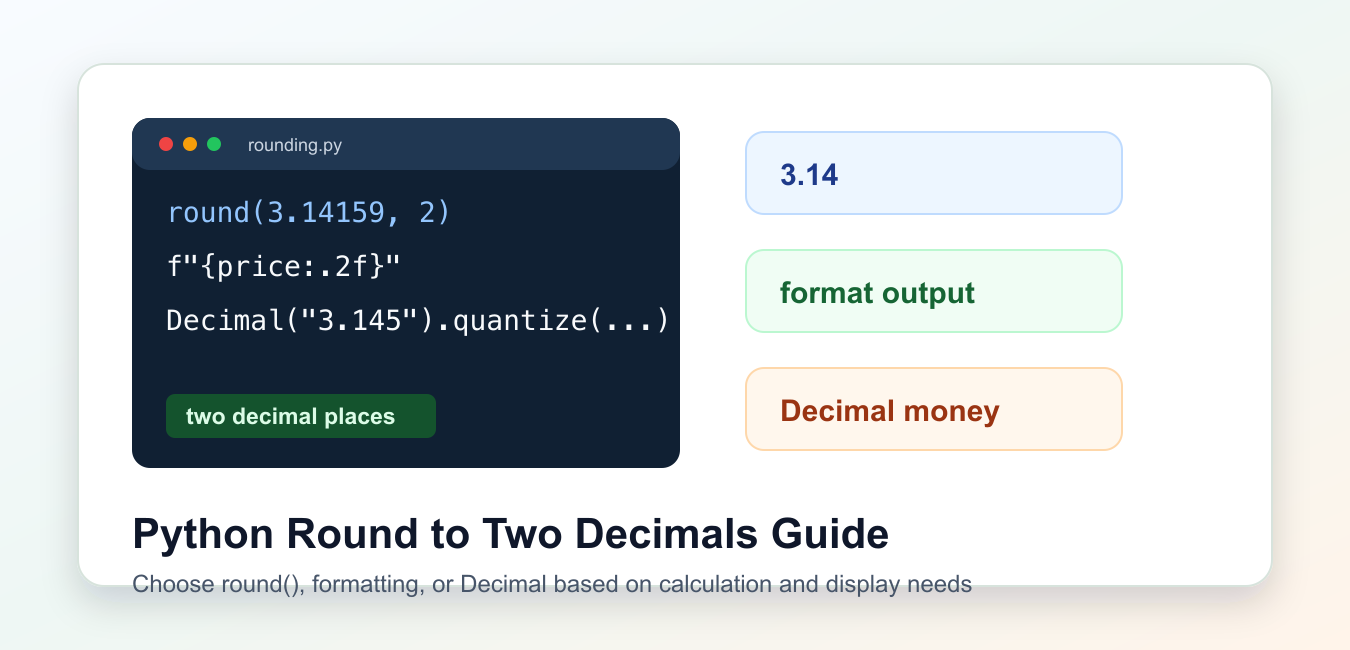
Quick answer: Use round(value, 2) for a numeric rounded result, and format(value, ‘.2f’) or an f-string when the requirement is two visible decimal places. Use Decimal when exact decimal rounding is part of the data contract.
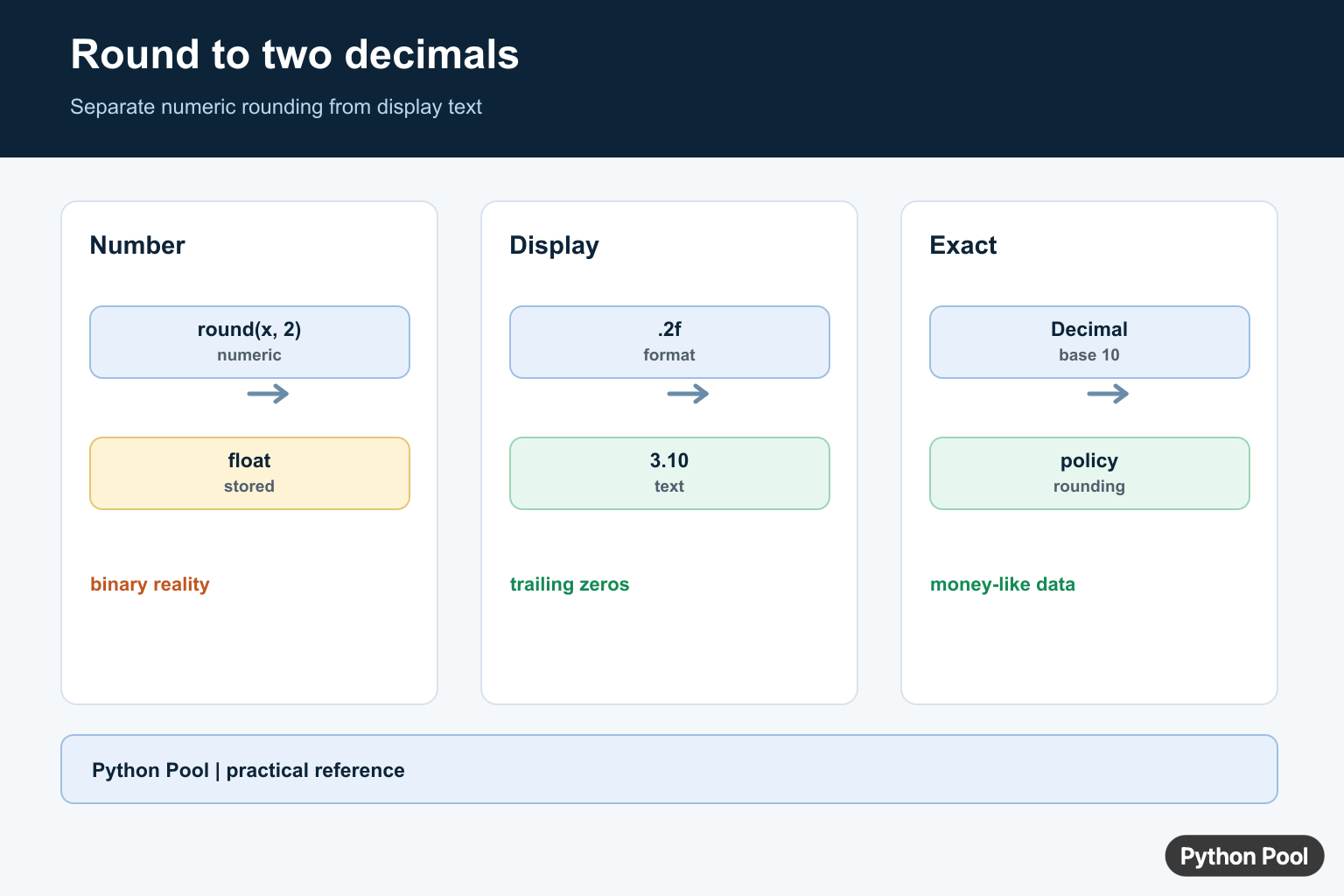
Python can round a number to two decimals for calculation, or format a number with two decimal places for display. Those are related but not identical tasks. When reporting an NPS result, calculate the score first and apply presentation rounding afterward as shown in Calculate Net Promoter Score in Python.
The primary references are the docs for round(), the format specification mini-language, and the decimal module.
Use round(number, 2) when you need a rounded numeric value. Use an f-string or format() when you need output that always shows two digits after the decimal point. Use Decimal when exact decimal rounding rules matter. A GPA calculator is a concrete case where controlled decimal rounding affects displayed results; see Python GPA Calculator Guide.
A common mistake is expecting a float to store the visual form 3.10. A float stores a numeric value, not the number of characters used for display. Formatting is what controls the visible trailing zero.
Also remember that Python’s built-in rounding follows the language’s normal rounding behavior for ties. If a domain requires a specific policy, spell that policy out with Decimal.
Use round For A Numeric Result
The built-in round() function accepts the number and the number of digits after the decimal point.
value = 3.14159

rounded = round(value, 2)

print(rounded)
print(type(rounded))
This returns a numeric result. It may display as 3.1 instead of 3.10 because numbers do not remember display padding.
Use this form when the rounded value will be used in later calculations.
Do not round too early in a multi-step calculation unless the rule requires it. Repeated rounding can add small differences to the final result.
Format With Two Decimal Places
For display, use formatting. The .2f format specifier means fixed-point output with two digits after the decimal point.
price = 3.1
total = 19.999

print(f"{price:.2f}")
print(f"{total:.2f}")
This produces strings, not floats. It is the right choice for reports, tables, messages, and user-facing output.
Formatting keeps trailing zeros visible, which is why it is usually better than round() for display.
The formatted value is text. Convert it back to a number only if another calculation truly needs it.
Use format For Reusable Output
The format() function uses the same formatting rules as f-strings and can be convenient in helper functions.
def as_two_decimals(number):
    return format(number, ".2f")

values = [1, 1.2, 1.236, 1.999]

for value in values:
    print(as_two_decimals(value))
This helper makes the display rule explicit and reusable across a report.
If callers need a number, return a number. If callers need text with two decimal places, return a formatted string.
This separation keeps APIs predictable. A helper named as_two_decimals() clearly communicates that it returns display text.
Round Many Values
Use a list comprehension when a collection of numbers needs the same numeric rounding.
values = [2.345, 6.789, 10.005]

rounded_values = [round(value, 2) for value in values]

print(rounded_values)
This creates rounded numeric values. Use formatting instead if the final result must show trailing zeros.
For large datasets, use the rounding tools provided by the data library you are already using, such as pandas or NumPy.
When showing many values in a table, round or format every column consistently so users do not compare numbers with different visual precision.
Use Decimal For Exact Rules
Floating-point numbers are binary approximations. For financial or rule-based decimal rounding, use Decimal with quantize().
from decimal import Decimal, ROUND_HALF_UP

amount = Decimal("3.145")
rounded = amount.quantize(Decimal("0.01"), rounding=ROUND_HALF_UP)

print(rounded)
Create Decimal values from strings when exact decimal input matters. Creating them from floats can carry in the float approximation.
Choose the rounding mode required by the domain, such as half-up or half-even.
For money, keep values as Decimal through the calculation. Converting back and forth between floats and decimals can reintroduce approximation issues.
Round Down Or Up Deliberately
If the business rule says always down or always up, do not use ordinary nearest rounding. Scale the number, apply floor() or ceil(), then scale back.
import math

value = 3.149

round_down = math.floor(value * 100) / 100
round_up = math.ceil(value * 100) / 100

print(round_down)
print(round_up)
This is useful for thresholds, limits, and billing rules where direction matters.
The practical rule is to decide whether you need a numeric result or display text. Use round() for numeric rounding, .2f formatting for fixed two-decimal output, and Decimal for exact decimal policy.
When tests fail around values such as 2.675, inspect whether the issue is binary floating-point representation, the chosen rounding rule, or display formatting.
For user interfaces, keep the original numeric value in your data model and format only at the edge. That lets charts, exports, and calculations share the same source value while each display chooses its own precision.
For APIs, document whether a field is numeric or preformatted text. Mixing the two causes downstream code to parse strings just to perform arithmetic.
Round A Numeric Result
round(value, 2) returns a number and does not retain trailing zeroes. Python’s round uses its documented tie behavior, but the result is still based on the stored numeric representation rather than the printed decimal approximation.
values = [3.14159, 2.675, 10.0]

for value in values:
    print(value, round(value, 2))
Format Exactly Two Places
Formatting returns text and guarantees the display width after the decimal point. This is the right tool for reports, labels, and user interfaces where 3.10 must remain visibly different from 3.1.
value = 3.1

print(f"{value:.2f}")
print(format(value, ".2f"))
Use Decimal For Exact Decimal Rules
Binary floats cannot represent every decimal fraction exactly. If the rounding policy must match decimal business rules, construct Decimal from a string and choose the required rounding mode rather than first creating a float.
from decimal import Decimal, ROUND_HALF_UP

amount = Decimal("2.675")
rounded = amount.quantize(Decimal("0.01"), rounding=ROUND_HALF_UP)
print(rounded)
Python’s round() reference, floating-point tutorial, and decimal module explain numeric versus display rounding.
For related numerical presentation, compare round(), NumPy rounding, and array round errors before choosing numeric or display formatting.
Frequently Asked Questions
How do I round a number to two decimals in Python?
Call round(value, 2) when you need a numeric result, or use format(value, ‘.2f’) when you need display text.
Why does round(2.675, 2) not return 2.68?
Binary floating-point representation means the stored value may be slightly below the decimal value suggested by its printed form.
How do I always show two decimal places?
Use f'{value:.2f}’ or format(value, ‘.2f’) because numeric values do not retain trailing zeros.
Should I use Decimal for money?
Use Decimal with an explicit rounding policy when exact decimal arithmetic and auditable rounding matter.