
Quick answer: OverflowError: math range error means a math function tried to return a floating-point value outside the representable finite range, commonly math.exp(1000). The right fix depends on the goal: reject invalid inputs, compare logarithms instead of exponentiating, normalize values, use a scaled representation, or choose a numeric type with a deliberate precision and range policy.
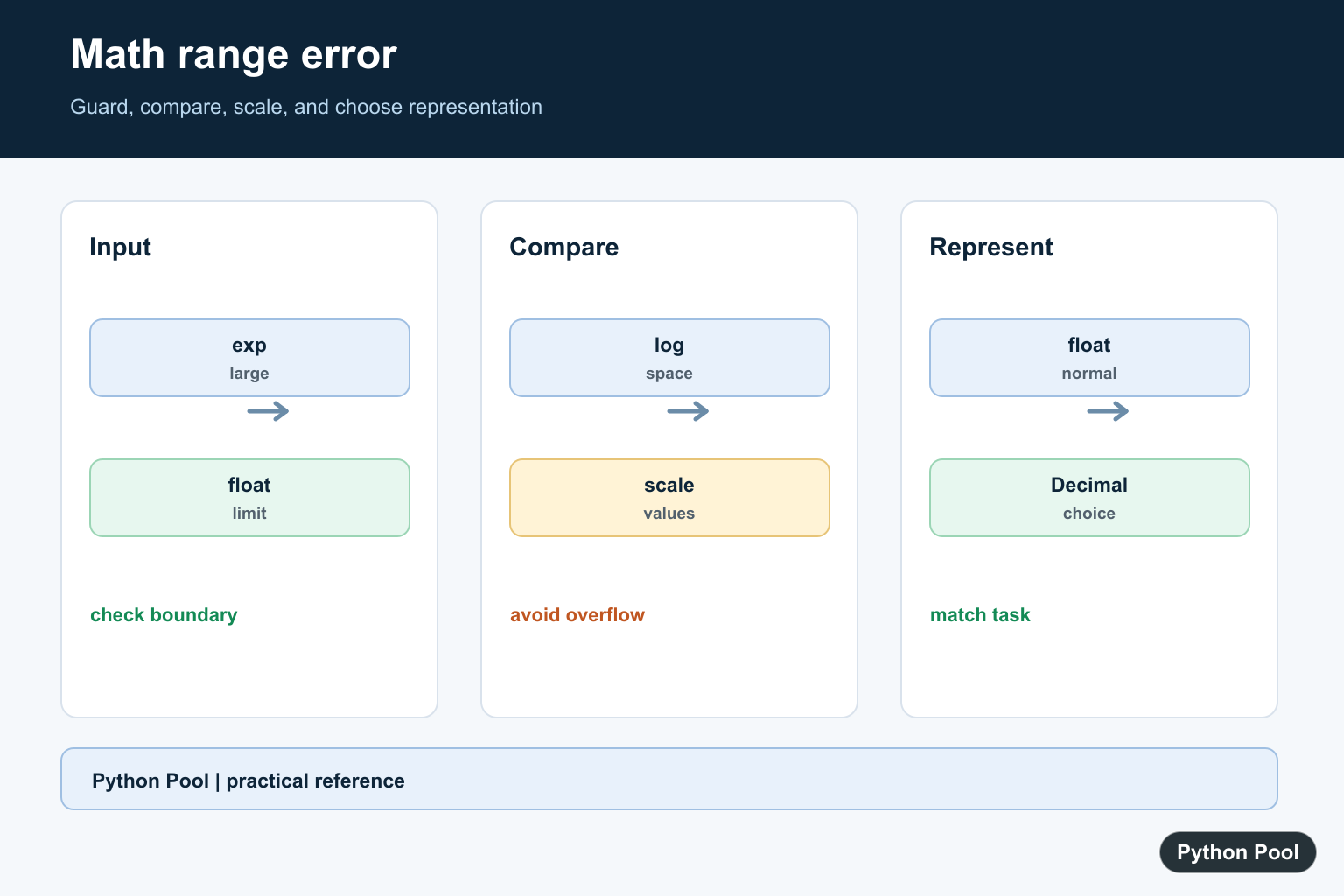
OverflowError: math range error usually appears when a Python math function tries to return a floating-point result larger than the platform float can store. A common example is math.exp(1000). The mathematical result exists, but it is too large for a normal Python float.
The best fix depends on the calculation. Sometimes the input is wrong and should be rejected. Sometimes the result is only needed for comparison, so you can stay in log space. Sometimes you need a different numeric type with explicit precision and range settings. Do not hide the error without understanding which case you have.
This error is a signal about representation, not a sign that Python cannot do math. The same formula may be safe for small inputs and unsafe for extreme inputs. Good code checks the expected range and keeps the calculation in a form that matches the final use.
The official math module documentation describes functions such as exp() and log(). The sys.float_info documentation exposes float limits, and the decimal documentation covers configurable decimal arithmetic.
Reproduce The Error
A large exponent can exceed the maximum finite float.
import math

try:
    result = math.exp(1000)
except OverflowError as exc:
    print(type(exc).__name__)
    print(exc)
Catching the exception is useful for diagnostics, but catching it is not a complete solution. You still need to choose a safe numeric strategy.
Use a small reproducer like this to confirm the failing operation. In larger programs, the stack trace may point to a library call, but the root cause is often an oversized input passed into that call.
Check The Float Limit
sys.float_info.max shows the largest finite float. Taking its log gives a practical cutoff for math.exp().
import math
import sys

max_float = sys.float_info.max
exp_limit = math.log(max_float)

print(max_float)
print(exp_limit)
On common platforms, the cutoff is about 709.78. Inputs above that will overflow when passed to math.exp().
The exact value comes from the float format used by the Python build. Querying it at runtime is better than hard-coding a magic number in shared code.
Guard The Input
If an oversized input is invalid for your problem, reject it before calling the math function.
import math
import sys

def safe_exp(x):
    limit = math.log(sys.float_info.max)
    if x > limit:
        raise ValueError("exponent is too large for float output")
    return math.exp(x)

print(safe_exp(5))
This approach is clear for user input validation, API checks, and configuration limits. It fails early with a message that explains the real issue.
Prefer a domain-specific limit when you have one. For example, a model score, interest rate, or growth factor often has a sensible business range that is much smaller than the float limit.
Compare In Log Space
If you only need to compare exponentials, compare their exponents instead of computing huge results.
scores = [1200.0, 900.0, 1100.0]

best_index = max(range(len(scores)), key=scores.__getitem__)
best_score = scores[best_index]

print(best_index)
print(best_score)
Because exp() is monotonic, the largest exponent also has the largest exponential result. No overflow is needed for the comparison.
Normalize Before Exponentiating
For probabilities and model scores, subtract the maximum score before exponentiating. This is the core idea behind stable softmax calculations.
import math

scores = [1200.0, 1198.0, 1195.0]
offset = max(scores)

weights = [math.exp(score - offset) for score in scores]
total = sum(weights)
probabilities = [weight / total for weight in weights]

print(probabilities)
The subtraction does not change the relative probabilities, but it keeps the exponent inputs small enough for normal floats.
This technique is common in statistics and machine learning because raw scores can be large while the final normalized probabilities remain small and meaningful.
Use Decimal Deliberately
Decimal can help when you need configurable precision and range, but it should be a deliberate design choice.
from decimal import Decimal, localcontext

with localcontext() as context:
    context.prec = 40
    context.Emax = 999999
    large = Decimal(1000).exp()

print(large)
Decimal is not a drop-in performance fix for every overflow. It changes arithmetic behavior and may be slower, so document why it is needed.
It is also important to configure the context deliberately. Precision controls significant digits, while range settings control how large or small exponents may become.
Practical Checklist
First, identify the operation that overflowed. Large inputs to exp(), pow(), and related formulas are common causes. Next, decide whether the input is valid. If it is not valid, reject it before the math call.
If the input is valid but the result is only used for ranking, comparison, or probabilities, rewrite the calculation in log space or normalize before exponentiating. This is usually better than increasing numeric range.
If the exact large result is required, choose a numeric type that supports the needed range and precision. Add tests around boundary inputs so future changes do not reintroduce overflow.
The important habit is to preserve the meaning of the calculation. Avoid simply replacing an overflow with infinity or a huge placeholder unless downstream code is explicitly designed for that outcome.
Once the safe strategy is chosen, add boundary tests near the largest expected inputs. Those tests catch regressions when formulas, units, or upstream data sources change.
Measure The Float Boundary
A Python float cannot represent every finite real number. sys.float_info.max gives the approximate upper finite boundary, while math.exp() can raise before a result is returned. Treat this as a numeric-range decision rather than a syntax error.
import sys

print(sys.float_info.max)
print(sys.float_info.max_10_exp)
Guard Exponential Inputs
If the input comes from a user, file, or model, validate the range before calling exp. The threshold depends on the runtime and desired tolerance, so keep the guard close to the calculation and test its boundary.
import math

value = 1000
if value > 700:
    raise ValueError("exponent is outside the supported float range")

print(math.exp(value))
Compare In Log Space
When only relative magnitude or a threshold comparison is needed, compare logarithms. This avoids creating an enormous intermediate value and is common in probabilities, products, and scoring systems.
import math

log_value = 900
log_limit = math.log(1e300)
print(log_value > log_limit)
Normalize Before Exponentiating
For a collection of exponentials, subtract the largest log value before exponentiating. The scaled values remain finite and preserve relative weights, which is the principle behind stable softmax-style calculations.
import math

logs = [1000.0, 999.0, 998.0]
maximum = max(logs)
weights = [math.exp(value - maximum) for value in logs]
total = sum(weights)
probabilities = [weight / total for weight in weights]
print(probabilities)
Python’s math.exp documentation explains the exponential operation, while sys.float_info exposes float limits. Related references include math.e and logarithmic NumPy calculations.
For related numeric range and stability decisions, compare math.e and exp(), logarithmic NumPy operations, and Python integer limits before changing the calculation representation.
Frequently Asked Questions
What causes OverflowError: math range error?
A math function such as exp() tries to produce a floating-point result beyond the maximum finite value supported by the platform float.
How can I prevent math.exp() overflow?
Validate or cap inputs when appropriate, compute comparisons in log space, normalize values before exponentiating, or use a numeric type suited to the required range.
Is the input always wrong when math overflows?
No. The mathematical result may be valid but too large for a float; first decide whether the application needs the exact value, a comparison, or a scaled representation.
Can Decimal solve every overflow problem?
Decimal can provide a different precision and range policy, but it still has context limits and may be slower; choose it deliberately and test the required range.