
Quick answer: np.tanh is a NumPy universal function that applies the hyperbolic tangent element-wise with broadcasting. For real inputs it approaches -1 or 1 at large magnitudes, so saturation, dtype, and numerical tolerance matter in scientific and machine-learning code.
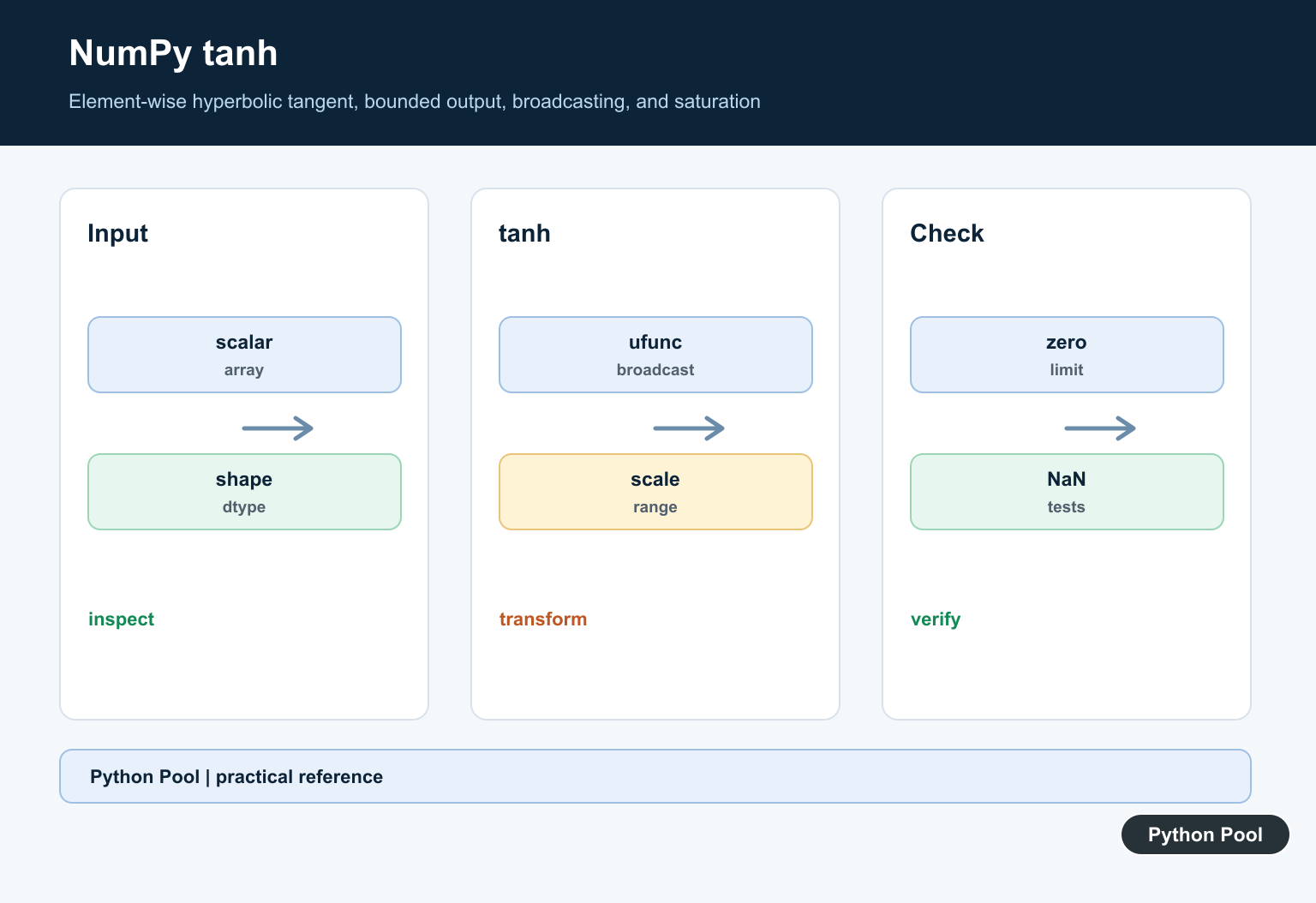
numpy.tanh() calculates the hyperbolic tangent element by element. It accepts scalar values, lists, and NumPy arrays, then returns values in the range from -1 to 1.
The official NumPy documentation covers numpy.tanh(), NumPy universal functions, and numpy.cosh().
The hyperbolic tangent is often used for smooth scaling. Large positive inputs approach 1, large negative inputs approach -1, and zero returns zero. That S-shaped behavior makes tanh() useful in numerical work, signal processing, and older neural-network examples.
np.tanh() is a ufunc, so it broadcasts over arrays and supports common ufunc options such as out and where. You usually pass the input values directly and let NumPy handle the element-wise loop.
Use np.tanh() when you want the hyperbolic tangent. Use np.tan() for the circular trigonometric tangent. The names look similar, but the math and output patterns are different.
For numeric pipelines, keep the input dtype in mind. Integer inputs are converted to floating-point results because most hyperbolic tangent values are not integers. If later code expects a specific dtype, convert intentionally after the calculation.
For very large magnitudes, tanh() saturates near -1 or 1. That is normal behavior, not an error. If saturation hides useful detail, scale or clip the input before applying the function.
One practical pattern is to treat tanh() as a bounded transformation. It keeps the sign of each input, compresses large magnitudes, and keeps all outputs in a predictable interval. That is different from normalizing by the maximum absolute value, because the curve is smooth and nonlinear.
Calculate tanh For One Value
Pass one number to calculate a single hyperbolic tangent value.
import numpy as np

value = 0.5

result = np.tanh(value)

print(result)
The return value is a floating-point number.
Inputs close to zero produce outputs close to the input.
As the input grows, the output moves closer to 1.
This makes a quick scalar call useful for checking an expected result before working with a full array.
If the result is part of a larger formula, keep enough precision for the next step. Rounding is better left for display or reporting unless a downstream requirement needs rounded values.
Apply tanh To An Array
tanh() works element by element on arrays.
import numpy as np

values = np.array([-2.0, -1.0, 0.0, 1.0, 2.0])

result = np.tanh(values)

print(result)
The output has the same shape as the input array.
Negative values produce negative results, zero stays zero, and positive values produce positive results.
Shape preservation lets you pair the output with the original data in later calculations, tables, or charts.
Because NumPy performs the loop internally, this form is usually clearer and faster than a manual Python loop.
The same call also works with nested lists after NumPy converts them to an array. For production code, creating the array explicitly first usually makes dtype and shape easier to inspect.
Build A Smooth Range
Use a range of inputs to see the S-shaped curve.
import numpy as np

x = np.linspace(-3, 3, 7)
y = np.tanh(x)

print(x)
print(y)
The center of the range is near zero, where the curve changes most quickly.
The ends are near -1 and 1, where the curve flattens.
This example is a good starting point for plotting or testing scaling behavior.
If you later draw the curve, label both axes clearly so the hyperbolic tangent is not confused with ordinary tangent.
The curve is symmetric around zero. That symmetry is useful when positive and negative scores should be treated with the same strength but opposite sign.
Compare tanh With sinh And cosh
The hyperbolic tangent equals sinh(x) / cosh(x).
import numpy as np

values = np.array([-1.0, 0.0, 1.0])

direct = np.tanh(values)
ratio = np.sinh(values) / np.cosh(values)

print(direct)
print(ratio)
The two arrays match for these inputs.
In everyday code, call np.tanh() directly because it expresses the goal and leaves the implementation to NumPy.
The ratio form is still helpful for understanding the relationship between the hyperbolic functions.
Clip Inputs Before tanh
Sometimes you want to limit extreme inputs before applying tanh().
import numpy as np

scores = np.array([-20.0, -2.0, 0.0, 2.0, 20.0])

bounded = np.clip(scores, -3.0, 3.0)
scaled = np.tanh(bounded)

print(scaled)
Clipping keeps very large magnitudes from immediately saturating the output.
This can make a transformation easier to inspect when outliers are present.
Do this only when clipping matches the data model. Otherwise, let tanh() reflect the original input values.
Use out And where
As a ufunc, tanh() can write into a prepared output array and can skip selected positions.
import numpy as np

values = np.array([-2.0, -1.0, 0.0, 1.0, 2.0])
out = np.full_like(values, np.nan)

np.tanh(values, out=out, where=values >= 0)

print(out)
The where condition writes results only for inputs that meet the condition.
The skipped positions keep the values already stored in out.
Prepare out before using where so skipped positions are predictable.
In short, use np.tanh() for element-wise hyperbolic tangent, expect outputs between -1 and 1, use array inputs for efficient calculations, and use ufunc options when you need controlled output handling.
Use The Ufunc On Arrays
np.tanh accepts scalars and arrays, applies element-wise, and follows NumPy broadcasting. Confirm the input shape and output dtype when it is part of a model or serialization contract.
Understand The Range
For real inputs, tanh is odd, equals zero at zero, and approaches -1 or 1 without crossing those limits in ordinary finite arithmetic. Complex inputs follow complex analysis behavior and deserve separate tests.
Account For Saturation
Large magnitudes produce values very close to the limits and a small derivative. Normalize or scale inputs when downstream optimization or sensitivity depends on a useful gradient.
Compare Scalar APIs
math.tanh is a scalar standard-library function, while np.tanh is an array-aware ufunc. Choose based on the surrounding data model rather than converting arrays through Python loops.
Check Warnings And Special Values
Test NaN, positive and negative infinity, signed zero, integer inputs, complex values, and the project’s floating-point warning policy. Do not blanket-suppress warnings without understanding them.
Test With Tolerances
Use known values and symmetry checks, compare against a trusted scalar reference for representative inputs, and use absolute and relative tolerances appropriate to dtype and magnitude.
Use the official NumPy tanh documentation for the ufunc contract. Related Python Pool references include NumPy arrays and tests.
For related numerical functions, compare NumPy array broadcasting, numeric tolerance tests, and sequence inputs before applying tanh.
Frequently Asked Questions
What does NumPy tanh do?
np.tanh computes the hyperbolic tangent element-wise for scalars and arrays and supports NumPy broadcasting.
What range does tanh have?
For real finite inputs, tanh approaches but does not exceed -1 and 1; it is zero at zero and is an odd function.
How is np.tanh different from math.tanh?
np.tanh is a NumPy ufunc designed for array operations and broadcasting, while math.tanh handles scalar numeric values.
Why can tanh saturate in a model?
Large positive or negative inputs produce values very close to 1 or -1, where the derivative is small; scale or normalize data when the model requires useful gradients.