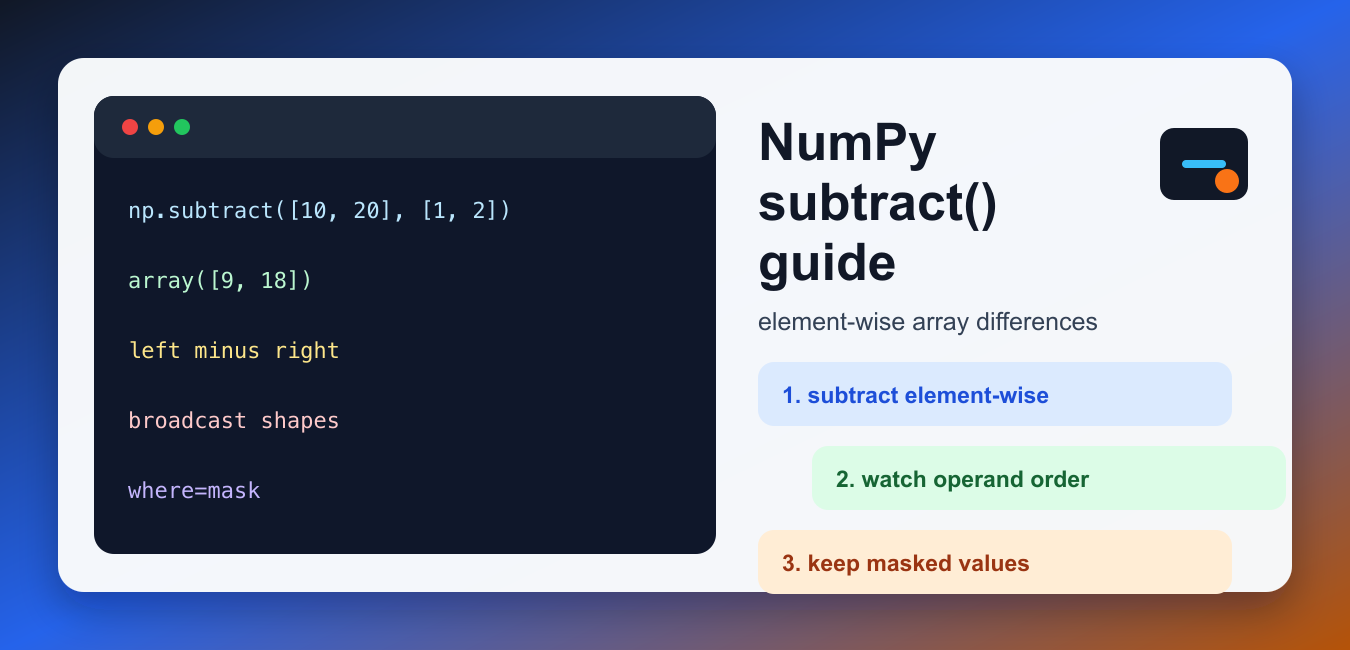
Quick answer: np.subtract computes x1 minus x2 element by element and follows NumPy broadcasting rules. Operand order controls the signs. Use the ufunc form when out, where, dtype, or generic array-processing behavior matters; use the – operator when the simple expression is clearer.
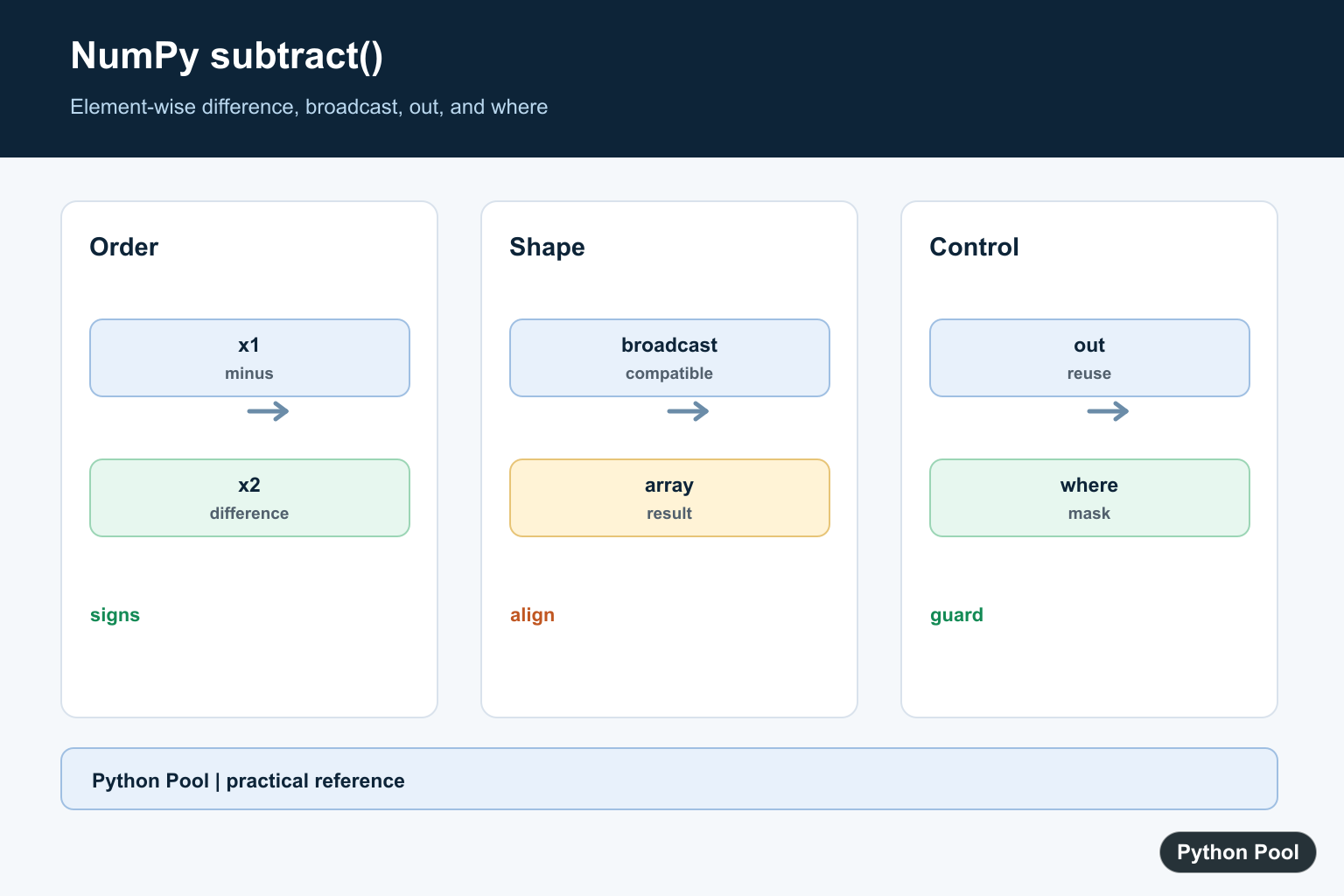
NumPy subtract() calculates element-wise differences between two inputs. It is the function form of array subtraction, and the official numpy.subtract documentation defines it as a ufunc equivalent to x1 - x2 with broadcasting. In simple code, the - operator is usually easiest to read. Use np.subtract() when you want explicit ufunc behavior such as out, where, dtype control, or a clear function call in generic array-processing code.
Basic element-wise subtraction
When two arrays have the same shape, NumPy subtracts values at matching positions. The first input is the value being reduced, and the second input is the value being taken away. The result keeps the same shape as the inputs.
import numpy as np

left = np.array([10, 20, 30])
right = np.array([1, 2, 3])
print(np.subtract(left, right))
This is different from subtracting Python lists, because normal lists do not support element-wise subtraction. Convert to NumPy arrays when you need vectorized math, not just a container for values.
Operand order matters
Subtraction is not commutative. np.subtract(left, right) is not the same as np.subtract(right, left). If your output signs look reversed, check the input order before looking for a dtype or broadcasting problem.
import numpy as np

left = np.array([10, 20, 30])
right = np.array([1, 2, 3])
print(np.subtract(right, left))
This is the most common beginner mistake with np.subtract(). For symmetric operations such as addition, order may not change the answer. For subtraction, the left input and right input have different meaning.
Subtracting a scalar
A scalar can be broadcast across an array. This is useful for discounts, offsets, baseline corrections, and normalization steps where each value should be reduced by the same amount.
import numpy as np

prices = np.array([100, 125, 150])
discount = 10
print(np.subtract(prices, discount))
The operator form prices - discount gives the same result. The function form becomes useful when you later add out, where, or other ufunc options.
Broadcasting array shapes
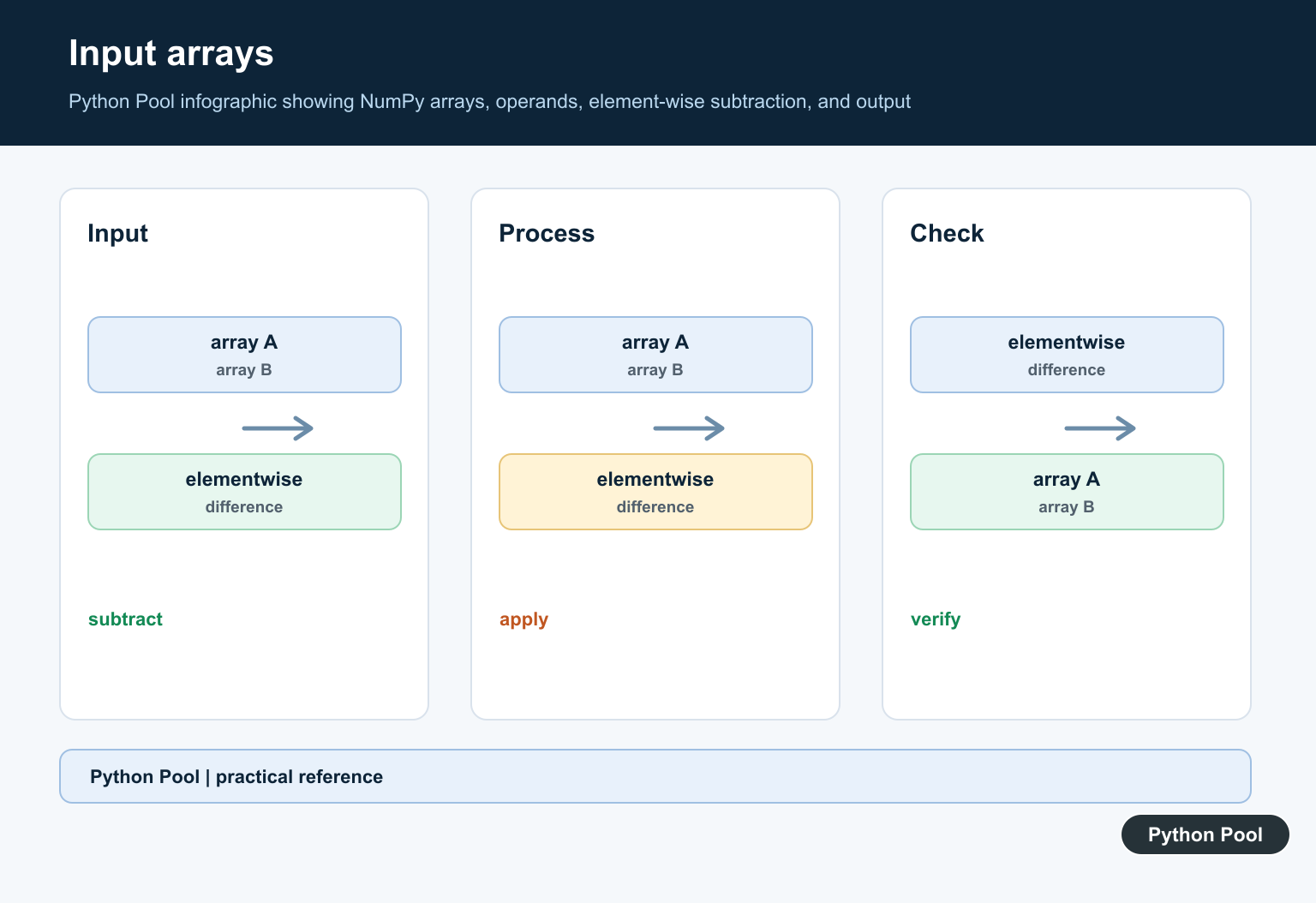
Inputs do not have to be identical shapes if NumPy can broadcast them to a common shape. For example, a one-dimensional row adjustment can be subtracted from every row of a two-dimensional matrix.
import numpy as np

matrix = np.array([[10, 20, 30], [40, 50, 60]])
row_adjustment = np.array([1, 2, 3])
print(np.subtract(matrix, row_adjustment))
If the shapes cannot broadcast, NumPy raises an error. Check array.shape on both inputs. For the companion operation, see the refreshed NumPy add guide, and for related arithmetic see NumPy multiply and NumPy divide.
Using out for an existing result array
The out parameter stores the result in an array you provide. This is useful in loops, memory-sensitive code, or pipelines where the destination array is already allocated. The out array must be compatible with the broadcasted result shape and dtype.
import numpy as np

current = np.array([9.5, 8.0, 7.5])
previous = np.array([8.0, 8.0, 9.0])
change = np.empty_like(current)
np.subtract(current, previous, out=change)
print(change)
For short scripts, returning a new array is simpler. Use out when it solves a real allocation or API problem.
Using where for conditional subtraction
The where argument applies the subtraction only where a condition is true. Where the condition is false, the existing values in the out array are retained. Passing an initialized output array avoids unpredictable values in skipped positions.
import numpy as np

values = np.array([10, 20, 30, 40])
penalty = np.array([1, 1, 1, 1])
mask = values >= 30
result = values.copy()
np.subtract(values, penalty, out=result, where=mask)
print(result)
This pattern is helpful when only some values should be adjusted, such as subtracting a penalty from values above a threshold. For summaries after subtracting values, the NumPy mean guide covers averaging arrays.
Dtype behavior and common mistakes
The result dtype follows NumPy casting rules. Subtracting integers usually keeps an integer dtype, while mixing integers and floats can produce floating-point results. Be careful when writing into an integer out array if your operation can create decimals. Also check for unsigned integer arrays, because subtracting a larger number from a smaller one can surprise beginners who expect negative values.
Debugging shape and sign errors
When a subtraction result looks wrong, inspect the problem in this order: operand order, input shapes, dtype, then mask behavior. Print left.shape and right.shape before changing the math. If signs are reversed, swap the inputs or use the plain expression that mirrors your thinking. If only some values changed, review the where mask and confirm that the out array started with the values you wanted to preserve.
When to use numpy.subtract
Use x - y for simple readable subtraction. Use np.subtract() when the function call makes a pipeline more explicit or when you need ufunc keyword arguments. If you are writing a teaching example, np.subtract() also makes it easier to show broadcasting, masks, and output arrays without hiding those details behind an operator.
Use the surrounding arithmetic functions consistently. np.add() adds element-wise, np.multiply() multiplies element-wise, and np.divide() divides element-wise. Keeping that mental model clear prevents most confusion with NumPy’s arithmetic ufuncs.
Keep Operand Order Visible
Subtraction is not commutative. Name the minuend and subtrahend clearly or add a small assertion when reversing operands would change the meaning of a measurement or delta.
Use Broadcasting Deliberately
Inputs can have different shapes only when NumPy can broadcast them to a common shape. A row vector subtracted from a matrix may be exactly right, but an accidental singleton dimension can produce a plausible wrong result.
Choose Dtype And Output
The ufunc accepts dtype and out controls. Reusing an output array can reduce allocations, but ensure its shape and dtype can represent the result without unwanted truncation or overflow.
Mask Updates With Where
where can limit which positions receive the subtraction when an initialized out array is supplied. Initialize the output and document what untouched positions mean; an uninitialized output can contain arbitrary values where the condition is false.
Test Signs And Shapes
Cover positive and negative values, scalar operands, empty arrays, broadcasting, integer and floating dtypes, and reversed operands. Compare the ufunc result with the equivalent operator for ordinary ndarray cases.
The NumPy subtract reference defines broadcasting, out, where, and dtype controls. Related references include axes, numeric output, and array tests.
For related numeric differences, compare division operators, numeric output, and array tests when controlling signs and dtypes.
Frequently Asked Questions
What does NumPy subtract do?
It returns the element-wise difference x1 minus x2 and supports NumPy broadcasting.
Does operand order matter?
Yes. subtract(a, b) is not generally equal to subtract(b, a); reversing the operands reverses the signs.
Can subtract write into an existing array?
Yes. The out argument can receive the result when its shape and dtype are compatible.
What causes a broadcasting error?
The input shapes are not compatible under NumPy’s broadcasting rules, so align or reshape them deliberately before subtraction.