
Quick answer: Use np.save(path, array) to write one NumPy array to a .npy file, np.load() to read it back, savez() for several named arrays, and savez_compressed() when archive compression is useful. Treat allow_pickle as a security decision when loading untrusted files.
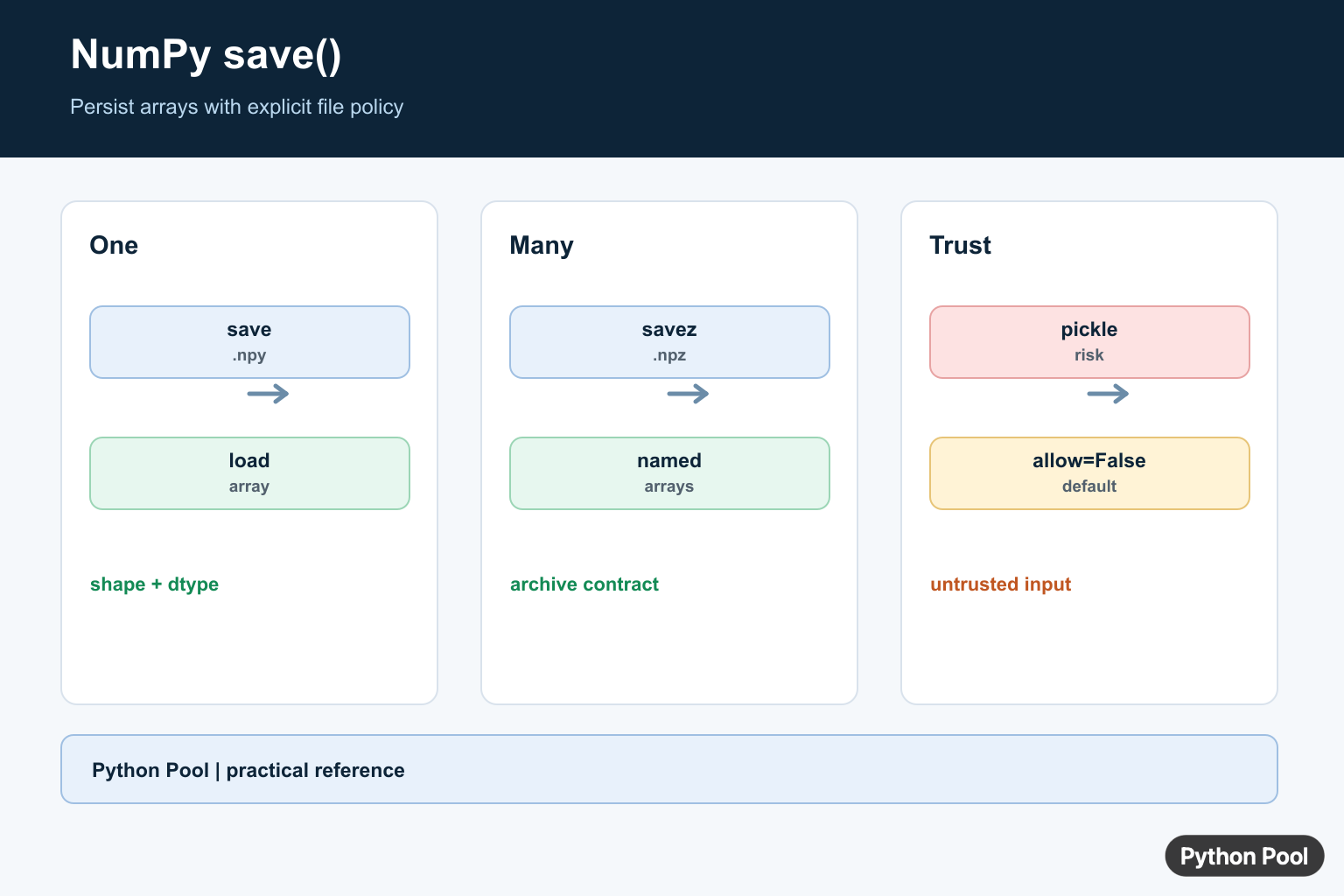
numpy.save() saves one NumPy array to a binary .npy file. Use it when you want to preserve an array’s dtype and shape and load the array back later with numpy.load().
np.save("array.npy", array)
loaded = np.load("array.npy")
If you need to save multiple arrays, use np.savez() or np.savez_compressed(). If you need a human-readable text or CSV file, use np.savetxt().
Save and load one NumPy array
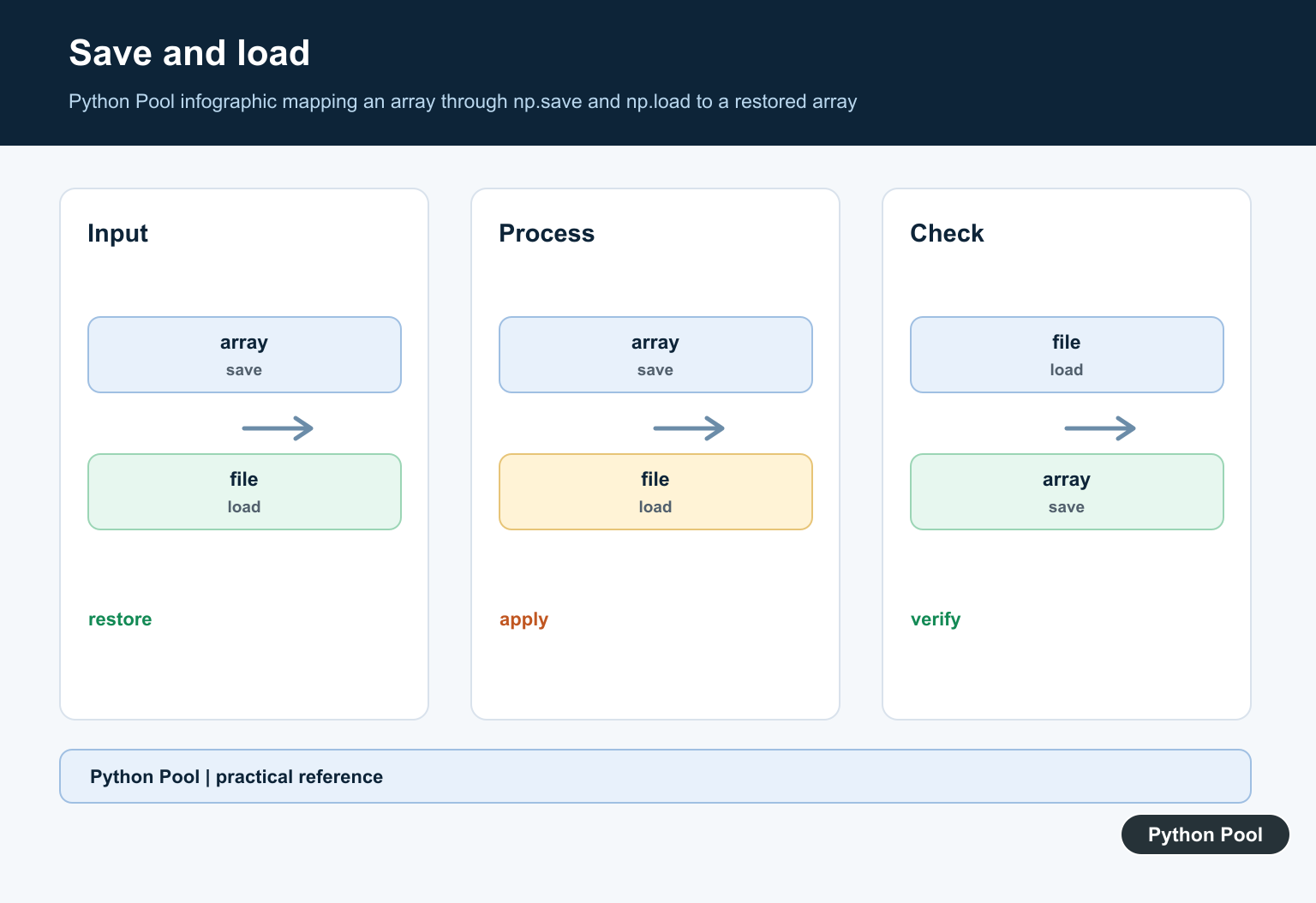
The basic workflow is to create an array, save it with np.save(), then read it with np.load().
import numpy as np

array = np.array([[1, 2, 3], [4, 5, 6]])
np.save("numbers.npy", array)

loaded = np.load("numbers.npy")
print(loaded)
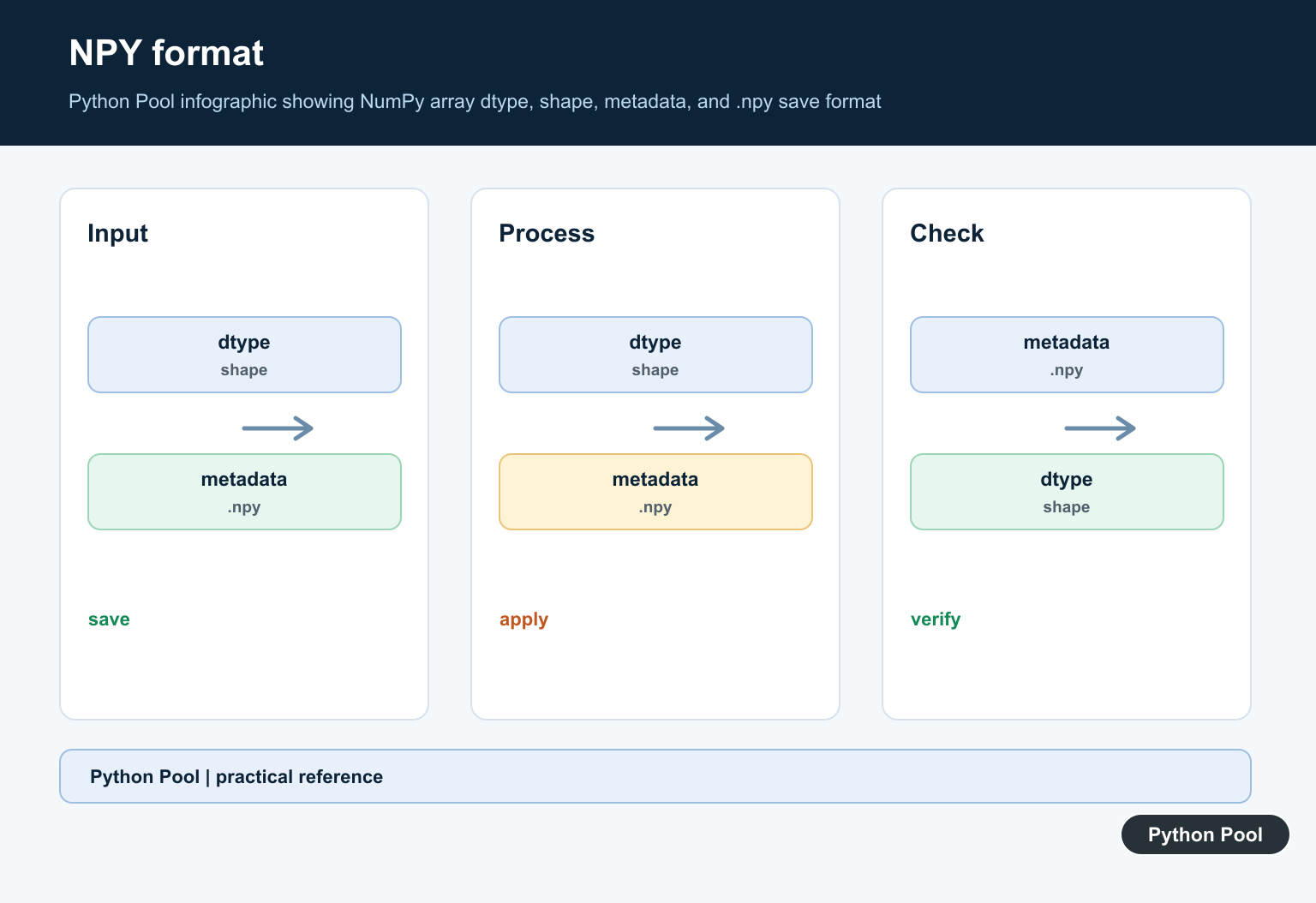
np.save() stores the array in NumPy’s .npy format. np.load() returns the saved array when you pass the file path back in.
numpy.save() syntax
numpy.save(file, arr, allow_pickle=True)file: file name, file object, orpathlib.Pathwhere the array should be saved.arr: the array-like data to save.allow_pickle: controls whether object arrays can be saved with Python pickle.
Current NumPy docs list this signature without the older fix_imports argument that appeared in older examples. Avoid carrying that stale parameter into new code.
File extension behavior
If the file name is a string or Path and does not already end with .npy, NumPy appends .npy.
import numpy as np

values = np.arange(5)
np.save("values", values)  # creates values.npy
The code above creates values.npy. If you pass an open file object instead, NumPy does not change the file object’s name.
Use pathlib paths
np.save() accepts pathlib.Path, which makes file paths cleaner in scripts and applications.
from pathlib import Path
import numpy as np

output = Path("data") / "scores.npy"
output.parent.mkdir(exist_ok=True)

scores = np.array([91, 88, 95])
np.save(output, scores)
This pattern creates the output directory if needed, then saves scores.npy inside it.
Use allow_pickle carefully
For normal numeric arrays, you can disable pickle when saving and loading. This is safer for data that should not contain Python objects.
import numpy as np

arr = np.array([1, 2, 3])
np.save("safe-array.npy", arr, allow_pickle=False)
loaded = np.load("safe-array.npy", allow_pickle=False)
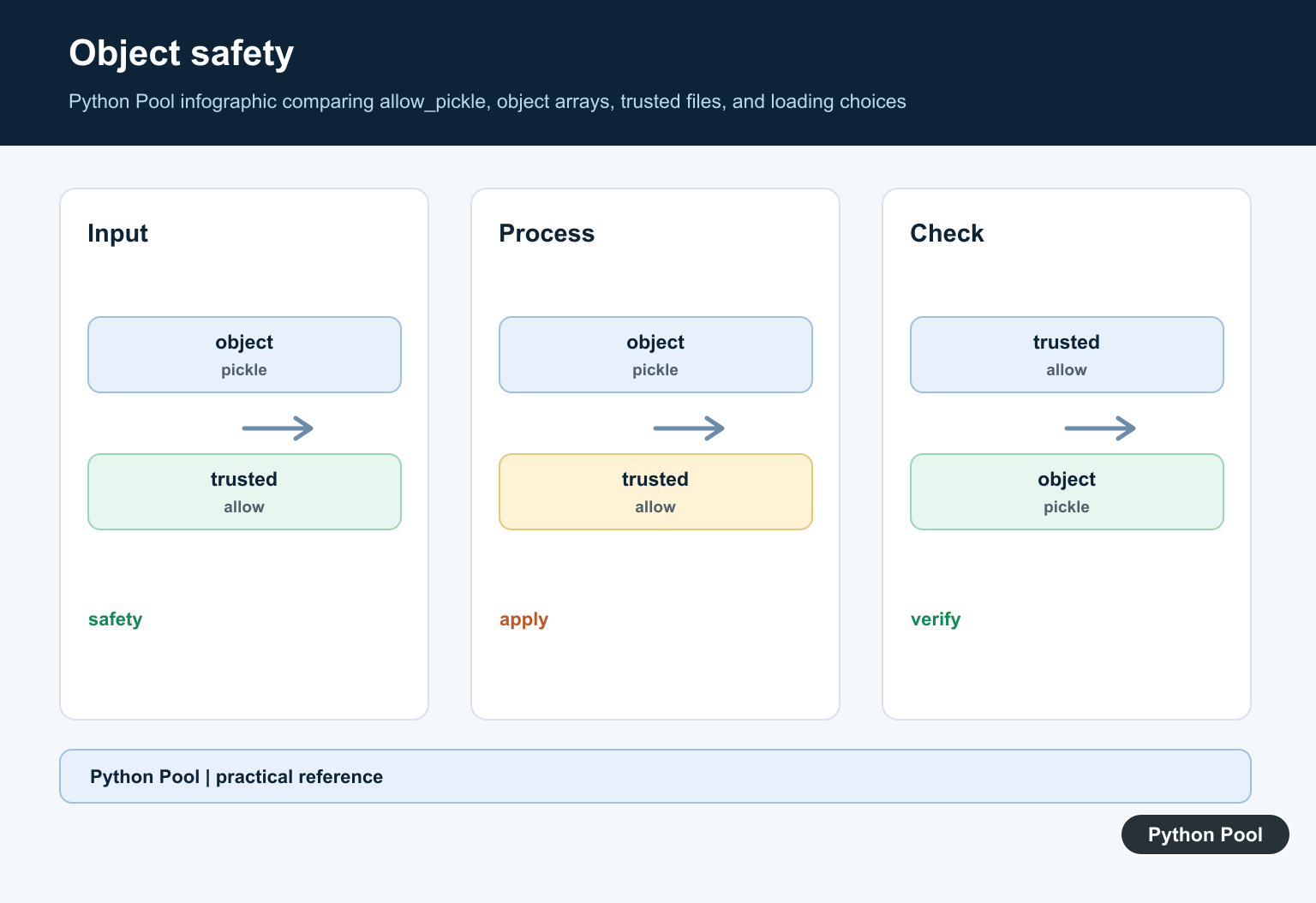
Pickle can execute code when loading malicious data. NumPy’s np.load() defaults to allow_pickle=False, so only enable pickle for files you trust and that genuinely contain object arrays.
Save multiple arrays with savez()
np.save() saves one array. To save several arrays in one file, use np.savez() with keyword names.
import numpy as np

x = np.arange(5)
y = x ** 2

np.savez("arrays.npz", x=x, y=y)

with np.load("arrays.npz") as data:
    print(data.files)
    print(data["x"])
This creates an .npz archive. When you load it, use a context manager so the file descriptor is closed cleanly after reading.
Save text or CSV output with savetxt()
Use np.savetxt() when another tool needs a plain text or CSV file. It is readable, but it does not preserve NumPy metadata as cleanly as .npy.
import numpy as np

array = np.array([[1.5, 2.0], [3.25, 4.75]])
np.savetxt("numbers.csv", array, delimiter=",", fmt="%.2f")
For array data you plan to reload in Python, prefer .npy. For spreadsheets, logs, or manual inspection, use savetxt().
Can you save a Python dictionary with NumPy?
You can store a dictionary as an object array, but it requires pickle and should be limited to trusted files.
import numpy as np

settings = {"rows": 2, "columns": 3}
np.save("settings.npy", settings, allow_pickle=True)
loaded = np.load("settings.npy", allow_pickle=True).item()
For general dictionaries, JSON, pickle, SQLite, or a domain-specific file format is often clearer. Use np.save() primarily for NumPy arrays.
Common mistakes
- Expecting CSV output from
np.save(): it writes binary.npydata, not text. - Forgetting the generated extension:
np.save("values", arr)createsvalues.npy. - Using pickle for untrusted files: keep
allow_pickle=Falseunless you trust the file and need object arrays. - Using
np.save()for many arrays: usenp.savez()ornp.savez_compressed(). - Using text files for large numerical arrays:
.npyis usually faster and preserves dtype and shape better.
Related NumPy guides
- NumPy loadtxt
- NumPy memmap
- Python gzip
- String compression in Python
- Can’t pickle local object
- Convert NumPy array to Pandas DataFrame
Official references
- NumPy documentation: numpy.save
- NumPy documentation: numpy.load
- NumPy documentation: numpy.savez
- NumPy documentation: numpy.savetxt
Conclusion
Use np.save() for one array in .npy format, np.load() to read it back, np.savez() for multiple arrays, and np.savetxt() for plain text or CSV output. Keep pickle disabled unless you are working with trusted object arrays.
Save One Array As .npy
The .npy format preserves an array’s shape, dtype, and data in a NumPy-oriented binary file. Give the path a clear extension and keep the array’s dtype intentional so a later load does not surprise downstream calculations.
import numpy as np

values = np.array([1, 2, 3], dtype=np.int64)
np.save("values.npy", values)
print(values)
Load And Validate The Array
np.load() returns the stored array. Validate shape, dtype, and expected range at the boundary when files can come from another process or release. Loading successfully proves the file is readable, not that it is the right dataset for the job.
import numpy as np

loaded = np.load("values.npy", allow_pickle=False)
if loaded.ndim != 1:
    raise ValueError("expected a one-dimensional array")
print(loaded, loaded.dtype, loaded.shape)
Store Several Arrays
Use np.savez() for an uncompressed .npz archive containing named arrays, or np.savez_compressed() when the data benefits from compression. Named members make the file contract clearer than relying on positional names such as arr_0.
import numpy as np

train = np.array([1, 2, 3])
test = np.array([4, 5])
np.savez("dataset.npz", train=train, test=test)

with np.load("dataset.npz", allow_pickle=False) as archive:
    print(archive.files)
    print(archive["train"])
Choose Binary Or Text Export
Use .npy or .npz when the consumer is NumPy and preserving dtype and shape matters. Use np.savetxt() or a higher-level format such as CSV, Parquet, or a database when people or other tools need to read the data. Text export can lose dtype details and is often larger.
import numpy as np

values = np.array([[1.5, 2.5], [3.5, 4.5]])
np.savetxt("values.csv", values, delimiter=",", fmt="%.2f")
print(np.loadtxt("values.csv", delimiter=","))
Treat Pickle Loading As Trusted-Input Only
Object arrays require pickle support, but pickle data can execute code while being loaded. Leave allow_pickle=False for ordinary numeric arrays and enable it only for a trusted file when the object dtype is genuinely required.
import numpy as np

values = np.array([1, 2, 3])
np.save("numeric.npy", values)
loaded = np.load("numeric.npy", allow_pickle=False)
print(loaded)
NumPy’s official save(), load(), and savez() references define the file formats and loading options.
For related array file workflows, compare loadtxt(), array-to-list conversion, and NumPy encoded arrays before selecting binary or text storage.
Frequently Asked Questions
How do I save a NumPy array to a file?
Call np.save(‘array.npy’, array) to write one array in NumPy’s .npy format.
How do I load a file saved with np.save()?
Call np.load(‘array.npy’) and verify the shape and dtype expected by the application.
What is the difference between save() and savez()?
save() writes one array, while savez() stores multiple named arrays in an uncompressed .npz archive; savez_compressed() adds compression.
Is allow_pickle safe when loading NumPy files?
Pickle can execute arbitrary code when loading untrusted data, so keep allow_pickle=False unless object arrays are required and the source is trusted.