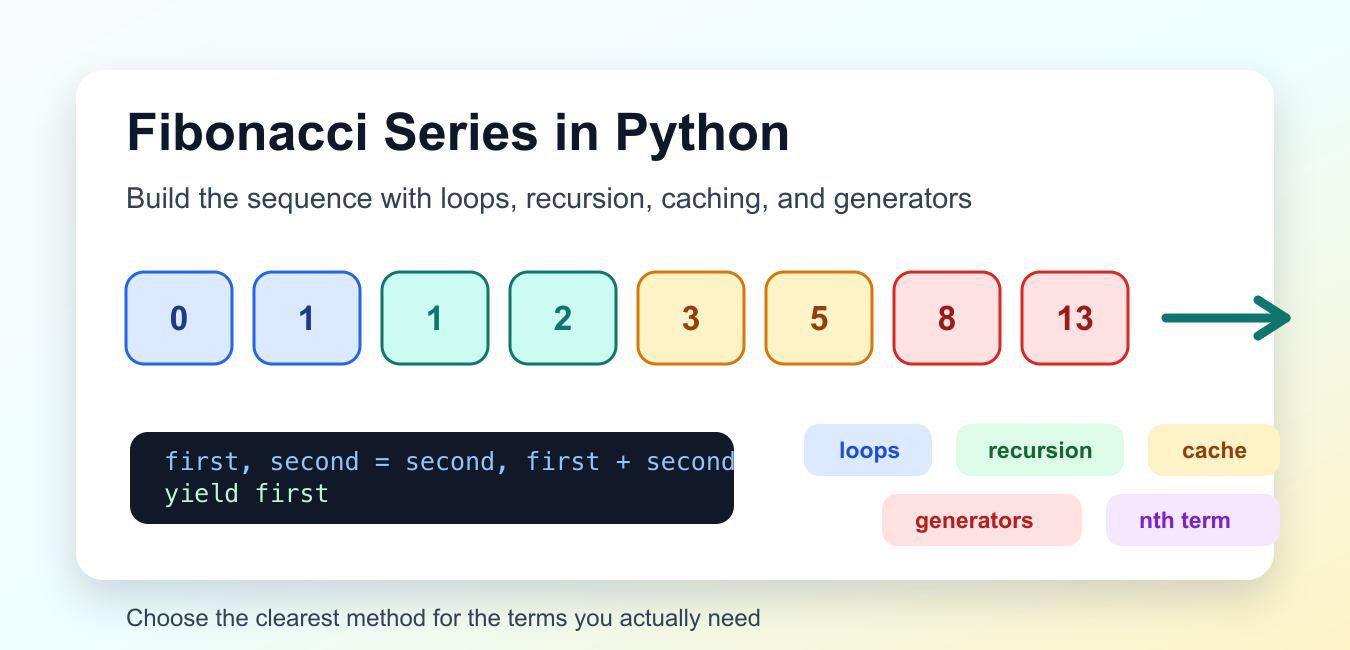
Quick answer: Generate Fibonacci terms iteratively by keeping the previous two values and replacing them with the next pair. Use a generator for lazy output, memoized recursion for teaching or repeated subproblems, and validate that a requested count or index is a nonnegative integer.
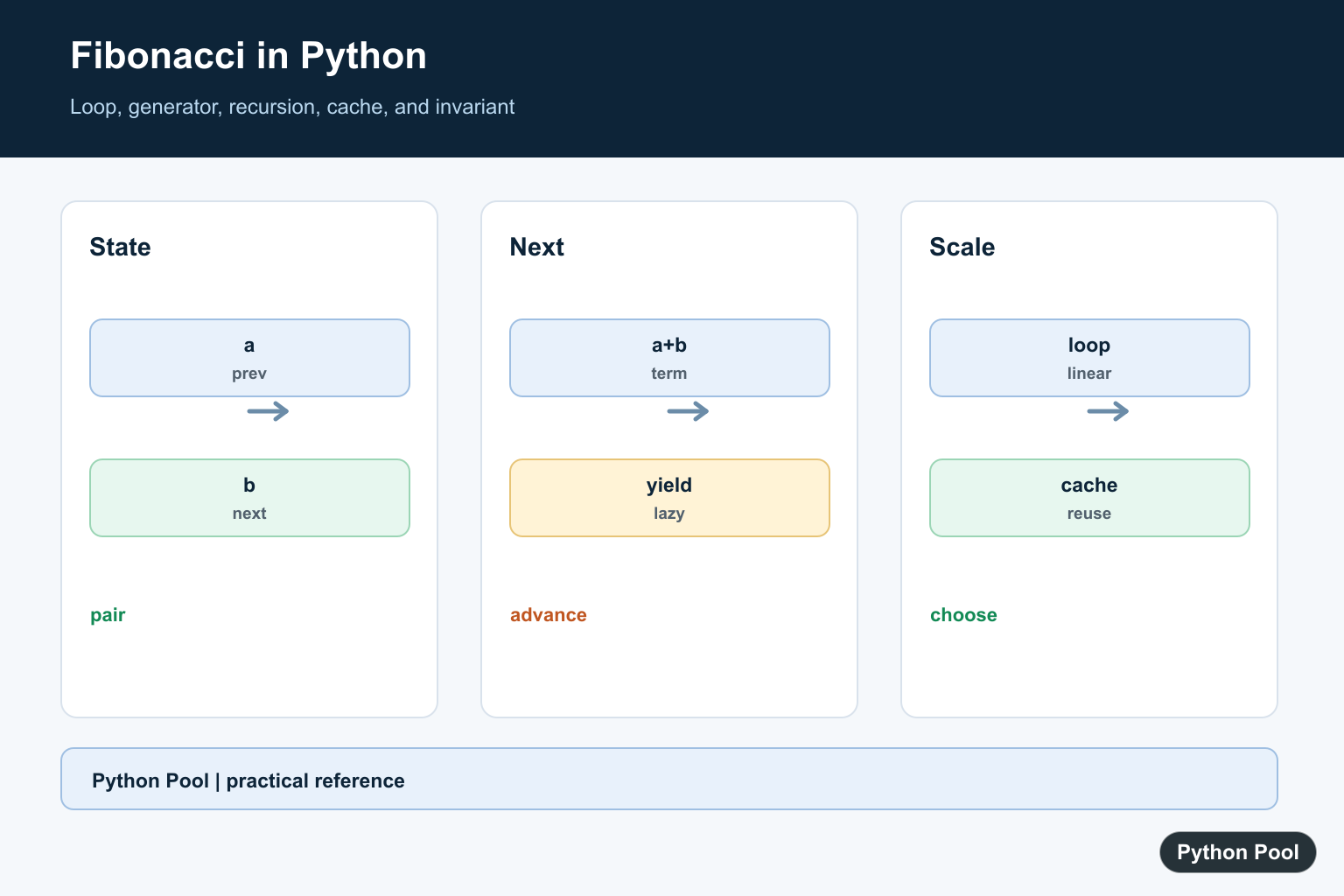
The Fibonacci series in Python is a common beginner exercise because it combines counting, loop design, function calls, and basic sequence logic in one small problem. The series starts with 0 and 1. Each next number is the sum of the two numbers before it, so the early terms are 0, 1, 1, 2, 3, 5, 8, 13.
Python does not need a special package for Fibonacci examples. A plain loop is usually the clearest solution for printing or returning the first several terms. Recursion is useful for learning how a function can call itself, but it should be used carefully because the simple form repeats the same work many times. A generator is a good fit when code should produce one term at a time instead of building a full list immediately. Fibonacci and factorial are classic loop-versus-recursion exercises; Python Factorial: math.factorial(), Loops, and Recursion adds math.factorial(), validation, and large-integer considerations.
The official Python tutorial on defining functions is useful background for these examples. The functools.lru_cache documentation explains the cache used in the memoized version.
Before choosing code, decide whether you need a list of terms, printed output, or one term at a specific index. Those are related tasks, but they are not identical. Returning a list is convenient for tests and further processing. Printing is fine for a short demonstration. Returning only the nth term is better when the earlier terms are not needed by the caller.
Print The Fibonacci Series With A Loop
A loop keeps the previous two numbers, prints the current term, then moves the pair forward. This is the most direct way to show how the series grows.
first = 0
second = 1

for _ in range(8):
    print(first)
    next_term = first + second
    first = second
    second = next_term
This prints eight terms, starting with 0. The pair update is the key step: after each pass, the old second number becomes the new first number, and the sum becomes the new second number.
Use this form when teaching the sequence on a whiteboard or in a beginner script. It makes each movement visible and avoids extra function structure.
Return Fibonacci Terms As A List
Most real code should return data instead of printing it. A list makes the result easy to test, slice, compare, or display later.
def fibonacci_terms(count):
    terms = []
    first = 0
    second = 1

    for _ in range(count):
        terms.append(first)
        first, second = second, first + second

    return terms

print(fibonacci_terms(10))
The tuple assignment updates both names in one clear line. Python evaluates the right side first, so the sum still uses the old pair.
For a negative count, this function returns an empty list because range(count) produces no values. If negative input should be an error in your program, add a check at the start and raise ValueError.
Find The nth Fibonacci Number
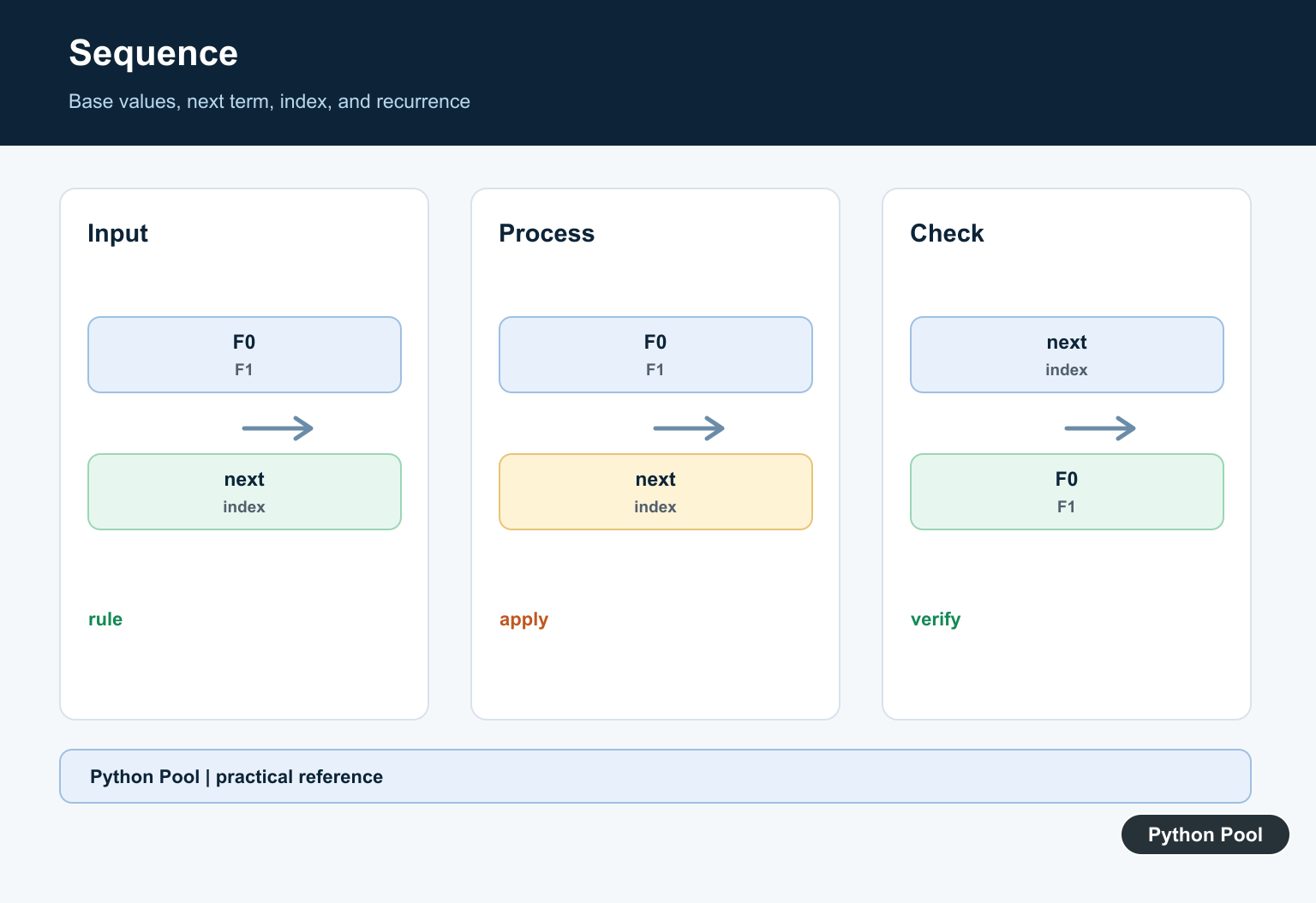
Sometimes you only need the term at one index. With zero-based indexing, index 0 is 0, index 1 is 1, and index 7 is 13.
def fibonacci_number(index):
    if index < 0:
        raise ValueError("index must be non-negative")

    first = 0
    second = 1
    for _ in range(index):
        first, second = second, first + second
    return first

print(fibonacci_number(7))
This loop runs exactly as many steps as the requested index. It does not store earlier terms, so it uses constant memory.
This approach is a good default for one requested term. It is easy to read, fast enough for many normal teaching and utility cases, and avoids the repeated calls found in simple recursion.
Use Recursion For A Small Example
A recursive Fibonacci function follows the mathematical definition: the term at an index is the sum of the two previous terms. The first two indexes are base cases.
def fibonacci_recursive(index):
    if index < 0:
        raise ValueError("index must be non-negative")
    if index in (0, 1):
        return index
    return fibonacci_recursive(index - 1) + fibonacci_recursive(index - 2)

print(fibonacci_recursive(6))
This prints 8. The base cases stop the function from calling itself forever, and the final line combines the two previous answers.
Keep this version for small learning examples only. It repeats the same subproblems many times, so it becomes slow as the index grows. Python also has a recursion limit, which makes a deep recursive chain a poor fit for large indexes.
Speed Up Recursion With A Cache
Memoization stores previous answers so the recursive function does not recalculate them. Python’s functools.lru_cache decorator handles that storage for function calls with the same arguments.
from functools import lru_cache

@lru_cache(maxsize=None)
def fibonacci_cached(index):
    if index < 0:
        raise ValueError("index must be non-negative")
    if index in (0, 1):
        return index
    return fibonacci_cached(index - 1) + fibonacci_cached(index - 2)

print(fibonacci_cached(35))
The cached version is still recursive, but it avoids the main performance problem in the naive version. Each index is solved once, then reused from the cache.
This is useful when the recursive shape makes the lesson clearer. For ordinary production code, the loop version is still simpler because it avoids recursion overhead and cache state.
Generate Fibonacci Terms Lazily
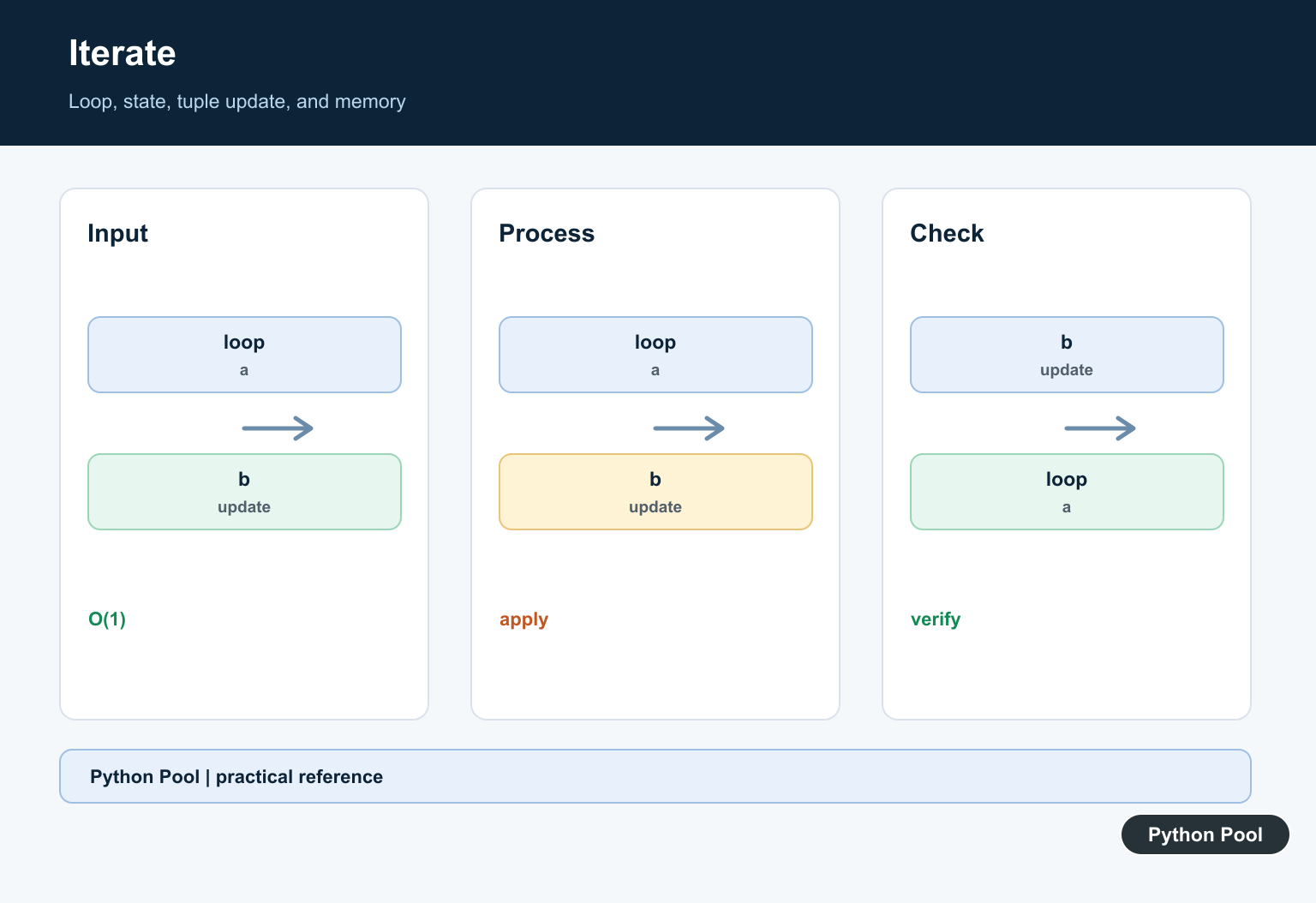
A generator yields one term at a time. This is helpful when another part of the program may stop early or process each term as it arrives.
def fibonacci_generator():
    first = 0
    second = 1
    while True:
        yield first
        first, second = second, first + second

series = fibonacci_generator()
for _ in range(8):
    print(next(series))
The generator can keep going because it has a while True loop, but the caller controls how many values to request. In this example, the caller asks for eight terms.
Use a generator when you want streaming behavior, a clean pipeline, or the option to stop without preparing a complete list first. If you need a fixed list for display or tests, the list-returning function is easier.
Which Fibonacci Method Should You Use?
For the first several terms, use the list function. For one term at a specific index, use the iterative nth-term function. Use recursion only when the goal is to explain recursive thinking, and add caching if the index will be more than a small number. Use a generator when terms should be produced on demand.
Good tests should cover 0, 1, a short list such as the first eight terms, and a negative input case if your function rejects negative indexes. These tests catch the most common mistakes: missing the zero term, starting from 1, 1 without intending to, returning one extra term, or updating the pair in the wrong order.
The practical rule is simple: prefer the loop until another shape is clearly better. It is fast, memory-friendly, and easy for other Python developers to review. Once that foundation is clear, recursion, memoization, and generators become useful alternatives rather than confusing replacements.
Use An Iterative Loop
The loop updates a and b together so the next term is always available without recomputing earlier values. It uses constant state and is usually the clearest way to build a short list.
Use A Generator
A generator yields terms one at a time and can represent an unbounded sequence without allocating a full list. Stop it with islice or an explicit consumer limit.
Understand Recursion
Naive recursion repeats the same calls and becomes exponentially slow. It is useful for demonstrating the definition, but add memoization or choose an iterative algorithm for production work.
Define Index And Base Cases
State whether F(0) is zero and F(1) is one, whether the caller wants n terms or the nth term, and what zero or negative input should do. Ambiguous indexing is a common source of off-by-one errors.
Test The Sequence
Test zero terms, one term, the first several known values, negative input, and a larger index. Check the invariant that each term after the first two equals the sum of its predecessors.
The Python function tutorial and lru_cache documentation support the implementation choices. Related references include recursion and factorial, lazy slicing, and sequence tests.
For related sequence implementations, compare recursion and factorial, lazy slicing, and sequence tests when choosing an algorithm.
Frequently Asked Questions
How do I generate a Fibonacci series in Python?
Use an iterative loop or generator that keeps the previous two values and yields their sum.
Why is naive Fibonacci recursion slow?
It recomputes the same subproblems repeatedly, creating exponential work as n grows.
When should I use a generator?
Use a generator when terms should be produced lazily or the consumer may stop before a full list is built.
How should I validate the term count?
Require a nonnegative integer and define the base sequence and behavior for zero terms explicitly.
Or you can do this….. 🙂
def fibseries(n):
fib = [0, 1]
for i in range(2, n):
fib.append(fib[i – 1] + fib[i – 2])
return fib
n = int(input())
print(fibseries(n))
Adding to the above code snippet, there is some encoding error in the “-” character. If anyone is copying this code, make sure you replace “–” on line 4 with a correct minus sign (-) to make it work.
And thank you for your helping comment Deira 🙂
How can I print without the zero?
You can change the num1, num2, and series to 1 if you want the series to be started without 0.
The complete code for this would be –
def fibonacci(num):
 num1 = 1
 num2 = 1
 series = 1
 for i in range(num):
 print(series, end=' ');
 num1 = num2;
 num2 = series;
 series = num1 + num2;

num = int(input('Enter how many numbers needed in Fibonacci series- '))
fibonacci(num)
I’ve just changed the num1, num2, and series. Similarly, if you wish to start Fibonacci from any point, you can use the same method.
Thank you for this!