Object Detection with YOLO using PyTorch

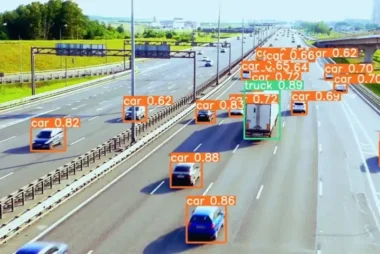
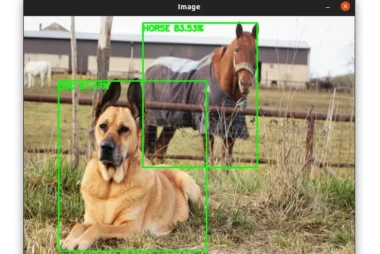
In this tutorial, we will use the YOLO object detection algorithm to detect objects in images and videos. Object detection is a computer vision task that involves identifying and localizing objects in an image or video. It is a challenging task that requires both localizing objects in the image and classifying what type of object

Image Annotation with OpenCV and Python

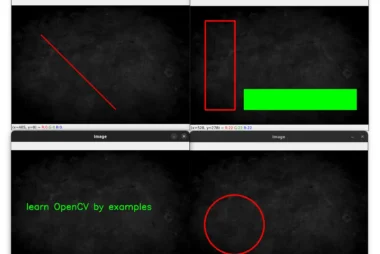
OpenCV makes the process of drawing shapes on an image straightforward by providing convenient functions. In this tutorial, we will see 5 built-in functions to annotate images: cv2.line, cv2.rectangle, cv2.circle, cv2.ellipse, cv2.putText. The image below will be used throughout this part: Draw a Line with OpenCV and Python Let’s start with drawing lines using the cv2.line function: We start by importing cv2 and

Image Filtering and Blurring with OpenCV and Python

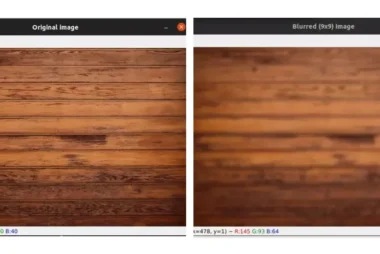
Image blurring is an important preprocessing step in computer vision. It is used to reduce noise and unnecessary detail in an image. In this tutorial, we will cover four blurring techniques: The image below will be used throughout this part: Average Blurring Blurring an image means convolving the image with an MxN matrix called a filter or a

Image Pyramids in OpenCV with Python

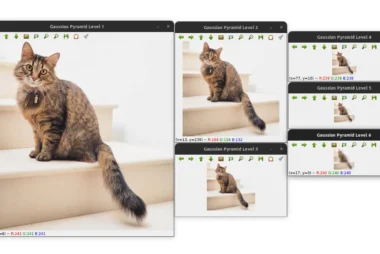
In this article, we will learn about image pyramids and how to implement them in Python using OpenCV. What are Image Pyramids? Image pyramids are a commonly used technique in computer vision and image processing that involves creating a multi-scale representation of an image. This representation consists of a series of progressively downsampled images, where

Image Thresholding with OpenCV and Python

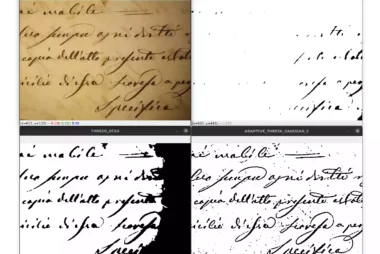
Image thresholding is one of the most basic types of image segmentation. It consists of converting an image (a grayscale image) into a binary image (black and white image). In simple thresholding, we manually set a threshold value T and compare each pixel intensity in the input image with T. If a pixel in the input image is

Barcode and QR Code Scanner with OpenCV and Python

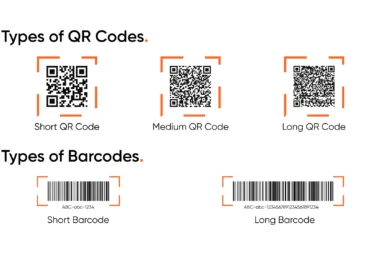
In this tutorial, we are going to build a simple barcode and QR code scanner using OpenCV and the ZBar library. The ZBar library will be responsible for detecting and localizing the QR codes and barcodes. OpenCV will be used for some preprocessing steps such as loading the image, looping through the detected barcodes, and displaying the