
Scene: The Junglechrist – From Tutorial to a Ready Track
Scene
What's up

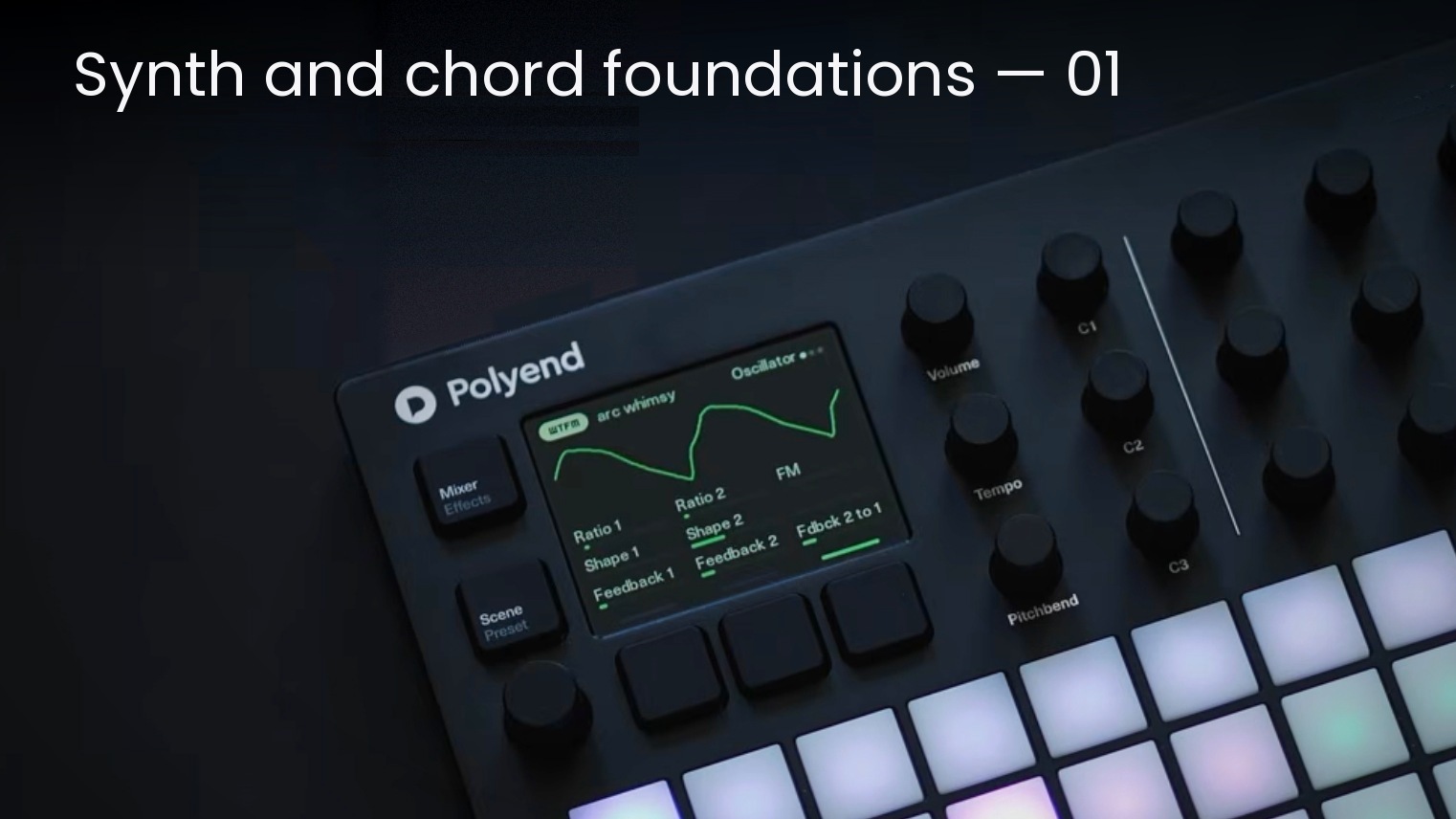
Welcome to Sound Design Lab, a new series from Polyend’s resident sound designer, Alex Cummings. In each installment, Alex explores the creative decisions behind crafting sounds, building scenes, and developing workflows for Polyend's instruments. We’ll begin with the foundation of every Scene he creates: the chords.
When building a Scene for Polyend Synth, it might seem like the first step would be choosing filters, shaping timbre, or deciding how each sound sits in the mix. As a sound designer, that’s often where people expect the process to begin.
For me, it starts somewhere else entirely: the chords.
The notes you choose are what create the emotion and movement in a piece of music. Before I design a bass, lead, keys, or textures, I build a chord pack with progressions that naturally work together. Once those harmonic foundations are in place, the sound design becomes much more intuitive.
Using synth voices can work nicely here but I’ve frequently used samples of keys or pianos, clean and simple sounds lend themselves to chords, whether simplistic or richer extended chords.
Because Synth includes Follower Mode, the other two engines can track the same chord progression automatically. That means I don’t spend much time worrying about strict music theory or staying inside a single scale. I actually like introducing borrowed chords or unexpected harmony if it creates the right feeling.
You can usually find a theoretical explanation for almost any chord in a progression but I think your ears are a better guide than a rulebook. Ask yourself: How does this feel? If it creates the emotion you’re after, you’re probably on the right track.
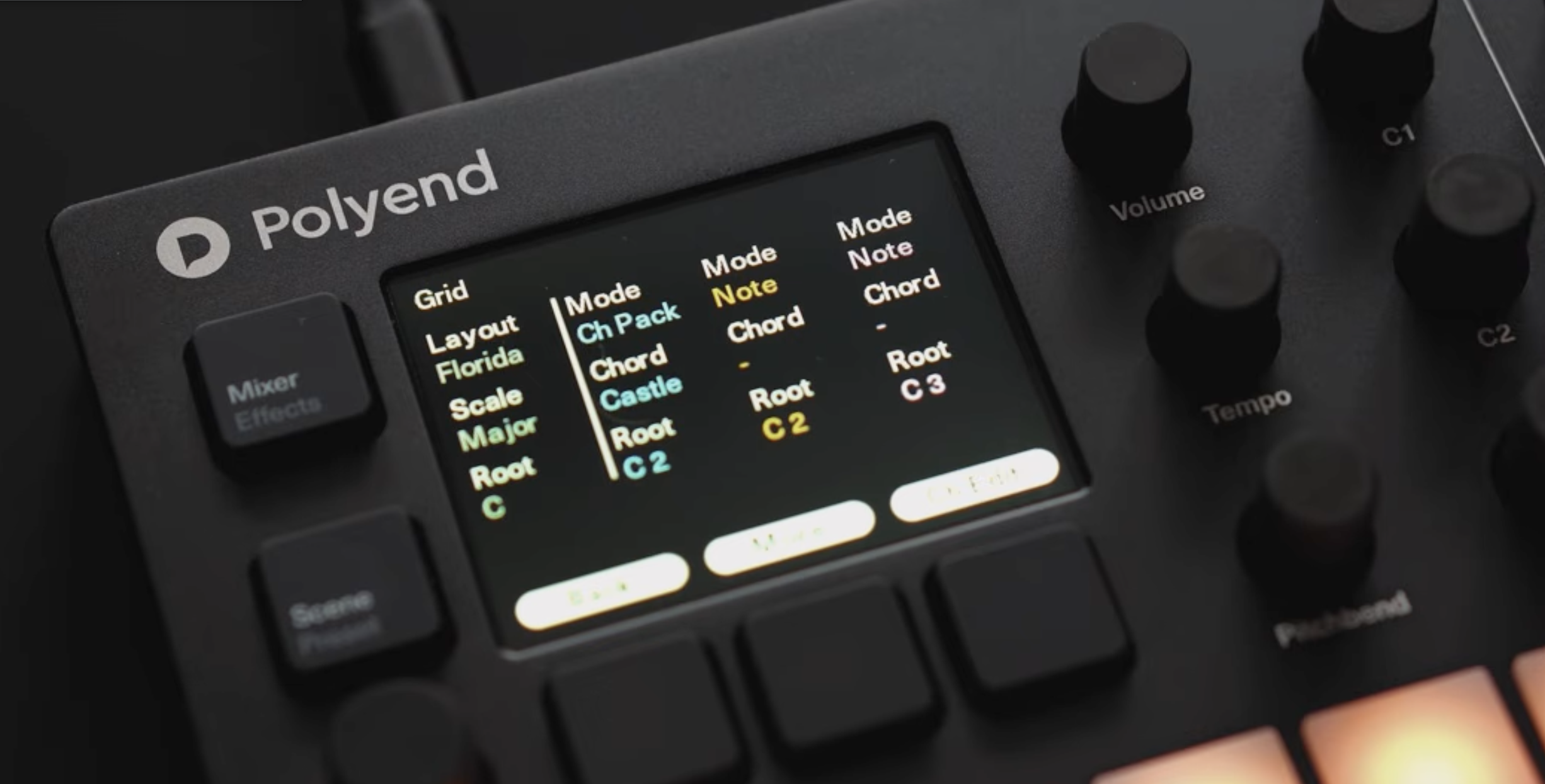
I pick the root and the scale for the chord pack, then I hit “ScaleLock” so that every chord added is neatly within the scale. I start at the first pad, and tend to have this as the I or root chord; in this case, as the Grid Root is D#, the first Chord Root is D#3.
Once this is set, I change the chord root of the second pad and press the pads in turn, changing the chord root of the second pad until I like the progression from the first pad to the second. I repeat this process to get a few chords I like; you can fill all the pads, or keep it restrained with only four chords or so; the remaining pads play the same chords at higher octaves.
Then, pressing the pads I change the “Chord” settings – this allows you to use more exotic chords rather than plain triads, and also adjust the “Spread From” and “Spread To” settings to give wider and inverted chords. Sus chords are great for ambient music as they have an ambivalent vibe to them. It’s a case of playing the pads and adjusting these settings. Trial and error works very well here, so you can just play around adding and tweaking the voicings and spread of the chords.
Once you are happy with the chords, make sure the other voices are set to “Follower” Mode so that when you play the chords via the pads, the other voices will follow along.
It’s easy to get stuck chasing the “correct” theory, especially when you’re producing on your own and making hundreds of creative decisions. Don’t let that slow you down. Find something that inspires you, trust your ears, commit to the idea, and keep moving.
Once the chord pack is finished, that’s when I start shaping the sounds around it. That’s how I approached the Verdant and Arcology Scenes. Each one includes chord packs that were designed first, giving every preset a musical foundation before I started sculpting the sounds around them. If you own a Synth, I’ve attached one chord pack and a Scene called “Oracle” from Verdant. Although the chords are simple, they dictate the feel of the rest of the scene and allowed me to build the rest of the sounds around them.
Next month we’ll get deeper into the sound design elements of Synth.
Attached is Oracle, a Scene from Verdant with a custom chord pack and three Synth patches. Download the zip, and make sure to copy all folders to the Synth’s SD card. Oracle Scene -> Scene. Copy the 3 samples in the DWA samples folder to Samples -> DWA, and the chord pack titled V orac to Chordpacks.


