The Nextion Web serial Framework version 0.4 is out
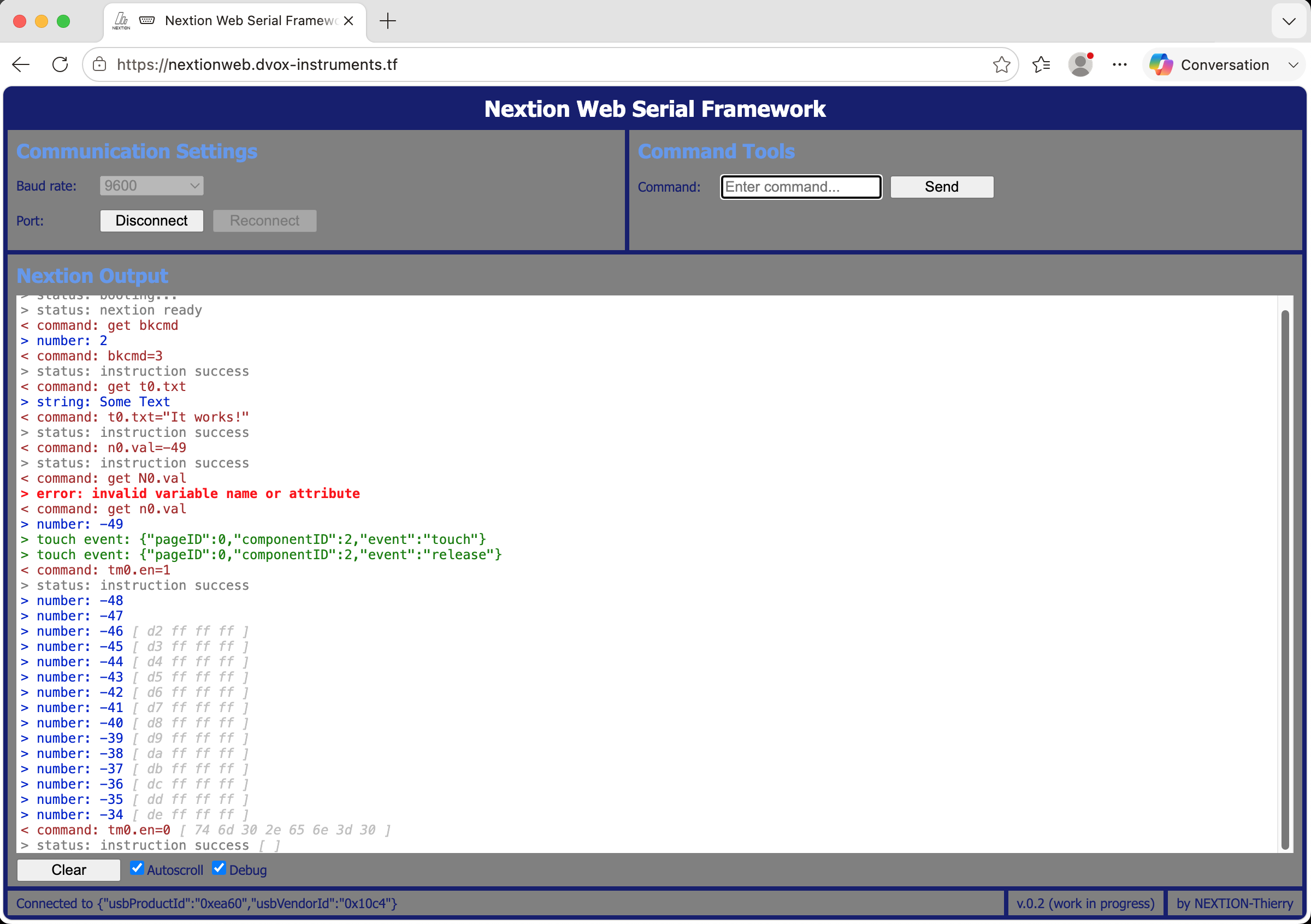
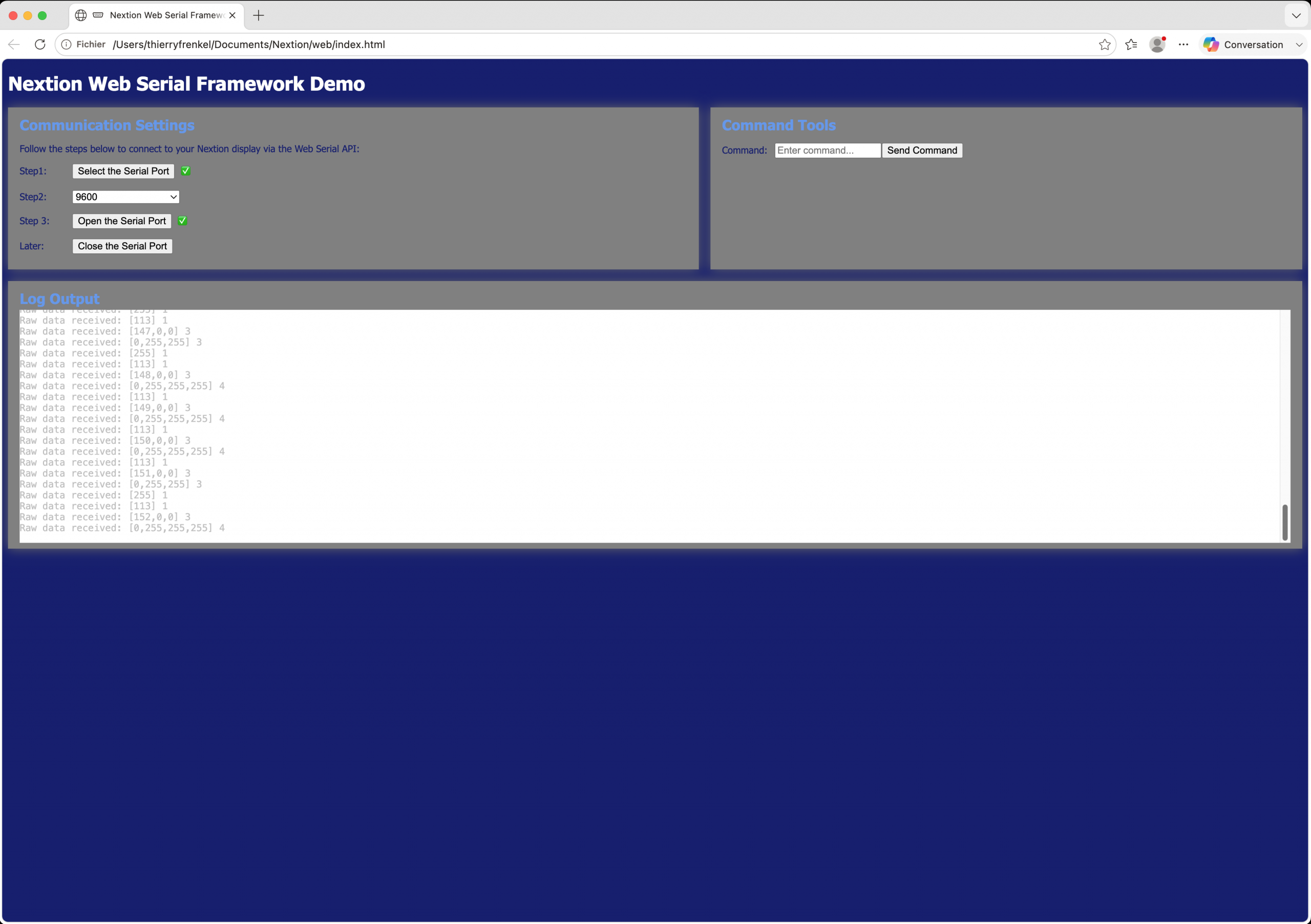
The Nextion Web Serial Framework (NWSF) moves on his path towards a full-fledged Nextion debugger and upload tool in almost any browser, without the need to install the Nextion Editor. Progress is somewhat slower that I had foreseen, but for a maximum of compatibility, I want to do everything in plain JavaScript which has become a powerful programming language, so quickly that I’m still learning to implement asynchronous functions in an efficient way with out the usual callback spaghetti code. And I have always the goal in mind that you, my users shall be able to customise it easily in case you want to host it yourself for your customers.
If you missed my previous blogs about this topic, here they are:
– Control your Nextion HMI from (almost) any web browser
– The Nextion Web Serial Framework is alive – and online!
– News: Summer Sale, Product Strategy, and a new Nextion Web Framework version
But before all, there is an important reminder about the Nextion Summer Sale, please continue reading!
The Nextion Summer Sale – only 5 days left!
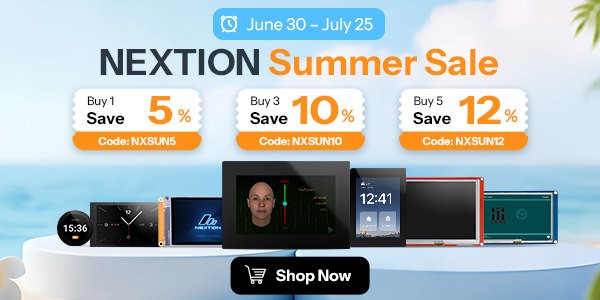
… will happen until July 25, 2026. But take care, it’s the Shenzhen time zone which counts. So, when it will end at midnight there, it’s only 6PM here in Western Europe and only 9AM in California. You better place your order latest on July 24th using this link (click here or onto the picture below)!
There are 3 levels of savings :
5% off when ordering 1 or 2 Nextion HMI, using the code NXSUN5 at checkout
10% off when ordering 3 or 4 Nextion HMI, using the code NXSUN10 at checkout
12% off when ordering 5 Nextion HMI, using the code NXSUN12 at checkout
A little hint from me: When ordering only 1 or 2 items, rather use my promo code THIERRYFRSONOFF instead of NXSUN5, and you’ll get 10% off, too. 😉
Now to the Nextion Web Serial Framework v 0.4
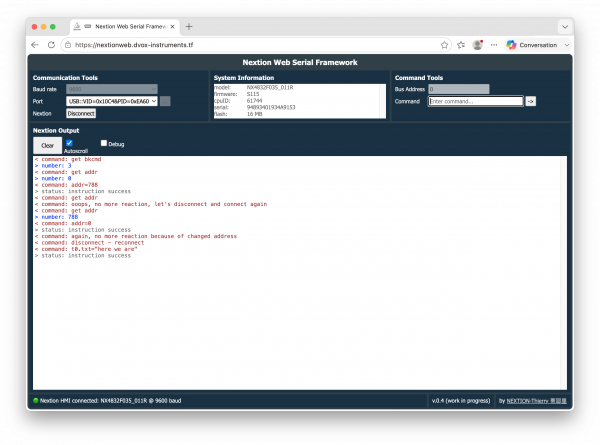
I got some feedback from confused readers who couldn’t understand why the connection procedure seems so much more complicated than for example Arduino’s simple Serial.begin(baudrate). That’s why a traditional compiler has by default access to all hardware resources. A browser does not, for security reasons. Web applications are basically running in a sandbox to protect your computer from ugly things from outside. So, hardware access has to be explicitly authorised by the user. That why we have the button with the three dots besides the port list. Clicking on it will cause the browser to display a long and confusing list with all real and virtual serial and bluetooth ports found on your system. That’s why I introduced the port filter which will reduce the list and (for the moment) only shows CP2102 based adapters, like, for example, the Nextion Foca Max Adapter if connected. As soon as people will start to communicate me the USB VID&PID of other working USB to TTL Serial adapters, I’ll happily add these to the list!
Now, as soon as one of the USB adapters on the list is detected and displayed in the list by the browser, you can select it an click on the connect button there. This will not really connect the port, but add it to an internal and persistent list of authorised (by the browser) ports. The latter is then used to feed the available port list of the Nextion Web Serial Framework and from then on, it will be already there at each launch of the framework’s URL.
Then, you can immediately use the framework’s Connect/Disconnect button which will then trigger the real connection procedure by first trying to open the port with the selected baud rate, similar to Serial.begin() on Arduino. But that’s not enough to know if there is really a Nextion HMI and which one connected to the serial port. That’s why the NWSF does then (all under the hood and you don’t have to care about it) send first a “magic string” to bring the HMI out of the (seldom used) protocol reparse mode if it were there. Then it will send the “connect” request in standard mode, wait for the “comok” string, parse it and fill the System Information pane. But if the Nextion HMI is in address mode, there will be no answer to “connect”. After a short timeout (the higher the baud rate, the shorter), the NWSF will again send “connect” in address mode, preceded by two broadcast bytes. Then, the Nextion HMI (if in address mode) should answer with the “comok” string and retrieve the system information as before. If still not, there will be an error message suggesting to try another port or baud rate. (Yes, automatic baud rate detection is already on my list for one of the next versions… 😉 ) All this happens in a few milliseconds, even at only 9600 baud, the effect is almost immediate: either the connection state switches to green and the system information is displayed, or you get the error pop-up, the connection state remains red and the system information field blank.
Automatic address mode
Since the Nextion HMI returns its actual bus address (if in address mode, if not 0) in the connect string, it will display it in the command tools pane and will automatically add it to each command which you send manually with the NWSF.
Take care: changing manually the Nextion’s bus address with the command addr=xxxx or the baud rate with baud=yyyy will naturally and immediately prevent any further communication between the NWSF and the Nextion HMI. If the address changed, a simple click first on Disconnect, then on Connect (the same button) will restore the communication since the new bus address (or none if you set it to 0) will be automatically be detected by the connection procedure as described above. After a baud change, you’ll have to disconnect, set the new baud rate manually, and to connect again. The Nextion HMI will continue running all the time.
Easier manual sending of commands
This ne version starts implementing a command history in this version. That means that pressing the arrow up key in the command input field, it will (for the moment) recall the last command into the field where it can optionnally be edited or simply be sent again. A Enter/Return key handler is implemented too, which will send the current command, there is no more need to take the mouse and to click onto the small button right of the field.
Customization made easy
To publish your own version in case you do not want to deploy my live version, I have re-arranged things in a way that you’d only need to modify one file, index.html, or, if you want another language than English, a second file, /customize/nxlangclass.js, where you’d put the translations. Normally, you do not need to touch the other files which are all in /assets/. Let’s walk through index.html to understand better:
First, there is the <head>…</head> section with the typical html headers and the inclusion of all the required files in /assets/. Here also, there is no need to touch.
<!DOCTYPE html>
<html lang="en">

<head>
    <meta charset="utf-8">
    <meta http-equiv="Content-Type" content="text/html">
    <meta name="description" content="Nextion Web Serial Framework">
    <meta name="author"content="Thierry Frenkel">
    <meta name="viewport" content="width=device-width, initial-scale=1.0">
    <meta name="keywords" content="Nextion, HMI, Web Serial">
    <title>Nextion Web Serial Framework</title>
    <base target="_blank">
    <link rel="stylesheet" href="assets/nxcorestyle.css">
    <script src="customize/nxlangclass.js"></script>
    <script src="assets/nxuiclass.js"></script>
    <script src="assets/nxdataclass.js"></script>
    <script src="assets/nxcommclass.js"></script>
    <script src="assets/nxhtmlclass.js"></script>
    <link rel="apple-touch-icon" sizes="180x180" href="/favicons/apple-touch-icon.png">
    <link rel="icon" type="image/png" sizes="32x32" href="/favicons/-32x32.png">
    <link rel="icon" type="image/png" sizes="16x16" href="/favicons/favicon-16x16.png">
    <link rel="manifest" href="/assets/site.webmanifest">
</head>
The second part is more interesting, it allows you to modify the color scheme and the aforementioned port filter list:
<style>
    /* UI color scheme */
    :root,
    pre {
        --screen-bco: rgb(48,64,72);
        --screen-pco: white;
        --pane-bco: rgb(24,48,68);
        --pane-pco: white;
        --component-bco: white;
        --component-pco: dimgray;
        --link-pco: lightgrey;
        --logdebug-pco: silver;
        --logret-pco: blue;
        --logerr-pco: red;
        --logevt-pco: green;
        --logsts-pco: dimgrey;
        --logcmd-pco: brown;
    }
</style>

<script>
    const portWhiteList = [
        { usbProductId: 0xea60, usbVendorId: 0x10c4 }, // CP 2102 chip, i.e. Nextion Foca Max Adapter
    ];
</script>
The third part is finally a responsive flex layout which will automatically adapt to the browser window size and format. The different panes of the NWSF application are empty divs which will be populated by the code when the application starts, after the URL is loaded. This eliminates the need to assign tons of variables to handle the communication between the UI elements and the code as we had it in previous versions. Basically, you are free to remove the one or the other pane to taste, for example if you want only a small and simple firmware uploader (when the upload pane will be ready in a future version), you leave just the communication and the upload panes. Normally, the code should “see” that a pane is missing and not try to interact with it. But I haven’t yet tested it for all panes. The only mandatory pane is the communication pane which allows to handle the connection procedure.
<body>
    <div class="verBand">
        <h1>Nextion Web Serial Framework</h1>
        <div class="horBand top">
            <div id="comPane" class="panel"></div><!--this is mandatory ! All other panes are optional to taste-->
            <div id="sysPane" class="panel"></div>
            <div id="cmdPane" class="panel"></div>
        </div>
        <div class="horBand main">
            <div id="logPane" class="panel"></div>
        </div>
        <div class="horBand bottom">
            <div id="conPane" class="panel"></div>
            <div id="verPane" class="panel"></div>
            <div id="autPane" class="panel"></div>
        </div>
    </div>
</body>
Stay tuned for the next steps forward! If interested, you may find everything on GitHub.
Last, but not least
You have any questions, comments, critics, or suggestions? Just send me an email to thierry (at) itead (dot) cc! 🙂
And, by the way, if you like and you find useful what I write, and you are about to order Nextion stuff with Itead, please do so by clicking THIS REFERRAL LINK! To you, it won’t forcibly make a change for your order but on some products, you may even get a 10% discount using the coupon code THIERRYFRSONOFF. In ever case, it will pay me perhaps the one or the other beer or coffee. And that will motivate me to write still more interesting blogs 😉
Thank you for reading and happy Nextioning!