
Self-Hosted Deployment
Run Roboflow models and Workflows on your own hardware with Inference, the open source computer vision deployment framework.


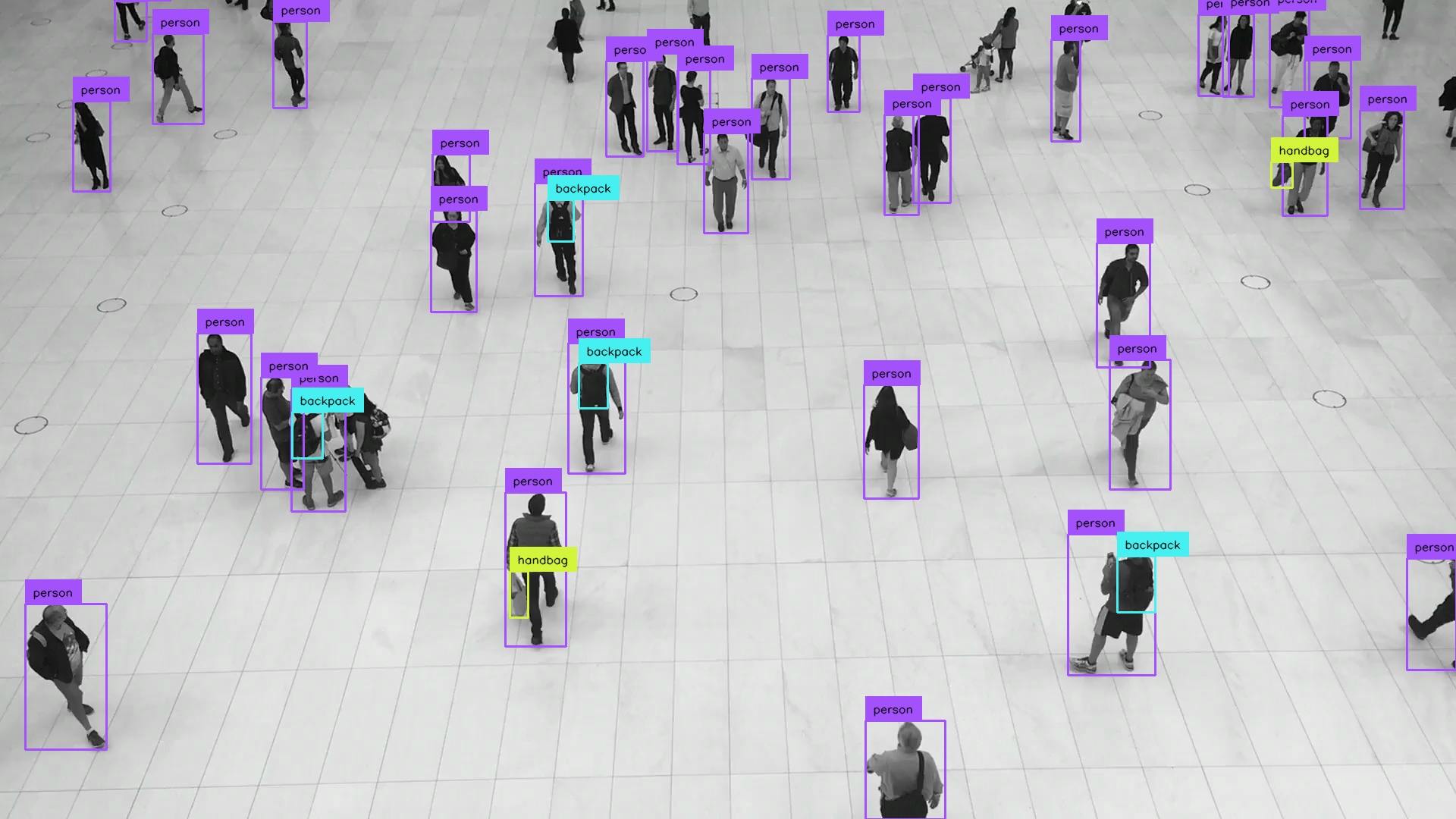
Last updated
Was this helpful?
Run Roboflow models and Workflows on your own hardware with Inference, the open source computer vision deployment framework.
Last updated
Was this helpful?
Was this helpful?
pip install inference-cli && inference server startpip install inference-sdkfrom inference_sdk import InferenceHTTPClient, InferenceConfiguration
image = "https://media.roboflow.com/inference/people-walking.jpg"
client = InferenceHTTPClient(
api_url="http://localhost:9001", # your self-hosted server
api_key="YOUR_API_KEY",
).configure(InferenceConfiguration(api_key_transport="header"))
results = client.infer(image, model_id="rfdetr-small")pip install -U supervisionimport supervision as sv
from inference_sdk import InferenceHTTPClient, InferenceConfiguration
image = sv.load_image_from_url("https://media.roboflow.com/inference/people-walking.jpg")
client = InferenceHTTPClient(
api_url="http://localhost:9001",
api_key="YOUR_API_KEY",
).configure(InferenceConfiguration(api_key_transport="header"))
results = client.infer(image, model_id="rfdetr-medium")
detections = sv.Detections.from_inference(results)
annotated_image = sv.BoxAnnotator().annotate(scene=image, detections=detections)
annotated_image = sv.LabelAnnotator().annotate(scene=annotated_image, detections=detections)
sv.plot_image(annotated_image)pip install inferencepip install --extra-index-url https://download.pytorch.org/whl/cu124 inference-gpufrom inference import get_model
image = "https://media.roboflow.com/inference/people-walking.jpg"
model = get_model(model_id="rfdetr-small")
results = model.infer(image)pip install -U supervisionimport supervision as sv
from inference import get_model
image = sv.load_image_from_url("https://media.roboflow.com/inference/people-walking.jpg")
model = get_model(model_id="rfdetr-medium")
results = model.infer(image)[0]
detections = sv.Detections.from_inference(results)
annotated_image = sv.BoxAnnotator().annotate(scene=image, detections=detections)
annotated_image = sv.LabelAnnotator().annotate(scene=annotated_image, detections=detections)
sv.plot_image(annotated_image)