
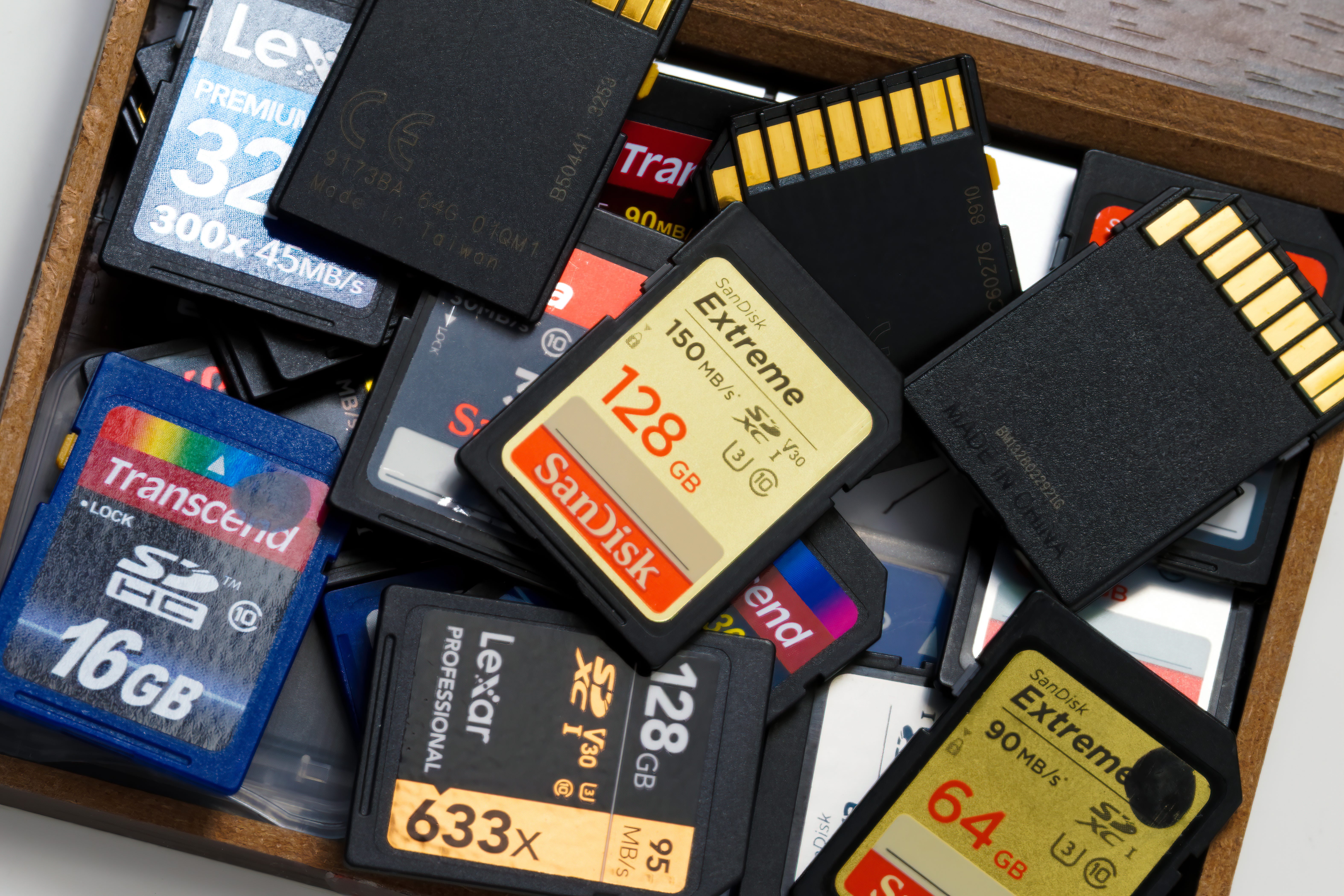
Most photographers spend a lot of time choosing a camera. We compare sensors, autofocus systems, lenses, frame rates, and dozens of other features.
Then we place the results of all that expensive technology onto a memory card that may have cost us $30.
That little card may contain photographs from a wedding, a once-in-a-lifetime trip, an important client session, or a morning when everything came together perfectly. Until we copy those files to another drive, that card is the only place those images exist.
Unfortunately, counterfeit memory cards are becoming harder to recognize.
Companies including Sony, SanDisk, and Lexar have published warnings about fake storage cards. Some counterfeits look nearly identical to the real thing. The packaging, logos, capacity markings, and speed ratings may all appear legitimate.
The card itself may even seem to work normally at first.
How a Fake Card Fools You
One common trick involves modifying the card’s internal software to report more storage than it actually has.
You might buy a card labeled 256GB. Your camera and computer both recognize it as a 256GB card, but it may only have 32GB of usable storage.
Everything works until you fill those first 32GB.
After that, the card may begin writing new photographs over files you already captured. Your camera might continue showing the images on the back screen. You may not discover the problem until you get home and try to copy the files.
At that point, some photographs may be corrupted, missing, or unrecoverable.
Other counterfeit cards lie about their speed. The label may say V60, V90, or claim a high sustained write speed, but the card cannot maintain that performance.
This can cause your camera’s buffer to clear slowly. Video recording may stop unexpectedly. Files may fail while the camera appears to be recording normally.
The problem becomes more serious as our cameras create larger files. A 45-megapixel RAW file places more demand on a card than a small JPEG. Long bursts, focus stacking sequences, 4K video, and 8K video increase that demand even further.
You Cannot Always Spot a Fake
Years ago, many counterfeit cards were easy to identify. The printing looked poor, the colors were wrong, or the packaging contained obvious spelling mistakes.
Those clues still matter, but today’s fakes can be convincing.
Check the front and back of the card carefully. Compare the model number, typefaces, colors, markings, and packaging with images on the manufacturer’s website.
Also, pay attention to the price. A steep discount does not automatically mean the card is counterfeit, but an unusually low price should make you suspicious.
Where you buy the card matters just as much as the brand printed on it. I would purchase from the card manufacturer, a camera store I trust, or a seller listed as authorized by the manufacturer.
Even then, I would still test the card.
Test Every New Card Before Using It
A quick test in your camera is not enough. Taking a few photographs only proves that the first small section of the card works.
You need to fill the card with test data, then read it back. This checks whether the card has the capacity it claims.
Windows users can use a free program called H2testw. Mac and Linux users can use a free tool called F3, which stands for Fight Flash Fraud.
These programs write data across the entire card and then verify it. A legitimate card should show close to its advertised usable capacity with no errors. A counterfeit or damaged card may exhibit missing spaces, corrupted sections, or unreadable data.
Be aware that if you run these apps on one of your memory cards, anything you have on that card will be overwritten—ERASED. So only run them on blank cards.
I do not have a Windows computer, so I cannot vouch for H2testw. On my Mac, I can’t get F3 to run properly, so I use an application available in the Mac App Store called Drive Capacity Tester. It’s not free, though it’s relatively inexpensive at $1.99.
Remember to run these tests on an empty card, as they will fill it with test files. After the test is complete, format the card in your camera before using it.
You should also test the card’s speed. Windows users can use CrystalDiskMark. Mac and Windows users can use AJA System Test. I’ve never used either, but I plan to use AJA System Test on my cards when I have time.
Do not become too concerned if your results fall slightly below the large number printed on the package. That number often represents the card’s best possible read speed under ideal conditions.
What you should watch for is a major difference. A card advertised for demanding video or fast continuous shooting should not perform like an inexpensive entry-level card.
My Memory Card Routine
Here is the process I recommend whenever you buy a new card:
Buy from the manufacturer or an authorized seller.
Inspect the card and packaging for poor printing, incorrect model numbers, or missing markings.
Run a full-capacity test using H2testw on Windows. Try F3 or Drive Capacity Tester if you have a Mac.
Run a speed test and compare the results with the manufacturer’s claims.
Format the card in your camera before using it for photography.
If your camera has two card slots, consider setting the second card to record a backup. This does not protect you from every possible problem, but it gives you another copy if one card fails.
After a shoot, copy your files to at least two separate locations before formatting the card. I would never consider the photographs safe while they exist only on the memory card.
The Cheapest Part Can Cause the Greatest Loss
Most photographers would never trust an unknown company to repair their camera or manufacture one of their lenses. Yet it is easy to become less careful when buying memory cards, especially when we see what appears to be a good deal.
A counterfeit card may save you $20 or $30 at checkout. It can cost you photographs that cannot be recreated.
Your memory card is not just another camera accessory. Until your files are safely copied and backed up, that card is carrying every photograph you made during that shoot.
Treat it accordingly.
Anthony Morganti on Photography is a reader-supported publication. To receive new posts and support my work, consider becoming a free or paid subscriber.
Some of the Places You Can Find Me:
My Website: https://www.anthonymorganti.com/
My YouTube Channel: https://www.youtube.com/@anthonymorganti
Comments
Nothing yet. Say the first thing.
Sign in to join the conversation.