
People keep asking me how to get started with coding agents.
At first, this puzzled me. The answer sounded obvious: install it and start using it. Besides, there’s already plenty of material. Anthropic offers a free Claude Code 101 course and comprehensive Claude Code docs, and OpenAI has a Codex quickstart.
But that’s not what people are really asking. The real question is bigger - It’s not “how do I start with Claude Code” but multiple questions in one:
How do I configure Claude Code with the correct model and permissions?
Which slash commands should I learn?
Do I need skills, subagents, plugins, and MCP servers?
Should I run it locally, in Docker, or remotely?
Can I use it from my phone?
What about all the tricks people post on X every day, like the Ralph loop or teams of agents?
Can someone show me exactly which buttons to press, and in which order?
I understand where these questions come from. Open X and you see an endless stream of people sharing what they built and which tricks they used. I add to that stream too, with this newsletter.
This creates FOMO. You start thinking you need to figure out everything before you can start. But you don’t, and in this newsletter I’ll explain why.
Here’s how I’d get started with a coding agent if I were starting from scratch:
Choose an assistant
Use it on a real task
Try automation
Document repeated work
Turn useful documents into skills
Use subagents when the context becomes a problem
Work through these steps in order. Don’t start with the advanced setup or you risk getting even more confused.
There are many AI coding assistants now:
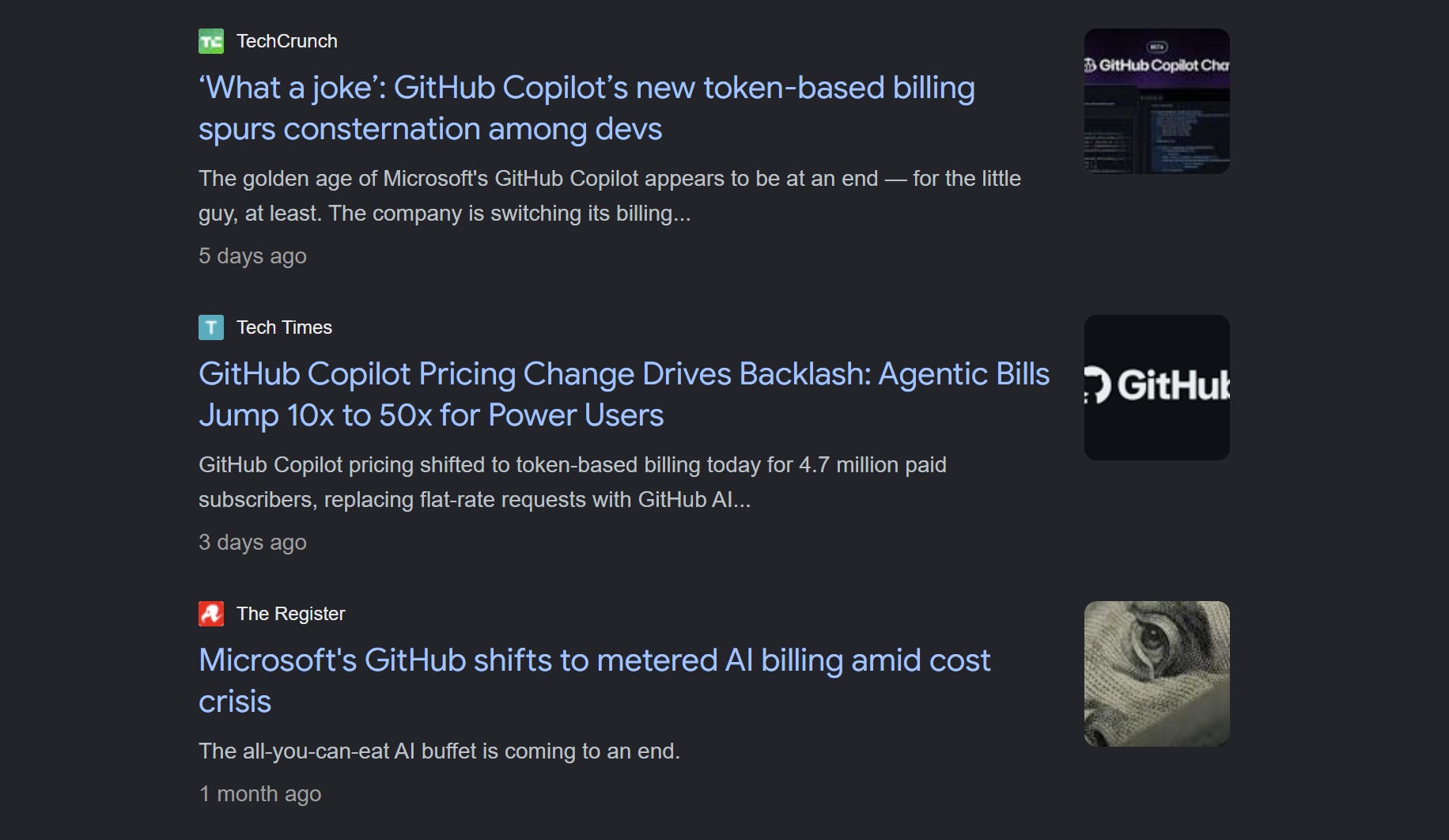
I used to recommend GitHub Copilot because, for $10 per month, you could get quite far, but that’s no longer how I think about it. Copilot’s billing is now token-based, which makes it expensive to use.
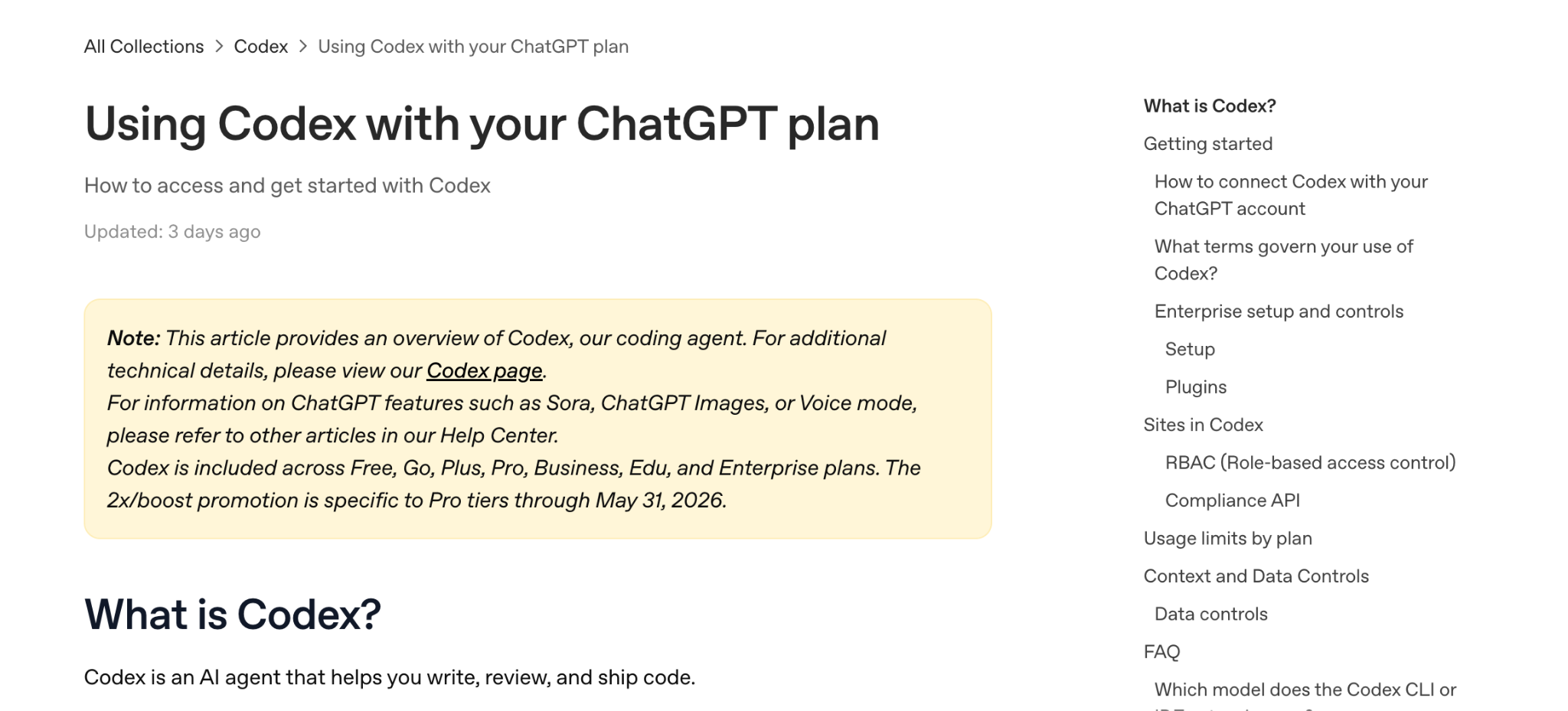
Right now, the best value for many people is ChatGPT Plus, which costs $20/month, because Codex is included with ChatGPT plans.
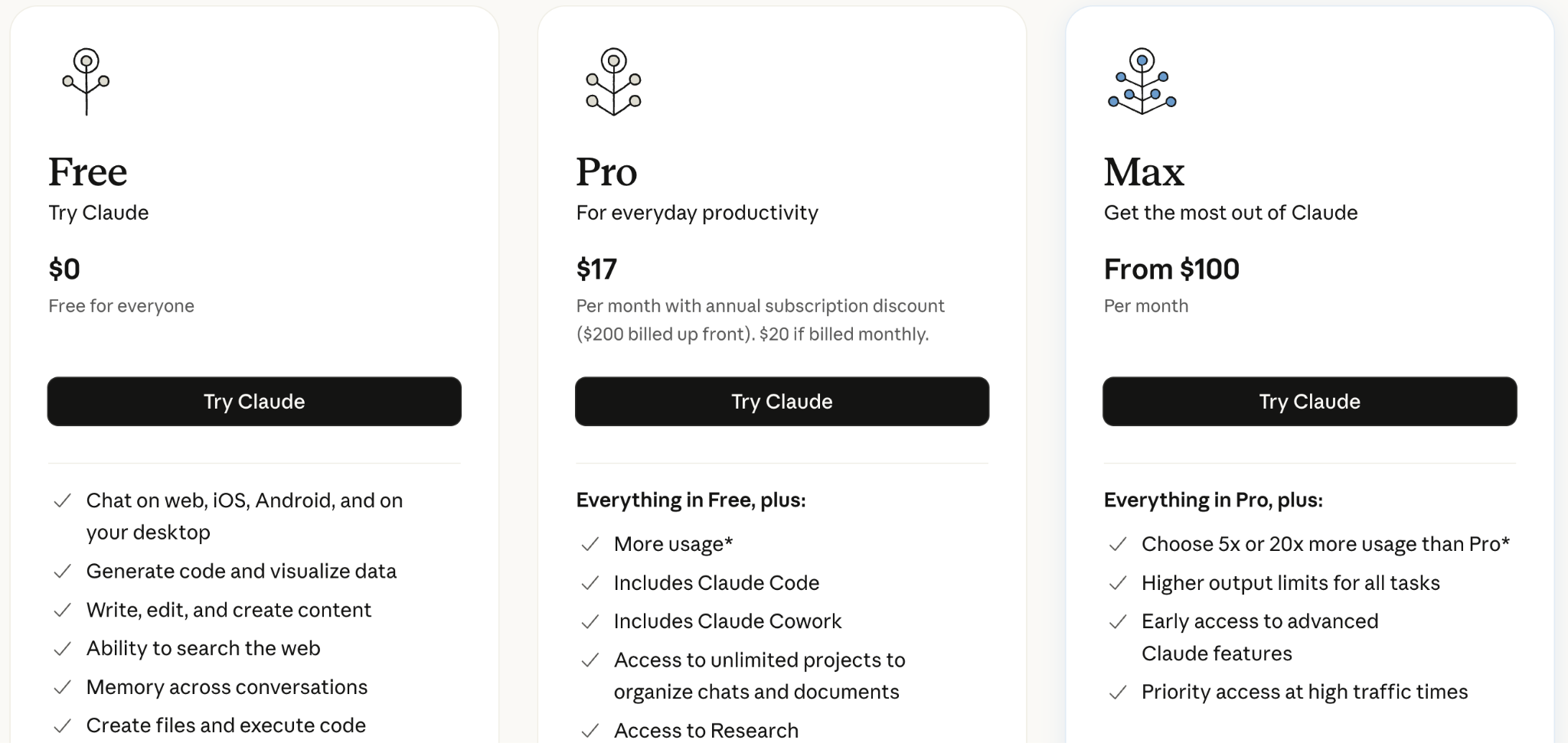
Claude Code is also included with Claude Pro ($20/month) and Max ($100/month or $200/month). But the $20/month plan limits can disappear quickly, and it won’t get you far. If you use Claude Code a lot, you’d probably need to switch to the $100/month plan.
The tools differ, and I can’t say one is clearly better for everyone. At the beginning, pick the one that fits your budget.
Don’t spend too much time comparing them. You’ll learn more from one finished task than from reading another thread about which agent is best.
After you pick an agent, use it on something small enough to check end-to-end.
For example:
Write a Python or bash script
Solve homework from a course
Build a mini-project, like the snake game we did in AI Dev Tools Zoomcamp
Fix a small problem in a project you already use
You don’t need MCPs, skills, subagents, plugins, or custom prompts yet. At this stage, you only need to check two things: can the agent solve your problem, and how do you like to work with it?
When you start, the agent asks for permission for every action. It gets annoying fast.
You have two options:
Build an allow-list of approved actions: Every time the agent requests a command, you approve it and tell it not to ask for that action again. Over time, the useful commands become automatic.
Run the agent in skip-permissions mode, also called YOLO mode: The agent can run any command executable from your terminal. You have to understand the risk. If the agent decides to delete something, it can.
I run most of my projects in YOLO mode. Sometimes speed matters more than control. I want to hand the agent a task for the night and walk away without having to approve every single step.
For serious tasks, I use the allow-list approach. If I’m touching production infrastructure, Terraform, cloud permissions, billing, or anything where a mistake is expensive, I don’t use YOLO. Well, I tried once, and it taught me a good lesson.
There’s no universal rule. It depends on how much control you want and how much the result matters.
I’d been using coding agents for a long time, and they were already useful, but I realized how valuable they are only when I started using them for automation.
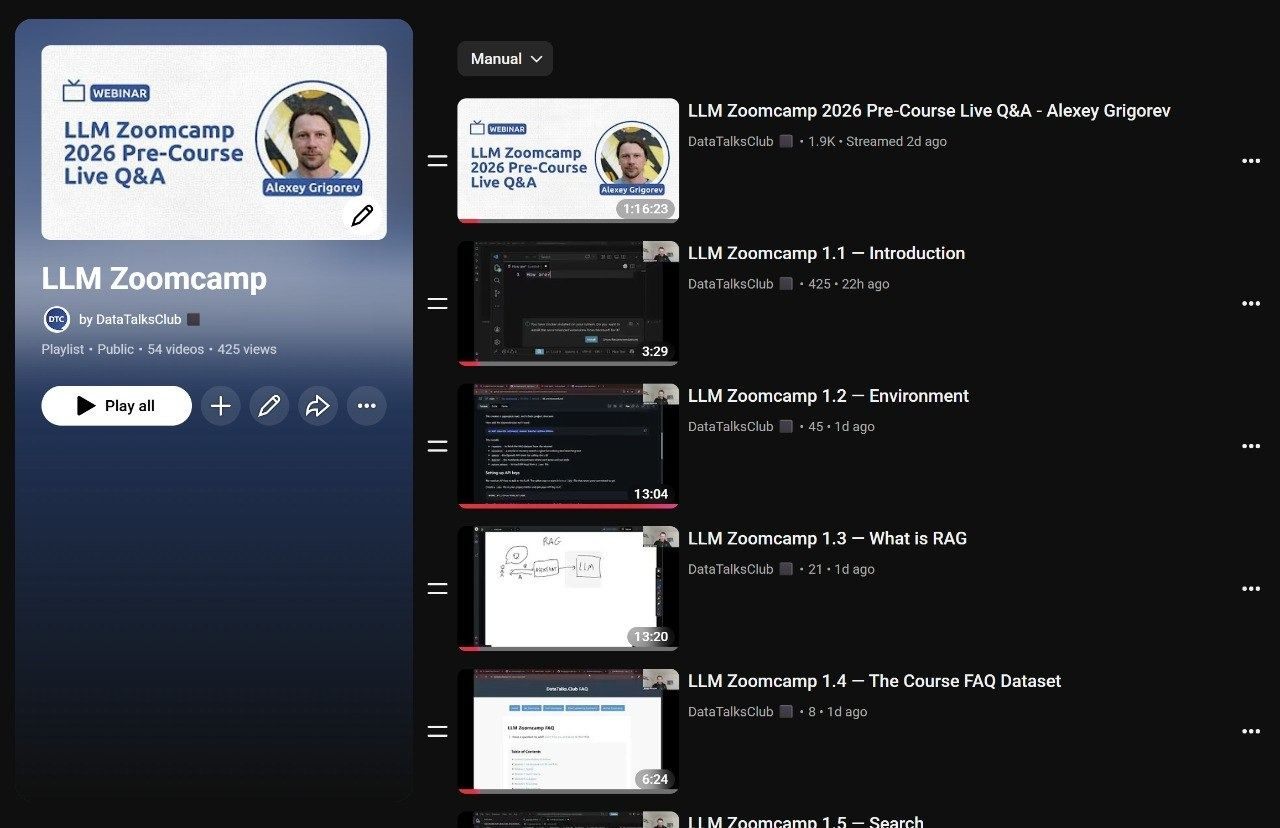
For example, right now, I’m preparing videos for LLM Zoomcamp. I need to download videos from YouTube, cut them into separate chunks, and upload them back as individual videos. I also want each video to have time codes, so I download the subtitles and turn them into chapters.
I delegate most of this to Claude: I only need to
Check that the cuts are clean
Bulk-upload the videos, because the support for that in YouTube API is limited
Hit Save so each video goes from draft to published, because there’s no API for that either
The rest is on Claude: it sees the uploaded videos, pulls their IDs, updates the title and description, adds the timecodes, and puts them into the playlist in the right order.
Creating this kind of automation is pretty simple. I just had to describe what I needed, and Claude found the video links, downloaded them, fetched the transcripts, cut the videos with ffmpeg, and walked me through setting up YouTube API access. After that, I checked the cuts and uploaded the videos.
Overall, if a service has an API or a command-line tool, an AI agent can figure out how to use it from the terminal.
Over the last year, I automated many things this way:
Creating homework submission forms for courses.datatalks.club
Creating GitHub repositories
Publishing new versions of the libraries I maintain
Once I automate something and know I’ll need it again, I document it.
Usually, I work with the agent until the task is done, and then I ask it to write down the process in a markdown file. The LLM Zoomcamp docs for cutting YouTube videos live here.
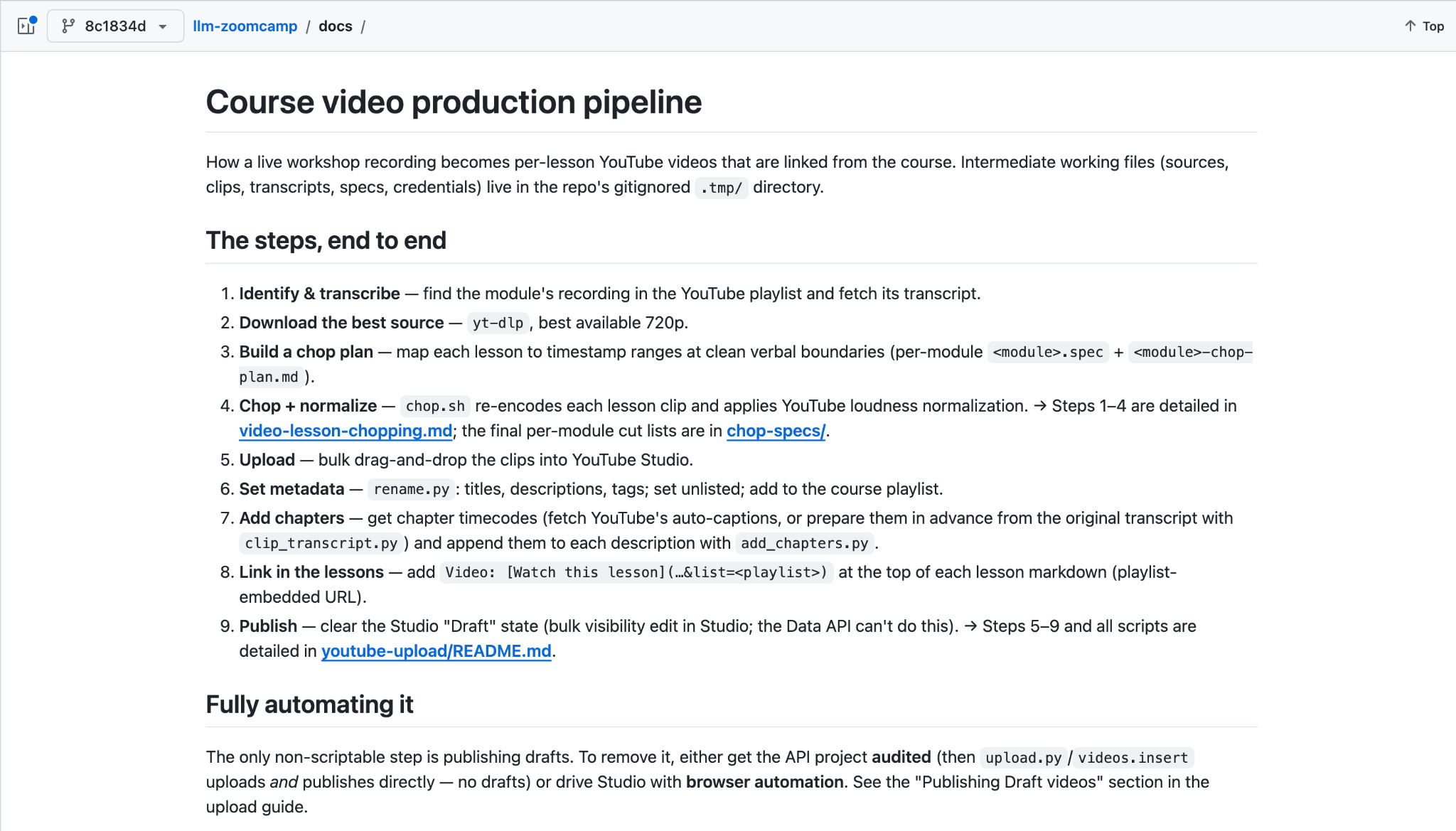
Next time, I can point the agent at the doc, and when I needed to add more videos to the LLM Zoomcamp playlist, that’s exactly what I did.
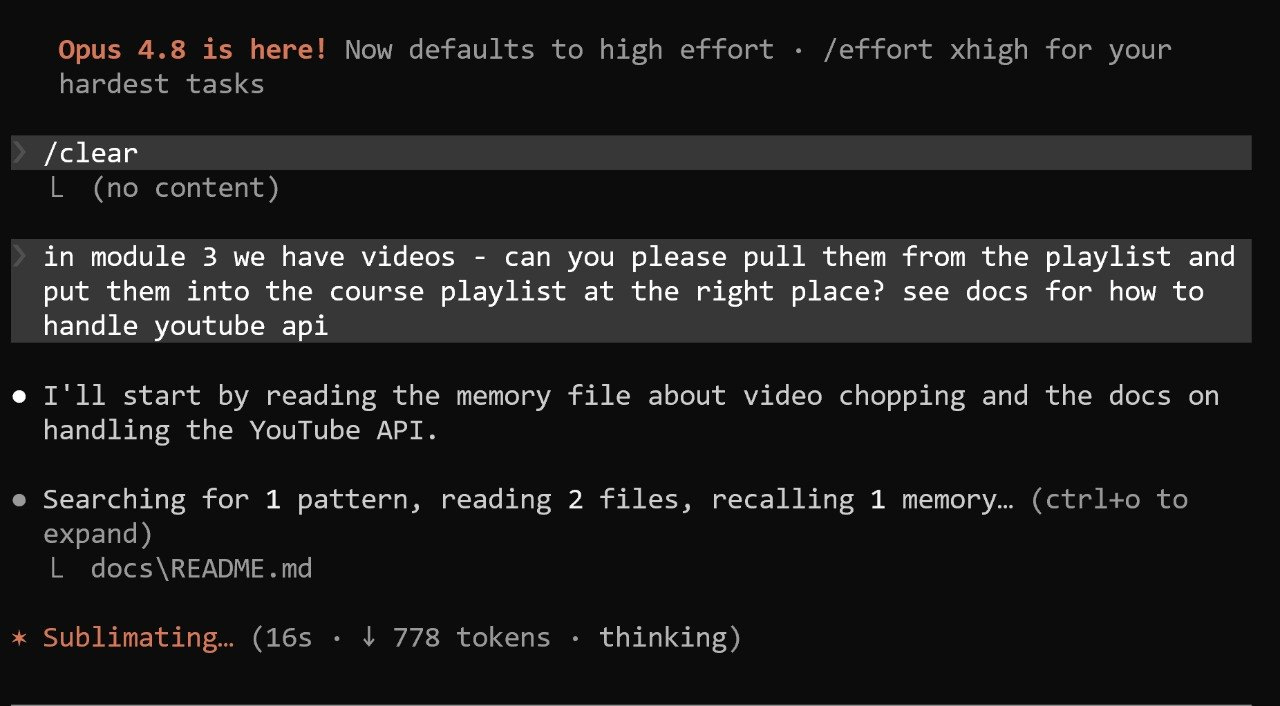
Without a doc, the agent starts from scratch and burns time and tokens figuring out the same thing again.
For YouTube, this may not matter much, since there’s plenty of information online and the agent already knows a lot. But for less common workflows, it doesn’t have the context.
For example, I use agents to publish homework to courses.datatalks.club. To do that, the agent needs to know:
The production URL
Where the API key lives
What is available in the API
The exact payload shape
What to do when things go wrong
Without a doc, I need to explain this every time.
With a doc, I can just say “use this process” and let the agent continue from there.
Once a document becomes part of your regular process, turn it into a skill.
A skill is a markdown file saved in a specific folder with a specific name.
For Claude Code skills, the folder is:
For Codex skills, the folder is:
The file needs YAML frontmatter with a name and a description. That’s the only required part.
Here’s an example from my course-management-agent repo:
Once the file is in the right place, the agent picks it up automatically. With a skill in place, I can write a request as usual: “Here is the homework, create a form for it.” The agent recognizes the skill, loads it, and does the rest.
Without the skill, I need to point it at the docs every time.
You don’t have to write skills by hand. Ask the agent to document the process and turn it into a skill, and Claude Code and Codex both have built-in help for creating skills, so they can put the file in the right folder and format.
If you’re wondering whether something should become a skill, don’t overthink it. Document what you do at the end of each coding session, and if you come back to that document repeatedly, turn it into a skill.
As you work with an agent, every question and answer accumulates in the context. Eventually, the context fills up and the quality drops.
I first noticed how useful subagents are while setting up my Telegram writing assistant.
It works like this:
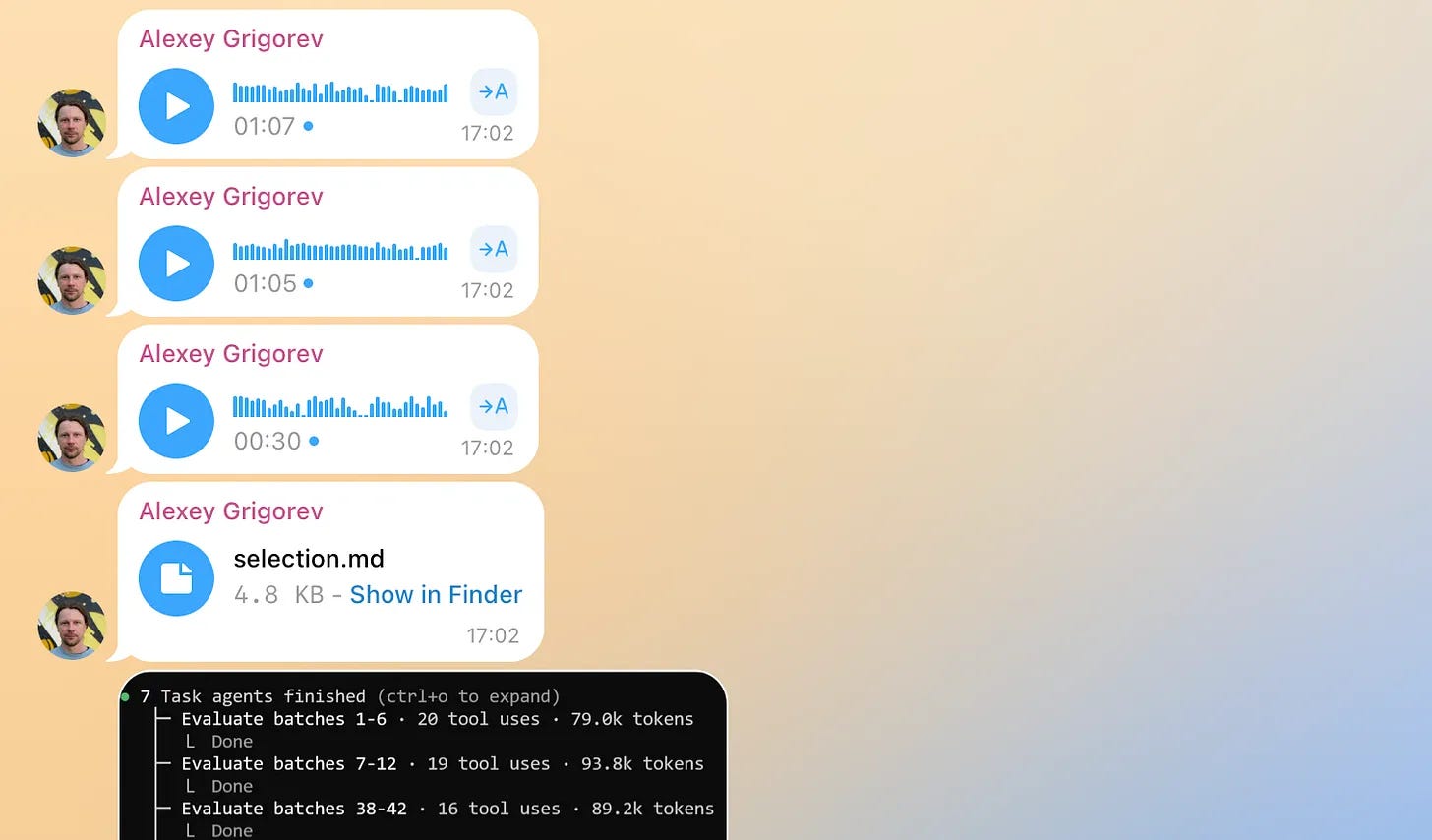
I send it content: voice notes, text messages, links, videos
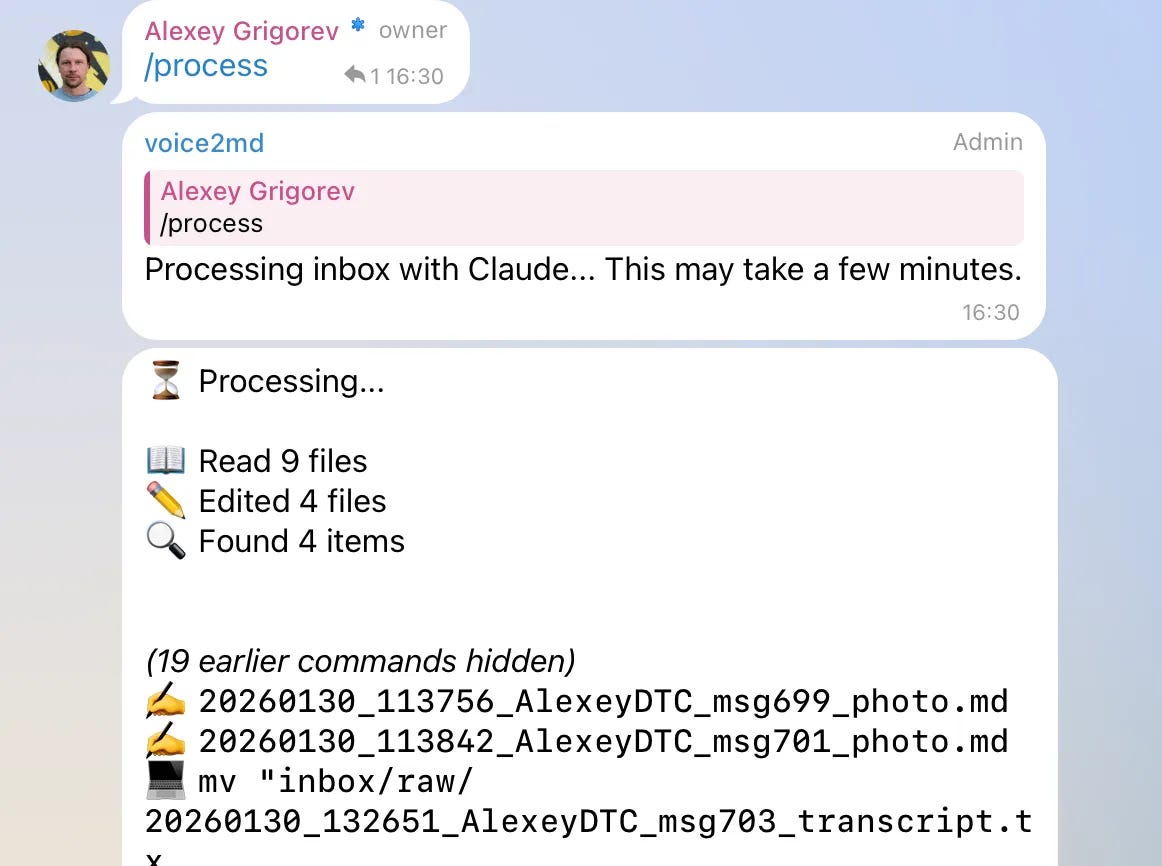
I run
/processfrom TelegramClaude turns the pile into articles, summaries, and saved notes
The /process command is a skill that describes how to turn the input into writing material.
Now imagine I send this:
Ten voice notes that should become two or three articles
A tweet I liked and want to save
A three-hour YouTube video I want to summarize
If I run /process and the main agent handles everything in the same context, the long YouTube transcript pollutes the rest of the work: the article draft gets worse, the summary isn’t great either, and after that, there’s no clean context to continue from.
One way out is to process the simple items first and handle the YouTube video in a separate session later.
But there’s an alternative: the main agent starts a subagent with specific instructions: summarize this transcript. The subagent runs in its own context, saves the result, and reports back. The main agent only sees the task, the status, and the final summary. The huge transcript never enters the main context.
That’s the main reason I use subagents.
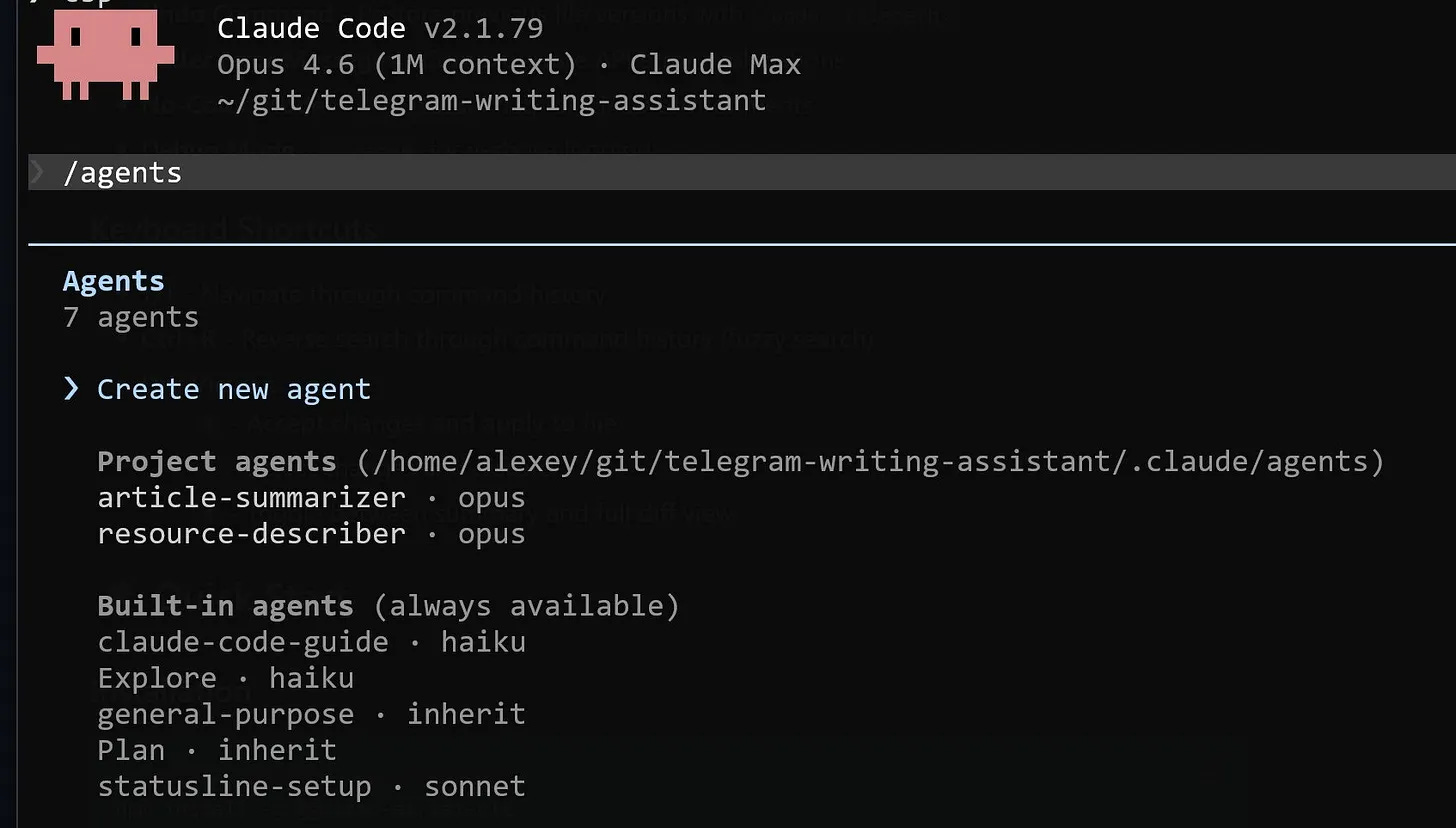
If the task is small and the context is clean, I keep it in the main session. If the task is large, noisy, or research-heavy, I send it to a subagent.
Each subagent works on a specific task:
Summarize this long transcript and save the notes
Inspect this large repository and report the architecture
Review these logs and extract the failure pattern
Search these files and return the exact places that need changes
In my own projects, I usually create a CLAUDE.md and an AGENTS.md.
Claude Code reads CLAUDE.md. Codex and OpenCode read AGENTS.md.
These files explain the project to the agent:
What the project does
How to run tests
Which commands are safe
Where important files live
What conventions to follow
What not to touch
The agent reads this file when it starts. That saves me from explaining the project from scratch each time and spares the agent from crawling through the whole repository to figure out how things work.
Because I reset sessions often, these files matter a lot.
The subcommand I use most often is the one that resets the session. It’s called reset, new or clear, depending on the agent.
Every new task starts with a clean context. The agent reads the most important instructions from AGENTS.md and starts working on the task
Another command I use actively right now is goal.
You give the agent a completion condition in plain language, for example:
Then the agent keeps starting new turns until the condition is met.
It’s the productized version of the Ralph loop: a loop that keeps feeding work to a the agent, until a certain condition is met.
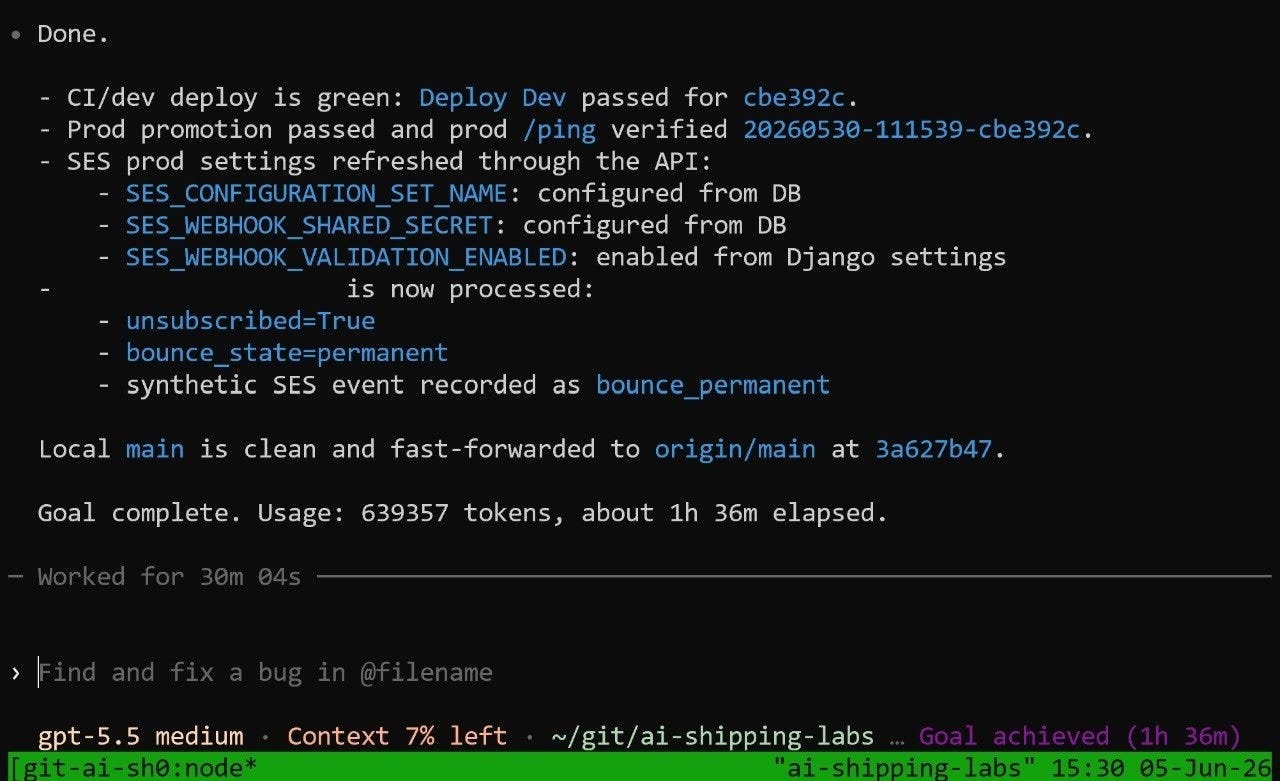
Codex shipped it first. Claude Code added a near-identical version shortly after, with a separate small evaluator model that checks whether the condition is satisfied after each turn and, if not, sends guidance and starts another turn. It pairs well with skip-permissions mode, so each turn runs without approval prompts.
Beyond reset and goal, I don’t use many slash commands.
To understand what others are doing, I recommend that you first take all the steps that I described in the article. Complex setups can be confusing, especially when you’re just starting to work with agents.
Here, I’d like to share my own setup, which is available in a public repository: github.com/alexeygrigorev/.claude. Despite the name, it bootstraps and configures all three agents I use from one shared clone. Every machine and every assistant gets the same setup.
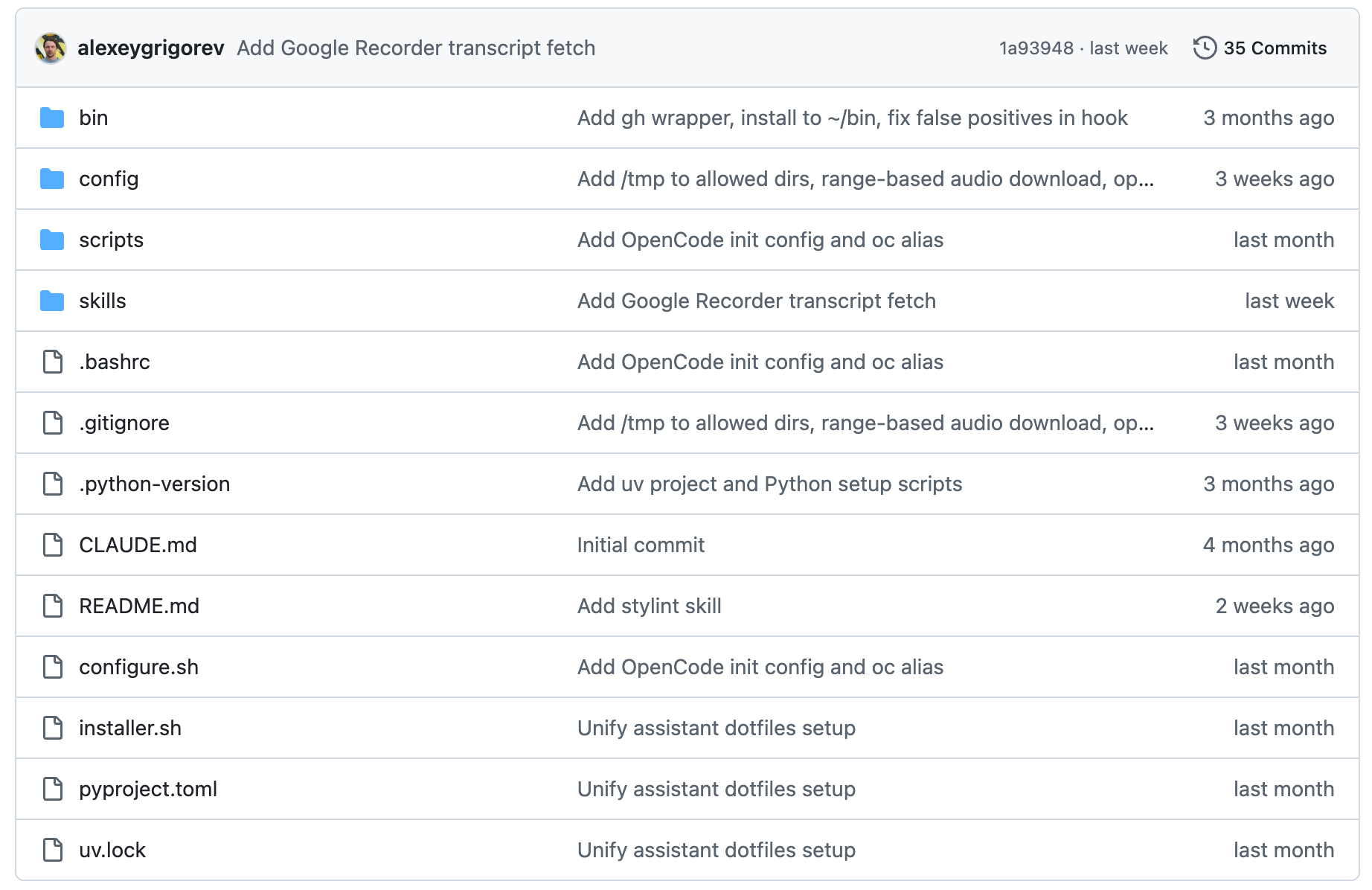
Here’s what’s inside this repo and the role of each file:
An installer script clones the repo
A configure script wires everything into the right home-directory locations
The configure step takes a target:
claude,codex,opencode, orallA
config/folder holds per-assistant settingsA
skills/folder holds the shared skillsA shared
.bashrcdefines the aliases I use daily
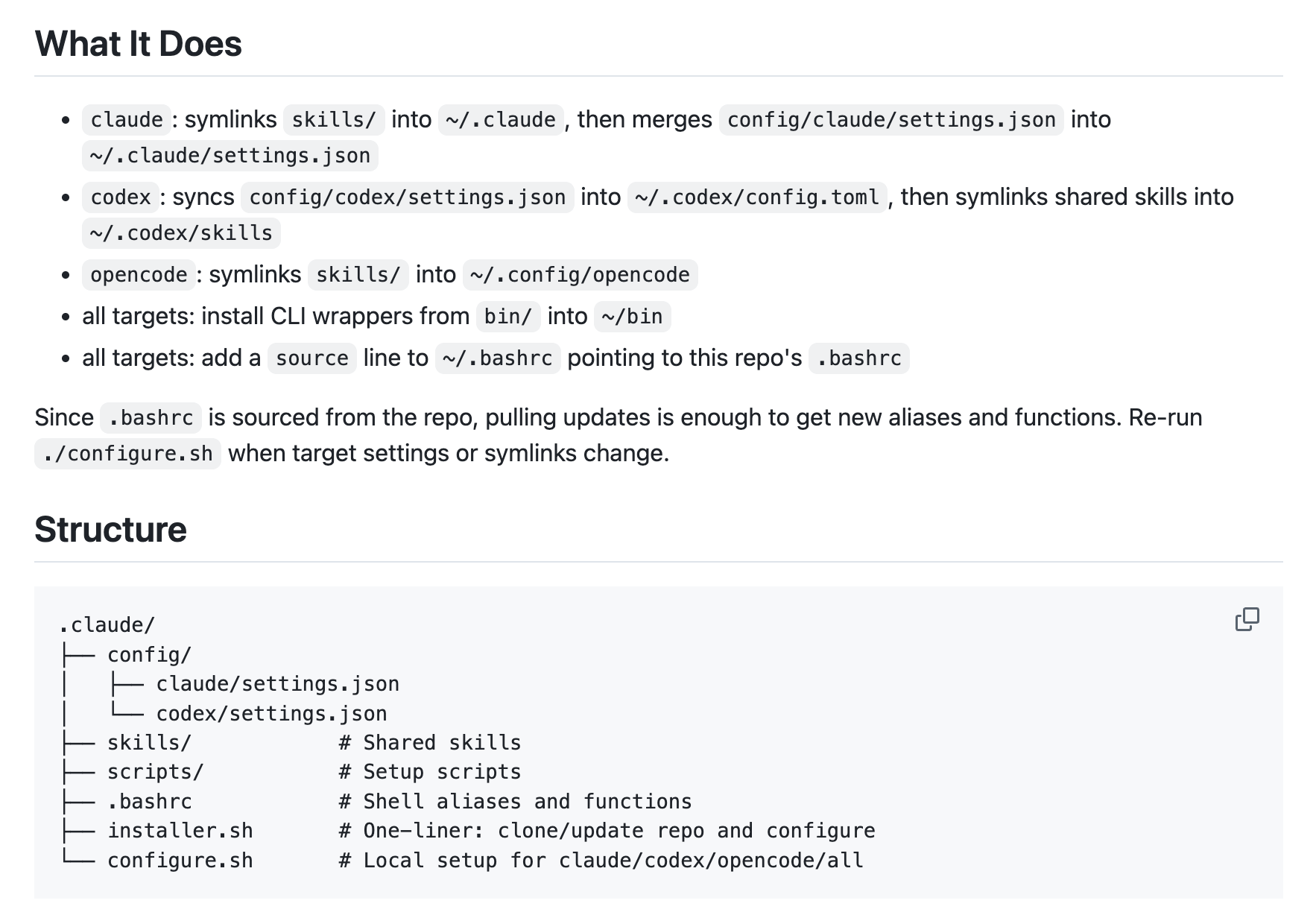
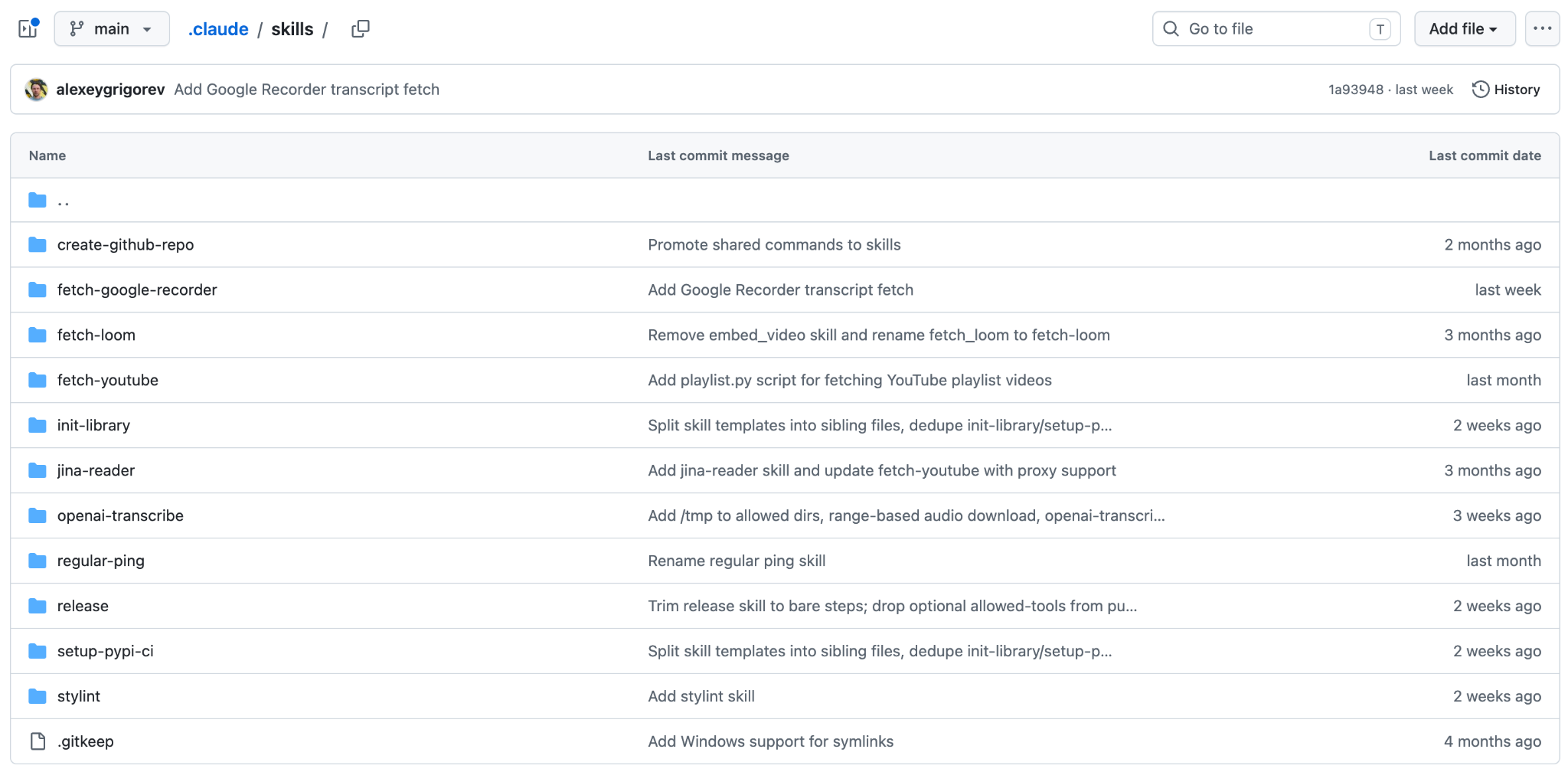
The skills are symlinked into each assistant, so Claude Code, Codex, and OpenCode can share them.
Some examples from that repo:
create-github-repofetch-youtubefetch-loomfetch-google-recorderinit-libraryjina-readeropenai-transcriberegular-pingreleasesetup-pypi-cistylint
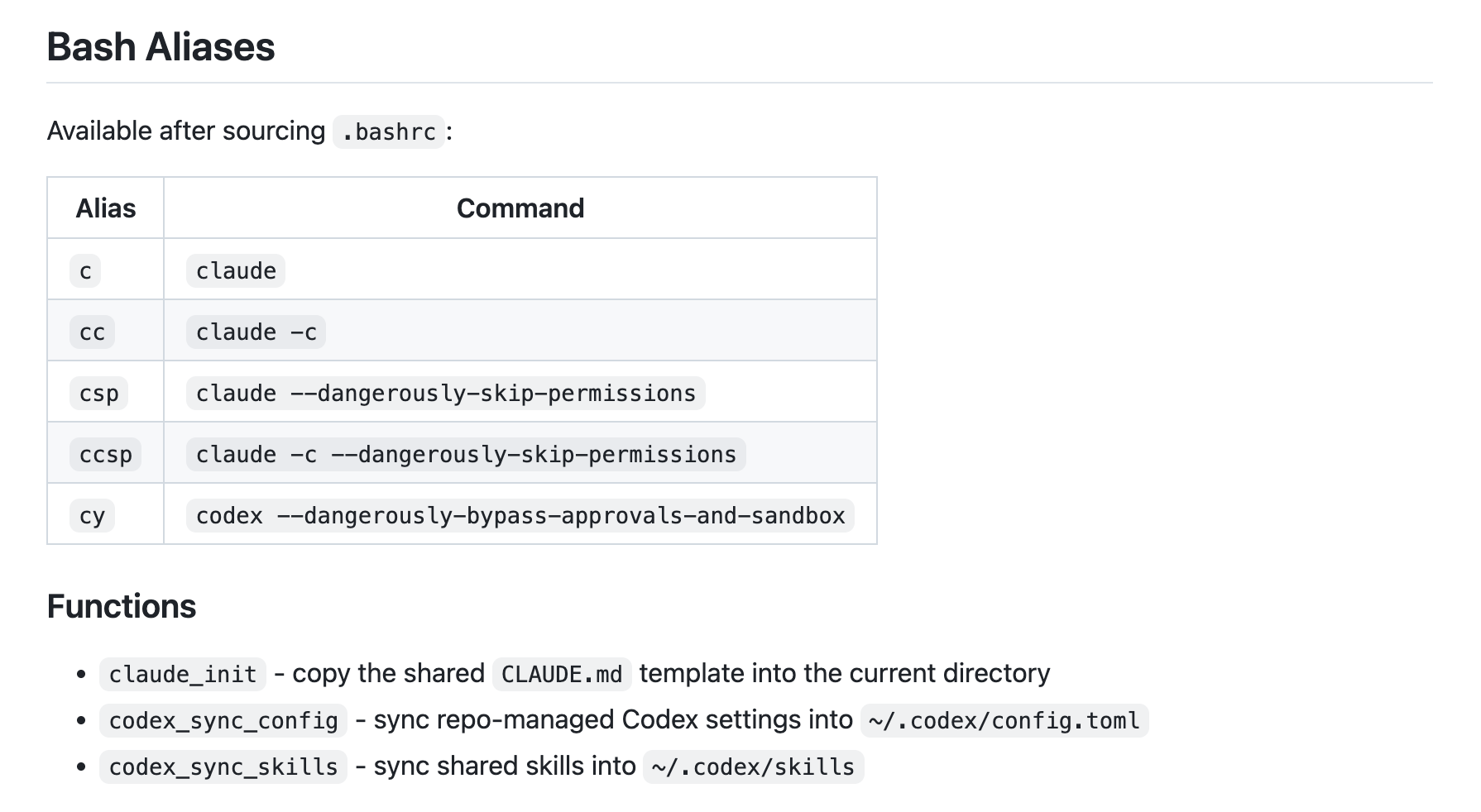
The .bashrc also defines short aliases. I use c for Claude, cc for continue-session, csp for Claude with skip permissions, cy for Codex in bypass mode, and oc for OpenCode.
The repo also has guardrails. Claude settings register a PreToolUse hook that blocks dangerous commands unless I confirm them. For example, it blocks rm -rf /, force pushes, dropping a database, and terraform apply.
This setup isn’t required on day one. I built it after I’d faced the same tasks enough times to get annoyed. Don’t overcomplicate things, install any agent and just start experimenting with it for solving your tasks. Along the way, you’ll figure out the rest and which agent capabilities you really need.
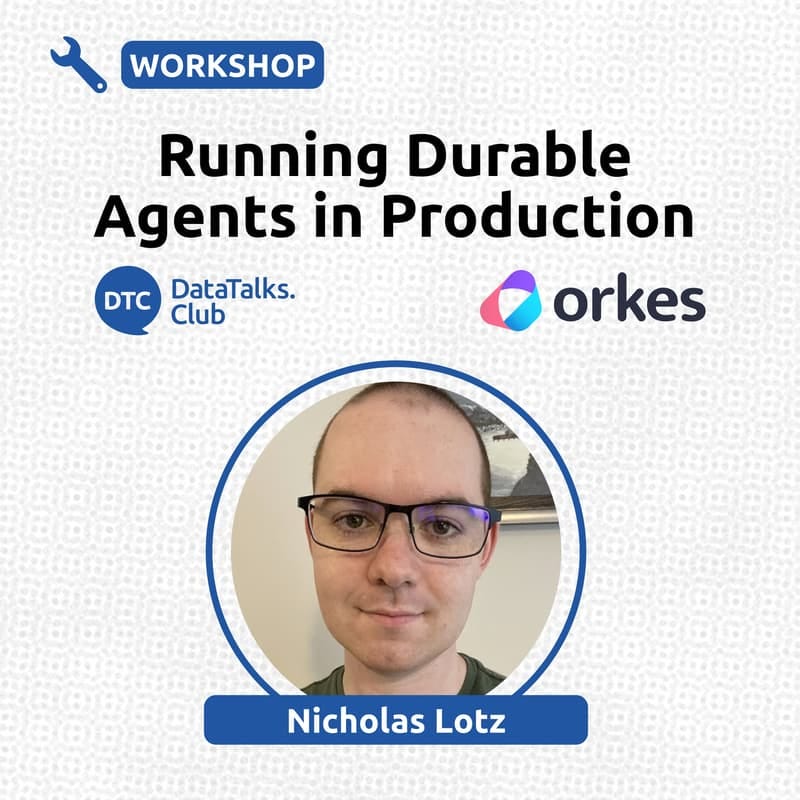
I’ve been preparing for the upcoming workshop on Running Durable Agents in Production.
Agent demos often work well until something interrupts them: the process crashes, a deploy happens, a tool call fails, or an approval never comes back. In production, this means the workflow needs a way to recover, continue, and show what happened.
That’s what Nicholas Lotz will cover in the workshop: how to save state outside the agent process, resume after failures, retry tool calls, pause safely for approvals, inspect execution traces, and deploy multi-agent apps to real infrastructure.
I also worked on a workshop about monitoring LLM applications.
In the workshop, we build a Streamlit chat app, store conversations in PostgreSQL, capture LLM call metrics, add user feedback, use an LLM judge, and put everything on dashboards. We also go through Grafana, synthetic data, Docker Compose, and a few next steps, like OpenTelemetry and alerting.
For AI Shipping Labs, I did a freestyle coding workshop on hosting open-source LLMs with vLLM on rented RunPod GPUs.
We compared Cloud Run and Lambda pricing, picked GPUs, calculated VRAM for DeepSeek models, fixed out-of-memory errors with quantization, set up SSH, used uv, kept things alive with tmux, protected endpoints with API keys, and packaged everything into a Docker image.
If you want the notes from this workshop, join AI Shipping Labs. The Basic plan includes the notes, and the Main plan also includes the recording.
I also hosted the LLM Zoomcamp 2026 pre-course Q&A.
The live cohort starts on June 8, so this was a chance to answer questions before the course begins. We talked about what we’ll build, who the course is for, prerequisites, homework, the leaderboard, certificates, capstone projects, and how to get the most out of the DataTalks.Club community.
LLM Zoomcamp is free and open-source. Basic Python and command-line experience are enough to get started.
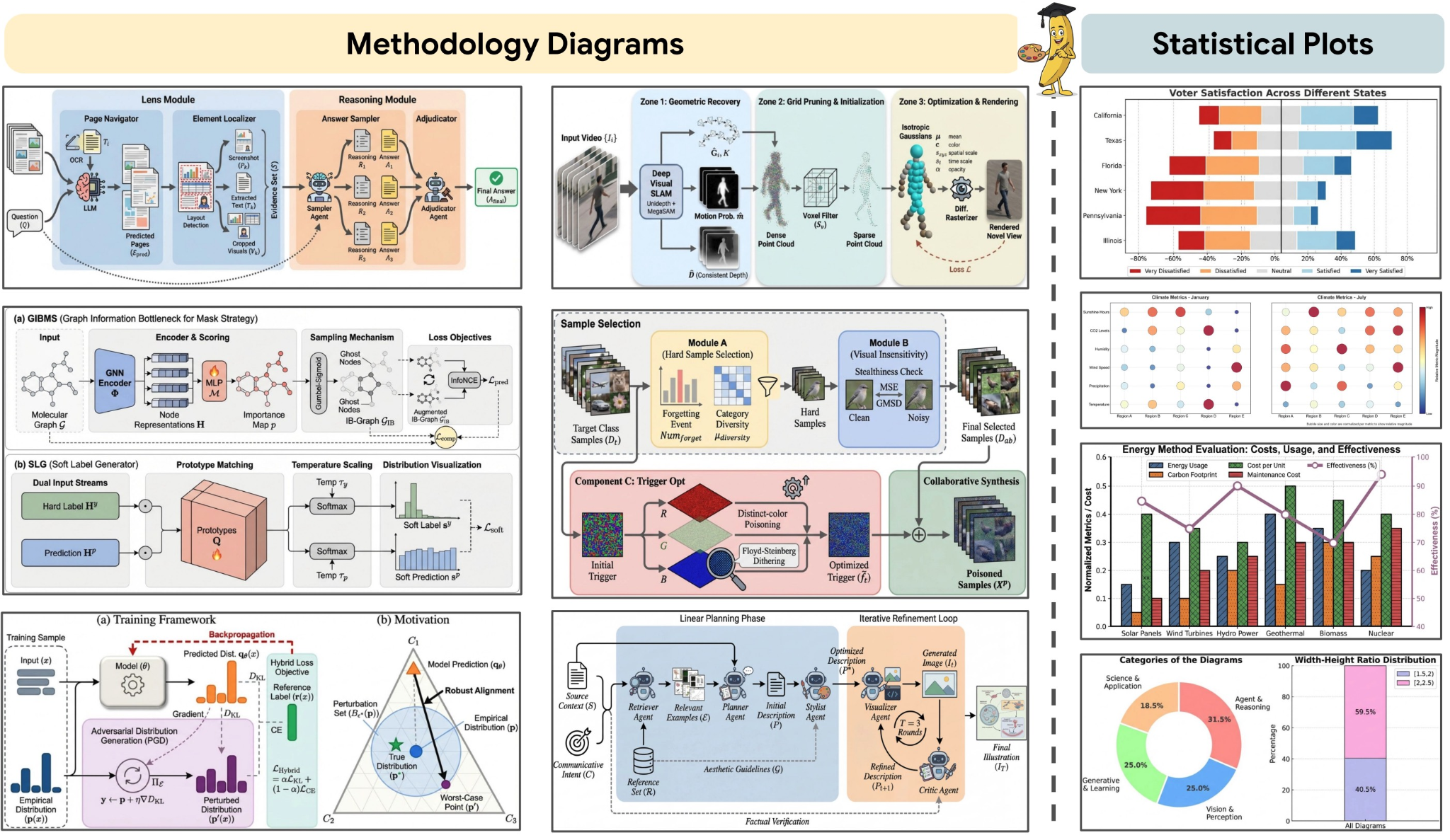
PaperBanana: an agentic framework that automates the creation of publication-ready methodology diagrams and statistical plots directly from paper text, references, or even rough sketches. By orchestrating specialized agents for retrieval, planning, rendering, and self-critique, it reduces the manual bottleneck of academic illustration while maintaining scientific accuracy and visual consistency. It is built specifically for researchers who want high-quality figures without spending hours in drawing tools.
Dexter: an autonomous financial research agent that thinks, plans, and learns as it works. It performs analysis using task planning, self-reflection, and real-time market data. Think Claude Code, but built specifically for financial research. It features intelligent task planning, autonomous execution, self-validation, real-time access to financial data, and safety features such as loop detection and step limits.
Claude Code and Large-Context Reasoning: materials from a hands-on O’Reilly Live Learning course by Tim Warner that teaches how to build production-ready AI-assisted development workflows with Claude Code. It covers large-context reasoning, MCP-based persistent memory, agents, and custom skills, with practical examples for code review, automation, and CI/CD.
awesome-slash: a curated GitHub list of tools, patterns, and projects built around slash-command interfaces. It’s a practical reference for anyone designing command-driven workflows, bots, or developer tools that rely on concise, action-oriented commands instead of complex UIs.
Edited by Valeriia Kuka
Comments
Nothing yet. Say the first thing.
Sign in to join the conversation.