
Note: AI Weekender has moved. New posts are published at ai-weekender.com, and this Substack is now an archive.
To keep receiving weekly issues, please subscribe at ai-weekender.com instead of here.
Last week, I walked through setting up a $0 cloud VM you can SSH into from your laptop. This is part 2 on installing Hermes on your VM and hooking it up to Telegram.
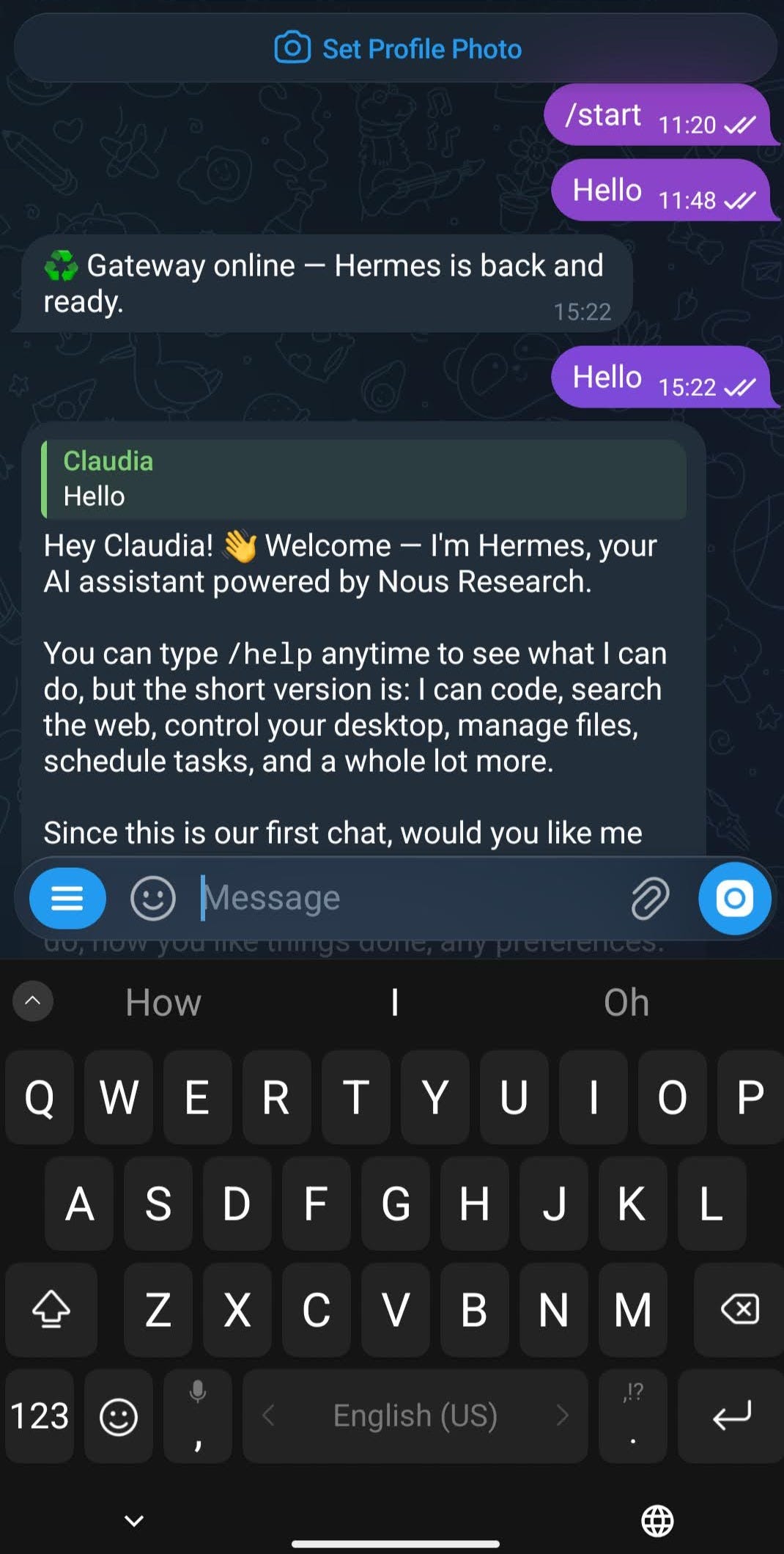
By the end you’ll have $0 Hermes running 24/7 on your VM. You can text it on Telegram and SSH in from your laptop for setup and debugging.
This post walks through that in 4 steps. I’d budget ~1 hour for this part of the setup. Here’s what this guide covers:
Install Hermes on the VM (free-tier provider choices)
Wire Telegram and keep the VM running after you close your laptop.
Set persona files (
SOUL,MEMORY,USER) that define how the bot behavesInstall skills and an optional cron job (the example is a weekly AI-trends brief)
If you skipped part 1, start here. Otherwise, let’s get started!
Note: AI Weekender has moved. New posts are published at ai-weekender.com, and this Substack is now an archive.
To keep receiving weekly issues, please subscribe at ai-weekender.com instead of here.
Comments
Nothing yet. Say the first thing.
Sign in to join the conversation.