
Note: AI Weekender has moved. New posts are published at ai-weekender.com, and this Substack is now an archive.
To keep receiving weekly issues, please subscribe at ai-weekender.com instead of here.
I set up Hermes agent on my laptop for $0 a few weeks ago using NVIDIA’s free API tier. I’ve been using it for research, but the moment I shut my laptop, the session ends.
I wanted it on my phone around the clock, so I ran Hermes on a small free cloud box and hooked it up to Telegram. It points at my GitHub repo: past posts, working notes, and the same codebase behind my RAG Blueprint project.
When I get an idea on a walk, I text one messy sentence. A few tool calls later, I get a short research note in Telegram that I can reference later when drafting.
This hobby $0 setup took about six hours of research, tinkering, and setup across a weekend. I’ve been enjoying having an agent in my pocket without being locked in to a monthly subscription.
Texting My Hermes Agent from Telegram
I started by DMing my agent in Telegram “hello” and “/sethome”:
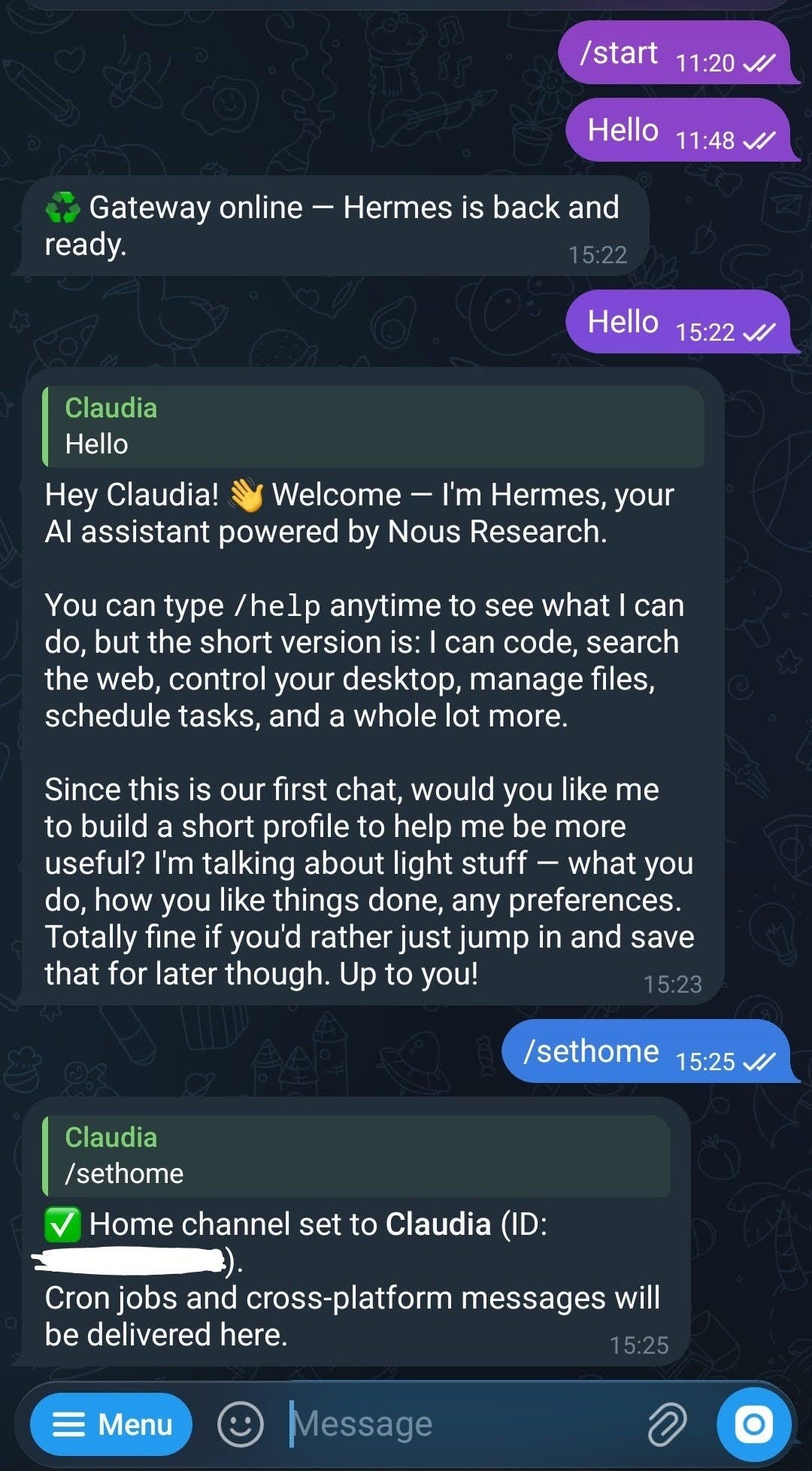
hello reply and /sethome confirmation (screenshot by author)I gave my agent access to selected GitHub repos with guardrails. It can list PRs, read diffs, and open files on command. I’ve given it limited access so far, so it can only write inside certain subfolders to avoid mishaps that could break my RAG AI assistant.
It’s become my blog research and brainstorming assistant. I text it an idea I have when I’m away from my computer, like seeding it my rough notes on different research questions or blog outline ideas.
Another feature I really like is being able to set up a cron job, like Scheduled Tasks in Claude Cowork.
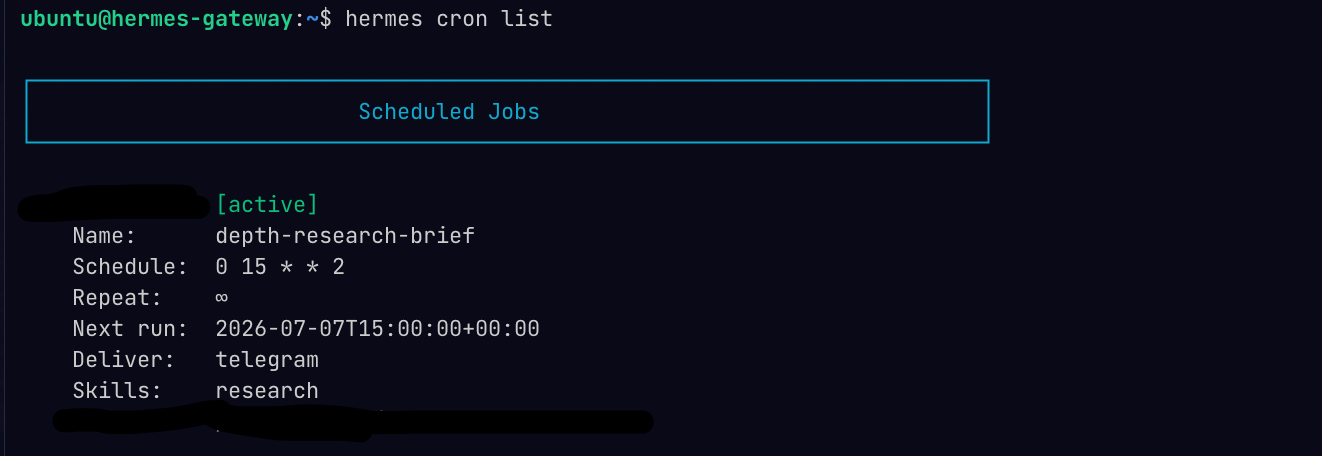
I set one up that runs on weekdays and sends me a short daily lesson on using Hermes better.
When Free Inference is Not Enough
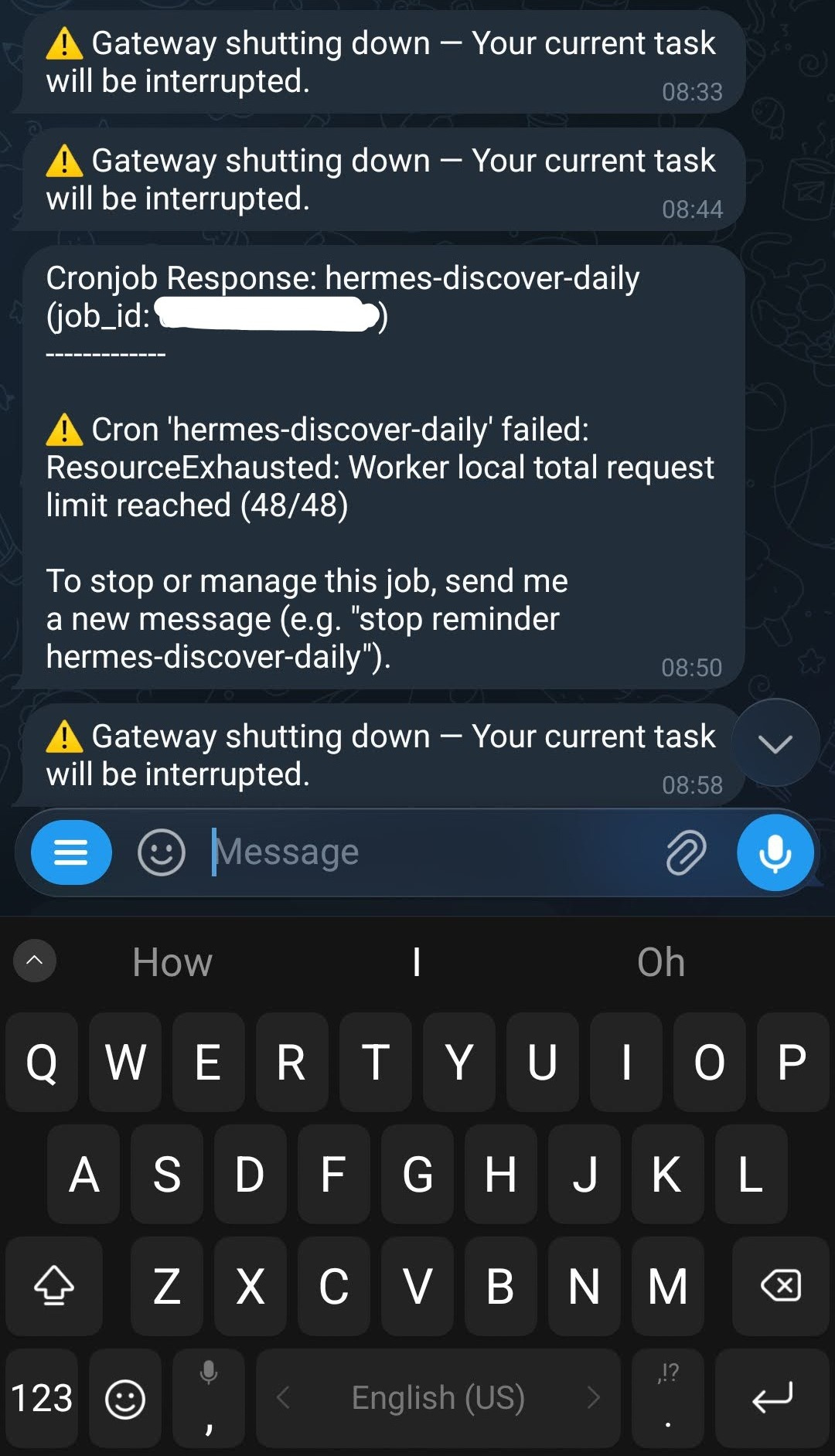
I’ll admit the NVIDIA free API tier is not always enough. Sessions stall and cron jobs fail when I get rate-limited after a few runs, similar to what I saw in my $0 laptop Hermes setup.
I added an OpenAI API key as a fallback and capped spend at $5/month for when I hit the limits of NVIDIA’s free API tier and I do not want to wait. Unless you’re doing extensive coding work, I think the $5 monthly cap is plenty.
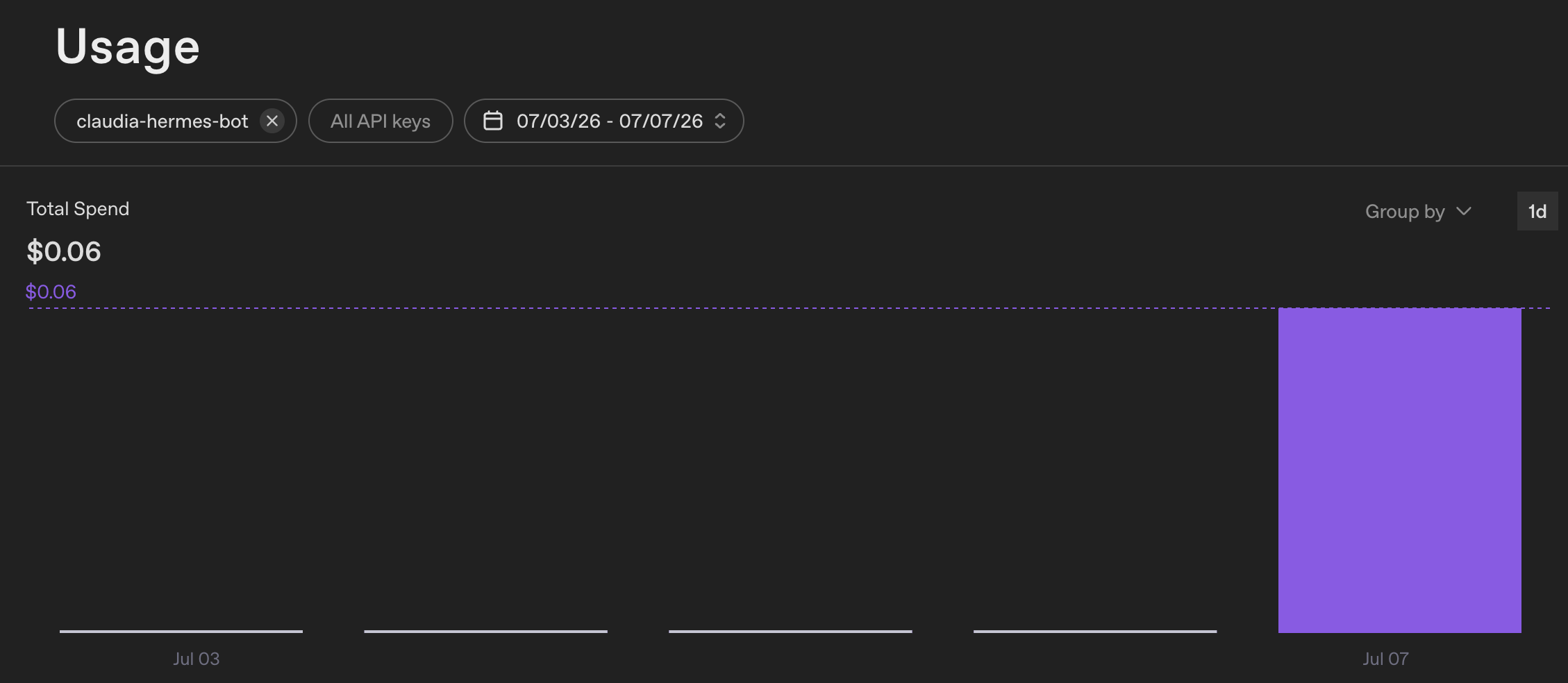
I routed some test traffic to OpenAI’s API to get Telegram up and working. I made 38 requests, roughly 600k tokens, and the bill was $0.06. I used cheaper models on purpose since I wasn’t asking for multi-file refactors, just file reads and short research.
I keep cron jobs on NVIDIA DeepSeek, and only switch to GPT-5.4-nano when I’ve exhausted the free limits, usually if I want to ask a follow-up question from the cron job results.
Switching models in Telegram is easy; just type /model in the chat, same as in the desktop app.
Get My Full Setup
You don’t have to burn hundreds a month to get an AI project prototype up and running. This build started with me asking whether an always-on Hermes agent could run on free tiers first, then swap to small pay-as-you-go spend only when I hit a limit.
The result is a $0 agent in my pocket around the clock!
[Exclusive for paid subscribers] If you want to build the same setup, I’m publishing the walkthrough over the next two weeks:
Module 1 (Jul 16): Get an always-on free cloud box. How to get past the signup and setup challenges that can turn a weekend project into a networking debug session.
Module 2 (Jul 23): Turn the cloud box into an agent reachable from Telegram on your phone, with memory that compounds across days, and research briefs messaged to you every morning.
Haven’t tried Hermes on desktop yet? Start with this free post:
Note: AI Weekender has moved. New posts are published at ai-weekender.com, and this Substack is now an archive.
To keep receiving weekly issues, please subscribe at ai-weekender.com instead of here.
Comments
Nothing yet. Say the first thing.
Sign in to join the conversation.