
Note: AI Weekender has moved. New posts are published at ai-weekender.com, and this Substack is now an archive.
To keep receiving weekly issues, please subscribe at ai-weekender.com instead of here.
A friend asked me last month how I “actually make Claude Code work.”
I sent back the top Claude Code slash commands I use, straight from muscle memory. This post is that workflow list of sixteen of them, grouped by when I use them.
Outcome: A short Claude Code CLI workflow of which built-in slash commands I still use for context window headroom, planning and review, side threads, and session cost.
Who it’s for: Engineers who already live in Claude Code and want more control over the session: context budget, when files change, what lands in `git diff`, and what a heavy session costs.
This week is only the command surface including sixteen slash commands and shortcuts I frequently use. Next week’s paid post is everything under that:
How I lay out
.claude/What I keep in
CLAUDE.mdCustom slash-command files
Permission defaults that keep tool use inside bounds
The template pack and scoped rules I paste into a new repo
That’s the pairing that changed my workflow. It gives repeatability instead of being just a clever chat that resets every time you open the terminal.
I use this group to see how much context is left, shrink or wipe the transcript when I need headroom, and append one line to CLAUDE.md when I fix a convention mid-session so the next run sees it. That last one is control over what the *next* session inherits without opening an editor (Cursor doesn’t ship that shortcut).
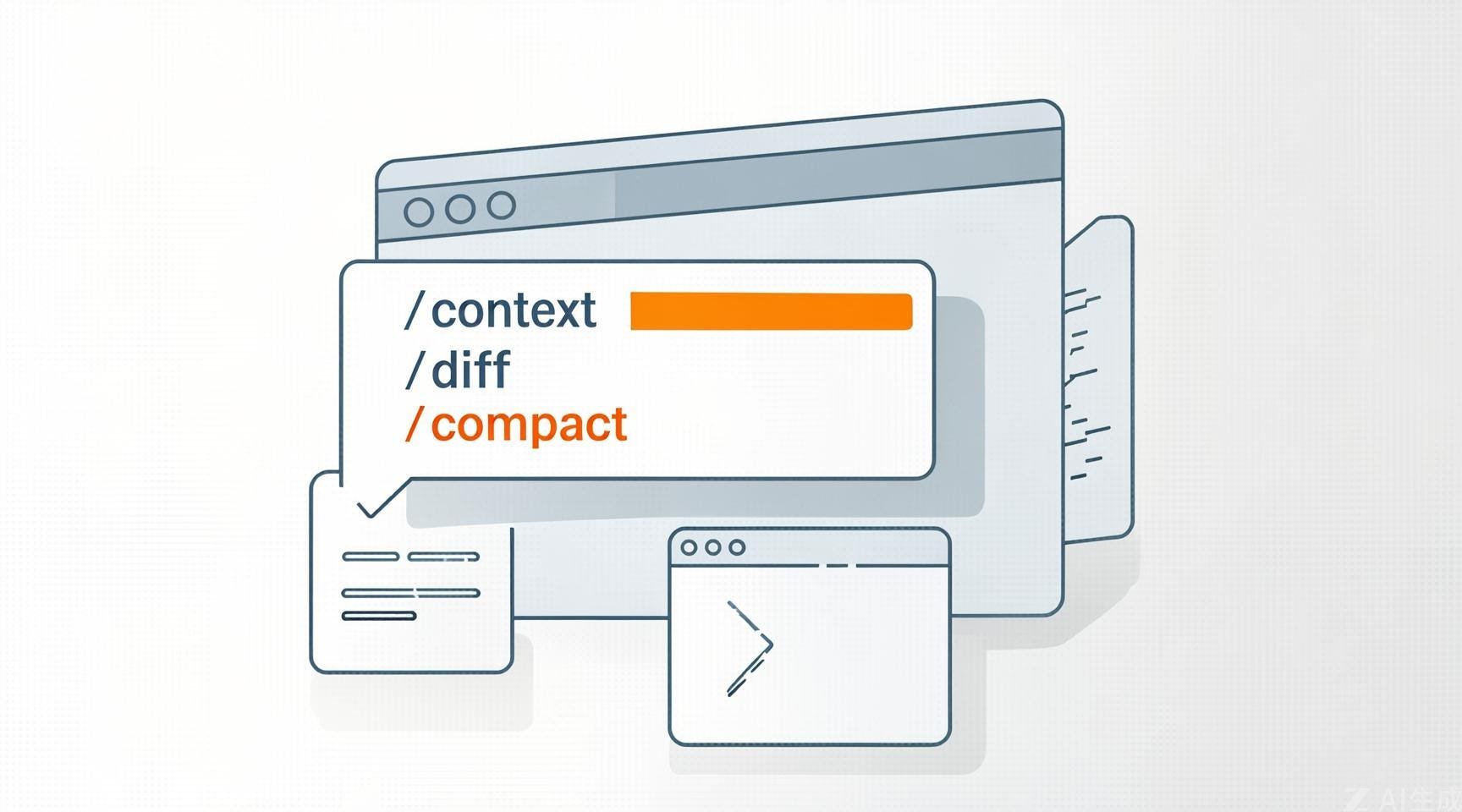
/context: how full the context window is. I check before a long task or a multi-file pass so I don’t run out of room halfway through./compact [focus]: summarizes older turns and frees space at natural breakpoints like a finished feature, a change in task type, or the start of a new sub-goal. If/contextsays I’m already high, I compact or start a new thread before I add more./clear: Clears conversation history and frees context, with aliases/resetand/new. I use it when I’m switching tasks and I don’t need anything from the current thread.# text(typed in session): appends toCLAUDE.mdwithout having to open the editor.
I’ve found that wrong assumptions compound because each edit sits on the last one, and backing out three touched files after a bad first call burns tokens and review time. So when I’m starting a big code change, I don’t want the model editing files before agreeing to the approach.
This block is how I get a written plan first (or lock the session into plan-first behavior), read the accumulated git diff before I commit, and optionally run Claude Code in a second git worktree so agent-generated files never land in my primary working tree until I choose to merge.
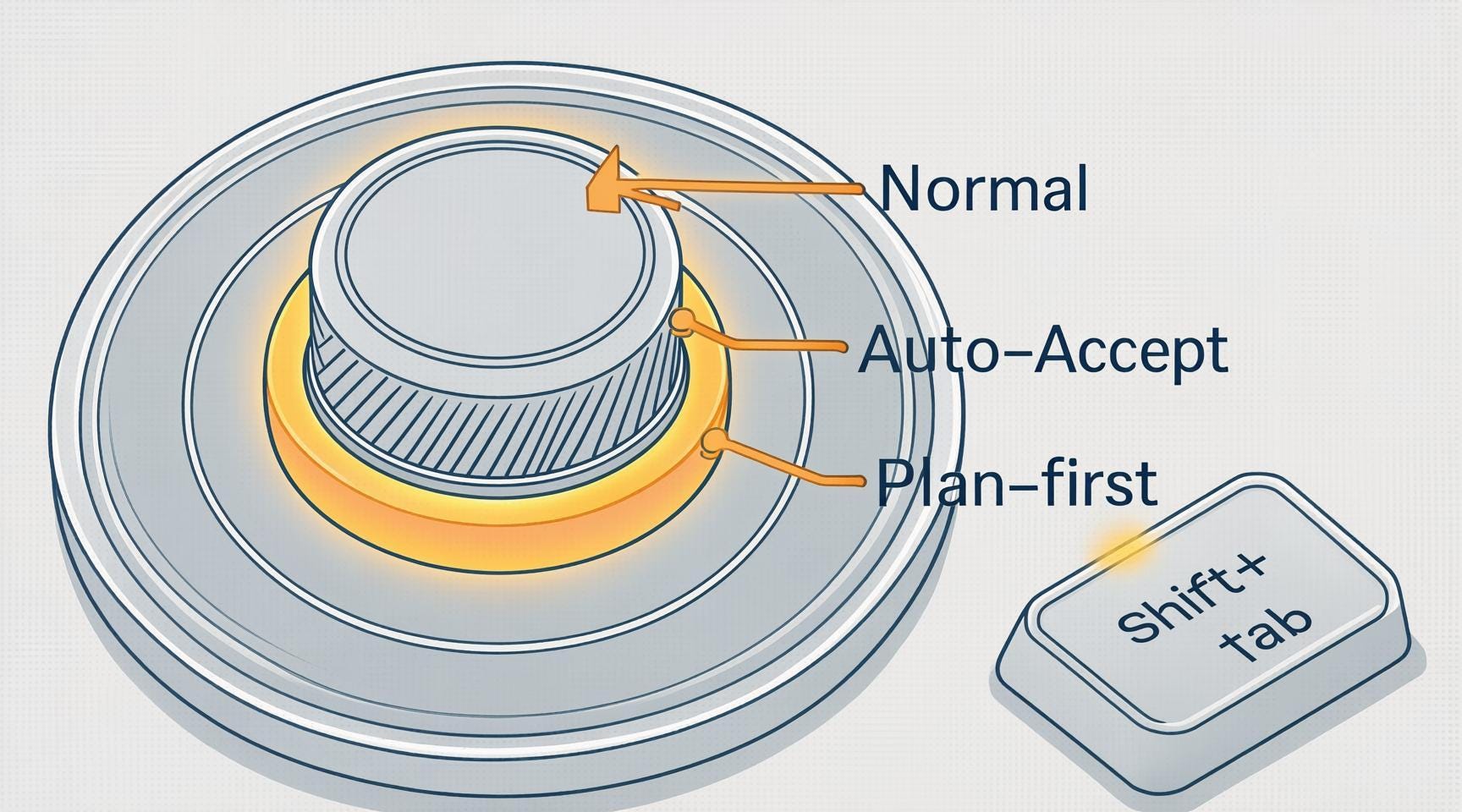
Here is the typical order for how I’d use these commands:
--worktree(optional, at session start): I use this for context switching or AI agent isolation. By runninggit worktree add, you map a second directory to your existing.gitfolder. This allows you to let Claude Code iterate on a separate branch in parallel while your primary WIP remains as is. Once the task is done, simply git worktree remove to clean up. You can usegit worktree listto audit active environments.Shift+Tab: This cycles permission modes in the CLI (how much the agent can change without stopping for approval). It steps through the modes moves between Normal (more prompts), Auto-Accept (smaller edits go through faster), and Plan-leaning behavior (plan before larger edits)./plan: This asks the model to lay out steps before it starts editing. I use it when the change involves multiple steps or files, and I want the approach explicit before more files change because wrong assumptions can compound./diff: This shows everything the agent changed this session as a unified diff. I read it beforegit commitfor imports, secrets, and whether the edits match what I asked.
These are the commands I use to keep side questions and one-off tries out of the main transcript, so the thread I care about stays clean and consistent.
/btw: For side questions without stuffing the main transcript./fork: This creates a checkpoint for the current session. It’s my go-to for “what if” scenarios where I don’t want to pollute my primary session.Ctrl+B: This runs the current request in the background so I stay unblocked on the main line of work./batch: I run this when I have a clear pattern that needs to land across the whole repo at once. It’s high-velocity, parallel execution for the “boring” parts of a large-scale refactor.
When I need to balance API spend against reasoning depth, I use these four commands to calibrate how Claude approaches a task.
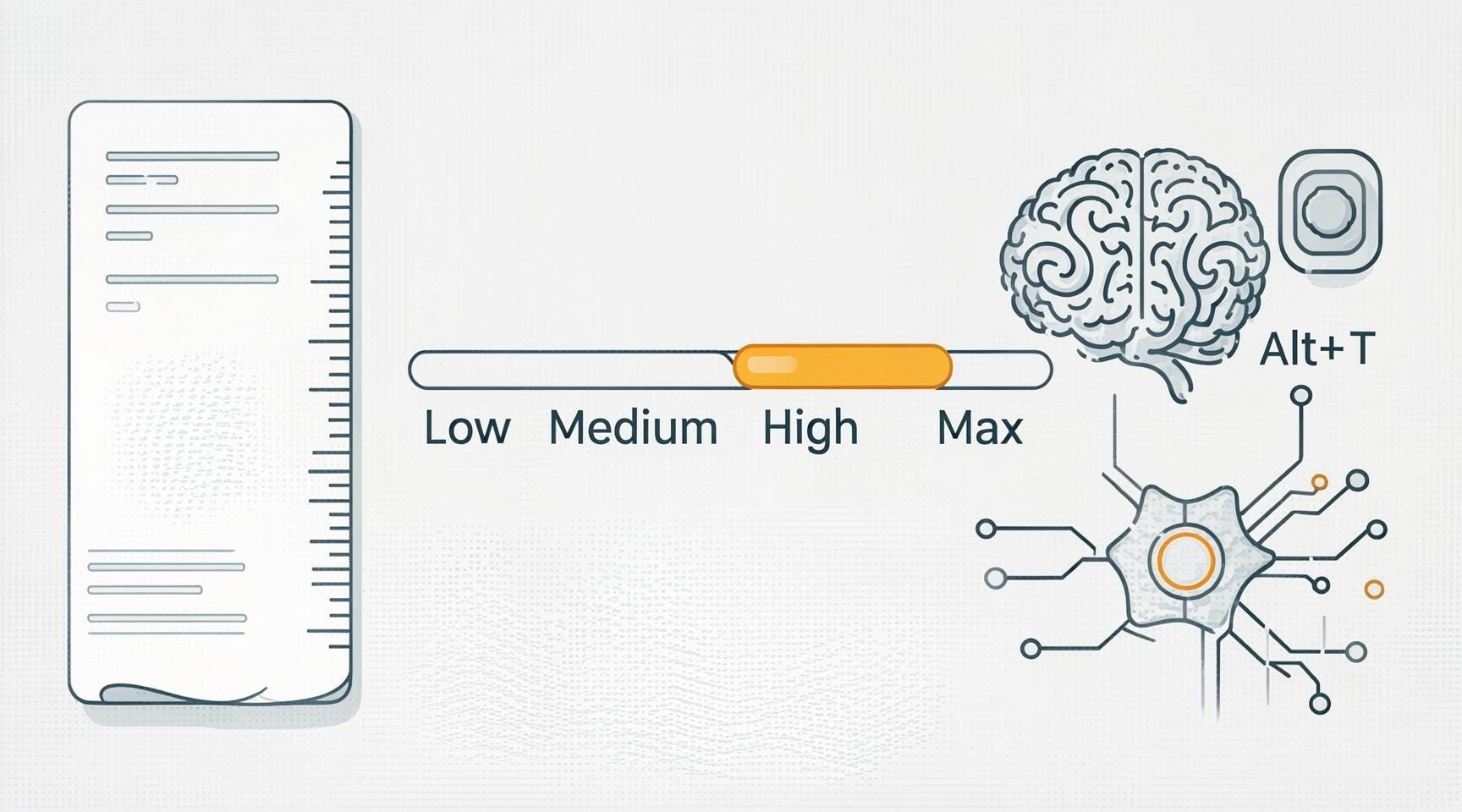
/cost: This shows total spend for the current session. I check this after long runs to calibrate/effortnext time./effort [low|medium|high|max]: This sets the reasoning depth for the work ahead. I stay on medium for routine boilerplate, but I flip to high or max for complex debugging where the model needs to map dependencies across the entire repo.Alt+T: This toggles extended thinking. I use it when I want to see the chain of thought to verify the model isn’t hallucinating a logic path in high-stakes modules.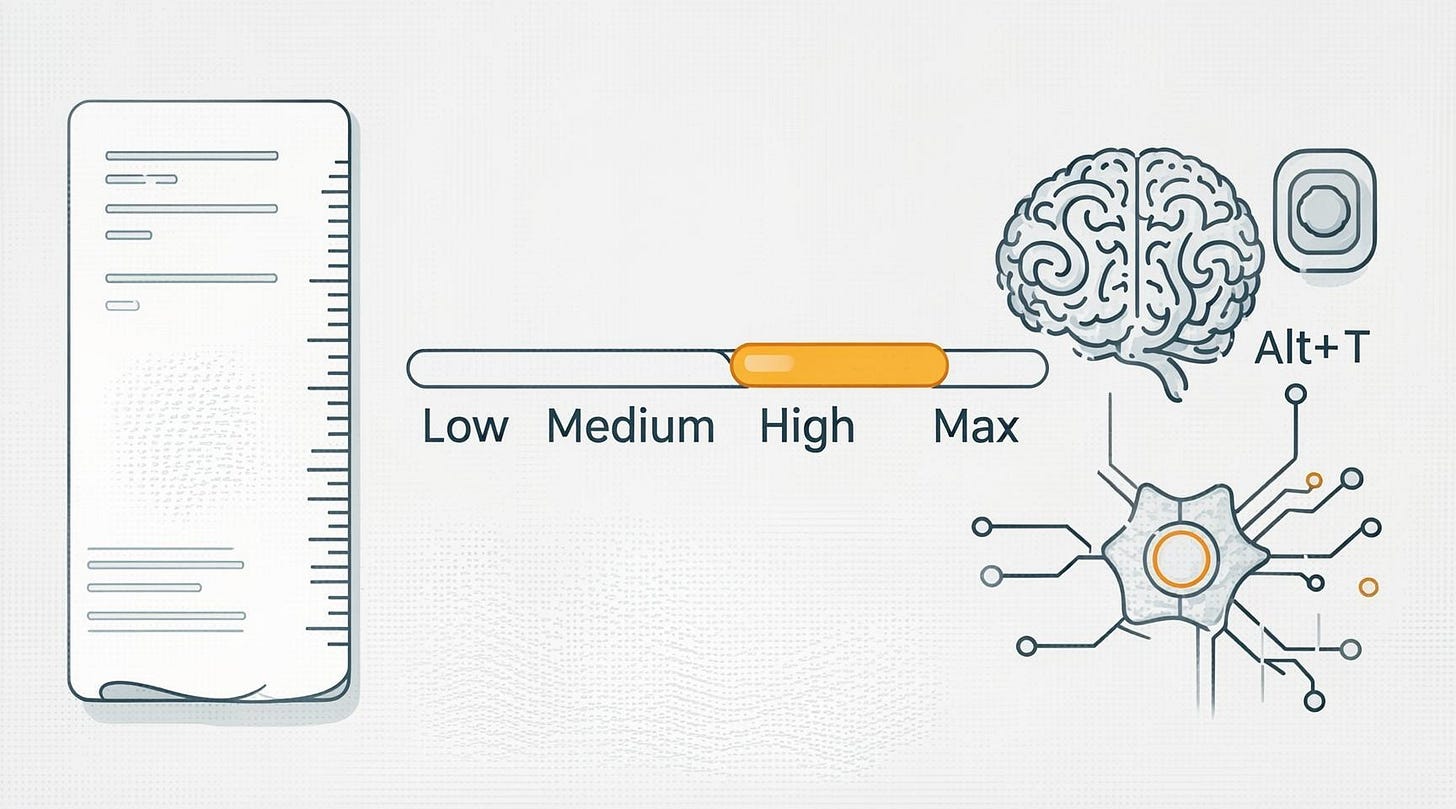
Claude Code session controls: /costcheck,/effortdepth,Alt+Textended thinking toggle. Image by author
/simplify: This runs a specialized sub-agent to audit for compliance, security, and performance leaks. It ensures code changes follow the architectural standards defined inCLAUDE.md, and I use this as a “final polish” on complex modules before I merge code.
These commands have streamlined my AI-assisted coding experience. By mastering /cost, /effort, and the --worktree sandbox, I’ve turned what used to be an LLM chat into a precise, auditable engineering workflow.
But commands are only half the battle. To truly move from “AI experimentation” to “Production AI Engineering,” you need a persistent environment that remembers your standards so you don’t have to repeat them.
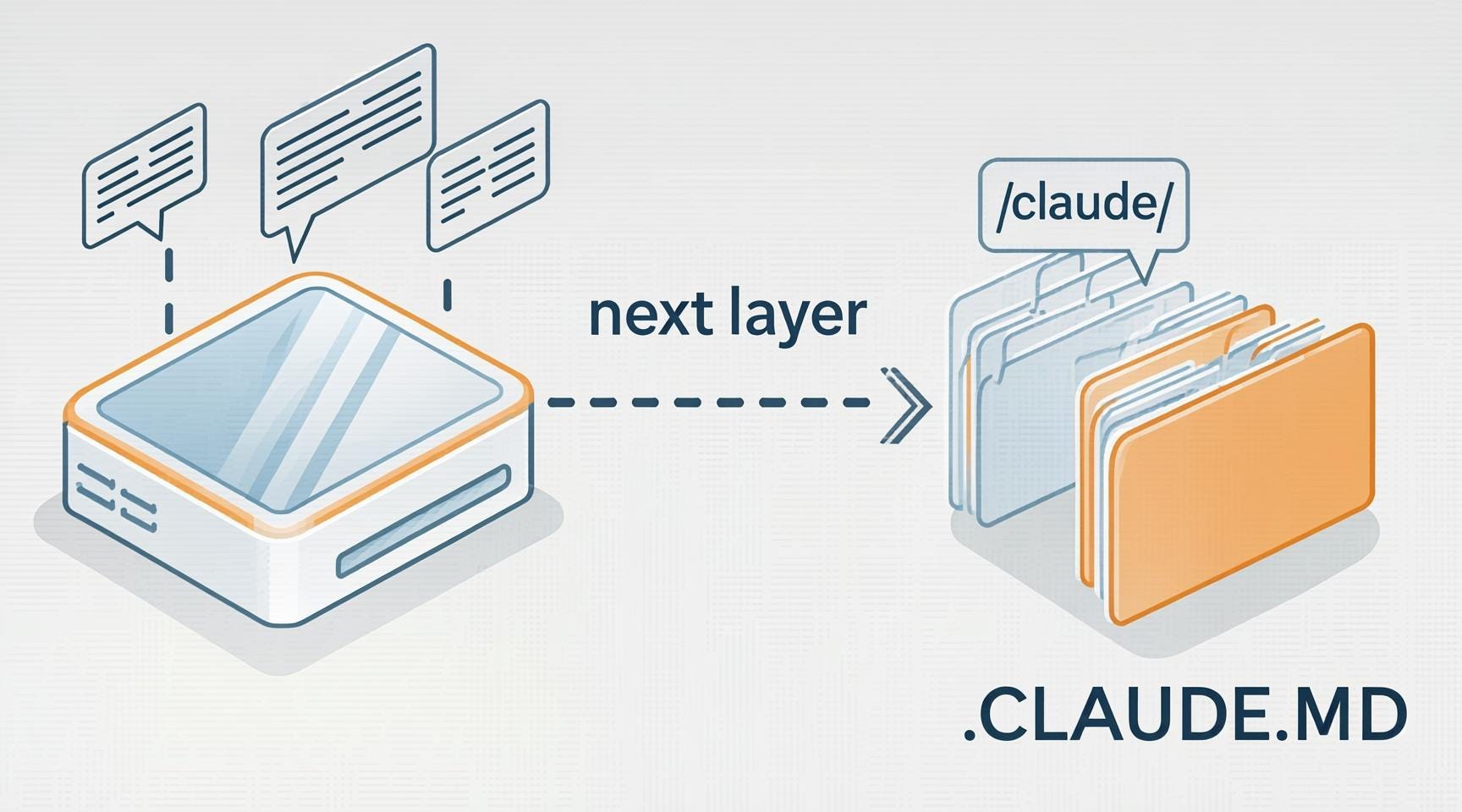
.claude/ folder and CLAUDE.md as the next layer under the slash-command surface. Image by authorIn next week’s deep dive for paid subscribers, we’re moving from the CLI into the repository itself. I’ll be open-sourcing my Project Configuration Framework, including:
.claude/Blueprint: How I structure memory and context so the agent never loses the plot on large repos.CLAUDE.md: My battle-tested template for enforcing style, security, and testing standards automatically.Permission Guardrails: Setting smart defaults so your agent is empowered to build but blocked from accidental “destructive” logic.
Custom Tooling: How to bake your own domain-specific commands directly into the environment.
For habits around local agentic work, check out my post on monthly local agentic coding workflow.
Anthropic’s Built-in commands
Anthropic’s CLI reference
Note: AI Weekender has moved. New posts are published at ai-weekender.com, and this Substack is now an archive.
To keep receiving weekly issues, please subscribe at ai-weekender.com instead of here.
Comments
Nothing yet. Say the first thing.
Sign in to join the conversation.