
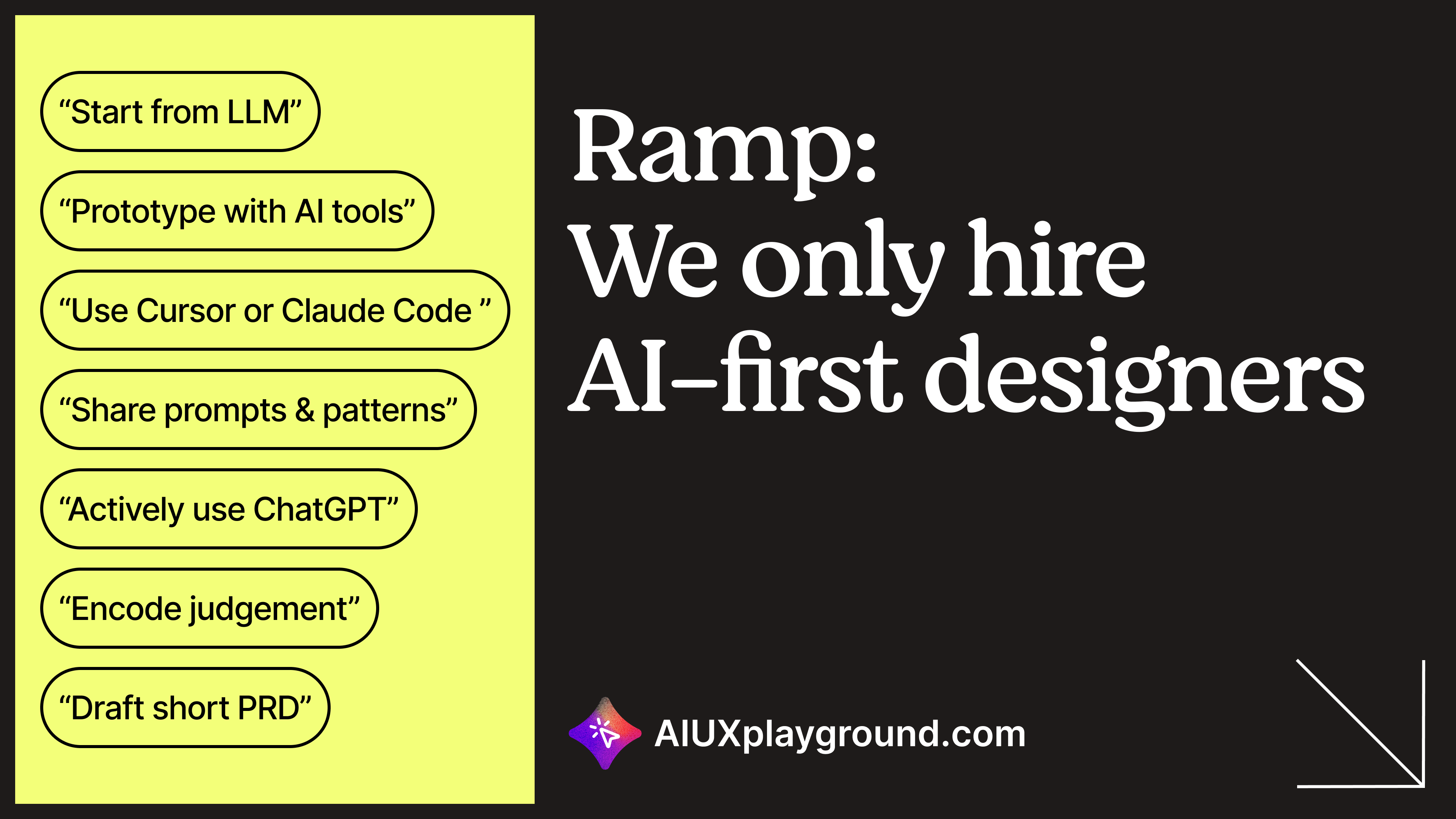
The first time I saw “AI-first” on a real product design listing, I had two reactions at once.
Part of me felt relief. Finally, language that matches how work is actually moving.
Another part felt tired. Another phrase to decode while still proving I am a real designer.
This post is the decode. I will use Ramp as the peg because people are talking about it. I am not writing for Ramp, and nothing here is “official.” Public listings are a market signal, not a universal law. For a longer take on how the role itself is shifting, see https://aiuxplayground.substack.com/p/how-ai-is-changing-the-ux-designer
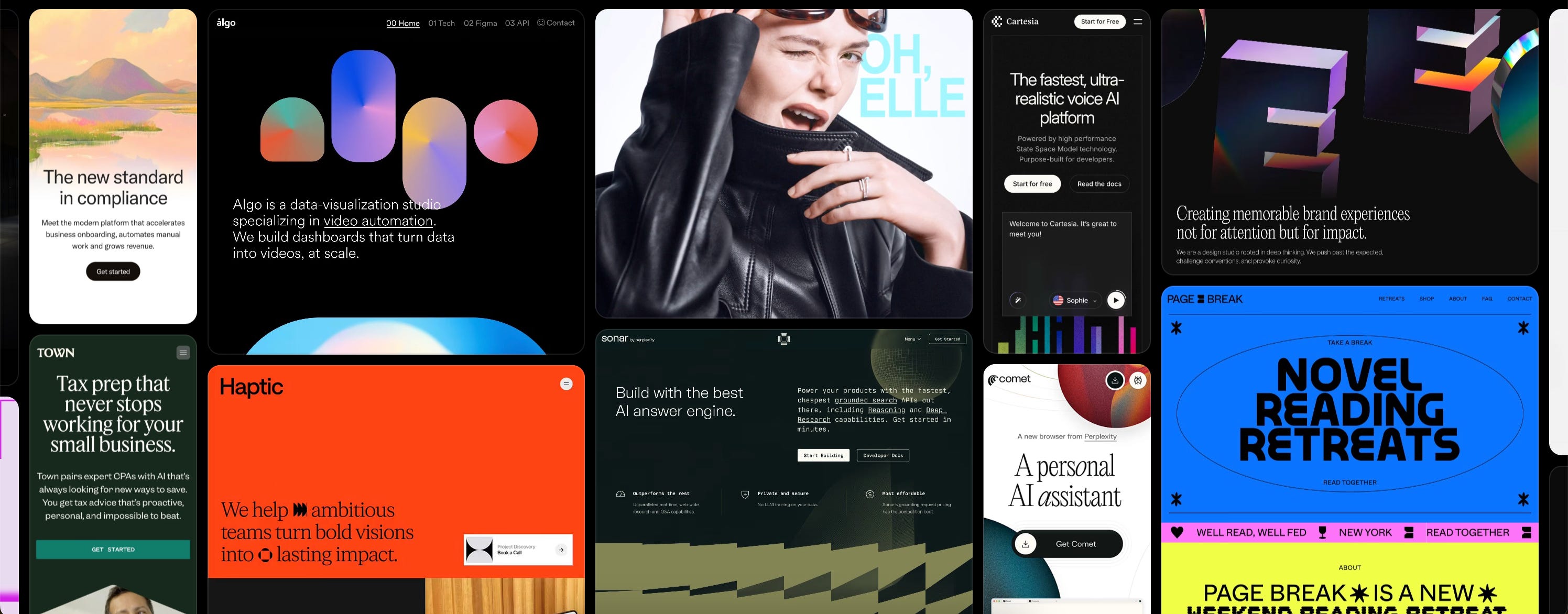
Framer - The best code-free tool for designers to create beautiful websites like examples below. Use our special promotion code: partner25proyearly to get 3 months free yearly Pro subscription.
Anything AI - Turn your words into mobile apps and sites with great taste.
Marblism - AI employees that scale your business
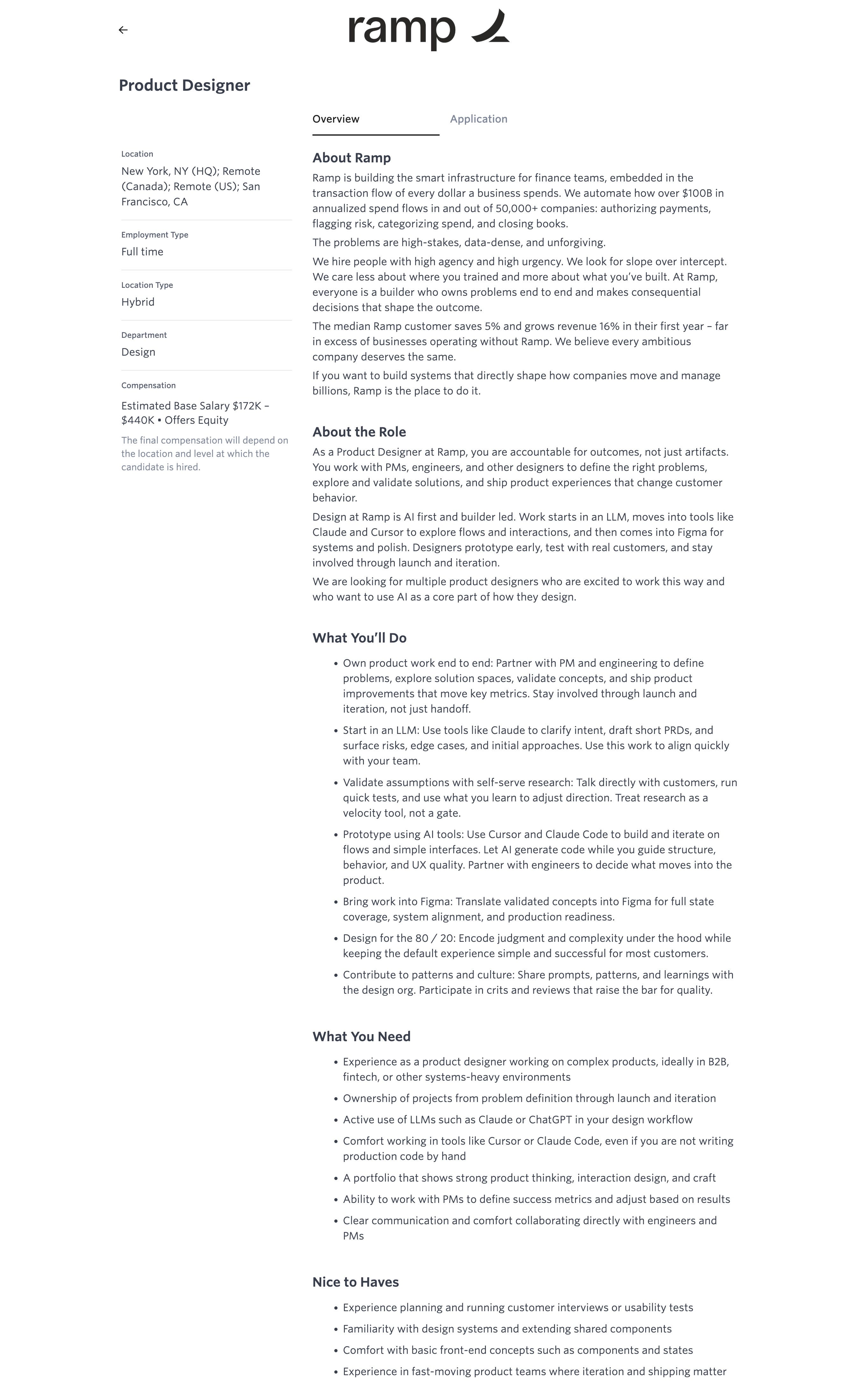
These listings tend to cluster around the same story: LLMs early for intent and alignment, AI-assisted code for interactive prototypes so you can learn fast, Figma later for systems, full states, and production-ready handoff, plus language about outcomes over artifacts and lightweight research so you are not blocked on a formal study for every directional question.
That is not “designer who vibes with ChatGPT.” It is a different order of operations and a different definition of done. If you want the habits-side version of that shift (less tool talk, more workflow), read https://aiuxplayground.substack.com/p/how-to-become-an-ai-native-designer
Where design starts
Before: Figma
After: an LLM first (intent, framing, risks, alignment before deep UI)
Prototyping
Before: Figma / InVision as the main behavior simulator
After: AI code tools for interactive prototypes you can click, break, and iterate quickly
Figma’s role
Before: primary design environment
After: finish line (systems, full states, polish, handoff engineering should not have to guess about)
Research
Before: researcher-led formal studies as the default path
After: self-serve, velocity-first (you still listen, you do not always wait on the org calendar)
PRD (Product Requirement Document)
Before: you receive requirements from PM
After: you co-create lightweight PRD-shaped work with PM, often AI-accelerated, before heavy visual work
Engineering
Before: mostly at handoff
After: continuous from problem definition
Success
Before: success sounds like designs delivered
After: success sounds like customer behavior changed
If you want one sentence to carry the emotional truth of the table: Figma is where design finishes, not where it starts. When you are tightening how design systems work with AI and generated UI, the long guide here helps you stop reinventing prompts every Monday: https://aiuxplayground.com/blog/ai-native-design-systems
Layer 1: LLM
Clarify intent, draft light specs, surface edge cases, align PM and engineering.
Layer 2: AI code tools
Build interactive flows, validate assumptions, iterate on behavior quickly.
Layer 3: Figma
Systems, full state coverage, design-system alignment, production-ready handoff.
Before reads Figma-first. After reads LLM, then code prototype, then Figma.
If you want the argument for why running code is becoming the shared alignment artifact (fewer specs, fewer translations), read https://aiuxplayground.substack.com/p/the-prototype-is-the-deliverable
If you are actually building those prototypes with AI-assisted code, the prompting habits that keep quality from collapsing are here: https://aiuxplayground.substack.com/p/10-prompting-rules-i-learned-after
Most teams describe a three-band maturity curve for how deeply AI is embedded: sometimes, default, deeply embedded plus teaching others.
A sharp listing is usually asking for default, sometimes deep for senior scope. “Sometimes” can still describe a strong designer mid-transition. It is just not what the post is optimizing for.
If you want a sprint-shaped version of “LLM-first alignment as a team ritual,” this is practical: https://aiuxplayground.substack.com/p/how-to-use-ai-to-run-a-design-sprint
Do I open an LLM before Figma when starting a new design problem?
Have I built an interactive prototype using an AI code tool in the last 30 days?
Can I write a lightweight PRD draft with AI that a PM would review and use?
Have I talked directly to a customer in the last two weeks, without a research team running the session for me?
Do I design for the 80% case first, and explicitly decide what gets hidden for edge cases?
Does every screen I hand off include complete state coverage, including error, empty, and loading?
Can I explain what success looks like for my current project in a specific, measurable way?
Do I check post-launch data on features I shipped and use it to drive the next iteration?
Have I shared a prompt, pattern, or workflow discovery with my design team in the last sprint?
Am I accountable for behavior change, not just design delivery?
For customer conversations plus AI-assisted synthesis (without outsourcing your judgment), this pairs directly with question 4: https://aiuxplayground.substack.com/p/how-to-prompt-ai-for-user-research
For question 6 and handoff quality (states, system alignment), prompts that help you generate components AI can reuse are here: https://aiuxplayground.substack.com/p/how-to-prompt-ai-for-design-system
For “did I ship something responsible,” an early pass for accessibility issues is here: https://aiuxplayground.substack.com/p/how-to-prompt-ai-for-accessibility
For every no, the useful move is one concrete next step this sprint (owner, artifact, timebox), not “use AI more.”
The fear under these posts is simple: is a decade of craft a rounding error?
No. Craft is what keeps sloppy output from shipping. Taste, sequencing, ethics, what to simplify, what to expose, what not to automate, that is still you.
What shifts is how much cheap exploration happens before commitment, and whether you stay with the work after launch.
When you are designing AI-heavy surfaces (trust, loading, errors, citations, control), it helps to browse patterns by scenario instead of guessing: https://aiuxplayground.com/patterns
If you like “one prompt, one workflow” packs, the playbooks index is here: https://aiuxplayground.com/playbooks
Job language will move faster than any one essay. So we packaged this breakdown into something reusable: leveling language, interview prep, team audits, “what do we mean by AI-first here,” plus a full rubric in the appendix.
Get the AI-first designer skill here
Additionally:
If you want the full skills library (adjacent roles and workflows, not only this one)
If you want the running newsletter archive (essays, prompts, playbooks in long form)
“Ramp is hiring AI-first designers” sounds like a headline about tools. It is closer to a headline about velocity, accountability, and partnership.
You do not have to become a new species. You have to know what before and after means for your workflow, then change one habit at a time.
That is what they mean. Or close enough to be useful.
No posts
Comments
Nothing yet. Say the first thing.
Sign in to join the conversation.