
If you're exploring running AI models locally, especially Large Language Models (LLMs) with a few billion parameters, the Apple M4 Mac mini might be one of the best desktop machines to get started with.
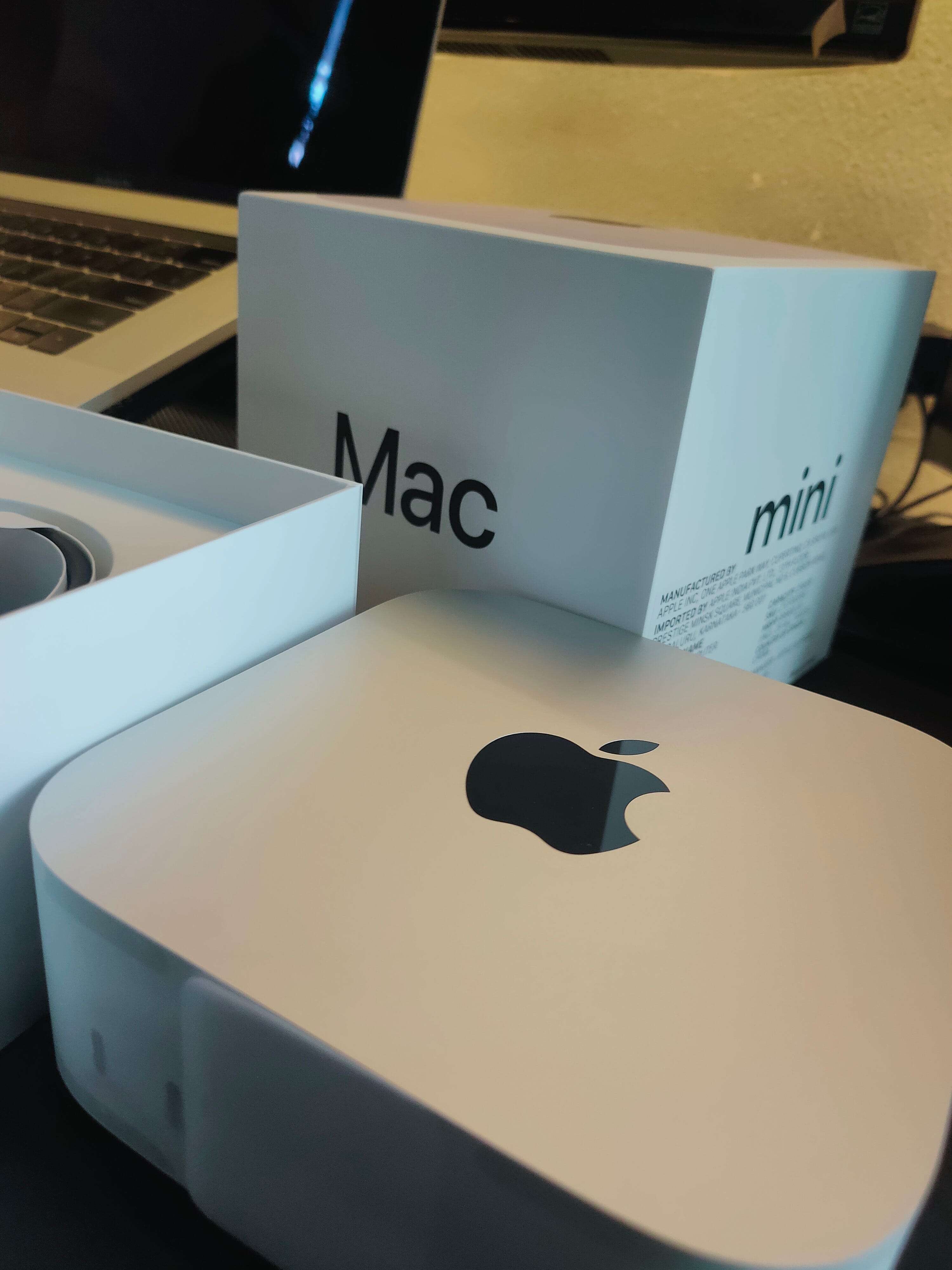
It’s powerful, efficient, and doesn’t need a bulky GPU setup.
Let’s break down why.
Unified Memory Architecture (UMA): One Pool to Rule Them All
Traditional PCs have separate memory for the CPU (RAM) and the GPU (VRAM).
This separation means data has to be copied back and forth between them, which slows things down, especially for AI workloads.
The M4 Mac mini uses Unified Memory Architecture (UMA), where the CPU, GPU, and Neural Engine all share one big memory pool.
Why this matters for AI:
No data shuffling: All parts of the chip can access the same data instantly.
Faster inference: Running a model (a.k.a. inference) is quicker because there’s no bottleneck.
Better for fine-tuning: Small customizations to models also run more smoothly.
Depending on the model you buy, the M4 Mac mini can come with 16GB, 24GB, or 32GB of unified memory. I bought 32 GB unified memory
For reference:
A 7B parameter model (in 4-bit quantization) fits nicely in 16GB.
Bigger models (12B, 13B, etc.) benefit from 24GB or 32GB.
Dedicated Neural Engine: Silent AI Helper
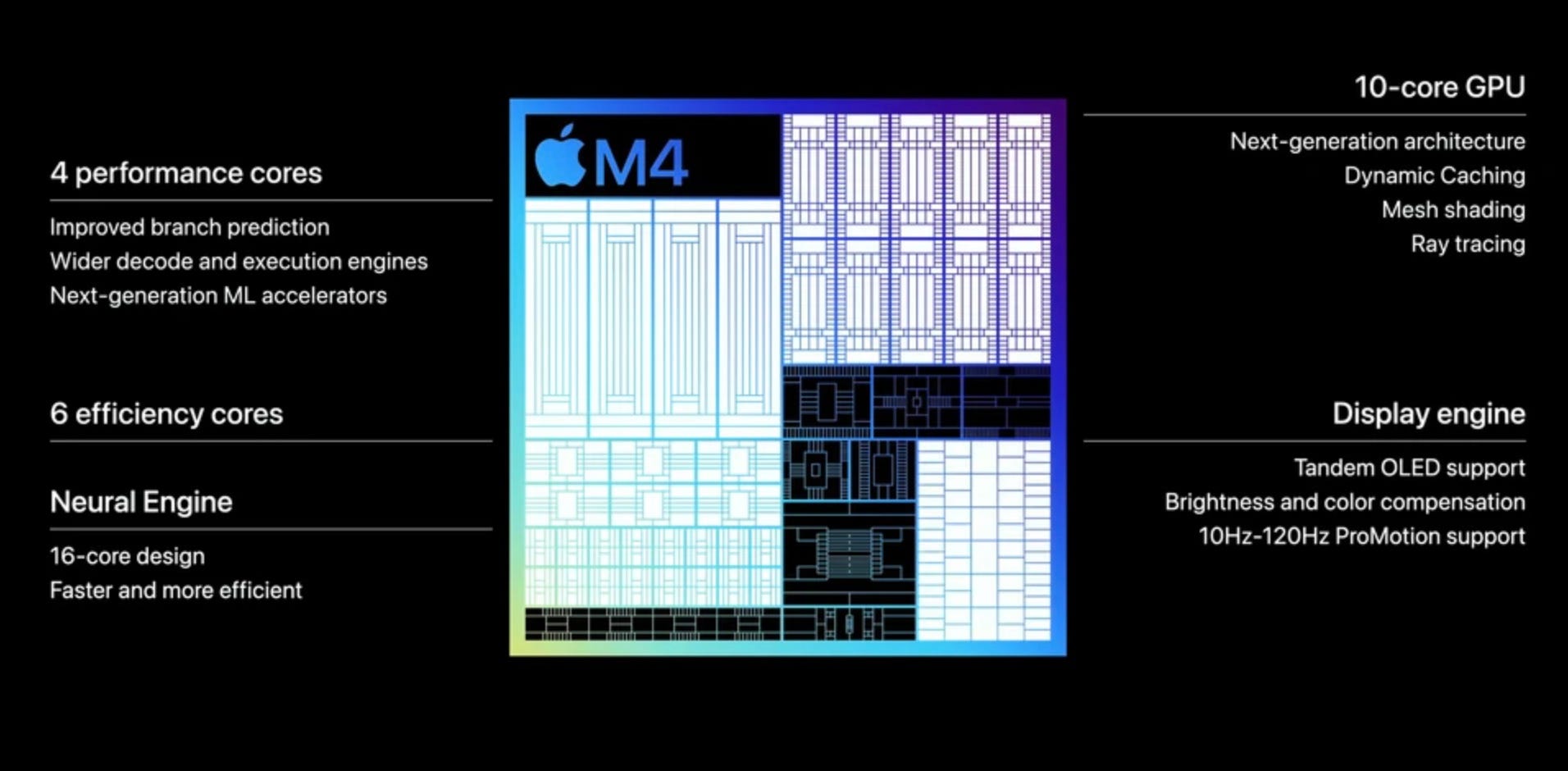
The 16-core Neural Engine in the M4 is designed specifically to handle AI workloads. While the GPU does the heavy lifting for LLMs, the Neural Engine steps in for tasks like:
Preprocessing prompts
On-device speech-to-text
Image recognition
Running smaller models or background AI features in macOS
It’s super power-efficient, so your system stays cool and quiet, even during heavy use.
Powerful Integrated GPU: LLMs Without a Discrete Graphics Card
The M4 Mac mini has a 10-core GPU, and it’s surprisingly powerful for something built into such a small machine.
Why it matters:
Handles local LLM inference really well.
Comparable (or better) than mid-range discrete GPUs.
Optimized for Apple’s Metal framework.
ML libraries like PyTorch and TensorFlow work well here using MPS (Metal Performance Shaders), Apple’s backend that makes sure the GPU is used efficiently for AI tasks.
So yes, you can run local models like LLaMA, Mistral, Phi, Gemma, and others right on your Mac mini.
Energy Efficiency & Thermal Design: AI Without the Noise
Apple Silicon chips, including the M4, are famous for their performance per watt.
In real terms:
Your Mac mini stays cool during AI tasks.
Fans stay quiet (or don’t spin at all).
It’s energy-efficient enough to leave running 24/7 without worrying about your electricity bill.
This is a huge plus if you’re running LLMs as a personal assistant, chatbot server, or fine-tuning station.
Software Ecosystem: MLX, Ollama, LM Studio
The tools you get on macOS make life easy:
MLX (Apple’s ML Framework): Built from the ground up for Apple Silicon, it’s fast and memory-efficient, sometimes faster than PyTorch on Apple hardware.
Ollama: Simple command-line tool to download and run LLMs locally. One command and you're up and running.
LM Studio: A graphical interface to run LLMs without touching the terminal, perfect for beginners.
These tools lower the barrier for anyone wanting to experiment with AI without needing a cloud account or an expensive GPU rig.
So, Who Should Use the M4 Mac Mini for AI?
If you’re:
A developer experimenting with LLMs locally
A product manager wants to prototype GenAI features
A hacker or hobbyist trying out open-source models
Someone looking for a quiet, efficient machine to explore local AI
…the M4 Mac mini is a solid choice.
Source: LinkedIn
Comments
Nothing yet. Say the first thing.
Sign in to join the conversation.