TL;DR: A visual brand reference sheet is the one file that teaches AI what your brand looks like, so it stops guessing. I built mine in ChatGPT in 25 minutes and now use it for every single image I generate. There are three ways to build one, and which path is yours depends on where your brand actually is. The three prompts — one per path — are behind the paywall.
I swear I had my brand rules written down… on sticky notes, PDFs, a Google Sheet I’d half-abandoned, an image folder on my desktop, and two different Notion pages. I knew what my brand looked like. Getting AI to know what my brand looked like meant 20 minutes of hunting before I could prompt anything.
I’m going to give you permission to stop beating yourself up about your AI image results. The problem usually isn’t that you haven’t thought about your visual consistency. It’s that what you’ve figured out is scattered across six different places and you have to reassemble it every single time you open a new generation session.
For me the shift came in stages. I built a character library first, a folder of consistent my character’s - Pinkie’s - reference images I could upload at the start of a session. That helped. Then I did a collab with Kristina Bogović and Calder Quinn from AI But Make It Intimate on character sheets, one image that locked the character, instead of a messy folder.
And I realised: I was only ever uploading one or two images anyway. So why not make one image that has everything in it for my brand?
That’s a brand reference sheet. And building it was the moment my AI image generation sessions stopped feeling like prep work.
Hey, I’m Pinkie. I help creators build recognizable Substack brands that drive consistent subscriber growth. I share the exact branding systems, prompts, and workflows I use to transform ideas into distinctive, repeatable output. If you’re new to AI Meets Girlboss, welcome! Honestly, this might be the best time to join. start here! 🩷🦩
Why your AI-generated outputs keep looking slightly off — and the one fix
What a visual brand reference sheet includes (and what it doesn’t need)
How to figure out which of the three build paths is actually yours
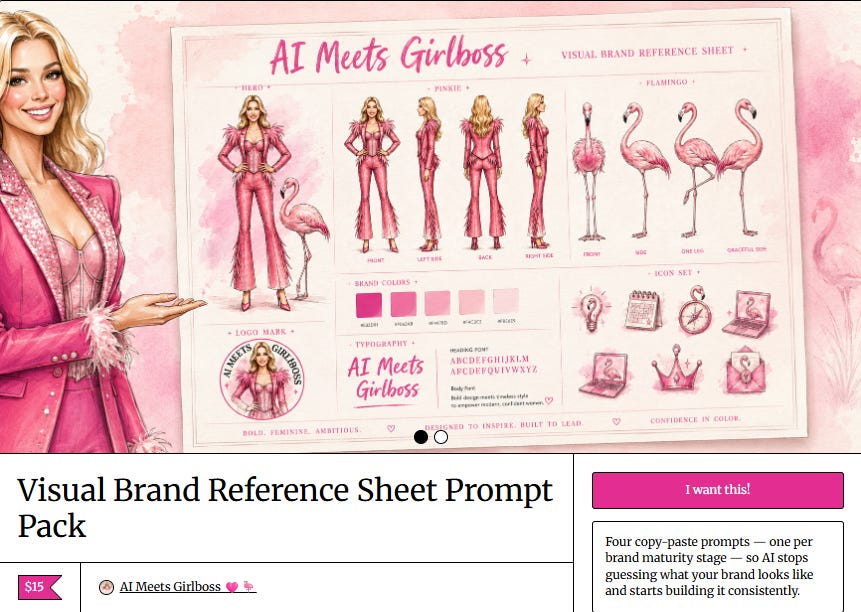
The four brand reference sheet prompts — one per your brand maturity path plus the Gemini adaptation — behind the paywall
Quick note: Catch me live 10th June at 1 PM ET with Phil Powis ❤️⚡️ and Carolina Wilke. They’re one of my favorite live hosts on Substack, so make sure to check them out. We’ll be talking about visual branding on Substack.
You’ve seen brand guides without knowing that’s what they were.
The PDF that tells every designer, agency, and intern which shade of red Coca-Cola uses. The document that specifies exactly how far the Nike swoosh has to sit from the edge of a layout. The file that every person touching the brand gets before they touch it.
These documents exist because consistency at scale requires shared reference points. Without one, the brand fragments. Different blues. Logo stretched on a slide. Wrong font. You’ve seen what that looks like — even on big brands who slip.
Here’s what changed for you: you’re not the only one creating content for your brand anymore. AI is.
And AI has exactly the same problem as a new junior designer who joined the team without a briefing. It will make something. It might even make something competent. But it won’t make something yours, because it doesn’t know what yours looks like.
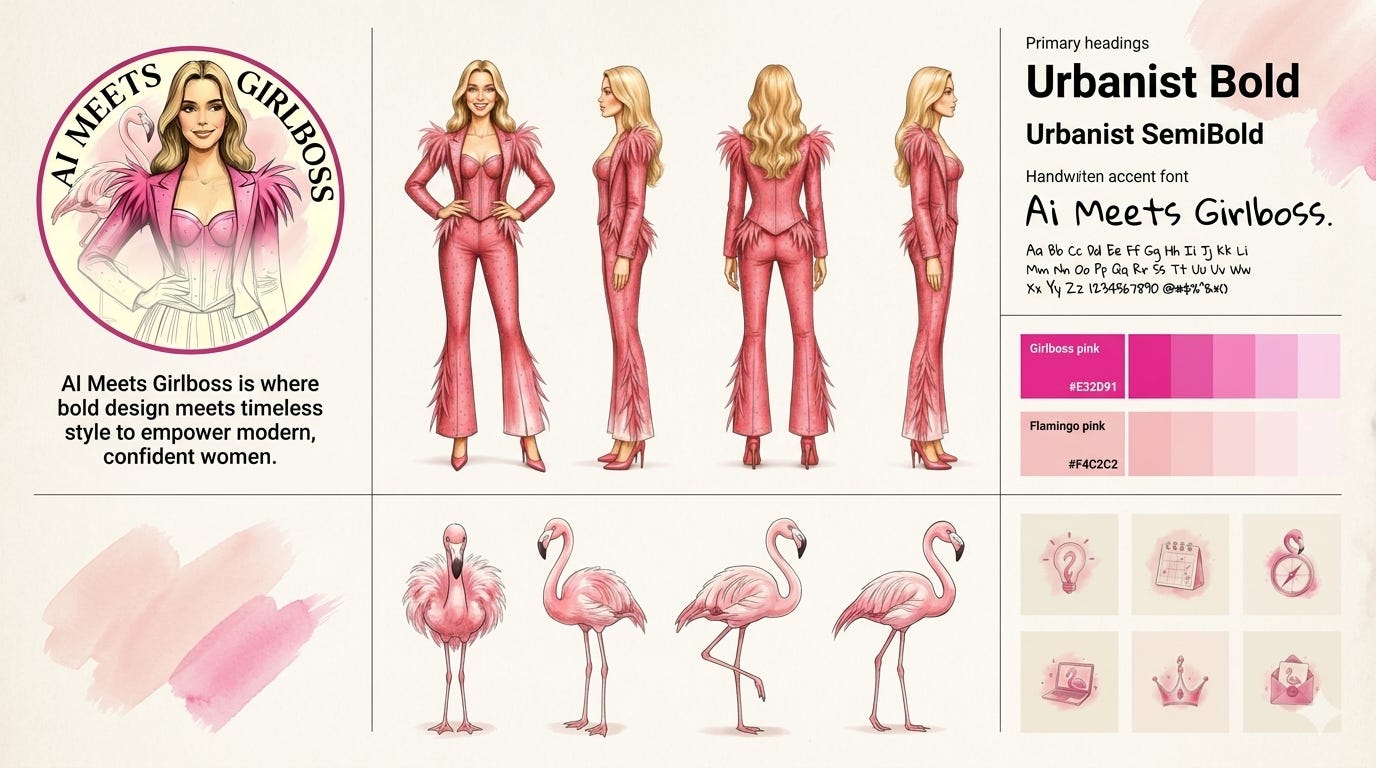
Image generated in ChatGPT Images 2.0 using my brand reference sheet.
The brand reference sheet solves this. It’s your brand guide compressed into one image file. Not 60 pages. One image. Designed specifically to be uploaded at the start of every generation session, so every cover, thumbnail, and graphic has a visual foundation to anchor from.
I covered why visual consistency is the real growth lever. The short version: I didn’t write better. I finally looked like the same brand twice in a row.
There’s no single right format, but there is a minimum that works.
At the core:
your color palette with hex codes,
your typography,
your character or mascot if you have one,
your logo,
3-4 visual style references that capture texture, mood, and proportion.
Beyond that:
an icon library,
character poses,
world-building props,
brand easter eggs, and anything that makes your work unmistakably yours at a glance.
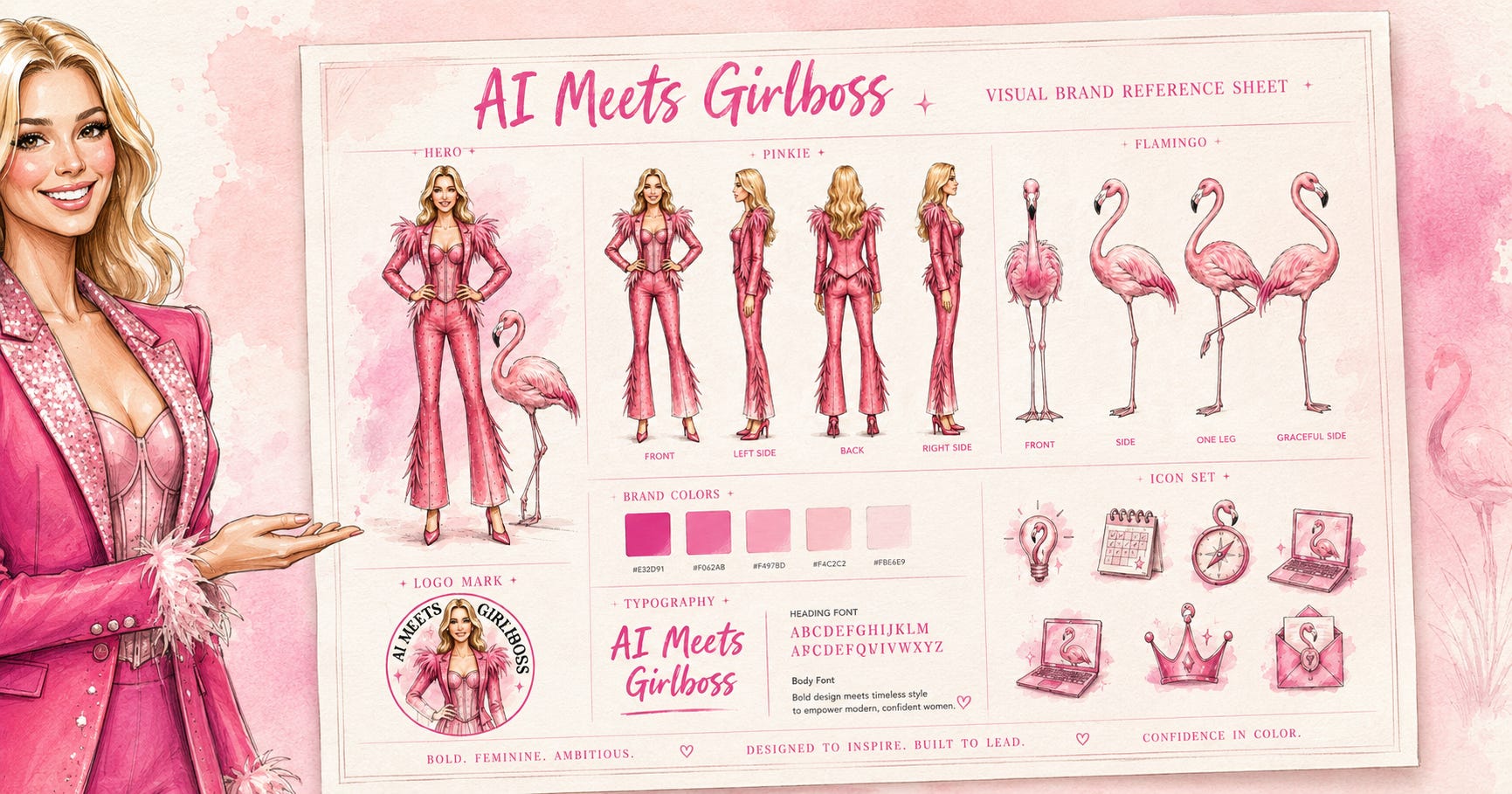
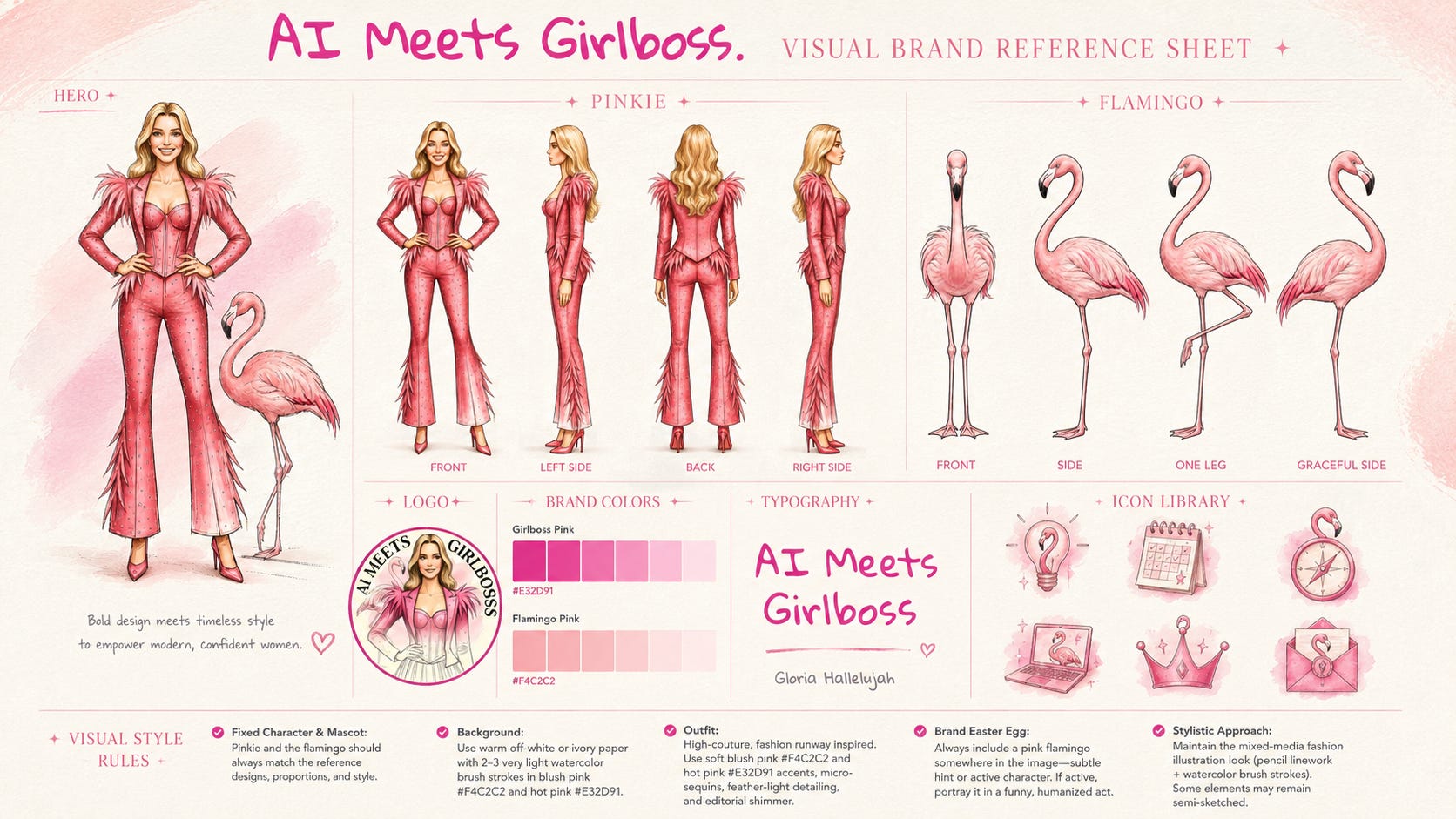
My reference sheet — the one attached to this post — includes
Character: Pinkie in four poses,
Mascot: the flamingo in four poses,
Brand colors with hex codes,
Logo
Typography: Gloria Hallelujah in use,
Icons: six icons as reference for non-character images.
I shared mine in my notes when I was experimenting with it, and some expert-level Branding Flock members did it after me. Let me share a couple of them.
Kristina Bogović from AI But Make It Intimate built hers to include four named characters — each with a personality description. Her brand's world is the reference sheet.
Mia Kiraki 🎭 from Robots Ate My Homework gave AI total creative freedom and got five distinct characters, four settings, a full icon library, and a logo suite — in under five minutes.
That said: what goes into yours depends entirely on where your brand is right now. Which brings us to the part that most people skip.
Before you generate anything, answer one question: how much do you actually know about your brand? Not what you aspire to. What you have right now, specifically, that you could hand to someone and they’d know what to do with it.
Your answer determines which of the three brand reference sheet build paths is yours, and which prompt you’ll use from this post. I built them to match you exactly where you are.
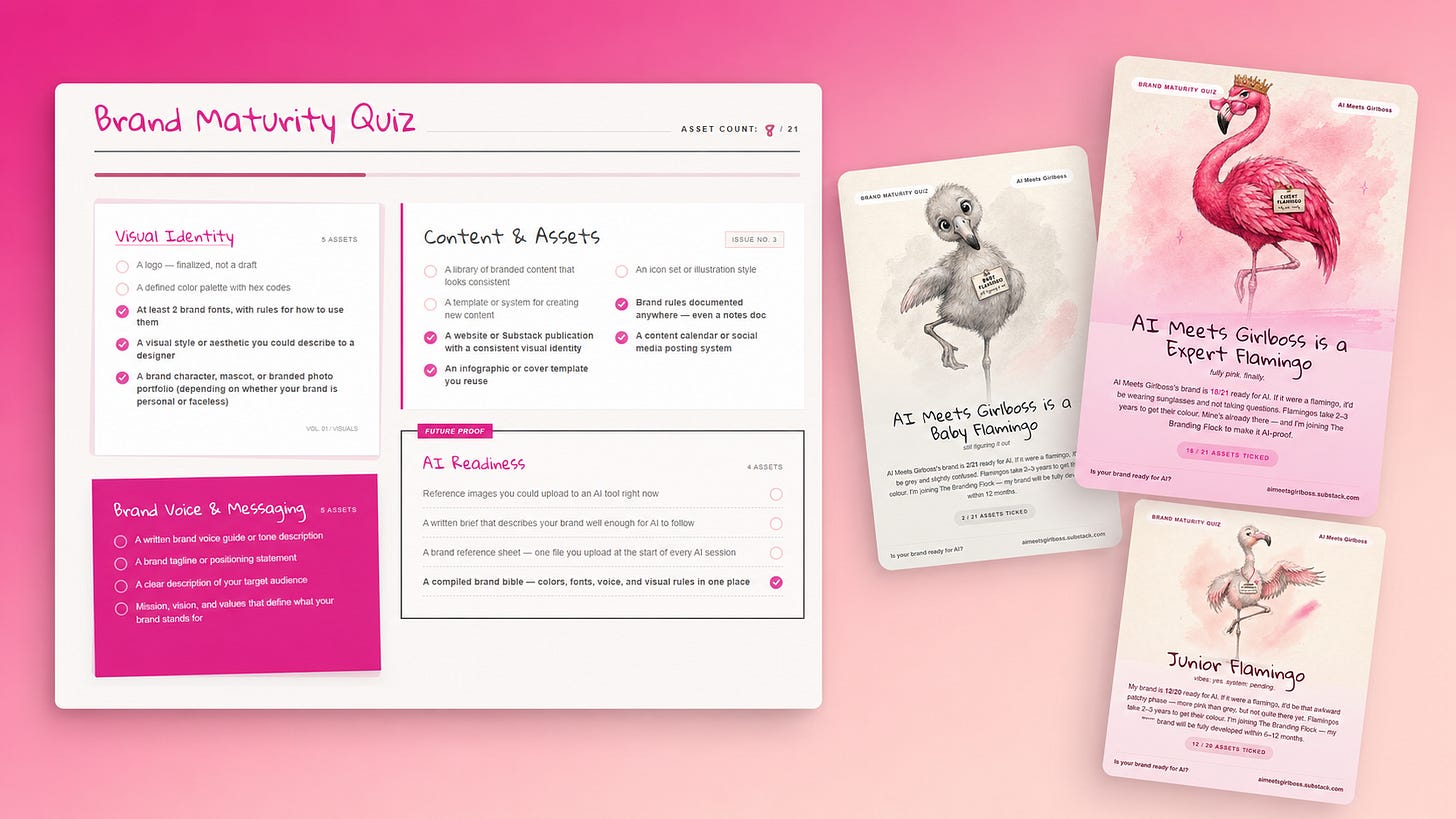
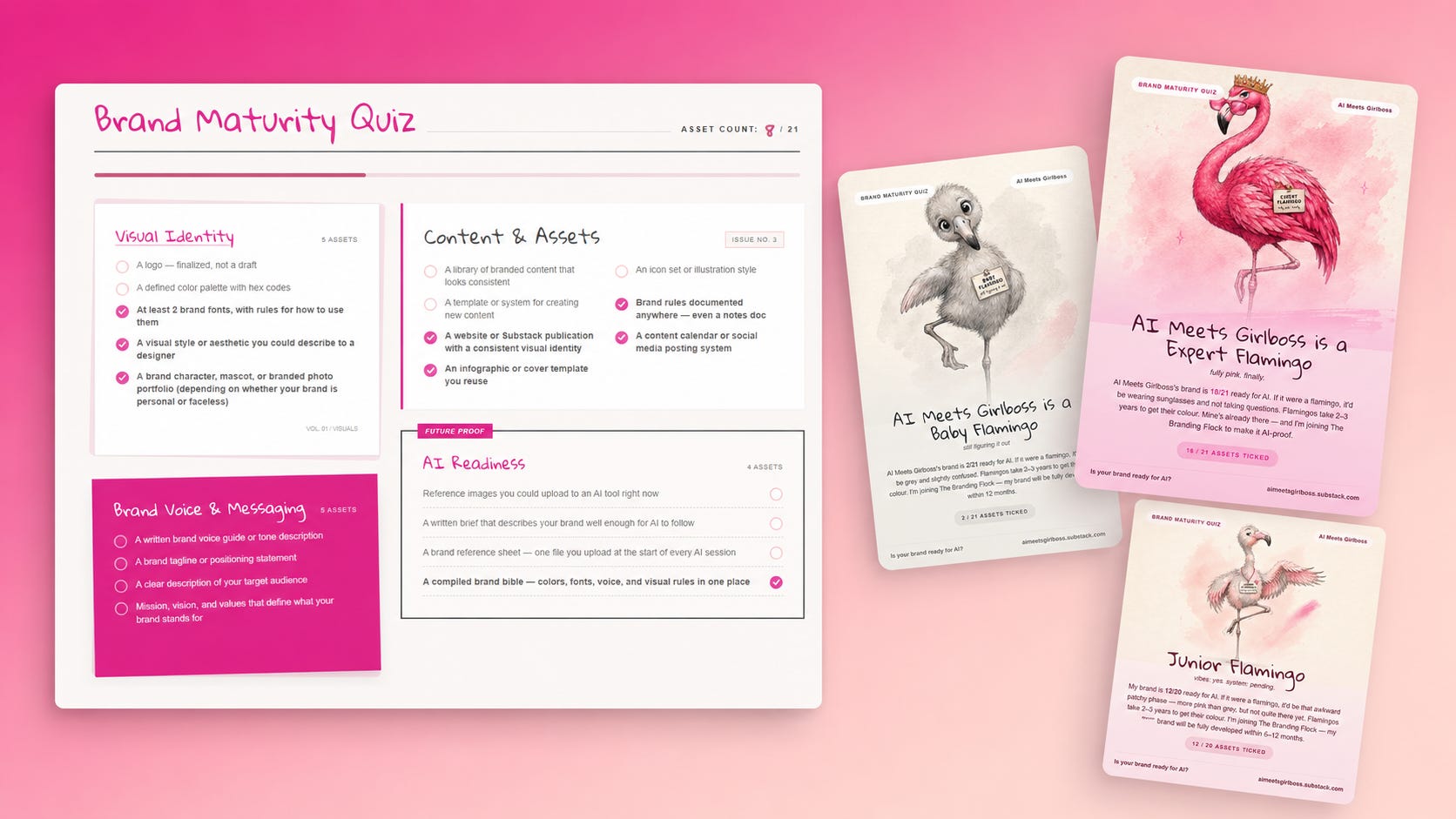
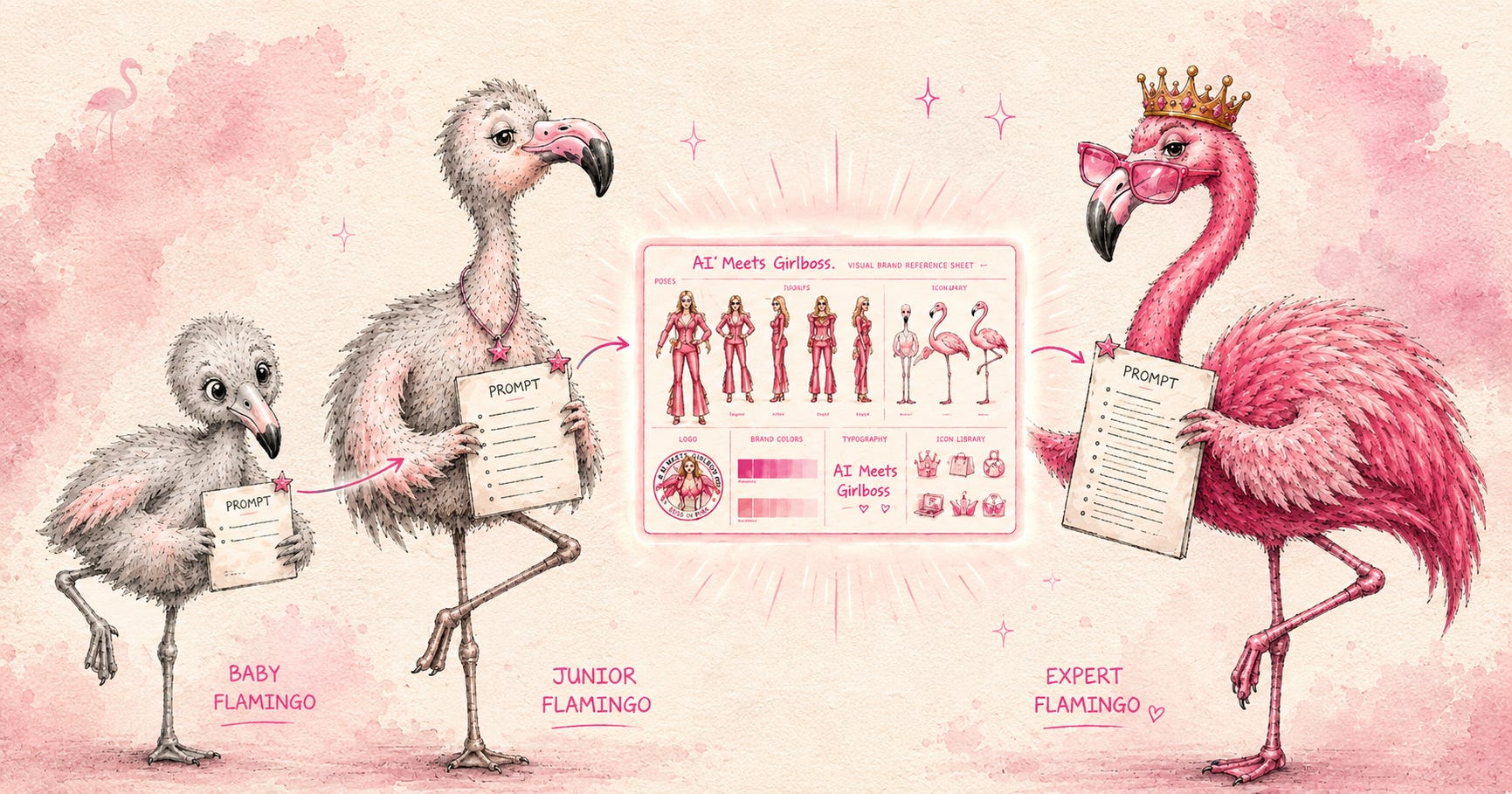
Path 1: Baby Flamingo: You have taste but no decisions yet. Colors, fonts, visual direction: nothing is locked.
Path 2: Junior Flamingo: You have a vibe but no system. There’s a look to your content, but you couldn’t brief it to someone else.
Path 3: Expert Flamingo: Your brand is developed. You have hex codes, fonts, a character or mascot. You’re documenting, not discovering.
Branding Flock members, you already know where you stand. Your Baby, Junior, or Expert Flamingo result maps directly to a path. If you haven’t taken the quiz yet, here’s your chance! The three prompts — one per path, with ChatGPT and Gemini versions — are waiting for you behind the paywall.
Psst… The 33% discount on The Branding Flock closes tomorrow, June 10th. The discount is hiding inside your quiz result.
I tested the same Path 3 prompt in both ChatGPT Images 2.0 and Gemini. Worth telling you what happened.
ChatGPT produced a result I was happy with on the first run. Uploaded my style references, gave it a clear brief, got Pinkie, the flamingo, the palette, the icons — all in one 16:9 sheet. Around 25 minutes total.
ChatGPT Images 2.0 version #1 with the simple Path 3 prompt.
Gemini did not work the same way. Version 1 looked like something produced with zero brand training and no visual instincts. Version 2 — which I only got after feeding it my full written brand guide — was better. Still not at the level of the ChatGPT output. Still required significantly more prompting to get there.
Generated in Gemini, version #2 after adding a 600-word prompt to the original prompt.
Here’s what I figured out: ChatGPT Images 2.0 reads visual references. Gemini reads written rules.
Upload images to ChatGPT and it interprets texture, style, proportion, and atmosphere from what it sees. Gemini needs the rules described in language — every color with its hex code, every stylistic rule articulated. The prompt I ended up using for Gemini’s Version 2 was almost 600 words long.
Neither approach is wrong. But they are different tools that speak different languages. Knowing that before you start will save you a lot of frustrated regenerating.
For the three prompts behind the paywall: The Path 3 prompt I’ve included the Gemini adaptation and what you need to add to make it work there too.
What you’ll get behind the paywall:
The full Path 1 Baby Flamingo prompt (interview-style, builds from scratch)
The full Path 2 Junior Flamingo prompt (build from a vibe-first approach)
The full Path 3 Expert Flamingo prompt (builds from your already available brand assets)
The Gemini adaptation of the Path 3 prompt
Exactly what to upload for each path and each tool


Comments
Nothing yet. Say the first thing.
Sign in to join the conversation.