

In the final part of this series, we bring everything together and build an AI app that exposes our full document intelligence pipeline.
In Part 1, we examined Docling—a library that extracts text, images, and tables from documents, turning unstructured files into structured, searchable data.
In Part 2, we took that structured data from Docling, created embeddings, and built a retrieval pipeline using Chroma and LangChain, enabling semantic search and RAG-based question answering.
Now, we’ll connect all the pieces and expose them via a Streamlit app - creating a complete AI document assistant that allows you to upload files, search their content, and chat with your personal document collection.
Streamlit makes it easy to turn Python scripts into interactive apps. Don’t worry if you’re new to it—we’ll walk through everything step by step so you can follow along.
Let’s get started!
✅ Find the notebook for this article here: Language Models (Project 4)
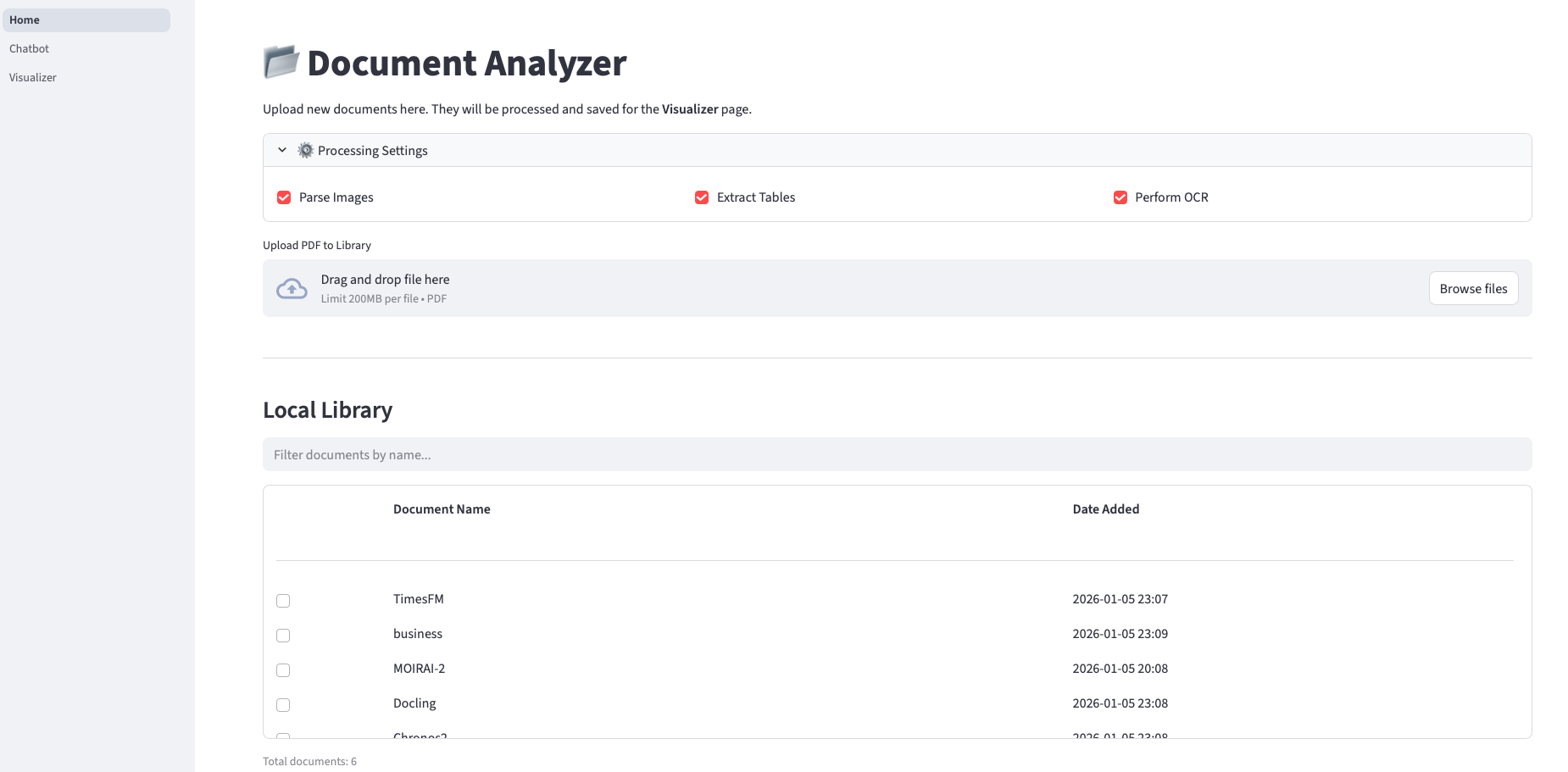
Let’s take a quick look at the app. This is the home page:
I set up the project dependencies with uv, a fast-growing Python package manager.
Comments
Nothing yet. Say the first thing.
Sign in to join the conversation.