
Welcome to another edition of AI by Aakash. I follow the AI news so you don’t have to.
One year ago, I would’ve told you Claude Code is the only way to go. That’s changed with the latest GPT-5.6-sol model being genuinely better than Fable on many tasks. If you want to get the most sol, you need to understand the new ChatGPT Work harness. So that’s today’s deep dive. Plus, this week’s AI news.
But first, a word from our sponsor.
In Partnership with
AI writes more code today than it ever has. Reviewing it shouldn’t mean scrolling through 40 files in alphabetical order.
CodeRabbit’s Change Stack converts your pull request into a structured and sequential walkthrough that follows how the change reads. It gives every range a simple summary, sequence diagrams, state machines and ERDs inline where helpful.
Cohorts group related files and chunks so you review one idea at a time while Layers put foundational changes such as data shapes and contracts first. Code Peek shows a symbol’s definition and usage without leaving the tab and Semantic Diff goes past formatting noise to show what changed. Reviews and approvals post back to GitHub or GitLab.
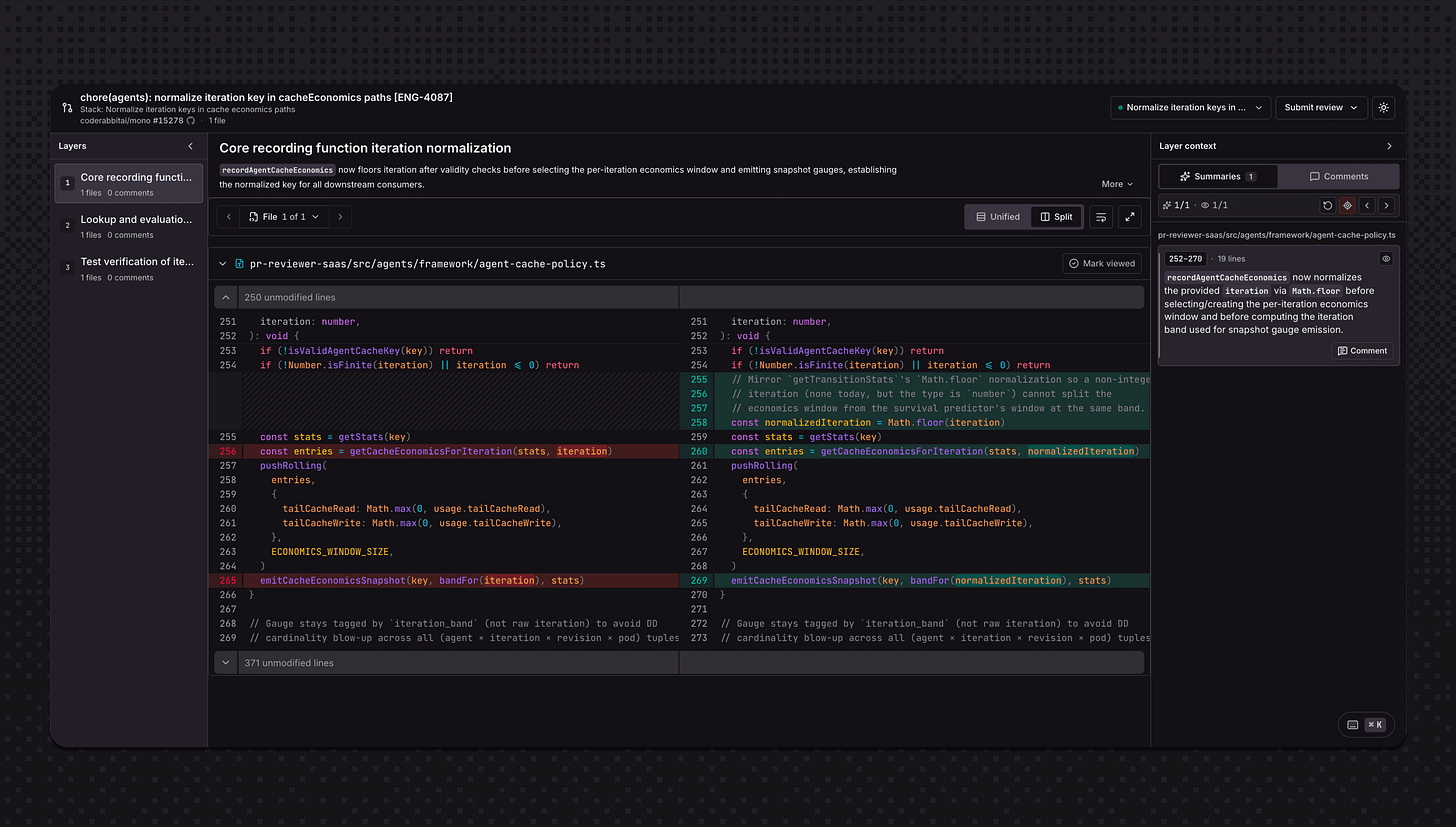
CodeRabbit’s Change Stack is free during early access. It’s from the team that pioneered AI code reviews: 2M PRs reviewed weekly, 6M repositories installed, and 15,000+ customers.
Try CodeRabbit on your next PR today →
This Week’s AI News
There’s a billion AI news articles every week. Here’s what actually mattered:
The Chinese AI lab released Kimi K3 this week, a 2.8 trillion parameter open-weight model with native vision and a 1 million token context window.
It's the largest open model ever shipped.
Moonshot says it only trails Claude Fable 5 and GPT 5.6 Sol, which means it beats every other model they tested.
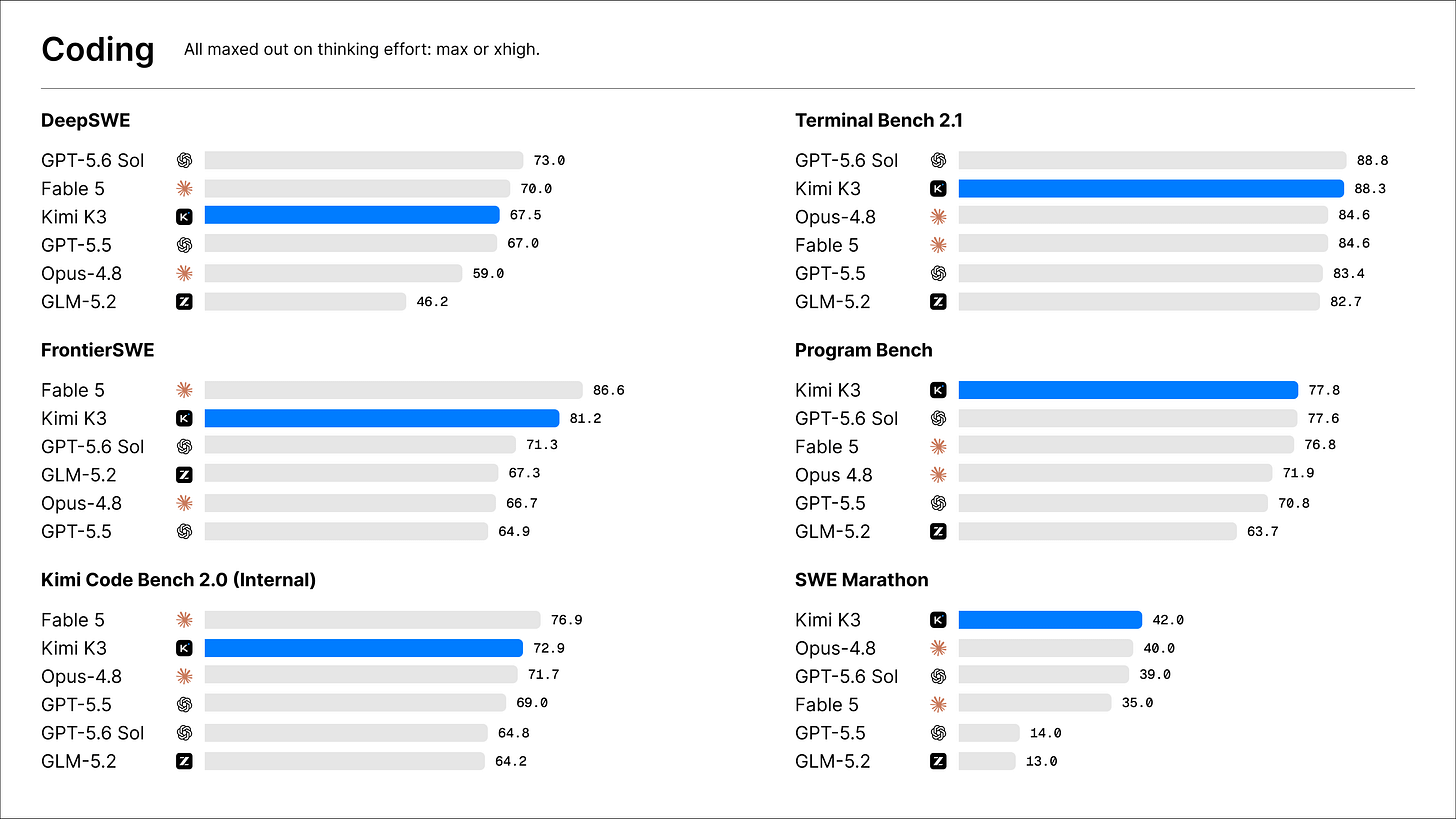
Your frontend generation bill is about to drop. K3’s current API is $3 in, $15 out per million tokens, about half of Opus 4.8. And because the full weights go public soon (July 27), every inference provider will be serving it within weeks, which puts price pressure on the closed labs even if you never switch.
Lindy shifted their entire company to DeepSeek models and called it:
By far the one thing we've done in the history of the business that's made the biggest difference to our economics, with no impact to product quality
Their CEO, Flo Crivello, will be on the podcast in a few weeks to talk about it.
The Other News That Mattered
AI is now making breakthroughs in mathematics. Claude Fable 5 produced a one-line formula that breaks the Jacobian conjecture. Mathematicians have been stuck on this since 1939. Fable knocked it over with a single prompt. Even Terence Tao had to ask ChatGPT about it.
Anthropic reversed Fable 5 pricing two days after free access expired on July 19. Fable 5 now lives permanently for all paid users. (Yay!)
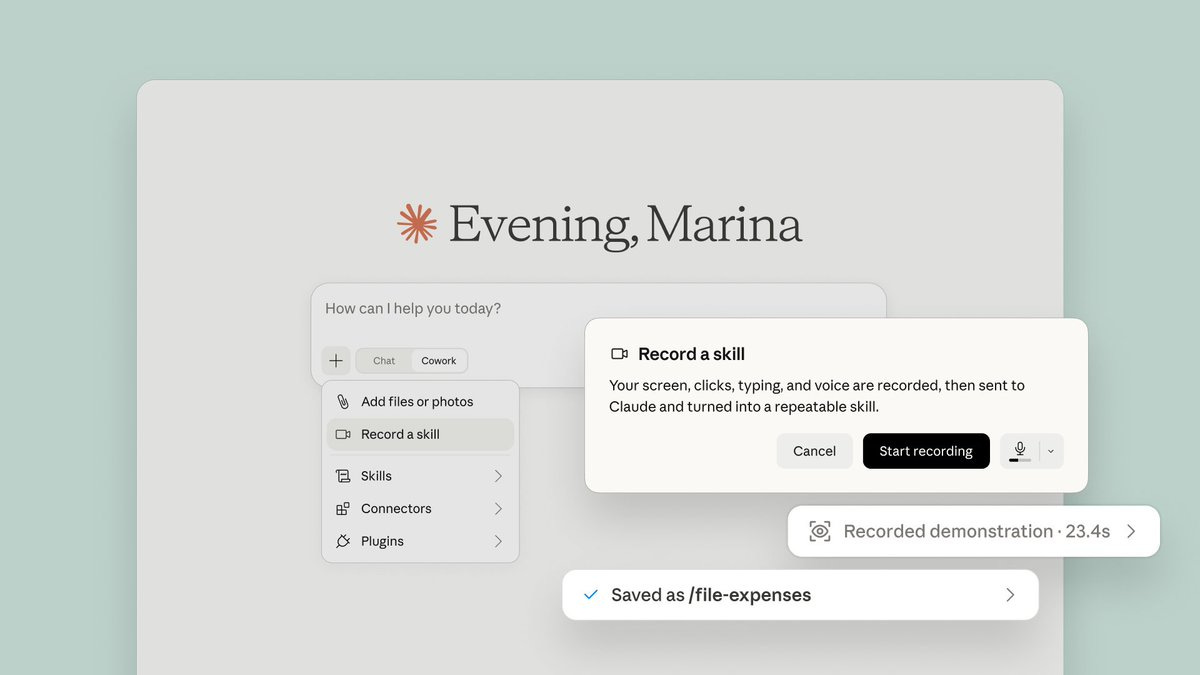
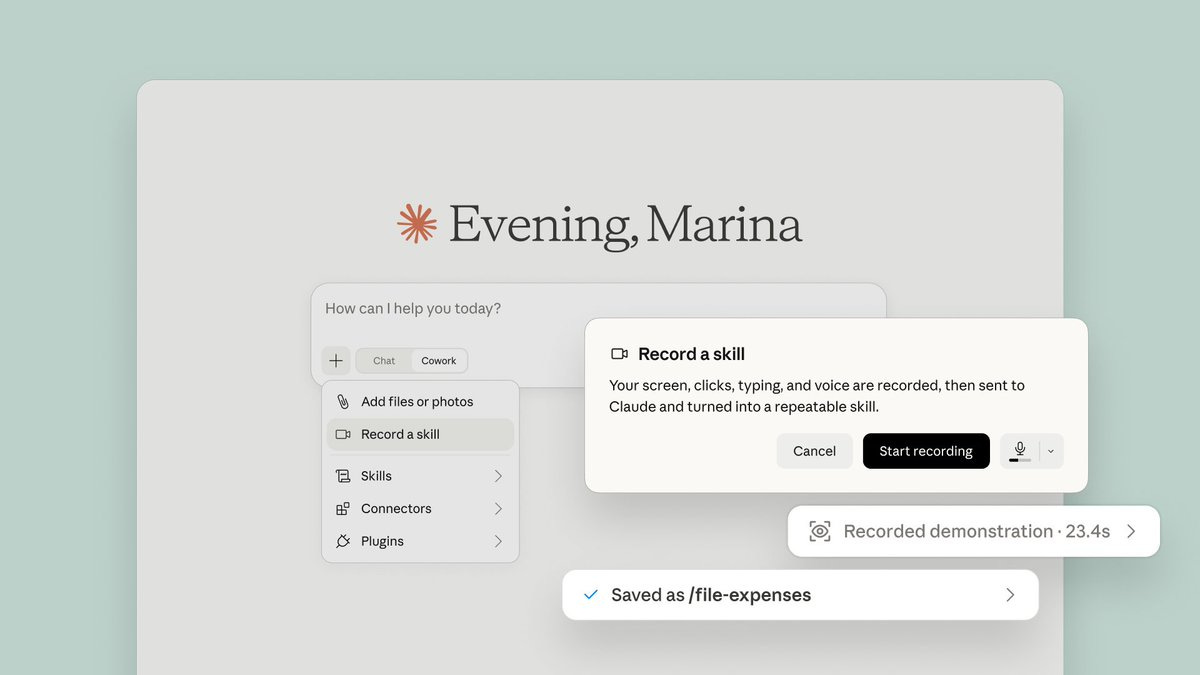
Claude can now learn skills by watching you. Record your screen doing a task, narrate as you go, and it becomes a skill Claude runs again later. It’s under “Record a skill” in the desktop app’s + menu:
Google is reportedly developing Frozen, a server chip that bakes Gemini’s software blueprint directly into hardware so its models run more efficiently.
Resources
Baidu released a 3B open-source OCR model. It can read 100-page PDFs in one pass. Plus, it’s small enough to run on your laptop. Definitely interesting if you’re paying per page for document parsing in your product.
Tools
Grok for Excel writes your formulas from plain English, inside the spreadsheet.
Canva Code is a vibe coding platform with drag-and-drop editing on the output.
Deep Dive
You should stop using ChatGPT in the browser.
ChatGPT Work is 10x more powerful.
It puts together three really powerful features you don’t get otherwise: connected tools, scheduled tasks, and computer use.
Let’s walk through why these matter and what they enable.
I’ve broken today’s deep dive into three pieces:
Setting up the optimal ChatGPT Work harness
The Top 6 Use Cases of ChatGPT Work
How to avoid creating “AI slop”
There’s four steps involved.
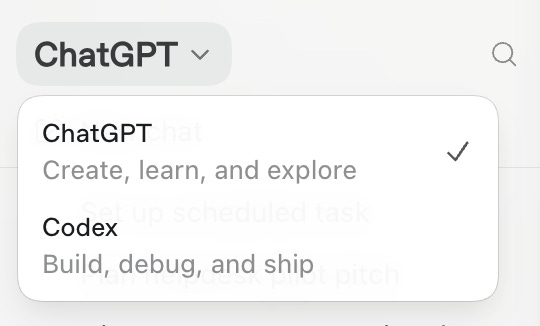
Start with the basics. Download the app from here, and select ChatGPT:
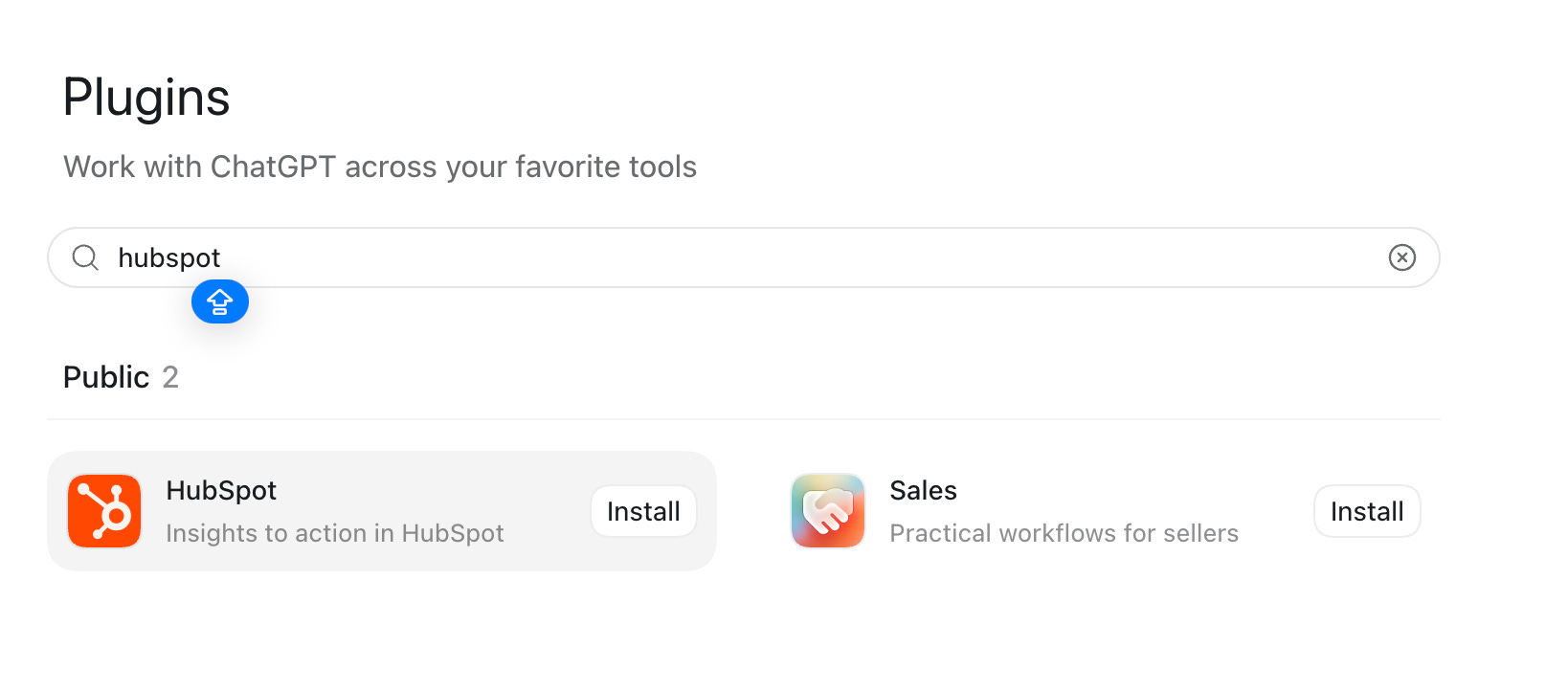
Install these plugins, at a minimum:
Computer use
Spreadsheets
Chrome
Presentations
Notion
Linear
Lovable
Figma
Attio
(or whatever version of that category of software you use.)
If you’re comfortable, give it the complete permission to the whole device:
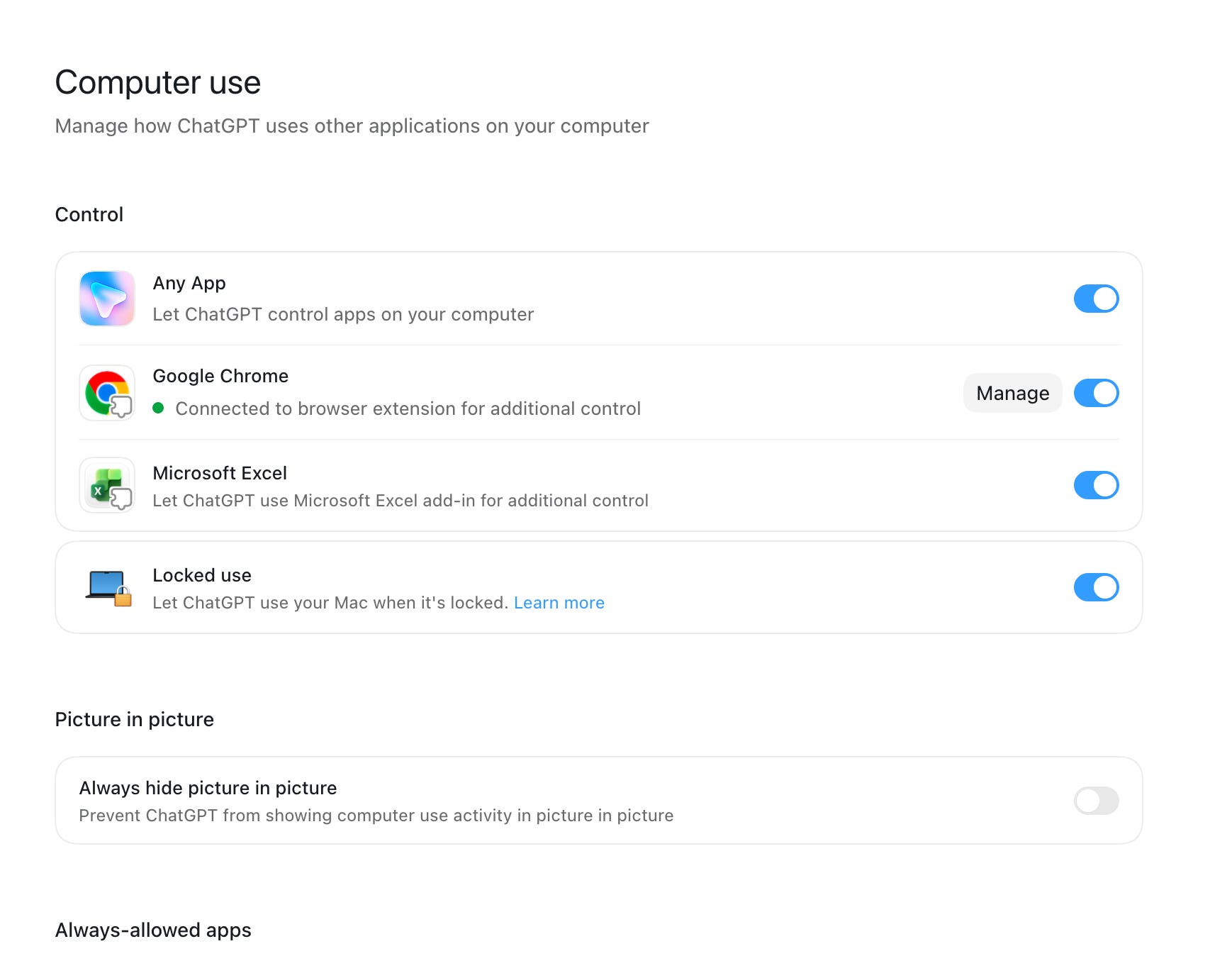
Everything starts from a connected base, similar to the MCP connections I’ve mentioned for an Operating System in Claude Code.
One particularly important thing to do as you use it is convert meetings to context.
Do it like this:
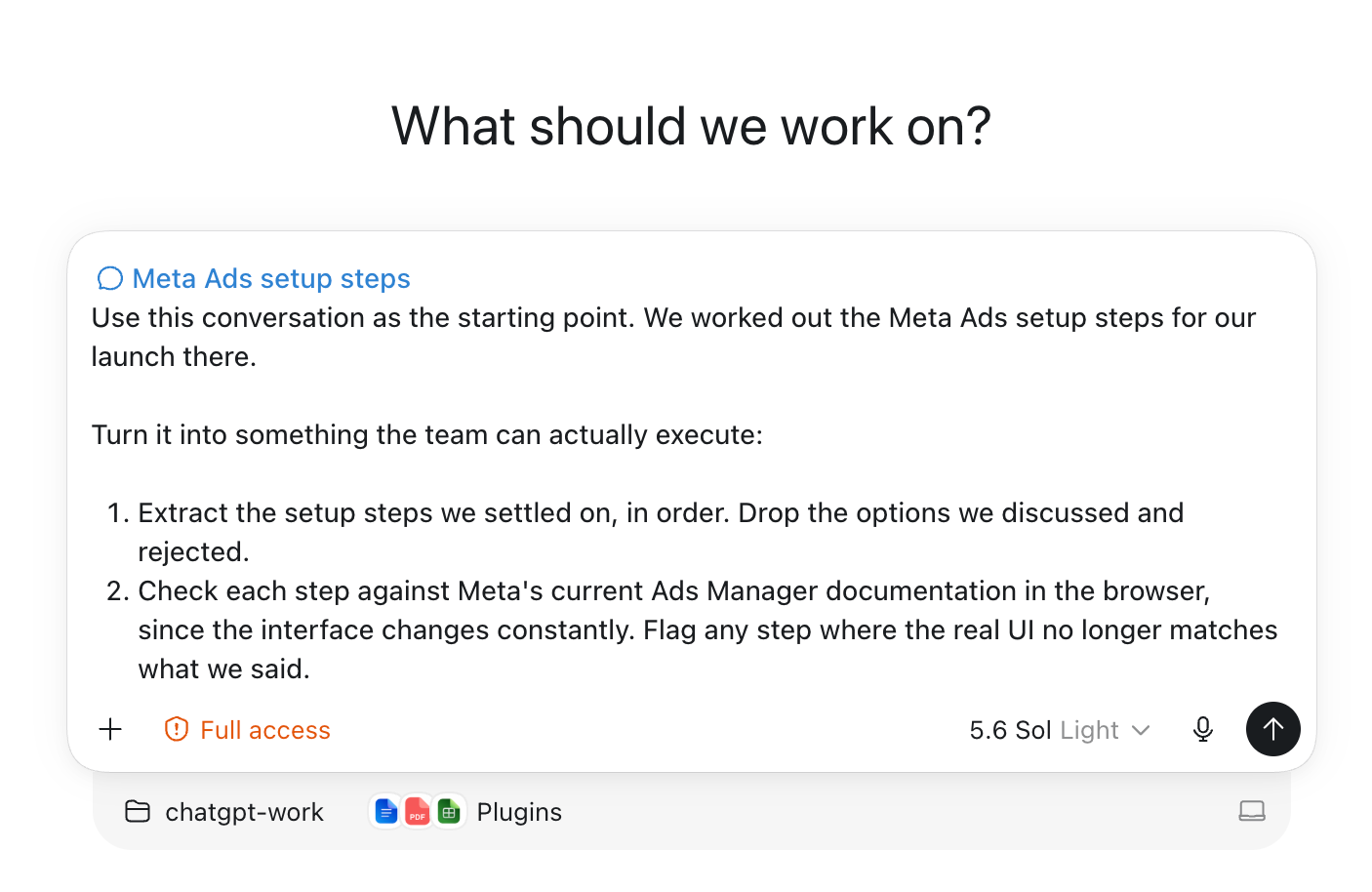
This is where Work really proves its mettle. Over time, you build an entire context library around your work. That’s how you create a compounding asset.
Build templates out of your repeatable tasks.
For example - NDAs:
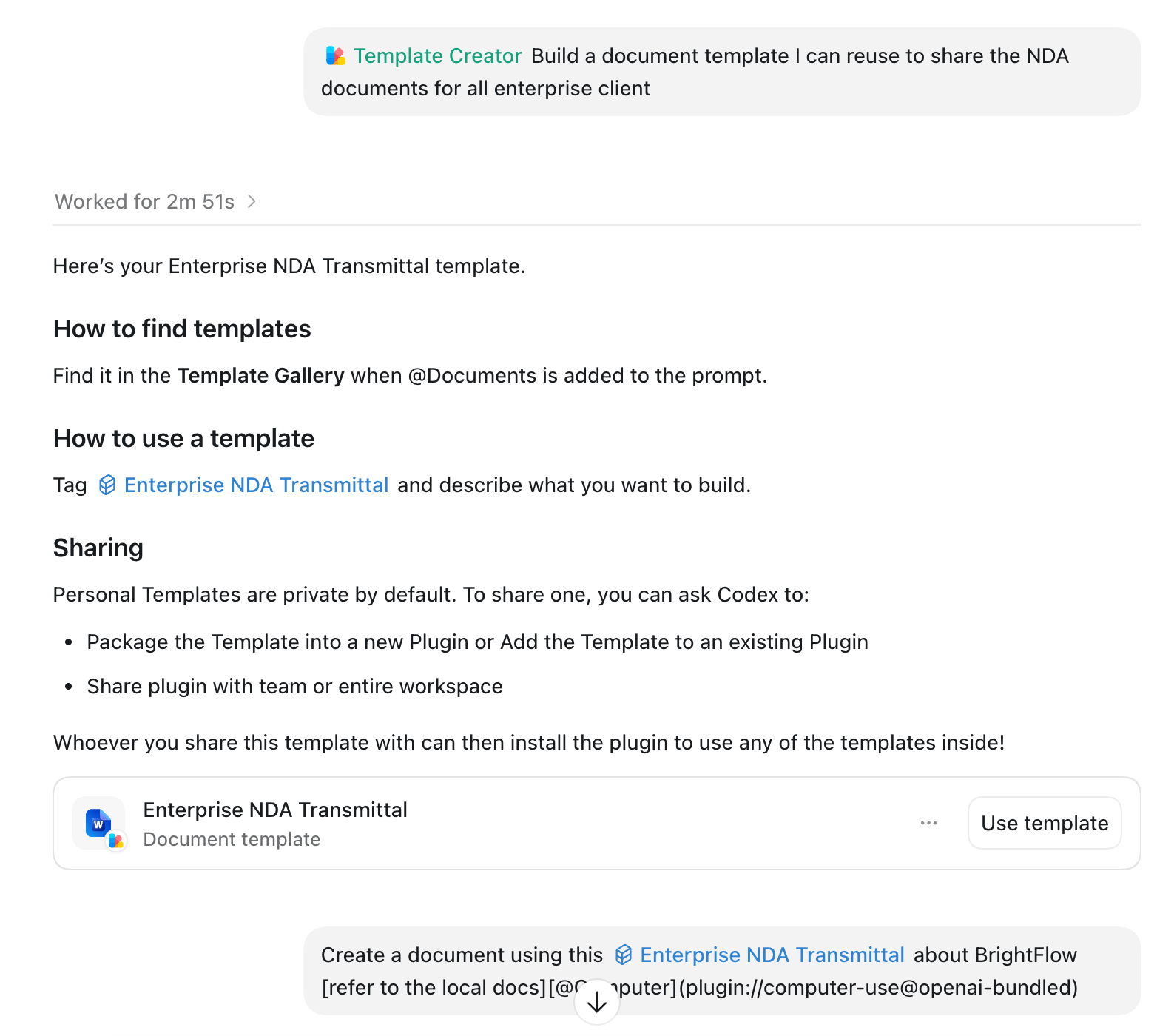
PRDs, whatever you have.
So, you’re set up. Now let’s rifle through the use cases for it (that go beyond regular ChatGPT in the web).
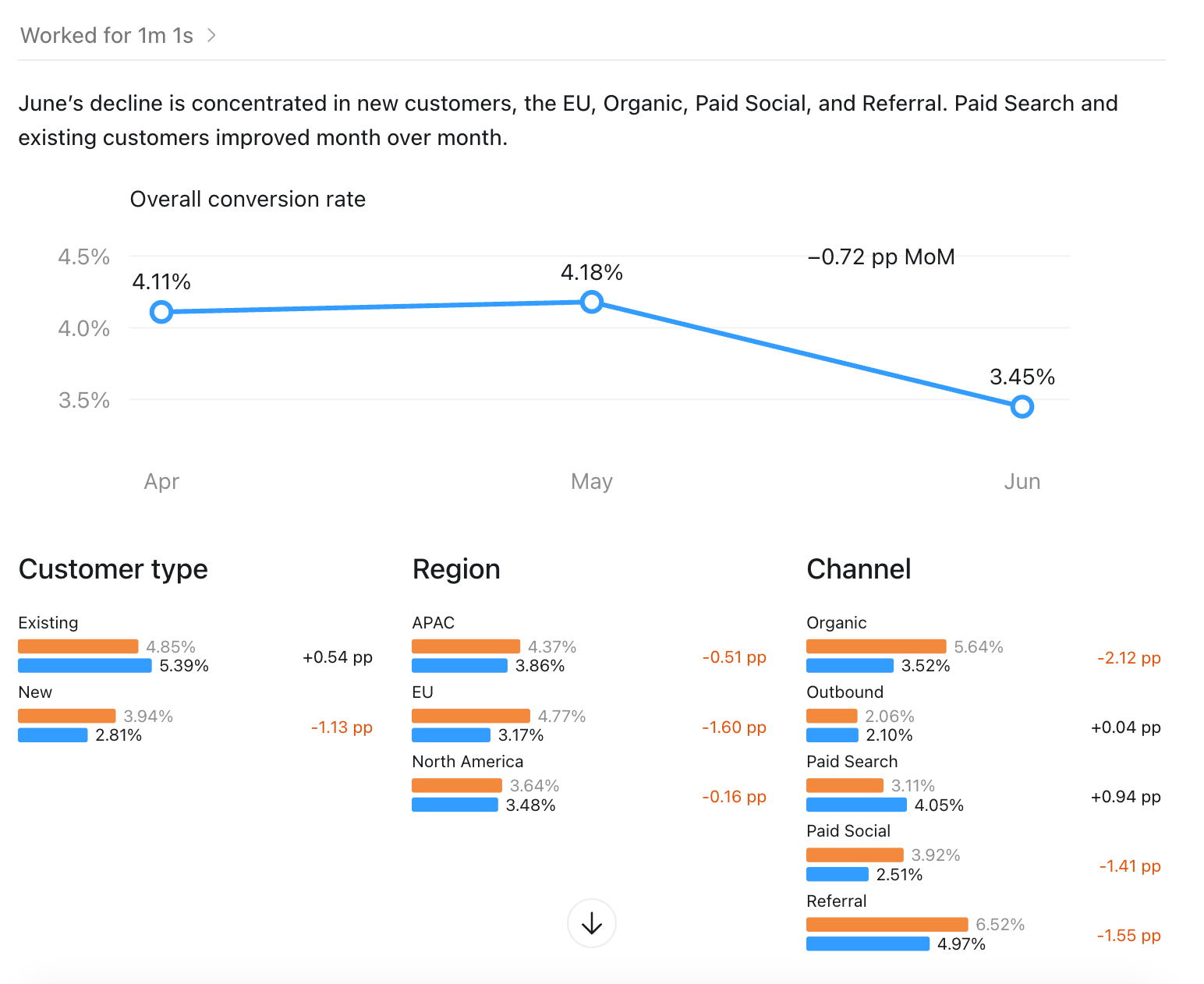
Work, when connected, can do your data analysis. For example, analyze conversion drops with your CRM (Hubspot):
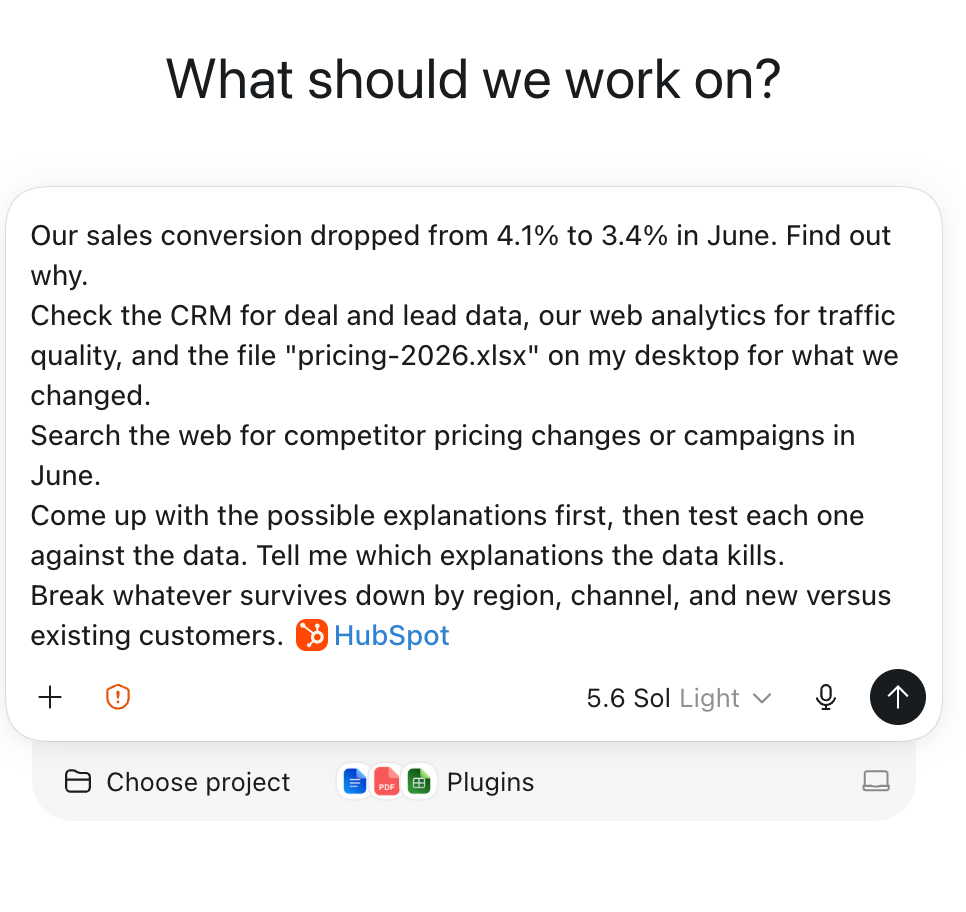
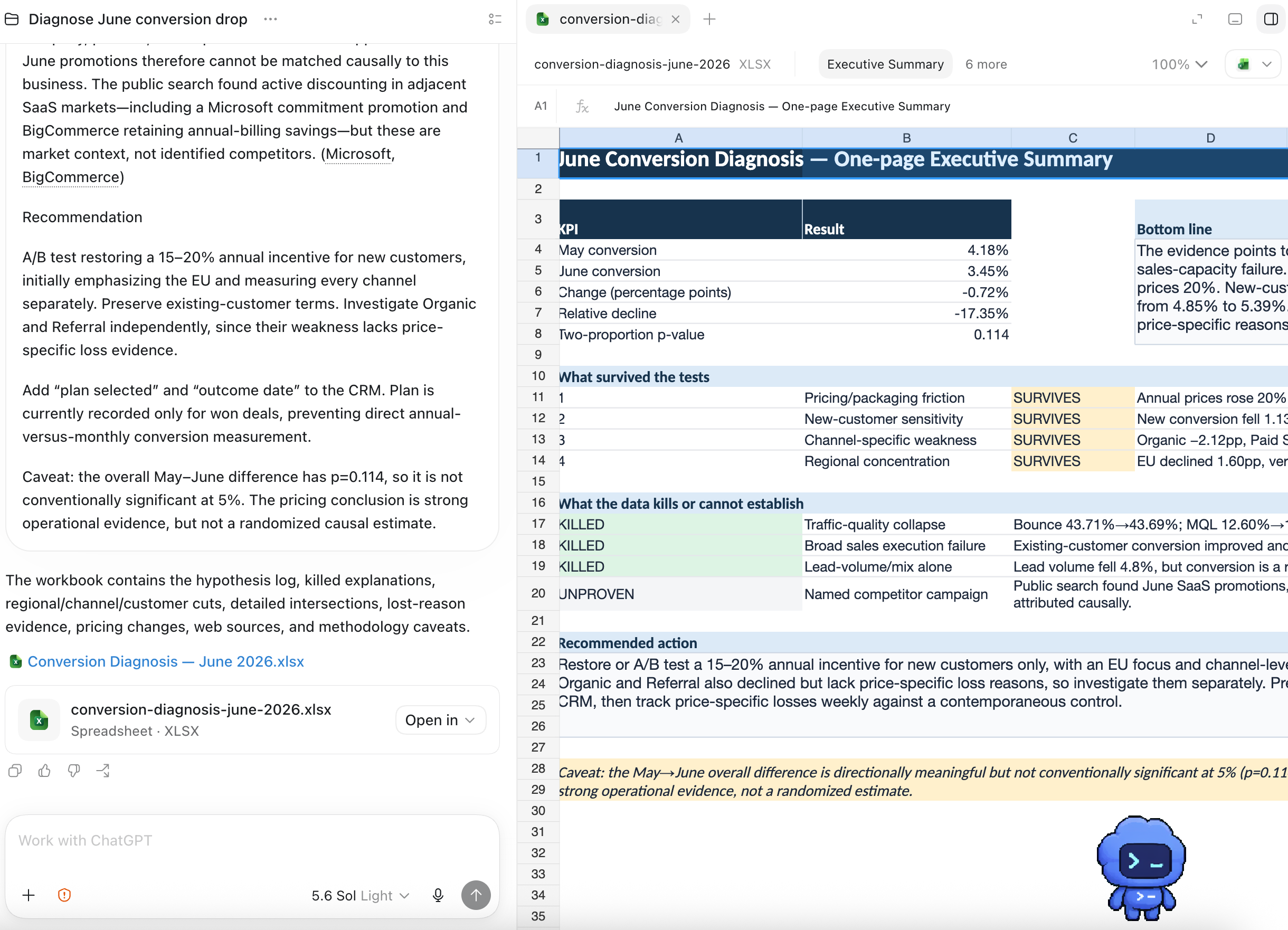
Instead of choosing to make sense of the numbers on your own, you can also use the visualize tool to do the data visualization for you:

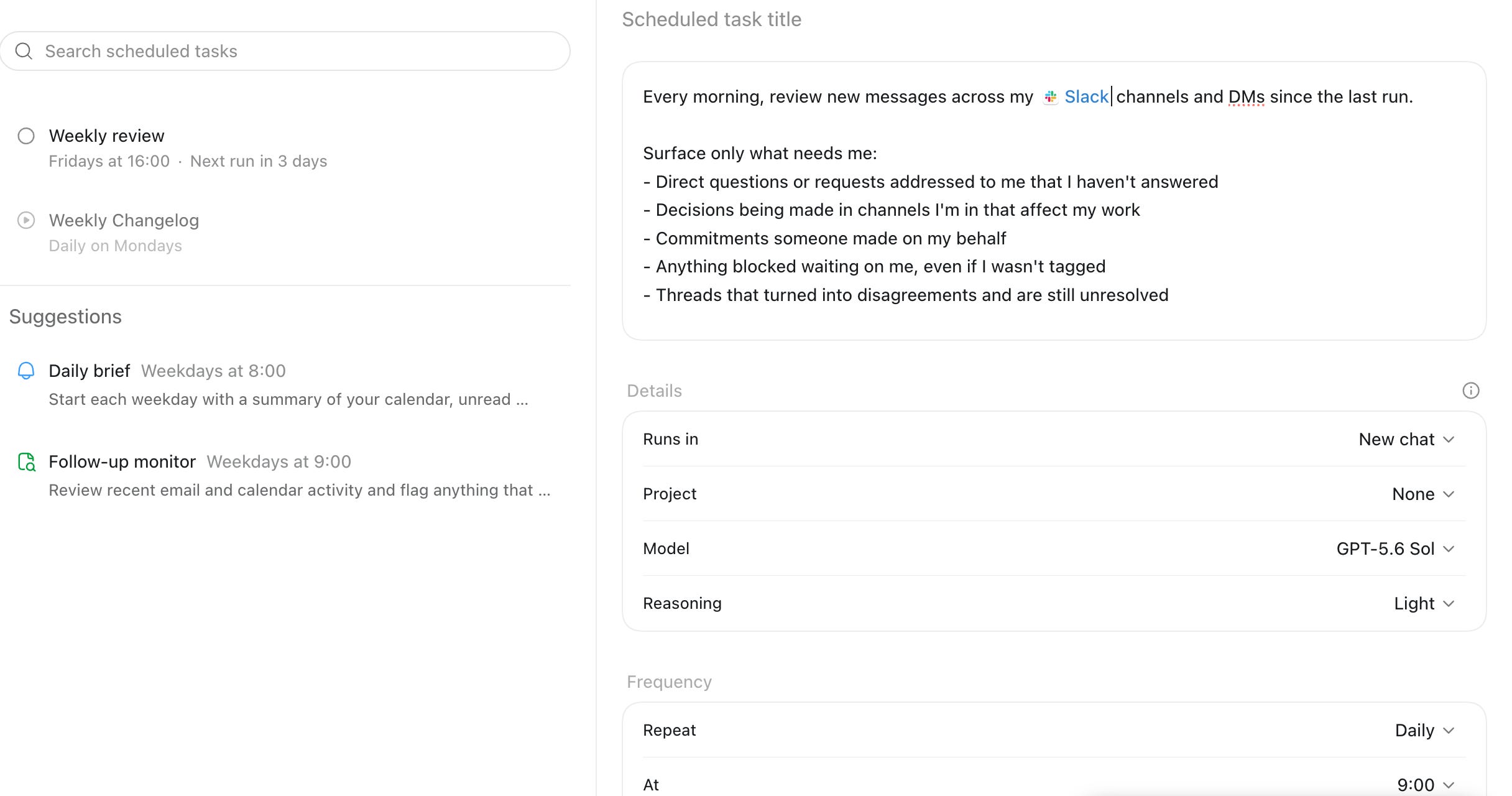
Then schedule out weekly analytics reads, weekly business reviews, and the like:
Don’t stop at analytics. Think about every task you see yourself repeating and ask:
Could I have an agent do the first draft of this for me?
With Work, you can connect with your Chrome browser:
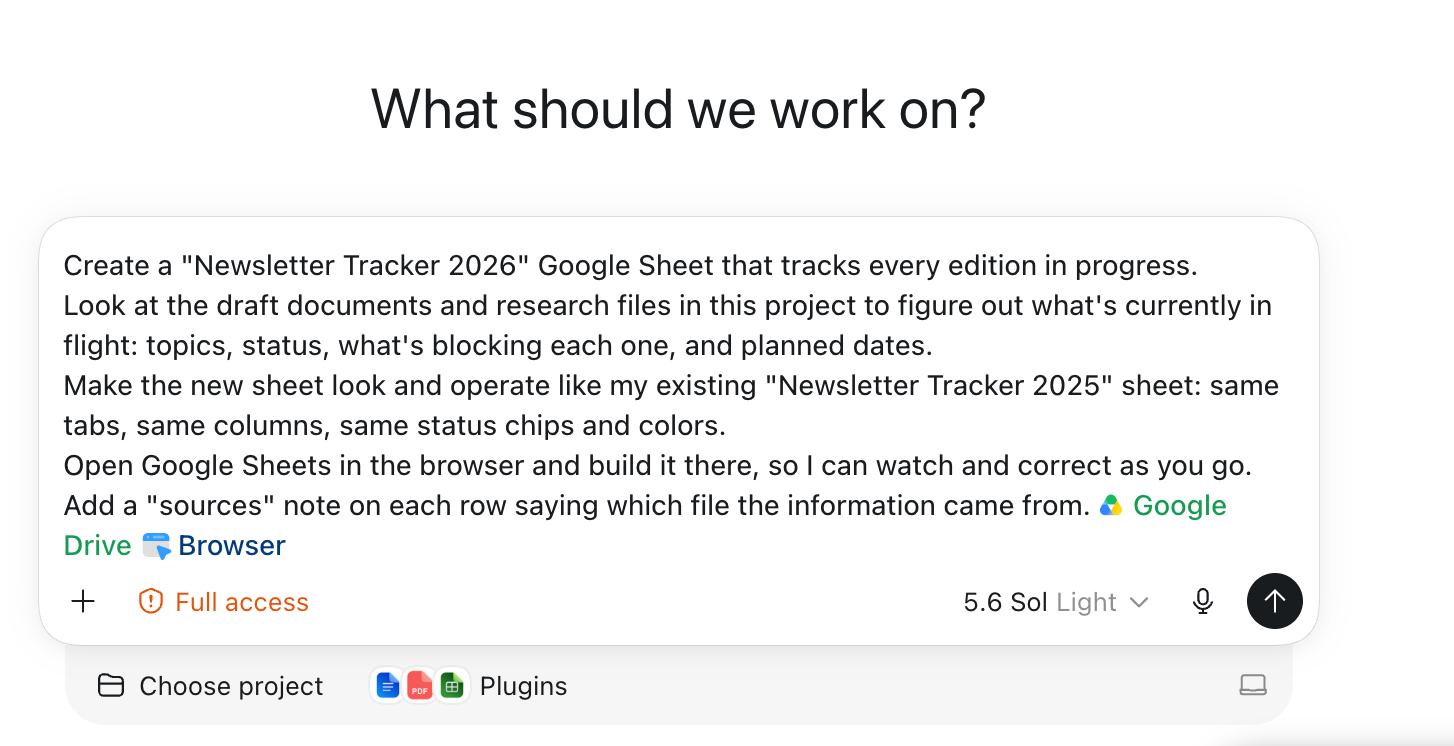
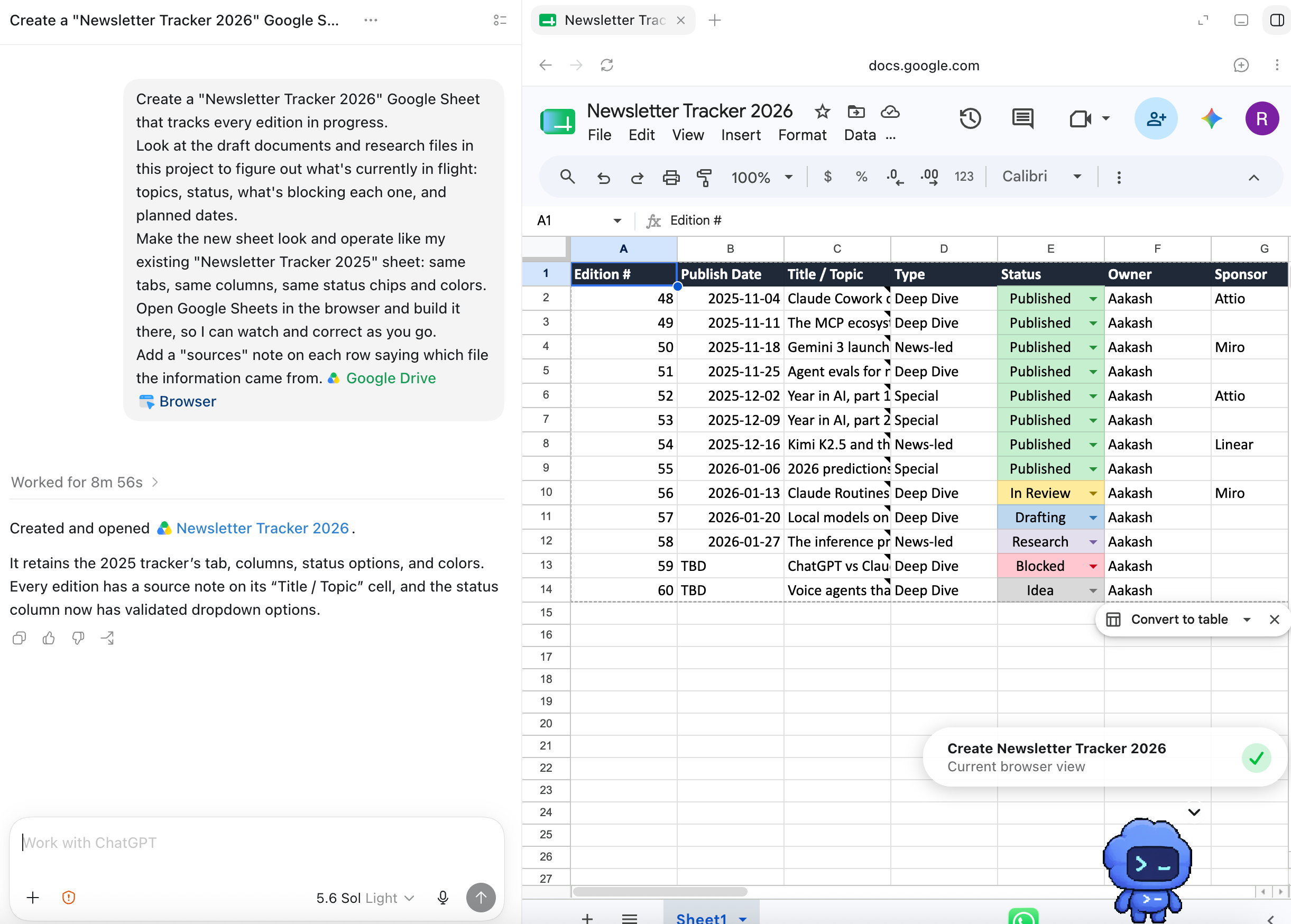
The built-in browser gives the user and ChatGPT a shared view of the page. Work can then act on it like you do.
It can open local files and drive desktop apps. You can even have it trigger music for you:
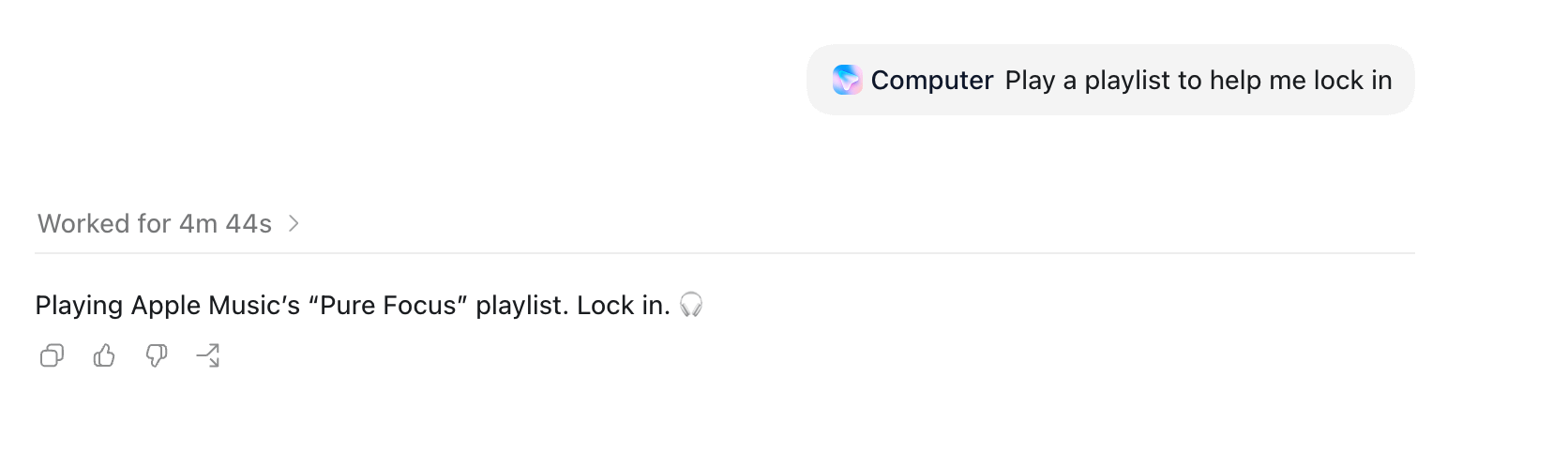
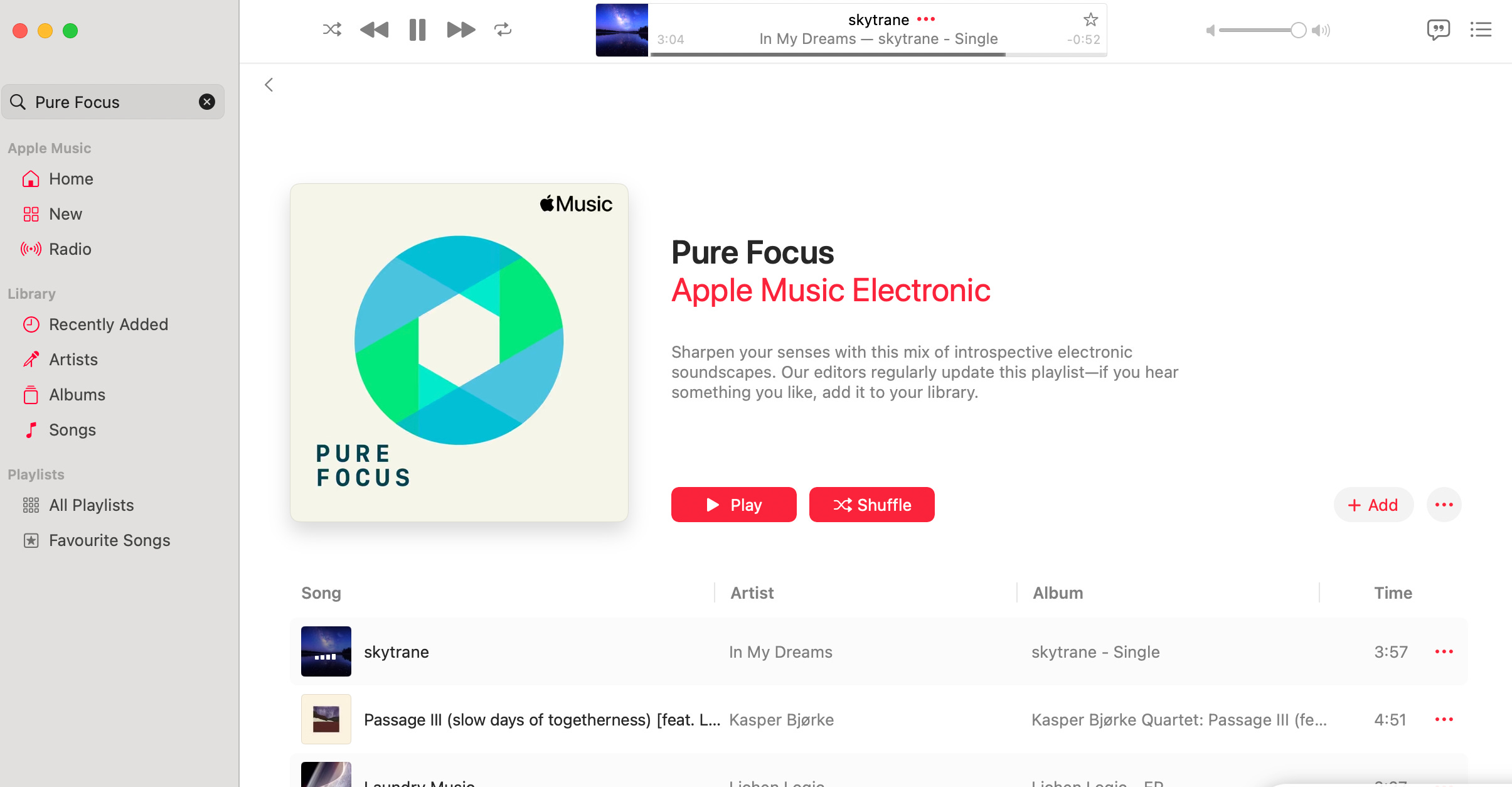
Finally, put everything altogether for complex tasks.
For example, PMs have to create prototypes. You can reference sites and create them:
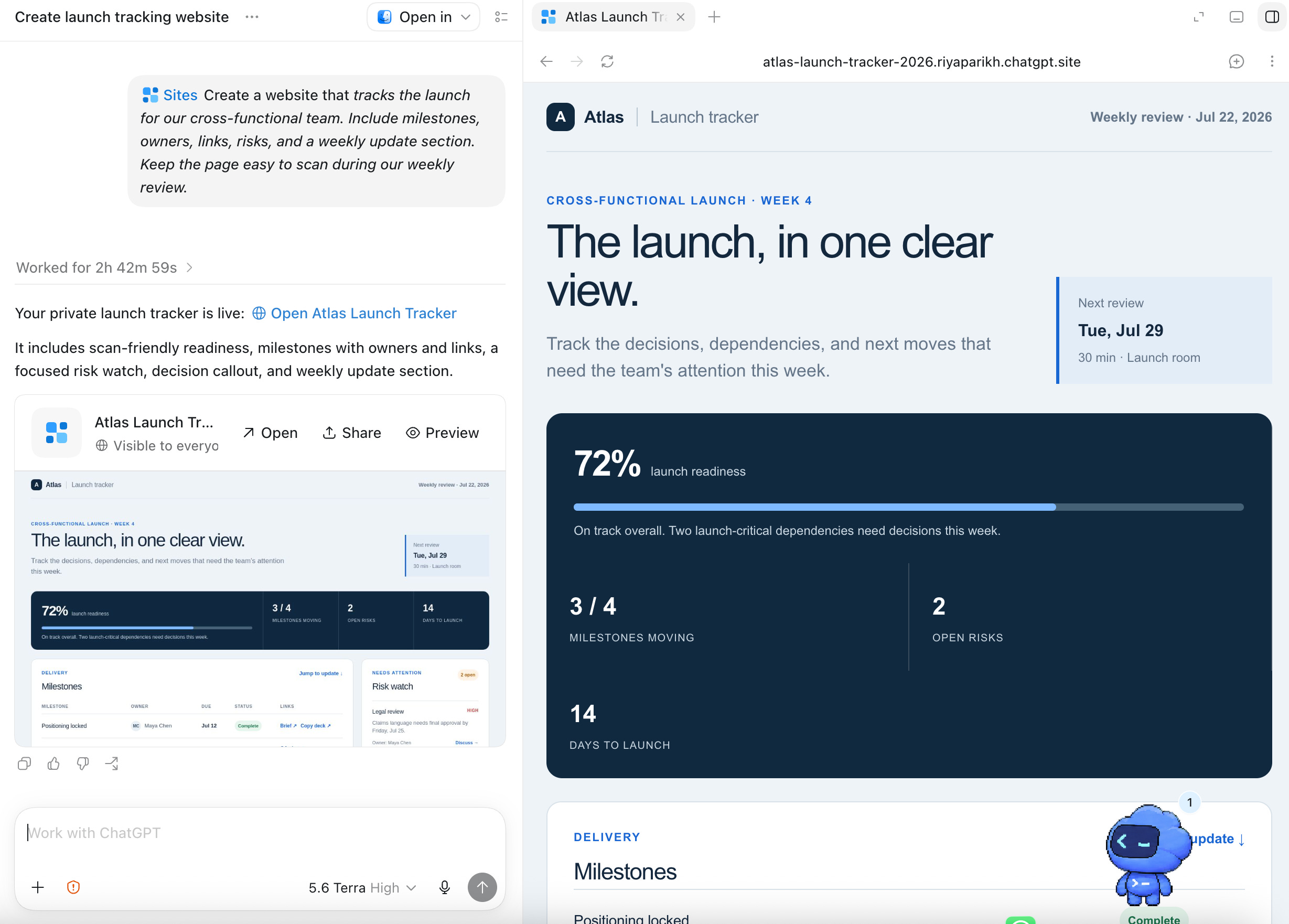
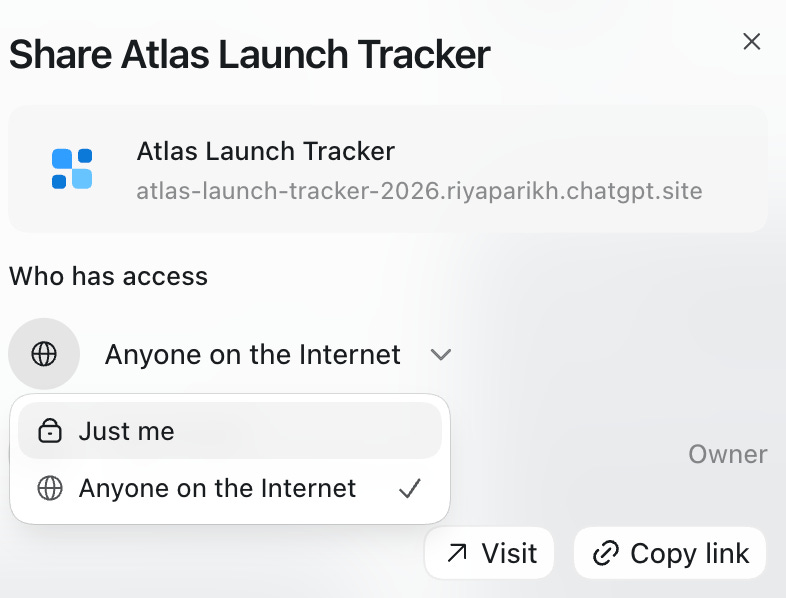
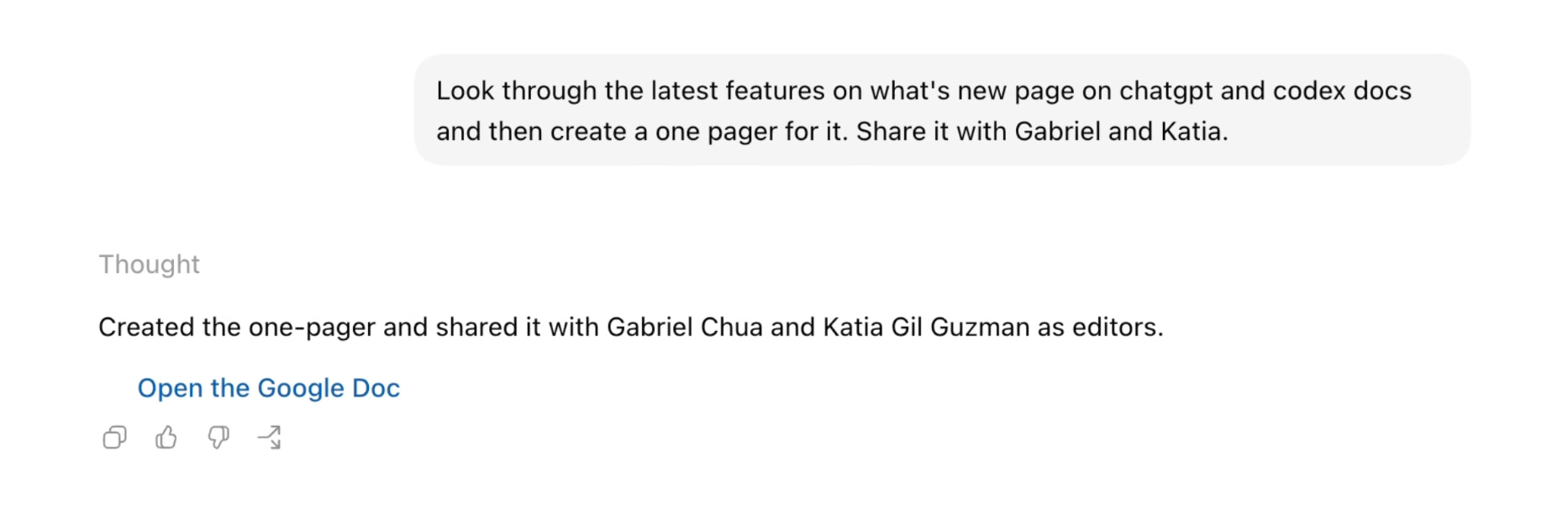
As you’re doing these complex, long running tasks, I recommend you kick off cloud tasks directly from the desktop or mobile apps:
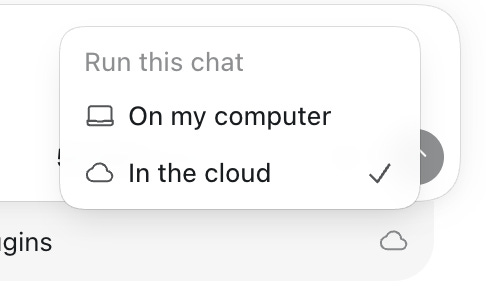
Then you can do things like start on computer and edit on mobile while you’re out. I use it constantly.
A final word.
The problem with heavily using AI like this is potentially creating slop.
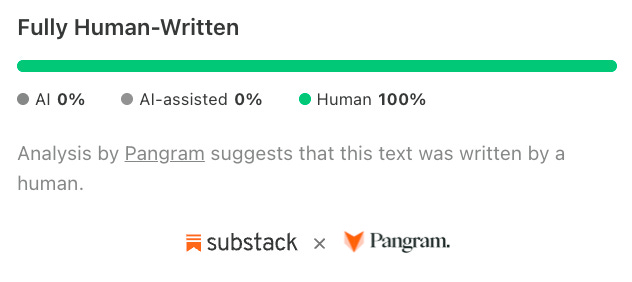
You have to avoid that. Just like this post is 100% hand-written:
Here’s how to get there yourself:
Use Work for the middle 60%: apply your own human judgment in the beginning 20% of a project, and in the final 20% in order to rewrite in your voice
Don’t use it as your ghostwriter: the temptation with AI is to let it be your writer; but, people are quick to see through it
Use it as your APM: you wouldn’t put an APM’s doc in front of a VP, but you would get them to do the hard work for you
These are simple platitudes, but they’re very powerful.
I don’t think ChatGPT work is better than Claude Cowork yet, but I think a lot of people are probably using it. Given how good GPT-5.6-sol is, it’s not a bad choice.
I used to always say you should use Codex for ChatGPT.
With the ChatGPT Work launch, I finally think it’s now the ChatGPT app.
Me Around the Web
That’s all for today. See you next week,
Aakash
P.S. Want my AI tool stack? Join my bundle. Want my job search coaching? Apply to my cohort.
No posts
Comments
Nothing yet. Say the first thing.
Sign in to join the conversation.