
I recently attempted to configure my laptop for development tasks. My first step was to install Unreal Engine and Xcode, but I encountered a persistent error when I tried running the UE application.

Naturally, I initially resorted to a brute force approach: restarting the application, followed by rebooting my laptop, and even contemplating uninstallation.
Eventually, I stumbled upon a solution online - executing the following command in my terminal:
sudo xcode-select -s /Applications/Xcode.app/Contents/DeveloperAfter implementing this solution, the application finally runs as intended.
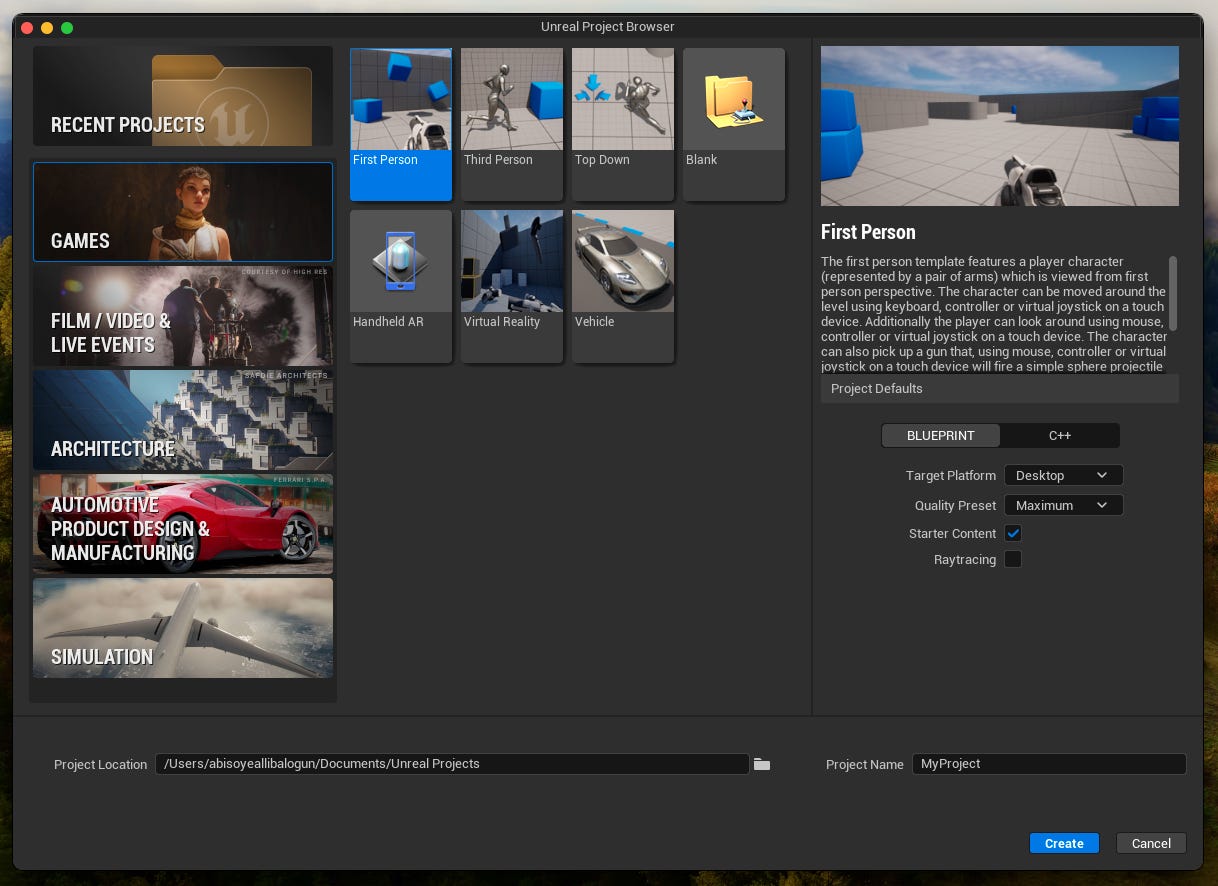
I hope this article proves beneficial to someone now or in the future. Happy coding!
No posts
Comments
Nothing yet. Say the first thing.
Sign in to join the conversation.