
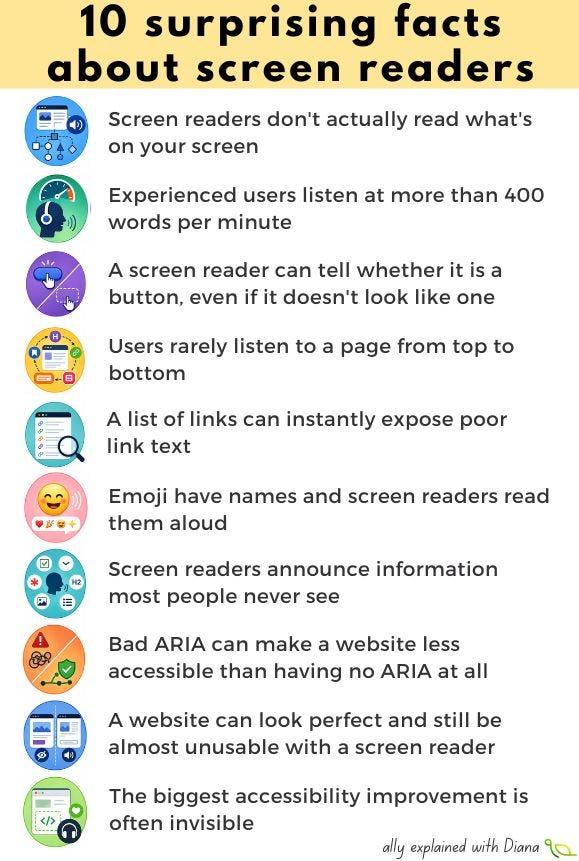
1️⃣ Screen readers don’t actually read what’s on your screen.
Despite the name, screen readers don’t analyse pixels. They read information from the browser’s accessibility tree, which is built from HTML semantics, accessibility APIs and ARIA. If information isn’t exposed there, it may not exist for a screen reader user.
2️⃣ Experienced users listen at more than 400 words per minute.
To someone hearing it for the first time, it sounds almost incomprehensible. But experienced users become remarkably efficient at understanding highly accelerated speech, allowing them to navigate websites much faster than many sighted users.
3️⃣ A screen reader can tell whether it is a button, even if it doesn’t look like one.
And the opposite is also true. A beautiful element that looks like a button but is built from a <div> without the correct semantics may be announced simply as “clickable” or even as plain text.
4️⃣ Users rarely listen to a page from top to bottom.
Instead, they jump between headings, landmarks, links, form controls and regions. Think of it as using Ctrl+F on an entire website, except the navigation relies on your HTML structure.
5️⃣ A list of links can instantly expose poor link text.
Most screen readers let users display every link on a page. Imagine seeing a list that says: read more, click here, learn more, more... Without surrounding context, those links become almost meaningless.
6️⃣ Emoji have names and screen readers read them aloud.
A single 😊 becomes “smiling face with smiling eyes.” A long chain of decorative emoji can turn one short sentence into a surprisingly long listening experience.
7️⃣ Screen readers announce information most people never see.
They can tell users whether a checkbox is checked, whether a button is expanded, whether a field is required, whether a heading is level 2, whether a menu item has a submenu, or whether an image has alternative text.
8️⃣ Bad ARIA can make a website less accessible than having no ARIA at all.
This is why accessibility professionals often repeat the first rule of ARIA: No ARIA is better than bad ARIA. Native HTML already provides much of the accessibility information browsers and assistive technologies need.
9️⃣ A website can look perfect and still be almost unusable with a screen reader.
Visual design and accessibility are largely independent. Two pages that appear identical can provide completely different experiences depending on their underlying HTML and accessibility semantics.
🔟 The biggest accessibility improvement is often invisible.
Users may never notice whether you’ve added semantic headings, associated labels, landmarks or proper button elements, but screen reader users almost certainly will. Some of the most impactful accessibility work cannot be seen at all.
Thanks for reading A11y explained with Diana! This post is public so feel free to share it.
No posts
Comments
Nothing yet. Say the first thing.
Sign in to join the conversation.