Your Tech Makeover is a practical tech podcast for everyday people who want clearer answers about phones, passwords, Wi-Fi, smart home devices, online safety, and AI, without the jargon. If technology often feels harder than it should, you are not alone. Frank Bravo breaks down what matters in plain English so you can make better choices, avoid common mistakes, and feel more confident day to day. Each episode focuses on one topic you can use right away: backups, scams and phishing,…
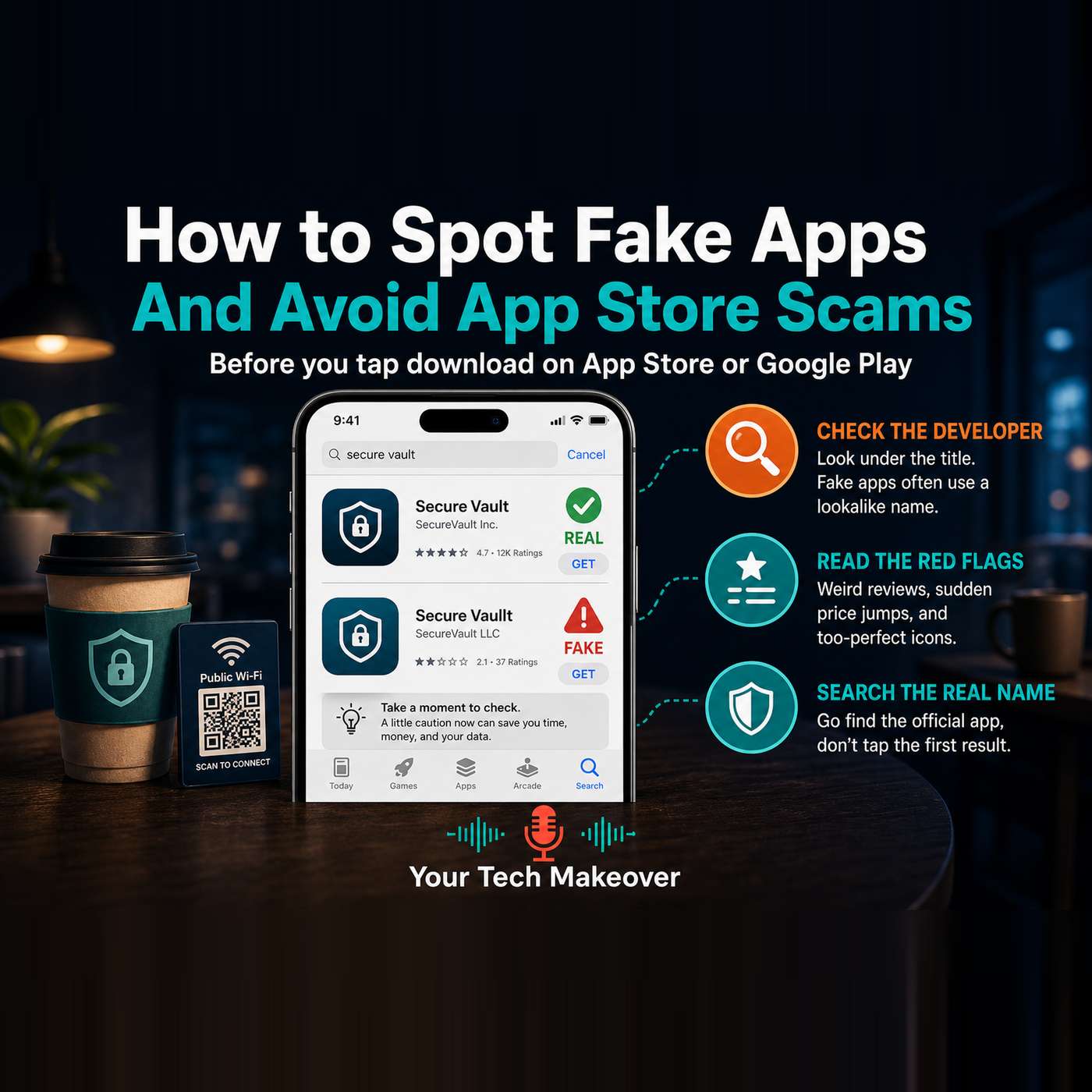
Fake apps hide in plain sight, right there in the official App Store and Google Play, sitting next to the real thing. You search for an app, tap the first result that looks right, and sign in, never realizing it was a copy. Some fakes are harmless copycats that just show ads. Others are fleeceware that quietly charges your credit card every month, or impersonator apps built to steal the username…
How to use AI without losing the human touch: a practical conversation with Josh Elledge of The Thoughtful Entrepreneur about treating AI as a tool, not a replacement for your own voice. This is a bonus episode. A few weeks back, Frank sat down as a guest on Josh Elledge's show, The Thoughtful Entrepreneur, and they covered ground that Your Tech Makeover listeners ask about all the time: where AI…
Smart TV privacy settings matter more than most people realize. Modern TVs and streaming sticks quietly log what is on the screen, often by default, and send that viewing data out for advertising and audience measurement. This episode explains what is being collected, what happens to it, and the three settings that make the biggest difference. Frank walks through Automatic Content Recognition, or…
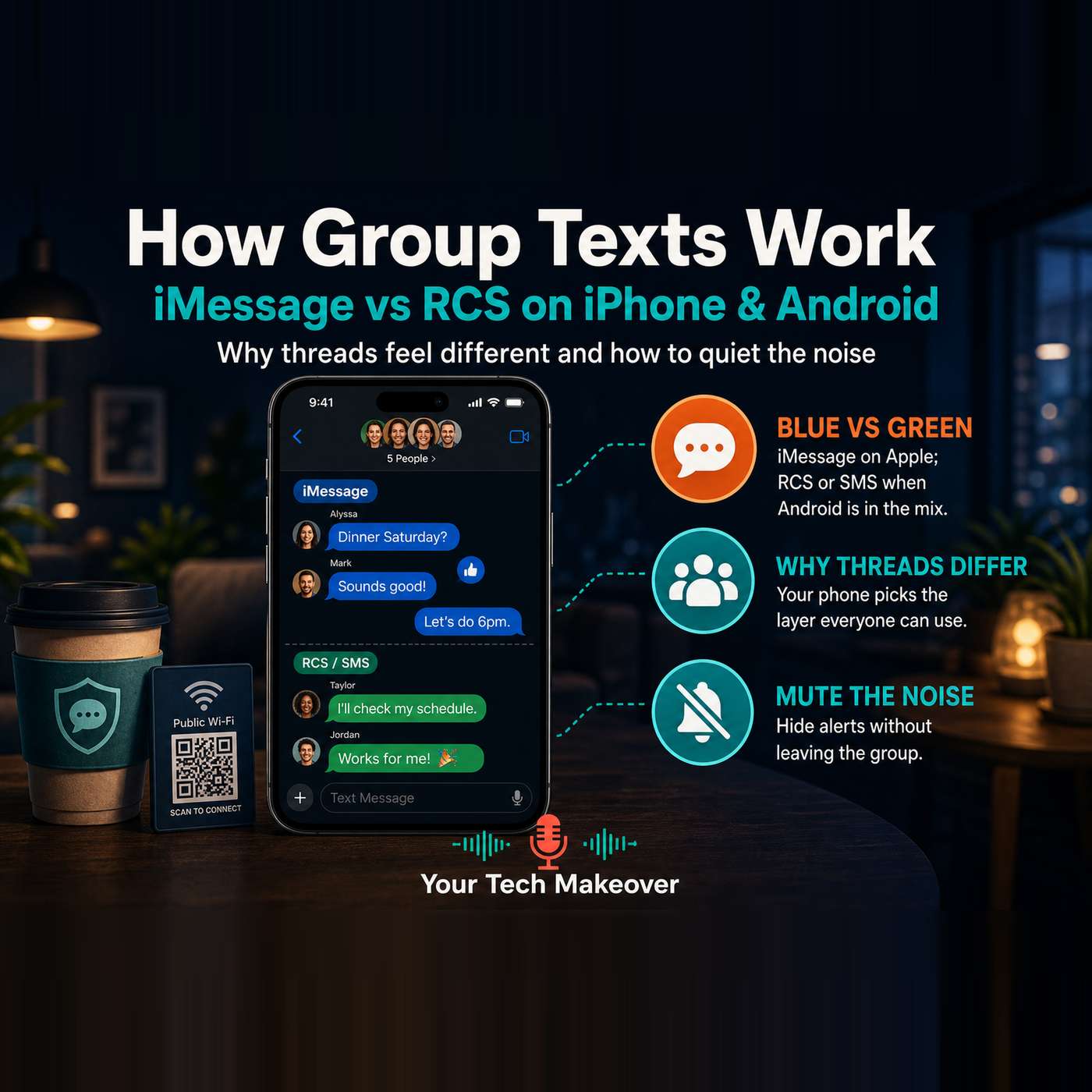
Group texts feel inconsistent for a reason, and once you understand how messages actually move between iPhone and Android phones, the whole thing stops feeling random. In this episode, Frank explains why one thread has read receipts and sharp photos while another looks like a fax machine from the 1990s, why one friend always shows up in a different color bubble, and why you can leave some groups…
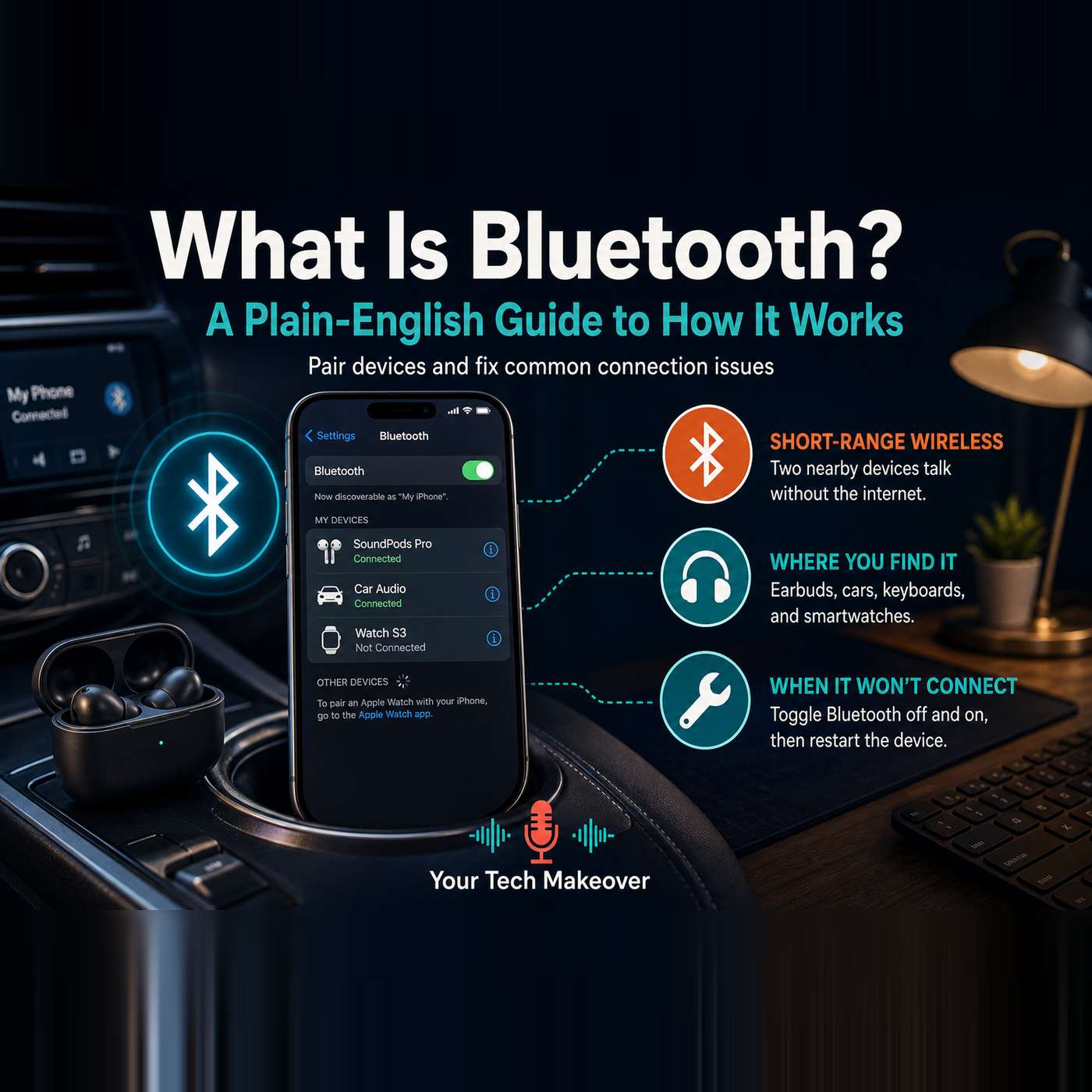
What is Bluetooth, really? It is the short-range wireless that quietly runs your headphones, your car audio, your smartwatch, and half the gadgets in your house, and most people use it every day without knowing what it actually does or why it sometimes acts up. This episode breaks Bluetooth down in plain English so it stops feeling like a mystery. Frank explains what Bluetooth is, how it is…
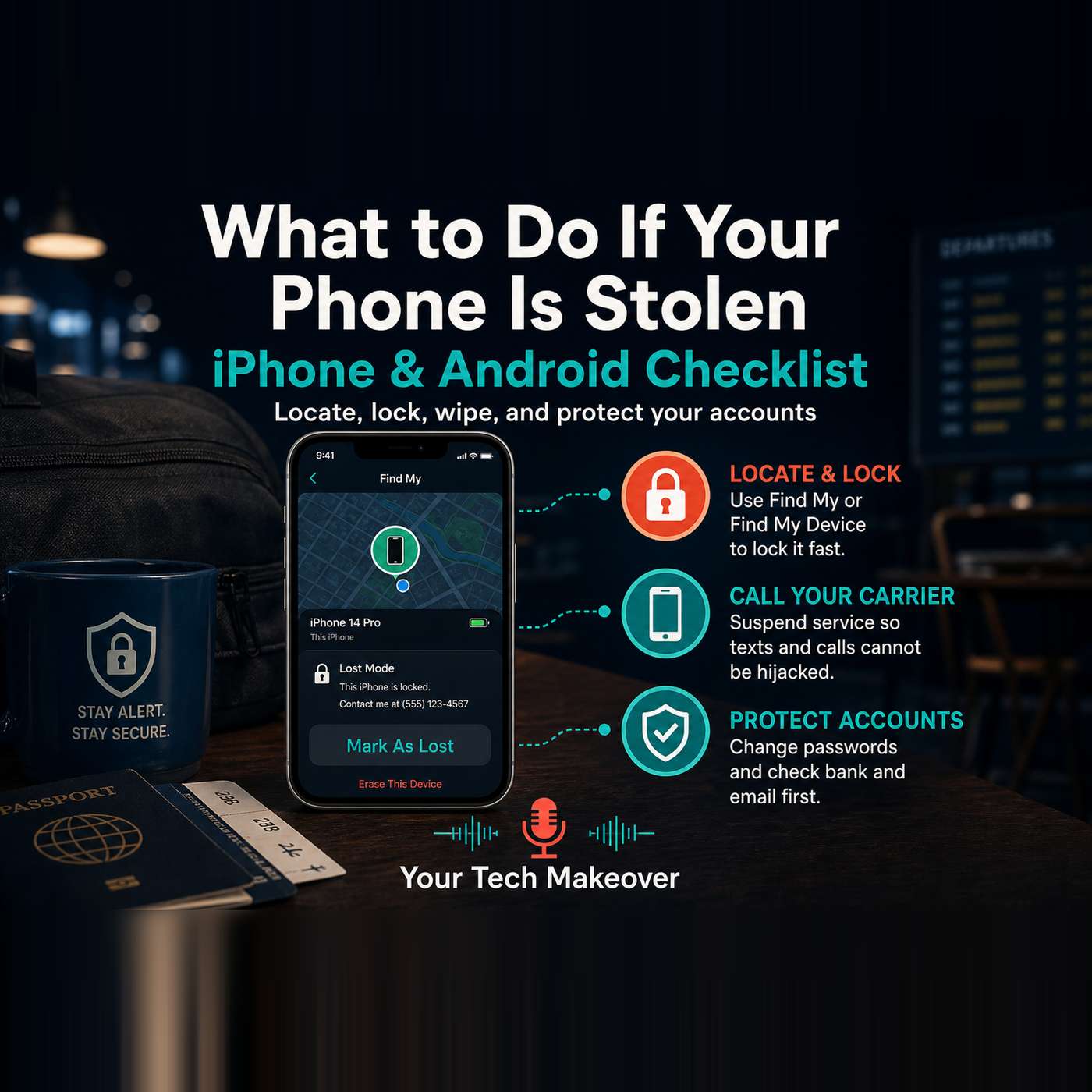
What to do if your phone is stolen is one of those topics everyone knows matters, but almost nobody has written down. This episode is a calm, practical checklist for iPhone and Android: what to set up before anything goes wrong, and what to do in order if your phone, tablet, or laptop in the same bag is already gone. Frank walks through four buckets: locate and lock the hardware, cut off cell…
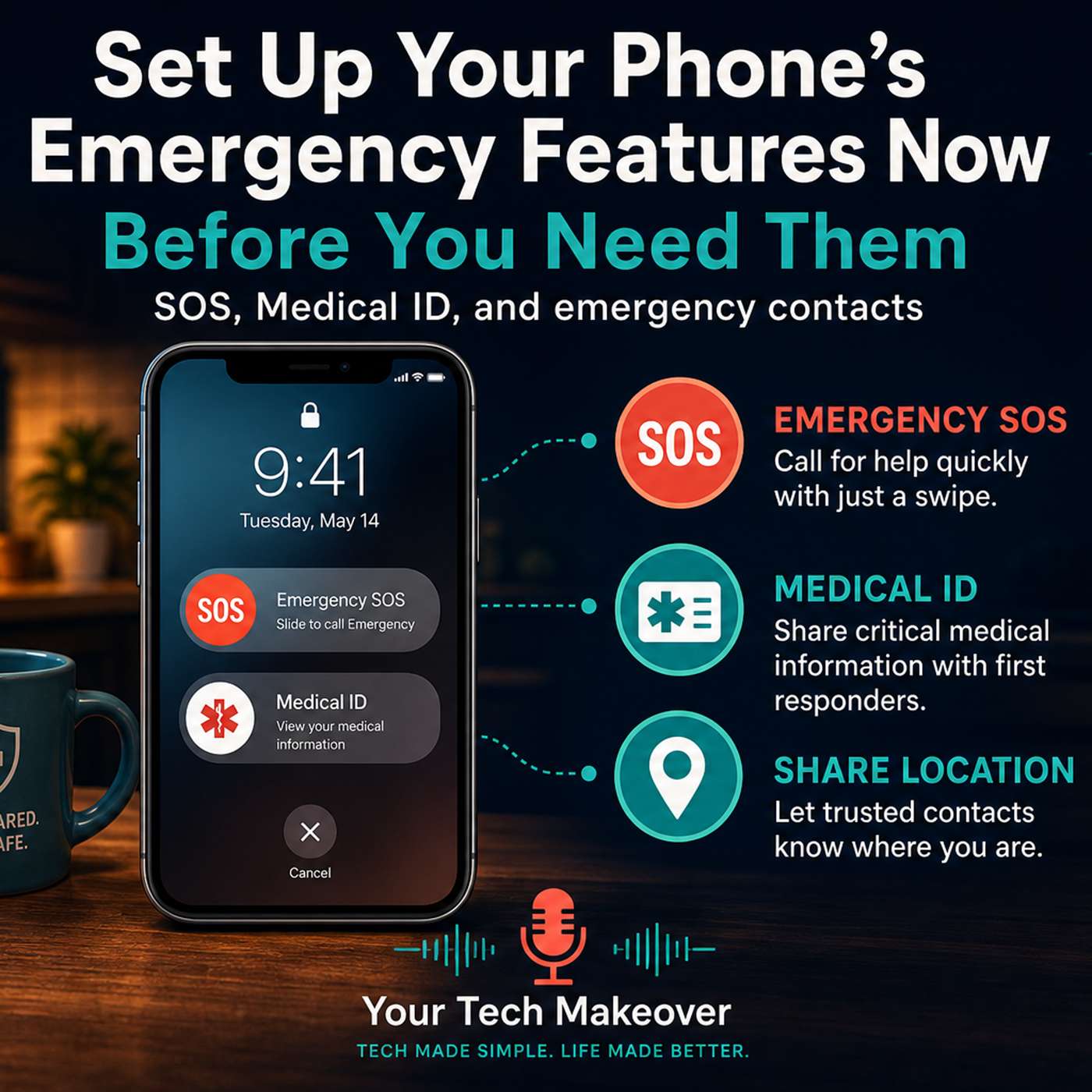
Your smartphone already has features that can call 911 without you saying a word, show paramedics your medical information from your locked screen, and automatically alert the people closest to you the moment something goes wrong. Most people have never set any of them up. This episode walks you through all of it: Emergency SOS, Medical ID, emergency contacts, crash detection, and location…
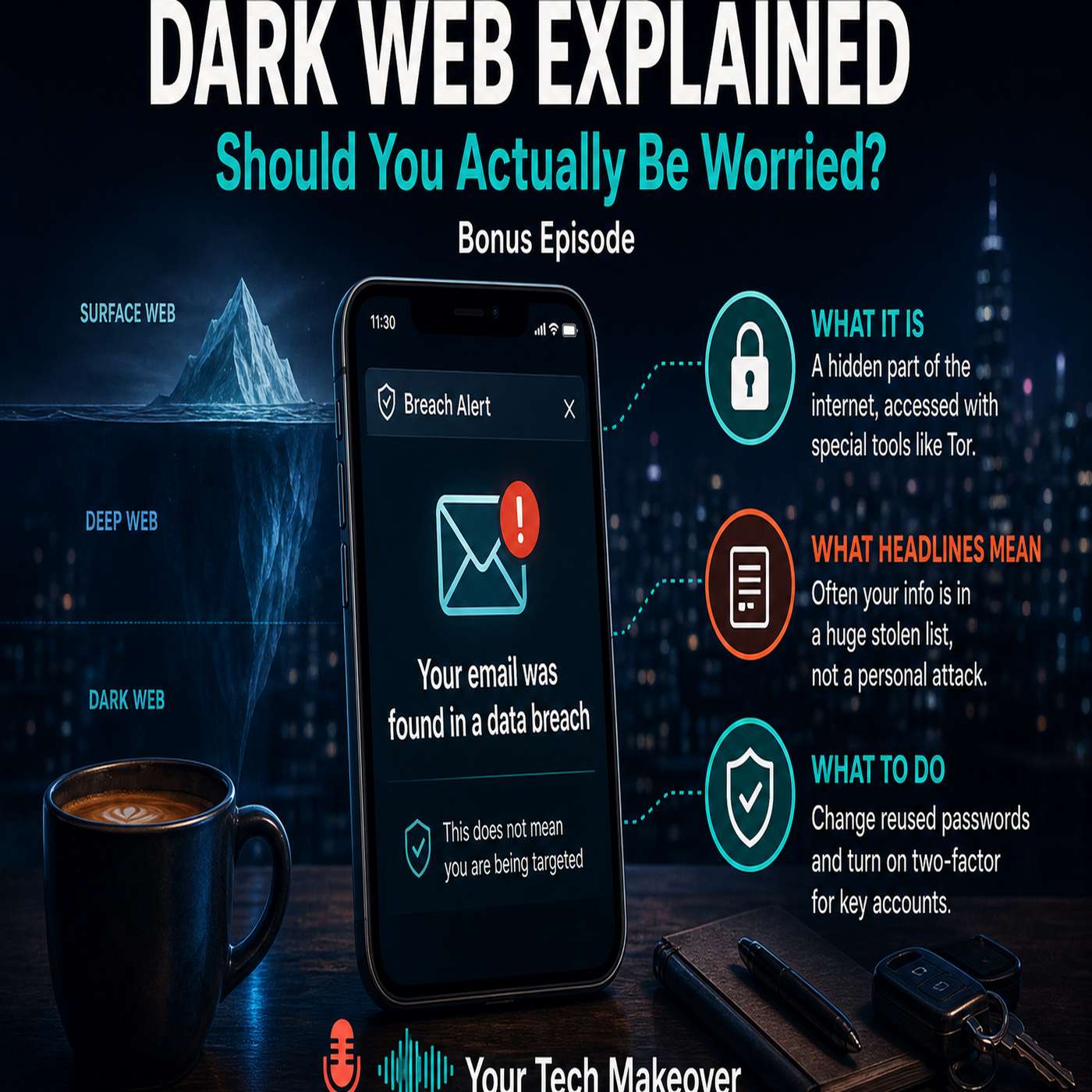
The dark web explained in plain English: what it actually is, why it keeps coming up after every data breach, and five practical steps you can take today to protect your most important accounts. You have probably gotten a notification at some point. Your email was found on the dark web. Maybe it popped up from Google or from your iPhone's built-in security check. Maybe you saw a headline about a…
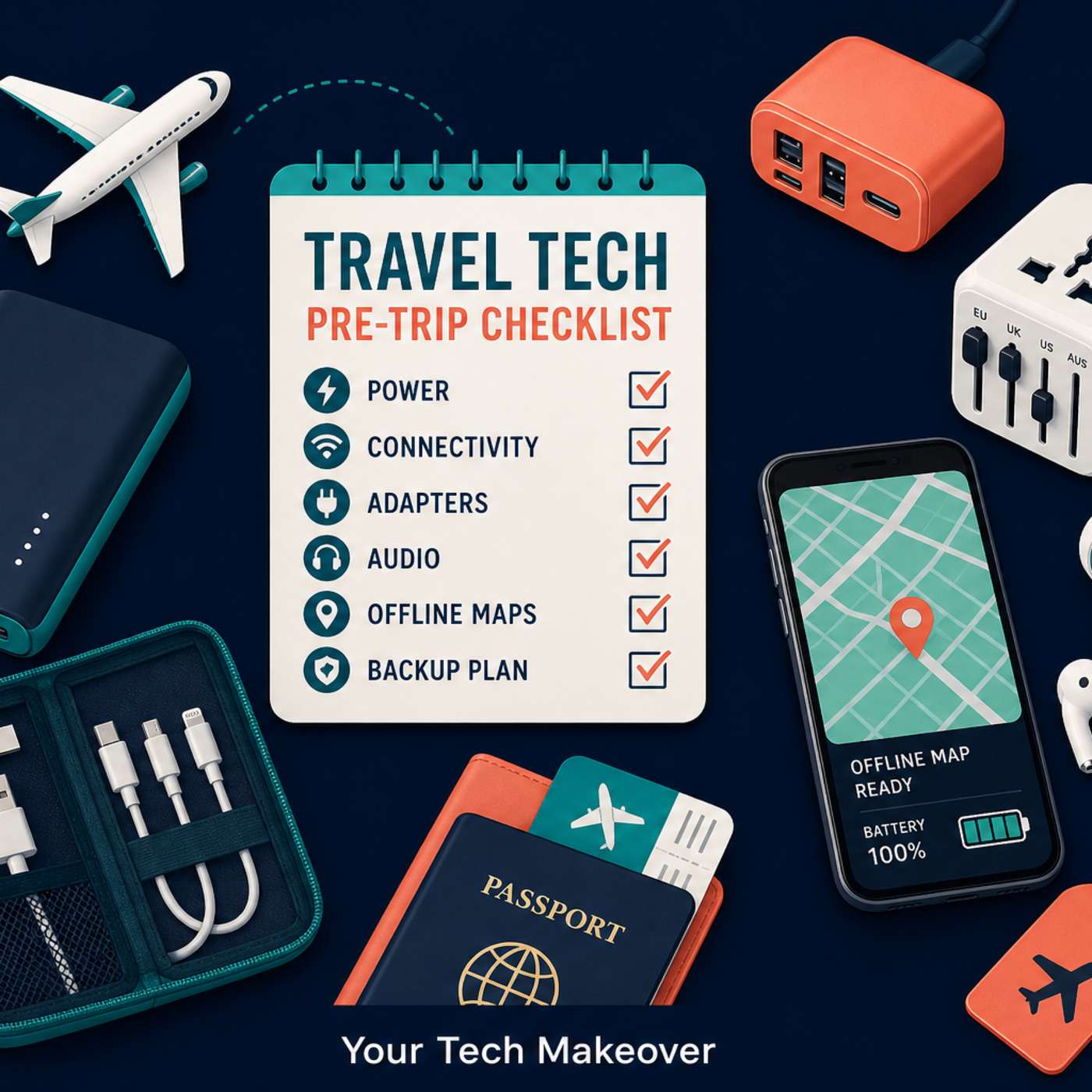
Travel tech tips for your next trip: what gear to pack, which apps to download before you leave, and the phone settings to change so your devices don't die, rack up unexpected charges, or let you down when you need them most. Most travel tech problems are not bad luck. They are the result of skipping a few simple steps before you leave home. In this episode of Your Tech Makeover, Frank Bravo walks…
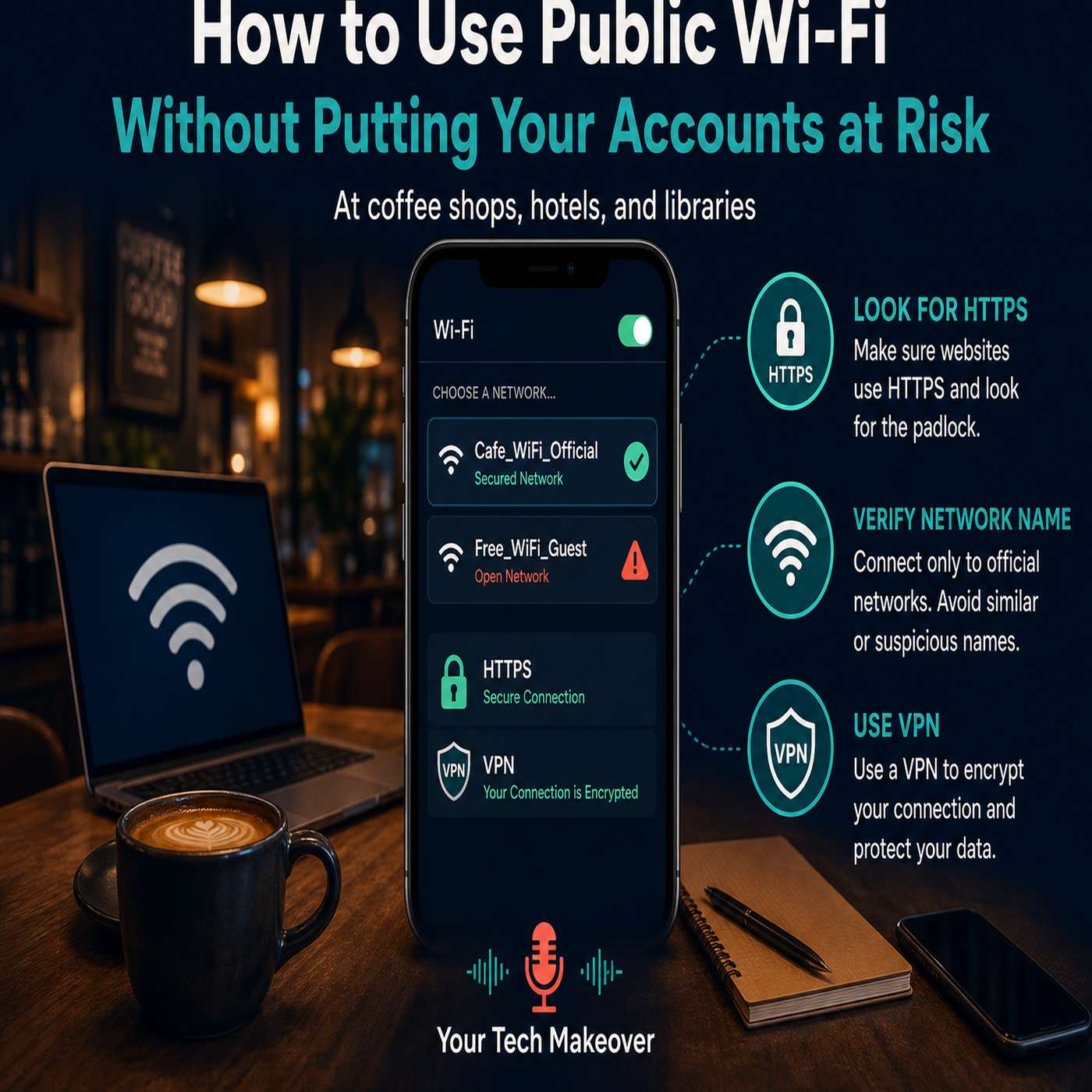
Public Wi-Fi safety is one of those topics where the advice is everywhere but the clarity rarely is. You have heard "never use public Wi-Fi." You have heard "always use a VPN." But nobody explained what is actually happening on a public network, which activities are genuinely risky, and which ones are mostly fine. Frank walks through what is really going on when you connect to Wi-Fi at an airport,…