

Richard is the PC Hardware Lead at XDA and has been covering the technology industry for almost two decades. He's been building PCs since young, and when not creating content, you can often find him inside a chassis somewhere.
You've just configured a home server, forwarded some ports on your router, cross-checked the firewall, and all looked well. But there's a problem. While your home server works perfectly well within the LAN, it's a struggle to connect to running services from outside the home. The configuration on the network could well be fine, but your ISP may be the reason it's not working as expected. There's an option your service provider may have chosen that places your connection behind a carrier-grade network address translation (CGNAT).
What is CGNAT, and why does it matter?
I heard you like routers? Well, here's another for your connection.

Your public IP address is the internet-facing address through which your home network communicates with the wider internet. It handles traffic generated by devices inside your network and, where permitted, allows remote clients to initiate connections to services you're hosting. But just because the IP address of your home is known and accessible, it doesn't automatically mean anyone can gain access to the home network. That's due to your router and firewall, both of which act as a layer for traffic management and security.
Because all of your internal device clients on the home LAN will share the same public IP address, the router will keep track of all connections between the private network and the wider public internet. By using NAT mappings, the router keeps track of which internal device initiated each connection so that returning traffic reaches the correct client. Outbound traffic is handled automatically, whereas unsolicited inbound connections may require port-forwarding rules with explicit approval.
I have a few services running behind the firewall that need to be public-facing, which is where port forwarding can handle everything. It's one option, and I use reverse proxies and Nginx to work with the firewall, DMZ, and VLANs to keep the rest of the network safe. But if it's a game server or something specific you wish to open up to select clients, this is where your ISP's CGNAT can get in the way, as it effectively places a second router on the connection.
It can interfere with running home servers
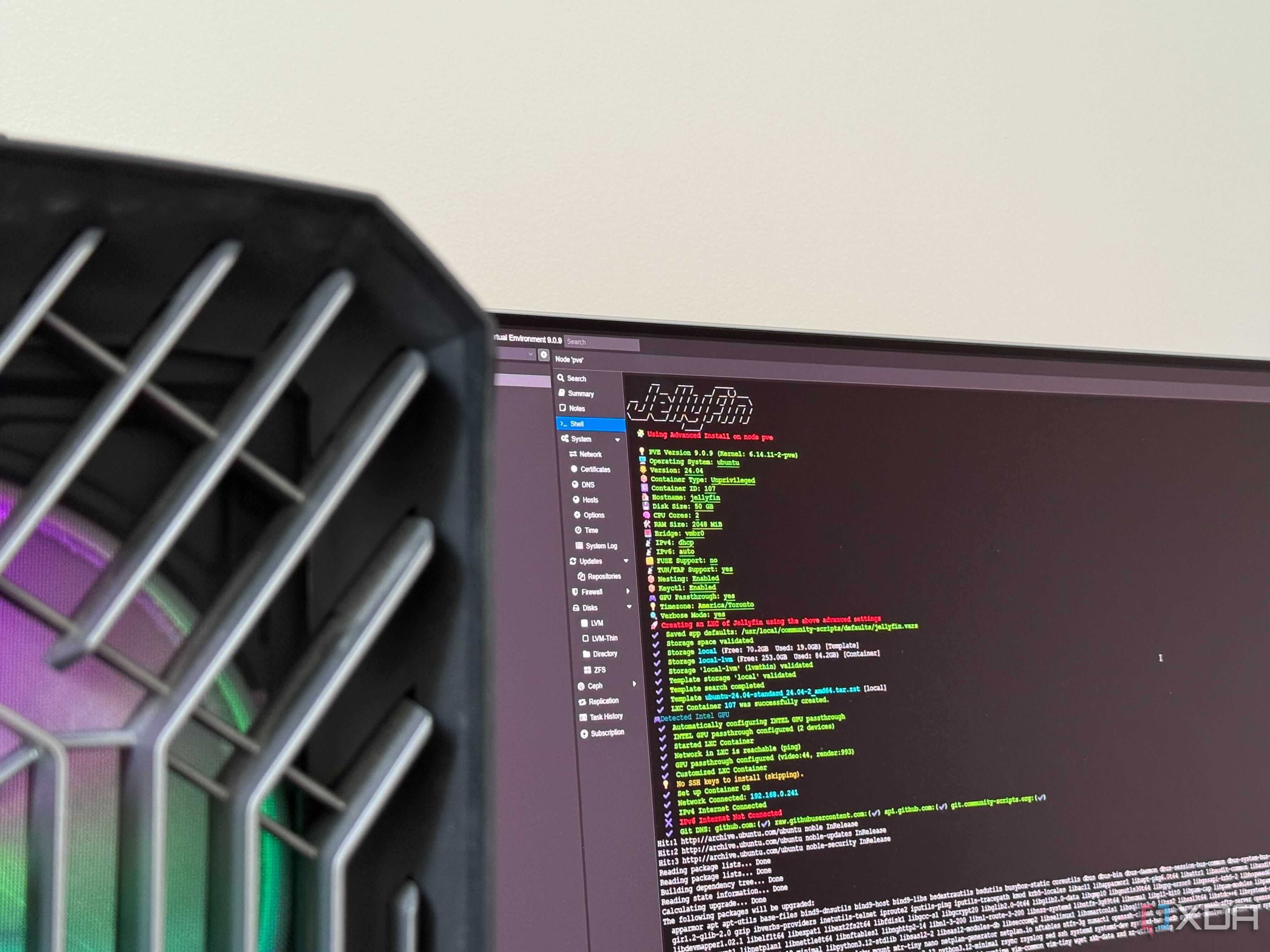
CGNAT places another layer of NAT upstream from your router. Instead of giving your router its own public IPv4 address, the ISP gives it an address on the provider's internal network and lets multiple customers share one or more public IPv4 addresses. For normal internet usage, this is largely invisible. Netflix, YouTube, web browsing, and other outbound connections continue to work because your devices initiate those connections from inside the network.
Hosting a server is where things get awkward. If somebody on the internet attempts to connect directly to a game server in your home, the traffic first reaches the ISP's CGNAT gateway. Your router may know that port 666 should go to a particular server, but the ISP's NAT gateway doesn't know that the incoming connection belongs to you. The traffic can therefore be dropped before it ever reaches your router.
Running a game server, something like Ark: Survival Ascended, would require the means for clients to connect to it. This would traditionally be your public IP address. But unlike streaming Netflix or YouTube, browsing the web, or shopping online, hosting a game server relies on unsolicited inbound connections, which is precisely where CGNAT causes problems. Your router may have the perfect port-forwarding rule, but the incoming connection never reaches it. It hits the ISP's CGNAT gateway first, and that gateway has no rule telling it to send the connection to your household.
As far as inbound traffic is concerned, the port-forwarding rule on your router may as well not exist.
How to tell if you're behind CGNAT
It's quick and easy to see if your router is at the frontier
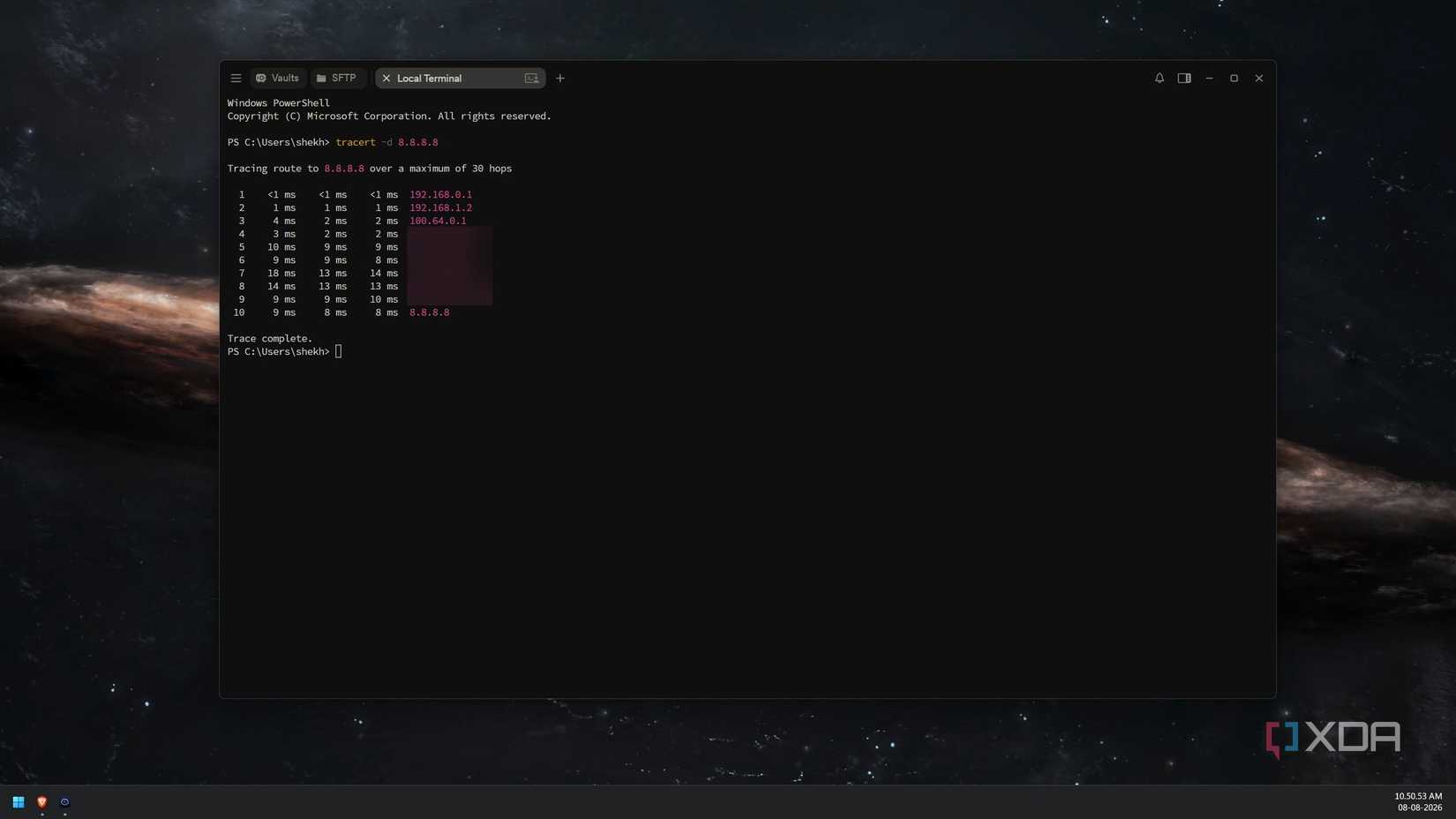
Log into your router, in my case it's a mini PC running OPNsense, and check the reported WAN, internet, or external IP address. Open a new browser tab and use an IP check website to see what your public IP address is. If they match, you're good to go without CGNAT. If they differ, even by one digit alone, you're likely experiencing another layer of address translation between your client and the internet. This doesn't guarantee you're behind CGNAT, but it's a good indicator this could be the case.
Another quick check is the WAN address your router reports. The address block 100.64.0.0/10 is frequently used by ISPs for CGNAT deployment. If your router reports an IP within this block, you are more likely encountering CGNAT along the pipeline. Even more telling is if you see a private range, something like 192.168.x.x or 10.x.x.x. This shows there's another NAT layer at play. Regardless of the cause, it's a clear indicator that the reason a client is unable to connect to your server is that upstream NAT doesn't have the mapping to know where to send the traffic.
This could be your ISP or it could be a misconfiguration on your side of the fiber cabinet. It's best to double-check your network to ensure the router, modem, and all other equipment and software are all configured properly.
Next, it's time to ask your ISP
The best way to get confirmation is to just ring the ISP. Get someone on the line who can check your account and the connection and explain what you're trying to achieve through self-hosting to see if they can confirm CGNAT is in place and if it's possible for it to be removed for your account. Some ISPs even offer a dedicated IP address as an extra option for broadband plans. My ISP offers a free static IP address with each plan, something I'm taking full advantage of.
You could even go down the route of IPv6, should your network equipment and ISP both support such a move. This would assign a globally routable IPv6 address to each of your devices, eliminating the IPv4 NAT issue. This is advanced, however, and should only be carried out if you know what you're doing and are comfortable handling such work; else, you could cause serious connectivity issues for your entire home.
There's an easy fix for CGNAT
Start hosting stuff the right way

Mesh VPNs and reverse tunnels are useful ways to reach services without relying on conventional inbound port forwarding. You can also use a publicly reachable VPS or tunnel endpoint and proxy traffic back to your home network. A local reverse proxy such as Nginx remains useful for routing incoming requests between services, but it doesn't bypass CGNAT by itself.
Granted, I'm not experiencing the issue of CGNAT, but it's something to bear in mind should you manage to grab a static IPv4 address, switch to IPv6, or get the ISP to deactivate CGNAT on their end.
Comments
Nothing yet. Say the first thing.
Sign in to join the conversation.