
Mixology is UXHack’s Weekly newsletter covering interesting topics in UX, Products and AI, along with Curated Jobs, Events and useful Resources.
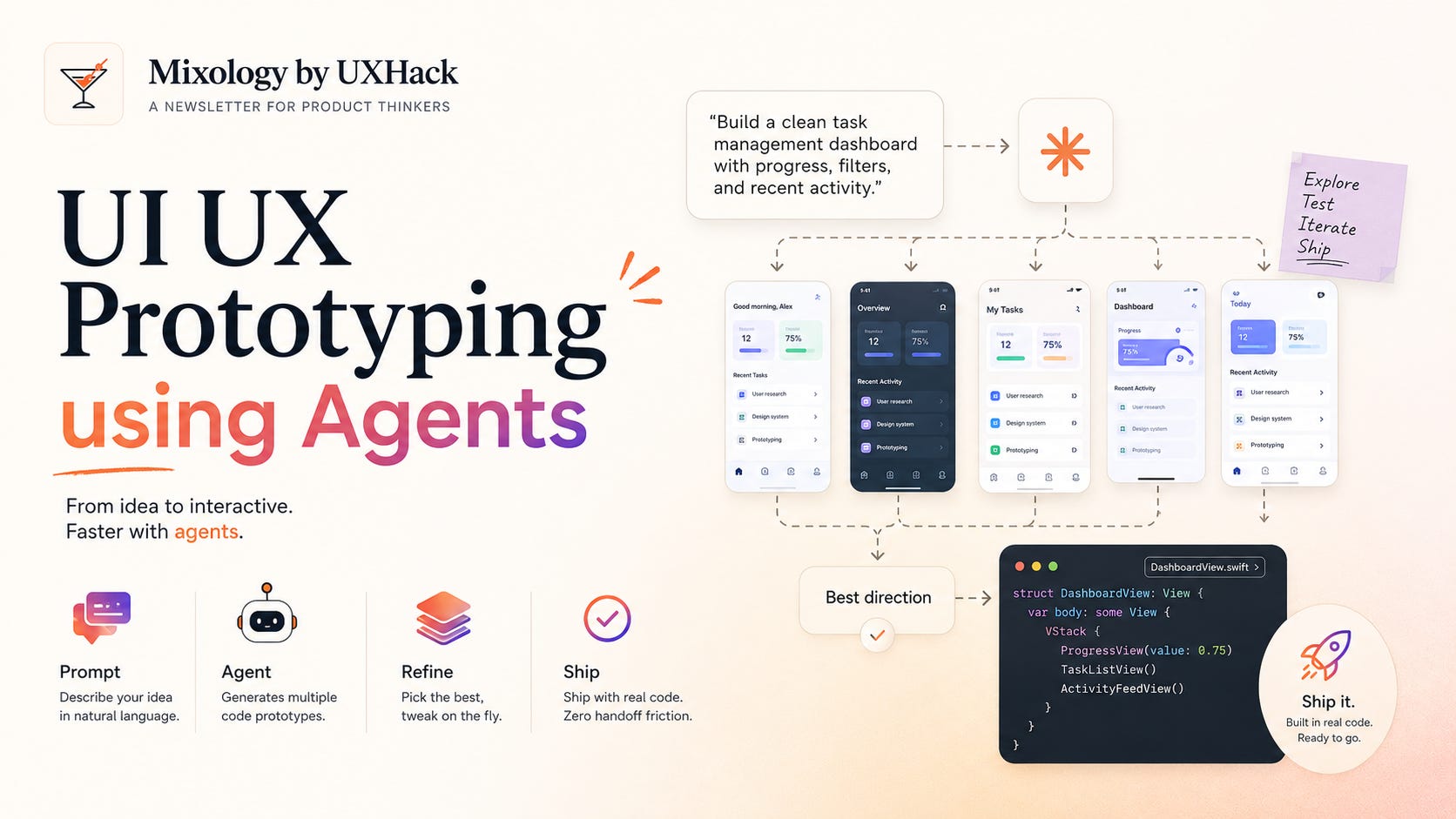
Are you still spending hours in Figma, neatly refining a prototype only to have engineering tell you: “Sorry! We can’t build that flow”. We’ve been there!
The traditional design-to-development workflow is undergoing a massive paradigm shift. The tedious loop of Figma ➔ Debate ➔ Figma ➔ Code* is rapidly giving way to: *Prompt ➔ 10 Code Prototypes ➔ Refine ➔ Ship.
We are entering the era of agentic UI prototyping. Instead of static mockups, designers and PMs are using AI agents to turn natural language into high-fidelity, functional code instantly.
Anthropic’s Claude Code is leading this charge for UX prototyping. Even Apple has embraced this shift, showcasing how Xcode’s coding agents can prototype complex SwiftUI screens in real-time Xcode Prototyping.
By leveraging these agentic systems, you bypass the static canvas. You can prompt an AI agent to generate 5 distinct, interactive code prototypes, pick the best direction, and tweak the UI on the fly. Because the prototype is already built in real code, handoff friction entirely evaporates.
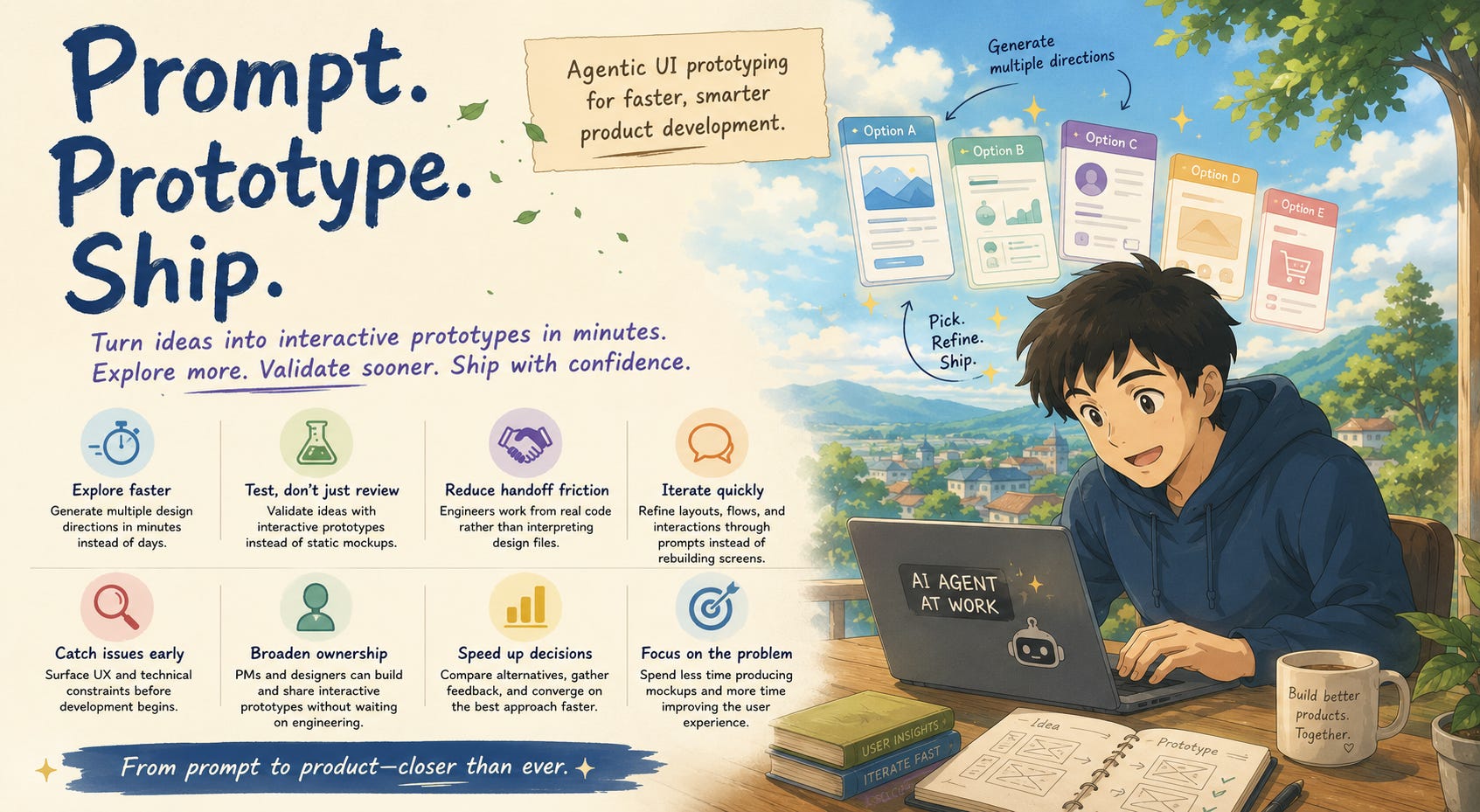
Here are just a few of the benefits:
Explore faster: Generate multiple design directions in minutes instead of days.
Test, don’t just review: Validate ideas with interactive prototypes instead of static mockups.
Reduce handoff friction: Engineers work from real code rather than interpreting design files.
Iterate quickly: Refine layouts, flows, and interactions through prompts instead of rebuilding screens.
Catch issues early: Surface UX and technical constraints before development begins.
Broaden ownership: PMs and designers can build and share interactive prototypes without waiting on engineering.
Speed up product decisions: Compare alternatives, gather feedback, and converge on the best approach faster.
Focus on the problem: Spend less time producing mockups and more time improving the user experience.
Have you leveraged agents for these workflows? What’s been the experience like? Or are you still unsure on how to get started? Tell us: we’d love to hear what’s in your mind
Also, here’s a simple example of how one can leverage agents for rapid prototyping. Although the example is in Xcode, the same applies to almost any AI agenct tool. They also show how to properly structure your prompts:
👉🏻PS: Have an interesting read to recommend to 9800+ readers? You can also recommend your own article/video/case study. Tell us here.
👉🏻 Product: IRCTC
Context: Redesign the screen to clearly communicate the order status and the next steps.

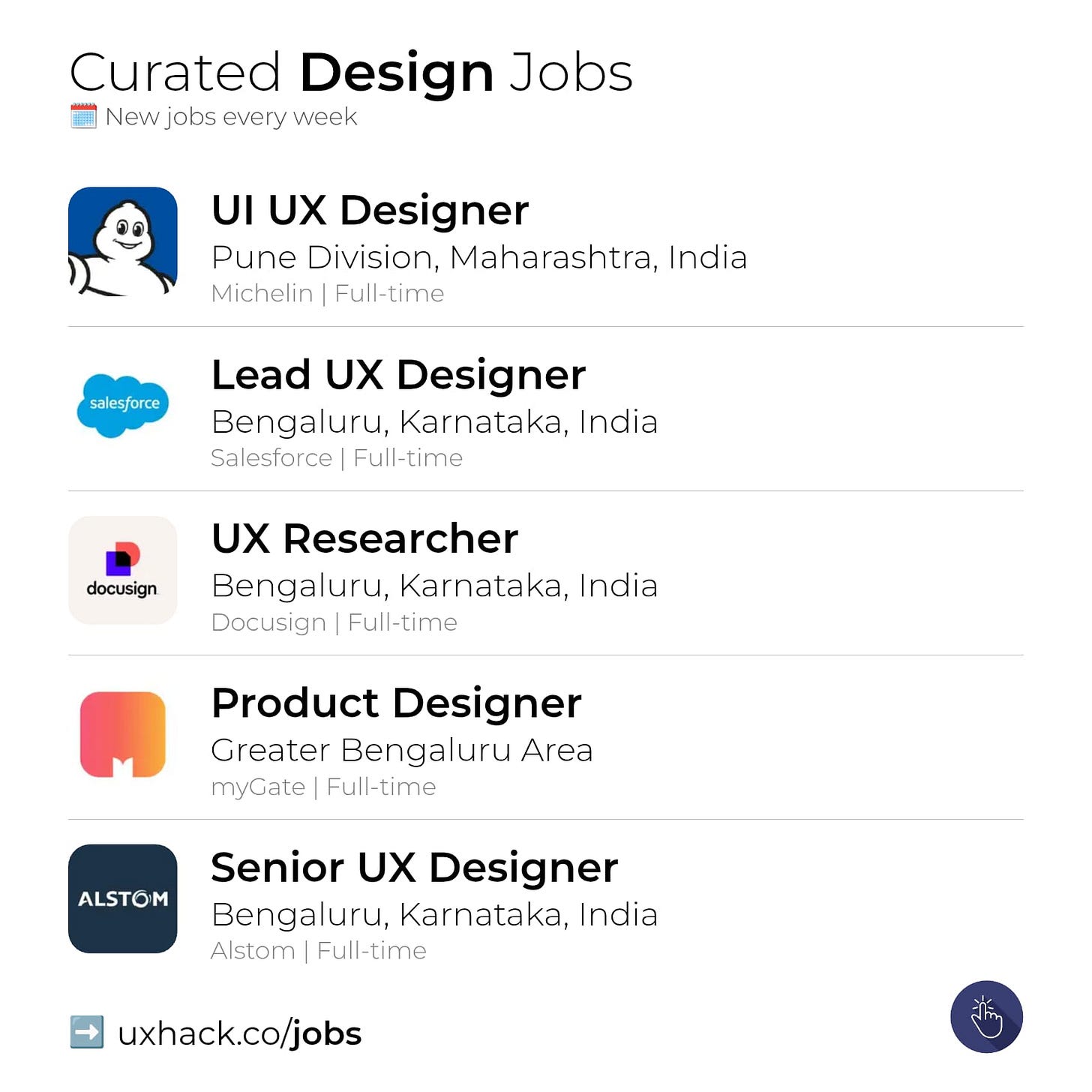
UI UX Designer at Michelin | Pune
Lead UX Designer at Salesforce | Bengaluru
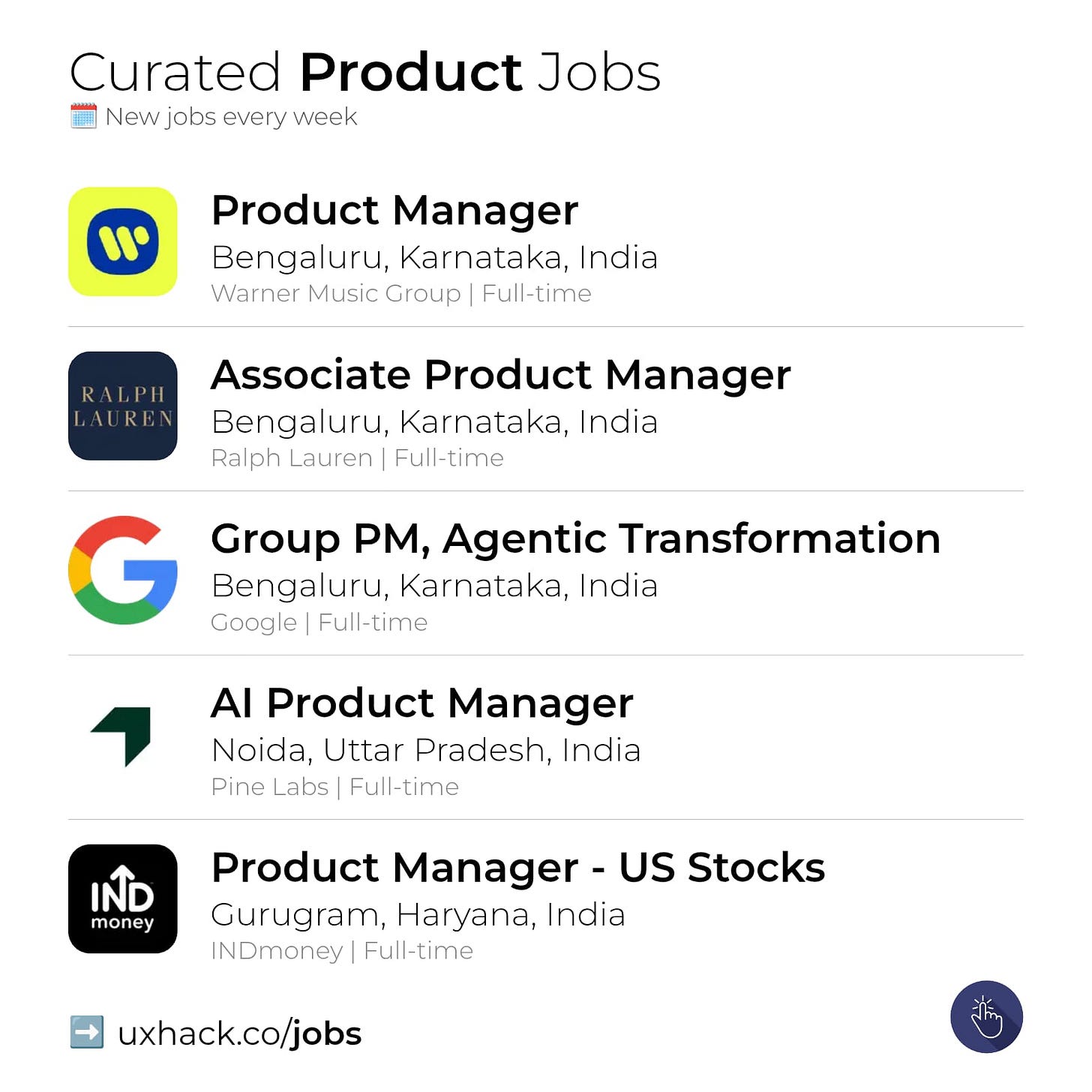
Product Manager at Warner Music Group | Bengaluru
Associate Product Manager at Ralph Lauren | Bengaluru
💼 Career Resources
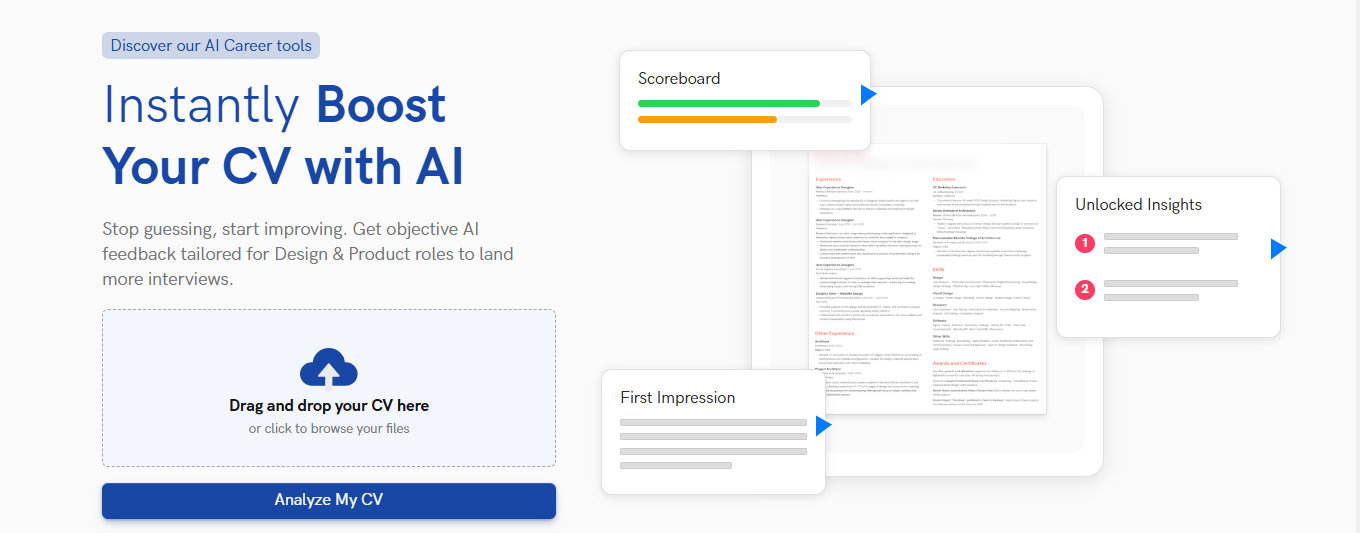
UXH CV Review - Get objective AI feedback tailored for Design & Product roles to land more interviews
Comments
Nothing yet. Say the first thing.
Sign in to join the conversation.