
Mixology is UXHack’s Weekly newsletter covering interesting topics in UX, Products and AI, along with Curated Jobs, Events and useful Resources.
Remember when people said Figma was losing its edge after the Adobe merger collapsed? Well, Config 2026 just proved that Figma isn’t just alive—it’s coming for Adobe’s lunch.
With the launch of Figma Motion last week, we finally have native, timeline-based animation, keyframes, and Dev Mode exports right inside our design files. For years, motion design in Figma was an absolute nightmare, forcing us into tedious workarounds or clunky third-party handoffs.
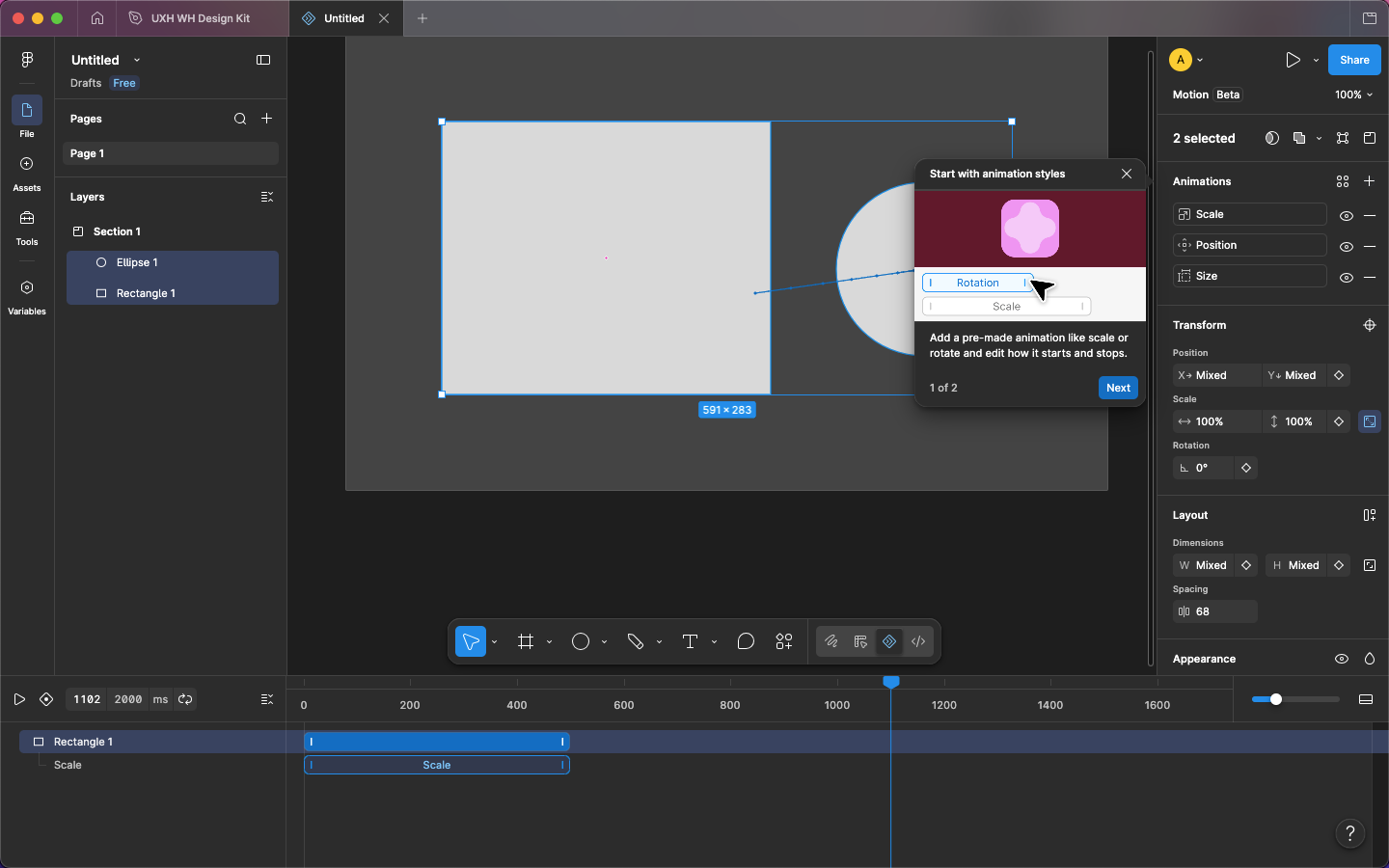
But let’s face it: modern design is no longer just static UI. Whether you are shipping features at Indian giants like Razorpay, optimizing checkout flows at Meesho, or building global SaaS products, motion is now the ultimate differentiator. It’s micro-interactions, spring physics, and dynamic transitions.
By natively integrating motion, Figma is drastically expanding its addressable market—directly threatening tools like Adobe After Effects and Lottie.
Early feedback has been incredibly positive, with the design community praising the fluid performance and time-saving features in early community reviews and YouTube crash courses.
From our Whatsapp community (join in if you haven’t already)
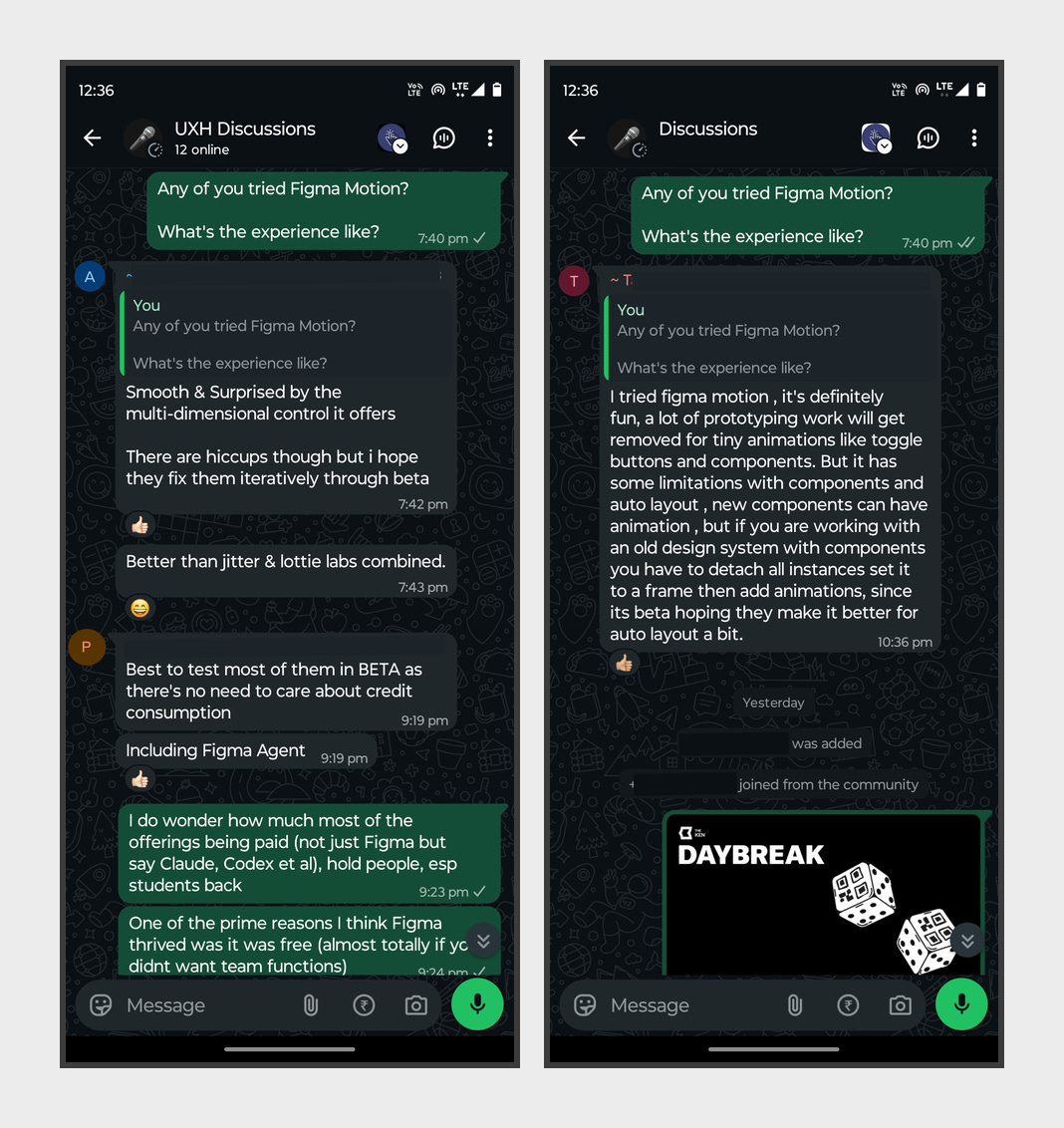
Is it perfect? Not yet. As a brand-new beta, there are plenty of rough edges. Designers on Reddit and the Figma Forum have already pointed out key usability gaps, reminding us of why motion design used to be a Figma nightmare.
But the “Figma is dead” narrative can officially be laid to rest. The real question is: Can Adobe respond, or will AE become a legacy tool for product designers?
What do you think—will you be ditching After Effects for your next UI animation?
Here is the detailed walkthrough video from Config on the launch:
Sources & Citations:
* Figma Motion Official
* Reddit: Thoughts on Figma Motion
* Kompozy Figma Reviews
* Figma Forum: Motion Usability Feedback
* Reddit: Why Figma was a Nightmare for Motion
👉🏻PS: Have an interesting read to recommend to 9800+ readers? You can also recommend your own article/video/case study. Tell us here.
👉🏻 Product: Instagram
Context: Redesign this screen to help users find relevant content more quickly and easily.

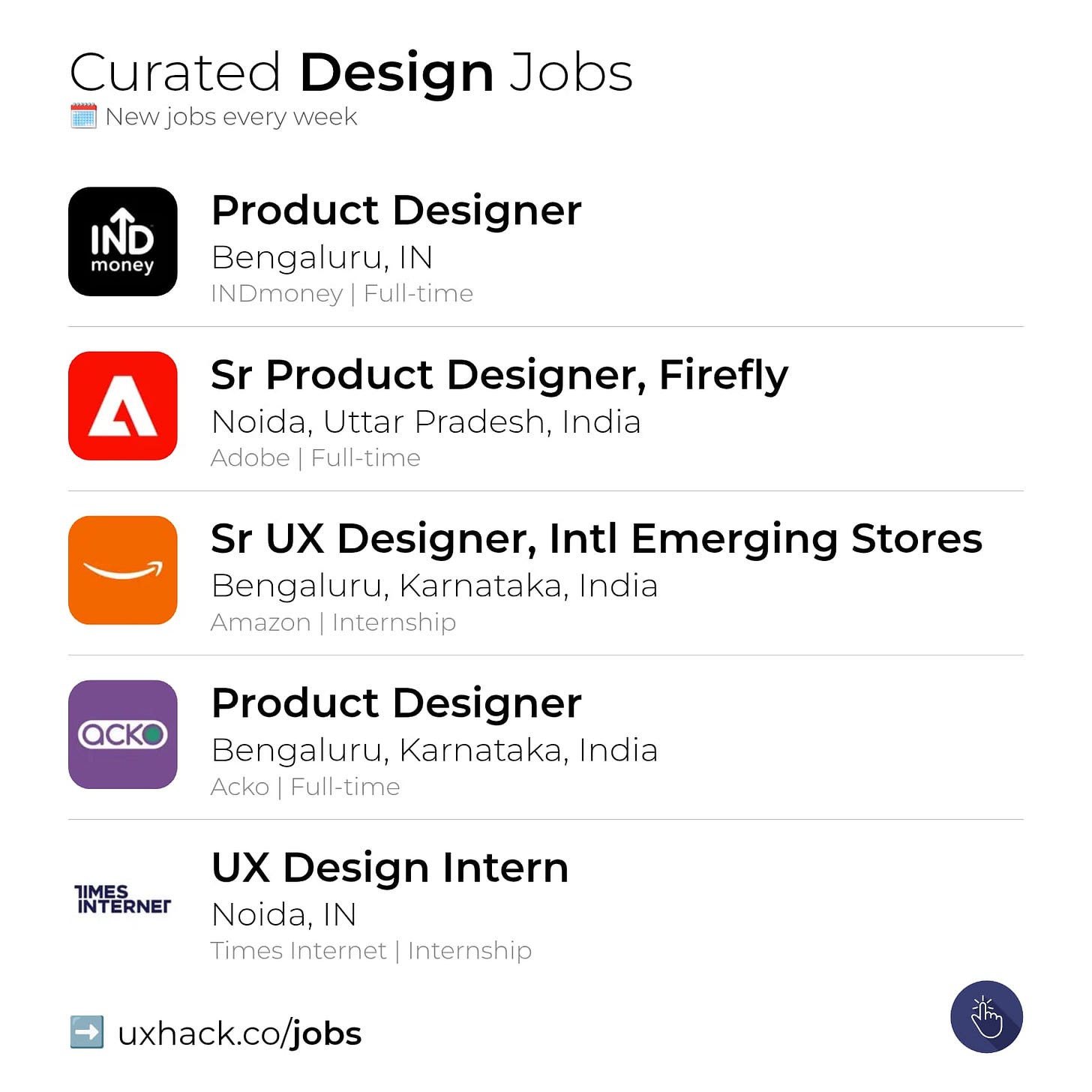
Product Designer - Web at INDmoney | Bengaluru
Sr Product Designer, Firefly Enterprise at Adobe | Noida
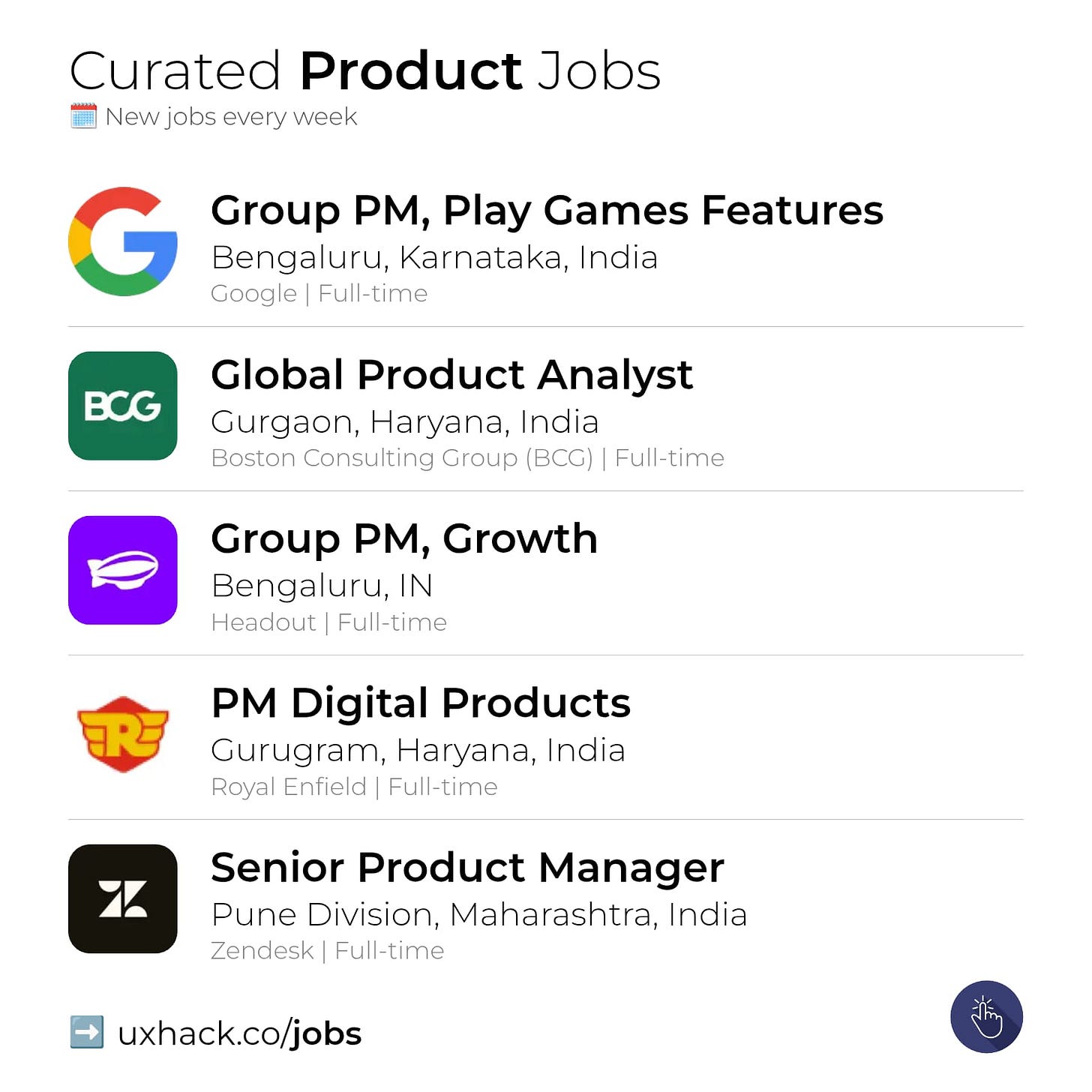
Group Product Manager, Play Games Features at Google | Bengaluru
Product Management — Associate Product Manager — Travel at One97 Communications Limited | Gurugram
💼 Career Resources
UXH CV Review - Get objective AI feedback tailored for Design & Product roles to land more interviews
Comments
Nothing yet. Say the first thing.
Sign in to join the conversation.