
There are little crevices in the day that I like to refer to as “quicksand” — chunks of time when I don’t technically need to be productive, but without a strategy wasting time tends to be the default.
Riding on a train. Getting a pedicure. Sitting in a waiting room. You get the idea.
While I don’t think these periods of time need to be for focused work, and can always be used reading a book or simply staring out a window, sometimes I like a little balance — something that feels like mindlessly scrolling but also leaves me feeling a little more organized, focused, or accomplished.
So I came up with what I call my “10-Minute Phone Cleanup Routine”. Just a few tasks I can easily knock out with a few spare minutes and my iPhone. Here’s what it entails:
📱 I start by taking a quick look at my apps and deleting any I haven’t used in the past few months. The last time I did this I removed over 20 apps!
🎧 Next I open Spotify and curate the podcasts I’m subscribed to. I end up missing great episodes of shows I love when my feed is cluttered, so removing shows I don’t like or am no longer interested in helps keep it fresh.
👀 I update my text replacement settings. I take a minute to think about any messages I’ve been typing out repeatedly lately, and then set them up in text replacement so I can save myself time moving forward (a full tutorial on this is in this post).
🗃️ I curate my Google Keep. This is the program I use for my short term information capture (AKA capturing ideas or information on the fly) and it can quickly get cluttered with screenshots, quotes from podcasts, or audio recordings. Taking a few minutes to review what I’ve added recently and either move them to my long term capture system (Google Drive), archive, or delete them really helps that space feel intentional (for more about how I organize information see this post).
That’s it. Just 10 minutes and my phone feels like a whole new place,

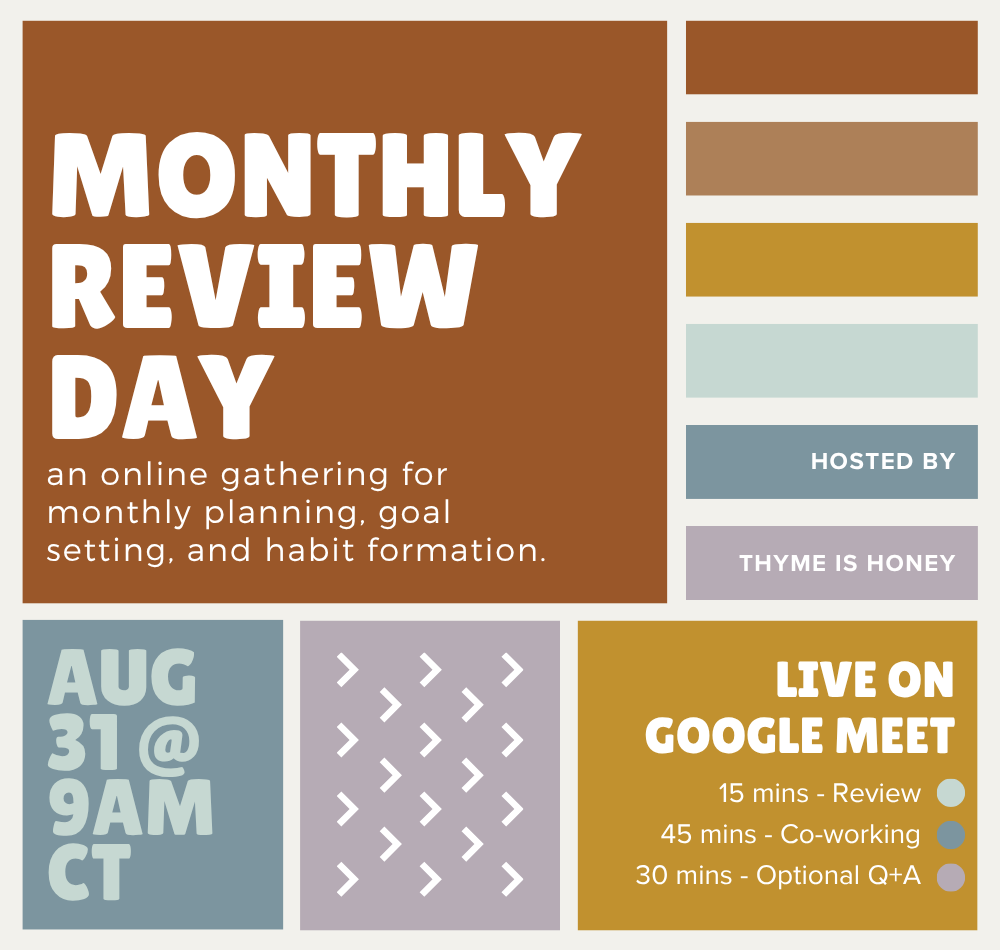
Our September Monthly Review Day is going to be OPEN TO ALL! So if you’ve been thinking of checking one of these out, here’s your chance! You can get all the info + RSVP in this post.

📚 READ: The Mad Wife by Meagan Church has been described as “domestic drama with psychological suspense” and honestly that sorta hooked me. I put it on my reading list for fall/winter: “They called it hysteria. She called it survival. Lulu Mayfield has spent the last five years molding herself into the perfect 1950s housewife. Despite the tragic memories that haunt her and the weight of exhausting expectations, she keeps her husband happy, her household running, and her gelatin salads the talk of the neighborhood. But after she gives birth to her second child, Lulu’s carefully crafted life begins to unravel.” Get a copy.
📺 WATCH: Did I recently watch this entire 15-minute video about olive oil? Sure did! But it was actually so interesting and I was immediately excited for our current bottle to run out so I could then apply my newfound knowledge at the grocery store, where I spent a solid 10 minutes reading labels and picking out a new one. Watch it here:
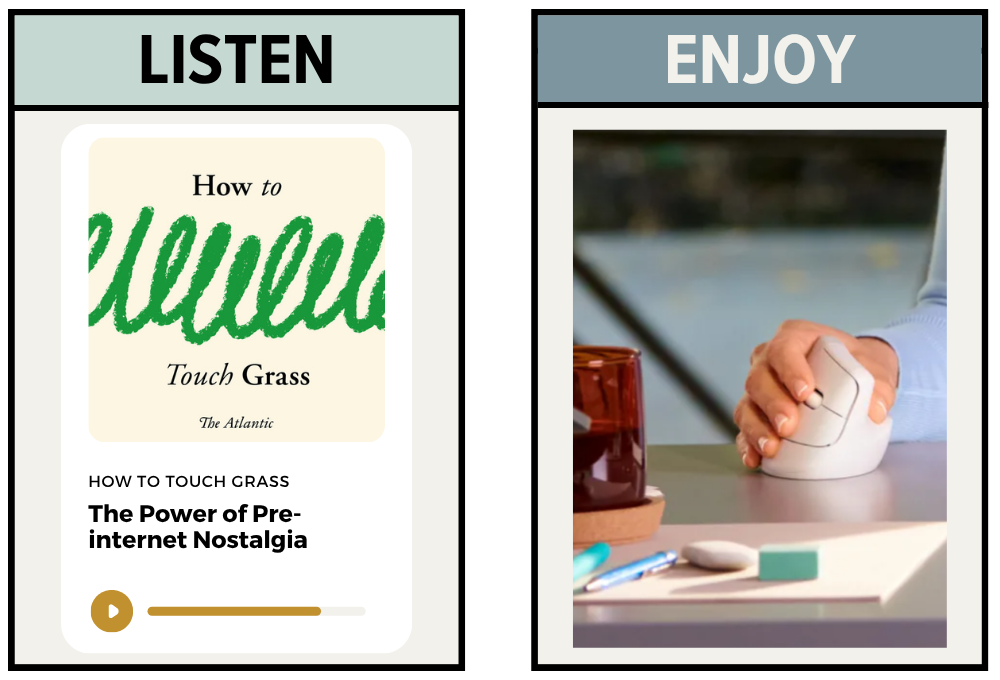
🎧 LISTEN: The Atlantic recently launched this 5-part podcast series called How to Touch Grass, which explores our relationship with technology. New episodes publish every Monday and three have been released so far. This one — about how yearning for the “pre-internet days” isn’t so much about the past, as it is about the current moment and the future — was really interesting! Looking forward to diving into more episodes. Listen here or wherever you get your podcasts:
🧡 ENJOY: A few years ago I invested in a fancy new mouse. And honestly? I frickin’ hated it. I could tell the hand-positioning wasn’t great and it was always annoying to use, but since it was kinda spendy I just put up with it (for way too long). This week was the final straw and FINALLY got a new one. I was skeptical about a vertical mouse, but had heard great things so I decided to give it a try. One week in and I can honestly say I’m obsessed. It is SO much more comfortable on your wrists and (somehow?) your shoulder. I love it. I got the Logitech Lift (note that you need to purchase either a left or right handed version).
HOW I CAN HELP:
🙋🏻♀️QUESTIONS/FEEDBACK: Ask me a question, submit feedback, or suggest a topic right here.
💻 PROJECT PACKAGES: Bring me on board to design your website, create digital products, and optimize the backend systems for your business with my Project Packages.
📞CONSULTING CALLS: Have regular calls with me to work through goals, get accountability, plan your next big launch, or talk business strategy with a Call Package.
📚 FAVORITE BOOKS: View my favorite books on Bookshop.org and support independent bookstores with a purchase. You can use the code BSO15 for 15% off any book on Dani’s Top 10 List.
📝 MY SHOP: Visit my Paper Goods Shop for planners, calendars, and more (take 10% off with the code SUBSTACK at checkout).
📊 FREE TOOLS: Visit my Resources Page for free downloads, spreadsheets, and eBooks.
Comments
Nothing yet. Say the first thing.
Sign in to join the conversation.