
Last week the iOS 27 beta landed and everyone braced for what breaks. This week is the other side of that coin — the quiet, genuinely useful APIs Apple slipped into iOS 27 that make code you already write simpler. The stuff that never gets a keynote slide, but shows up in your codebase for years.
Got a favorite iOS 27 API nobody’s talking about? Hit reply — I’m collecting them.


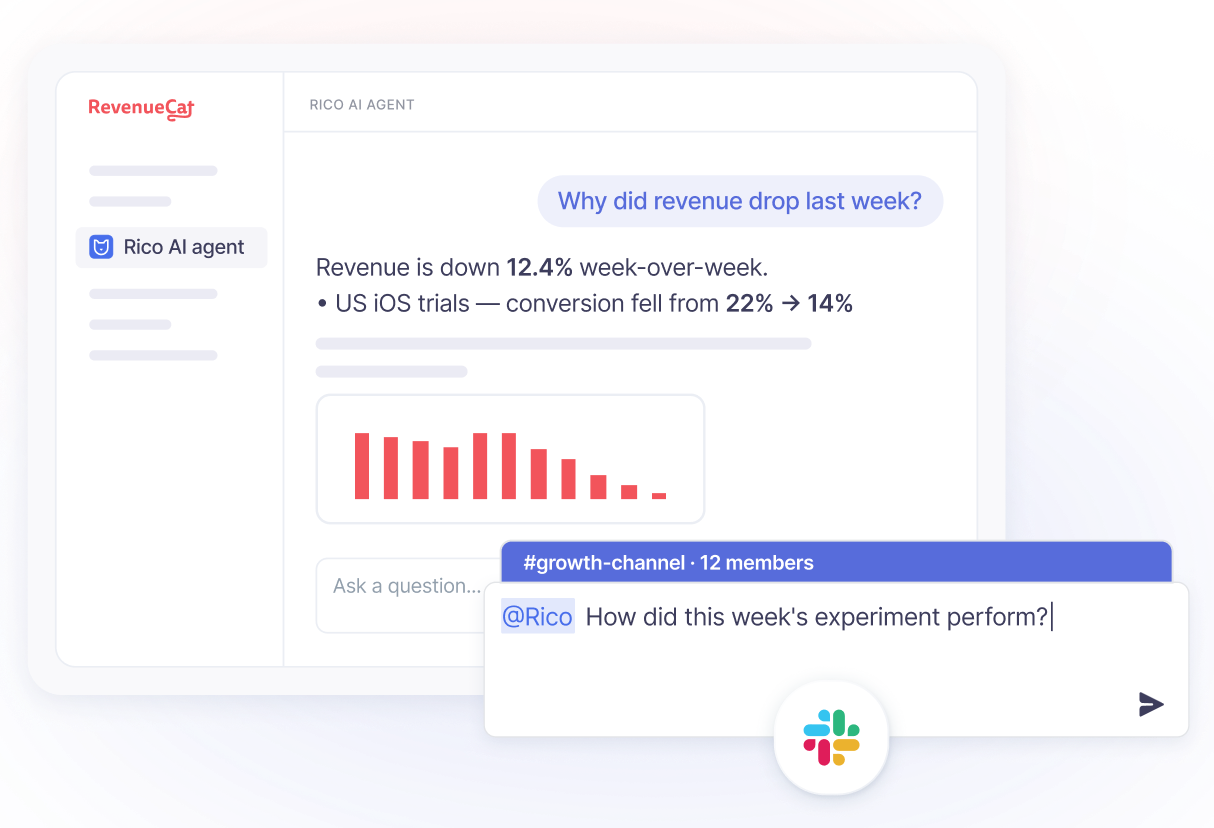
RevenueCat’s embedded AI app growth advisor for subscription apps. Ask questions about churn, trials, pricing, paywalls, or retention and get answers using your app’s real subscription data directly inside RevenueCat and Slack.
Built to help iOS developers make smarter monetization decisions faster.

with Divya Ravi — Technical Editor, iOS engineer, creator of FoundationModelsKit
Every WWDC has two halves. There’s the loud half — the keynote feature, the framework everyone live-tweets, the thing that lands on every “what’s new in iOS 27” listicle by Tuesday afternoon. And then there’s the quiet half: the small API refinements that never trend, never get a session to themselves, and turn out to matter far more to your day-to-day code than the headline act ever will.
I want to make the case for the quiet half — because this year it’s unusually good, and because the quiet changes are the ones that actually change how you write things.
Here’s the pattern I keep noticing in iOS 27. For years, a whole category of ordinary UI work lived in an awkward middle ground: not hard exactly, but not supported either. Swipe actions only worked inside List. Reordering only worked inside List. Adaptive panels meant hand-rolling a detent system and hoping it behaved in landscape. Toolbar customization meant quietly fighting the framework’s defaults. You could do all of it — you just did it by working around the framework instead of with it. Every iOS codebase of a certain age has a folder full of these workarounds, and everyone who’s touched one knows the specific dread of opening it.
What iOS 27 quietly does is close a lot of those gaps at once. Swipe actions work outside List now. Reordering has real APIs instead of a custom drop-delegate dance. Size classes gave way to a more honest model of available space — which suddenly matters, now that iPhone apps resize. None of these got a dramatic reveal. All of them delete code you currently maintain.
And that’s the real point, the one I’d underline twice. The loud features add capability — new things your app can do. The quiet features remove liability — workarounds you no longer have to own. Those two are not equally valuable, and we consistently act like they are. A new capability is something you adopt when you have the time and the reason. A removed workaround is tech debt that stops being your problem the moment you migrate — no adoption required, no feature to design, just deletion. And deletion compounds. Every custom reordering implementation you delete is code you no longer test, no longer debug, no longer explain to the engineer who inherits that file in eighteen months.
There’s a reason this half gets ignored, and it isn’t laziness. It’s that the quiet changes don’t announce themselves. Nobody writes a breathless thread titled “swipe actions now work in a ScrollView.” It doesn’t demo well. It doesn’t screenshot. But six months from now, the teams that went looking for these changes will have measurably simpler codebases than the teams that only adopted the headline features — not because they’re better engineers, but because they read past the first screen of the release notes.
So here’s my actual advice for this cycle, and it’s almost aggressively practical: before you build anything custom in iOS 27, check whether Apple already built it. The odds this year are genuinely good that they did. The framework spent this release catching up to a pile of things we’ve been hand-rolling for half a decade, and the catch-up is sitting in the quiet half, waiting for someone to notice.
Read the release notes to the end. That’s the whole tip. The loud half will find you on its own — it always does. The quiet half you have to go looking for, and this year, it more than pays for the trip.
Matthaus Woolard builds a detent-based, non-modal sheet that adapts from a bottom panel in portrait to an edge-aligned one in landscape — exactly the kind of thing you used to hand-roll and pray over.
📍Level: Advanced
Majid Jabrayilov on iOS 27's new toolbar APIs — finer control over appearance now that the design language splits content and controls into separate layers.
📍Level: Intermediate
Daniel Saidi on getting sheets to size to their content instead of defaulting to half the screen — a small, satisfying win over a default everyone has fought at some point.
📍Level: Intermediate
Anton Gubarenko on iOS 27’s new bar-minimization behavior — how to control the way bars collapse and expand, and where it fits in a modern multi-window layout.
📍Level: Intermediate
Gabriel Theodoropoulos walks through the new reorderable and reorderContainer APIs — native drag-to-reorder that finally works beyond List.
📍Level: Intermediate
Fatbobman on why iOS 27 moves past size classes toward a more honest model of available space — and why that matters now that iPhone apps resize.
📍Level: Advanced
The latest across Swift, Apple, AI, and the community.
Natascha Fadeeva demystifies the whole signing chain — certificates, provisioning profiles, entitlements — as a practical mental model instead of a black box you fight at build time.
📍Level: Intermediate
Natascha Fadeeva on wrapping SwiftData behind a protocol boundary so your app isn't married to the framework — cleaner tests, easier migration, fewer surprises down the line.
📍Level: Intermediate
Majid Jabrayilov on one of iOS 27’s most overdue additions: swipeActions now works in a ScrollView and custom layouts, not just List.
📍Level: Intermediate
Antoine van der Lee on catching an entire class of date bugs before your users do — how to actually run your app under a different time zone on a physical device.
📍Level: Intermediate
Apps that communicate or promote offers for digital goods outside the App Store will be subject to new terms — an initial acquisition fee, a store services fee, and, for the EU External Purchase Link Entitlement, the Core Technology Commission.
Apple's App Store Connect docs now list On-Demand Resources (and the NSBundleResourceRequest API) as deprecated across iOS 27, iPadOS 27, tvOS 27, and watchOS 27, with support to be removed in a future release. Apple recommends migrating to Background Assets.
Natalia Panferova walks every SwiftUI blend mode through focused visuals and real use cases — and shows how to control exactly which views participate in each operation.
📍Level: Intermediate
Antoine van der Lee on turning real user diagnostic reports into fixes — feeding crash context to an AI agent and getting back a reviewed pull request instead of a raw stack trace.
📍Level: Intermediate
Rudrank Riyam routes video through a LanguageModelSession to Gemini — Apple's on-device model takes images but not video, so he bridges the gap with a custom Transcript.CustomSegment and a LanguageModelExecutor, verifying each layer along the way.
📍Level: Advanced
A hands-on tour of this cycle's SwiftUI changes in a real project — reorderable views, swipe actions outside List, and the new navigation and presentation APIs, shown in code.
📍Level: Intermediate
Thanks for reading Those Who Swift!
Subscribe for free to receive new posts. 👇
No posts
Comments
Nothing yet. Say the first thing.
Sign in to join the conversation.