
Right now, one of you — and it’s probably you — is the only person who knows the pediatrician portal login, the soccer coach’s email, and which kid has a field trip on Thursday.
All of that information lives in your inbox and your brain, and no one else can access either one.
That’s not a partnership problem.
That’s an architecture problem.
The easiest fix takes about ten minutes: create a family email account.
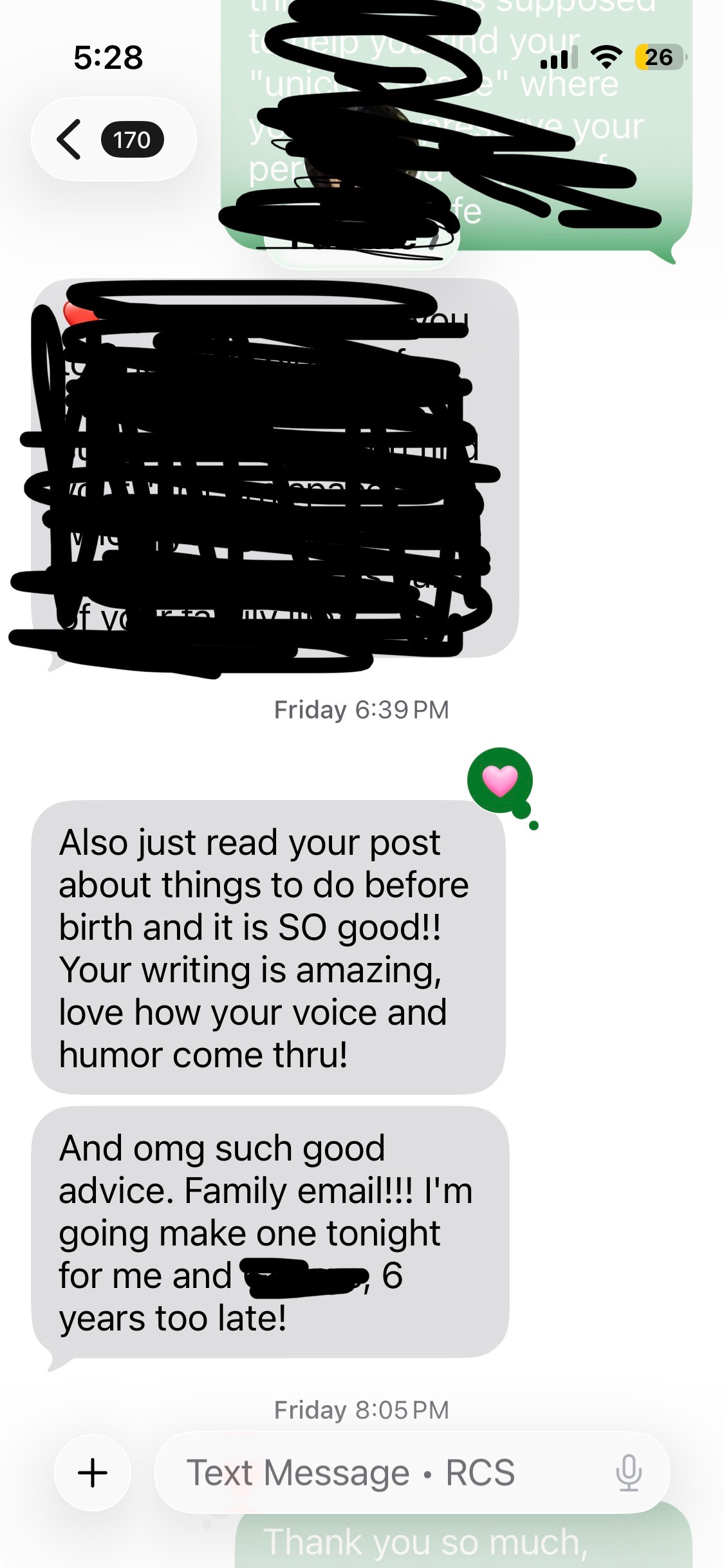
My 10 Unconventional Things to Do Before Baby Arrives post was for expecting parents. But you know who loved it most? Current parents reacting to recommendation #2: Set up a family e-mail account.
More than one person replied or texted me some version of: “Family email account — brilliant! Doing that six years too late.”
Setting up a family email account is one of the easiest, highest-impact things you can do for your household. But most people who do it stop at creating the account — and miss the setup that makes it truly powerful. This post walks you through the whole thing.
Because the family email account is magical if it actually makes your life easier. I am not about to advocate for another inbox to check on top of your work, personal, and school accounts. That’s the opposite of what we’re going for at The Third Shift.
1. Choose an address you’re comfortable sharing — and that can grow with you.
You won’t want to change this later, so think ahead (but don’t overthink — 5 minutes max, okay?). For example, if you decide down the road that you’d rather keep your kids’ first names off the internet, you don’t want an address that locks you in to sharing them (e.g. kid1kid2@gmail.com).
Something like TheJohnsonFamily@gmail.com works well. Generic enough to share freely, personal enough to feel like yours.
2. Use this for anything family-related. Literally anything.
School communications. Pediatrician portals. Soccer registration. Summer camp. The plumber. All of it.
The whole point is that you and your partner can be interchangeable when it comes to handling family admin — even if you divvy up responsibilities between you. When everything lives in one shared account, it’s easier to share the load. And easier to rebalance when life shifts. No more “I didn’t see that email” or “I didn’t know they changed the pickup time.” Now you both see everything. What you do with it is up to you — but at least the information isn’t trapped in one person’s inbox anymore.
(By the way, this applies to single parents too — because you will almost certainly need to invite other trusted adults to support you from time to time, and this makes it much easier.)
If this is all you ever do, congratulations. You’ve still taken a major step toward sharing family admin and giving yourself the option to delegate — now or later.
But. If you want to get the most out of this setup, keep reading.
3. Forward everything to both partners’ personal inboxes.
If you’ve ever talked to me about delegation, you know one of my core tenets: Use the systems you already use.
(If you haven’t talked to me about delegation yet, you might be interested in my upcoming workshop on the topic — it’ll be in April, link coming soon!)
If you have a partner, here’s the problem with just “logging in” to the family account separately: one partner will inevitably check it more than the other. And then that person becomes the default information sifter — which is exactly the dynamic we’re trying to break.
The fix? Have all emails to the family account automatically forward to both partners’ personal inboxes. That way, both of you see everything in the place you already check every day.
Here’s how to set up auto-forwarding. Follow these steps inside the family email account. You’ll need to do this twice — once for each parent or parenting collaborator (like an au pair):
👉 Set up email forwarding in Gmail
4. Set up “reply as” so your responses come from the family account.
If you stop at forwarding, you’ll receive all the emails — great. But when you reply, the sender will see your personal email address. Which means they might start responding directly to you, cutting the other person out of the loop again— back where we started.
The good news? This is super easy to fix. After setting up forwarding, you’ll both give your personal email accounts permission to send as the family email address.
👉 Send emails from a different address in Gmail
Don’t worry — this doesn’t change how your regular email works. Your personal emails still send from your personal address by default. When you’re replying to a family email, you choose the family address from a dropdown in the “From” field. You’re in control of which address you use, every time.
Now, when either of you replies to a family email, it looks like it came from the family account. Both partners stay in the loop. No one becomes the default handler by accident.
And if you find that you’re forgetting to reply from the family address, you can always correspond directly from the family e-mail account. (To make it easy: add the family account on your phone or open it in an incognito tab or separate Chrome profile.)
But if you forget? You’re in the same situation you’re in now.
This is one of those things that literally every family should do immediately. There is virtually zero downside risk. 🎉
Give it out right away. Schools, pediatricians, dentists, extracurriculars — update your contact info with them now. If you didn’t use the family email initially, change it. The sooner everything routes here, the sooner you’re both operating from the same information. (This is why I say the best time to set it up is before birth— no need to go back and change it!)
Use it for streaming log-ins. Netflix, Disney+, Hulu — all of them. This is one of those small things that pays off at the most annoying moments: when you need to text your babysitter a password while you’re at dinner, or reset something for a sick kid while your partner is stuck in a meeting.
If you ever delegate to a family assistant, you can give them access to the family account without worrying about compromising your personal inbox’s privacy or your work inbox’s information security. That’s a big deal, and it’s a bridge you’ll be glad you built now.
The Takeaway: Setting up a family email account takes about ten minutes.
Undoing years of one partner being the default keeper of family information takes a lot longer. Do future-you a favor and set this up today.
Comments
Nothing yet. Say the first thing.
Sign in to join the conversation.