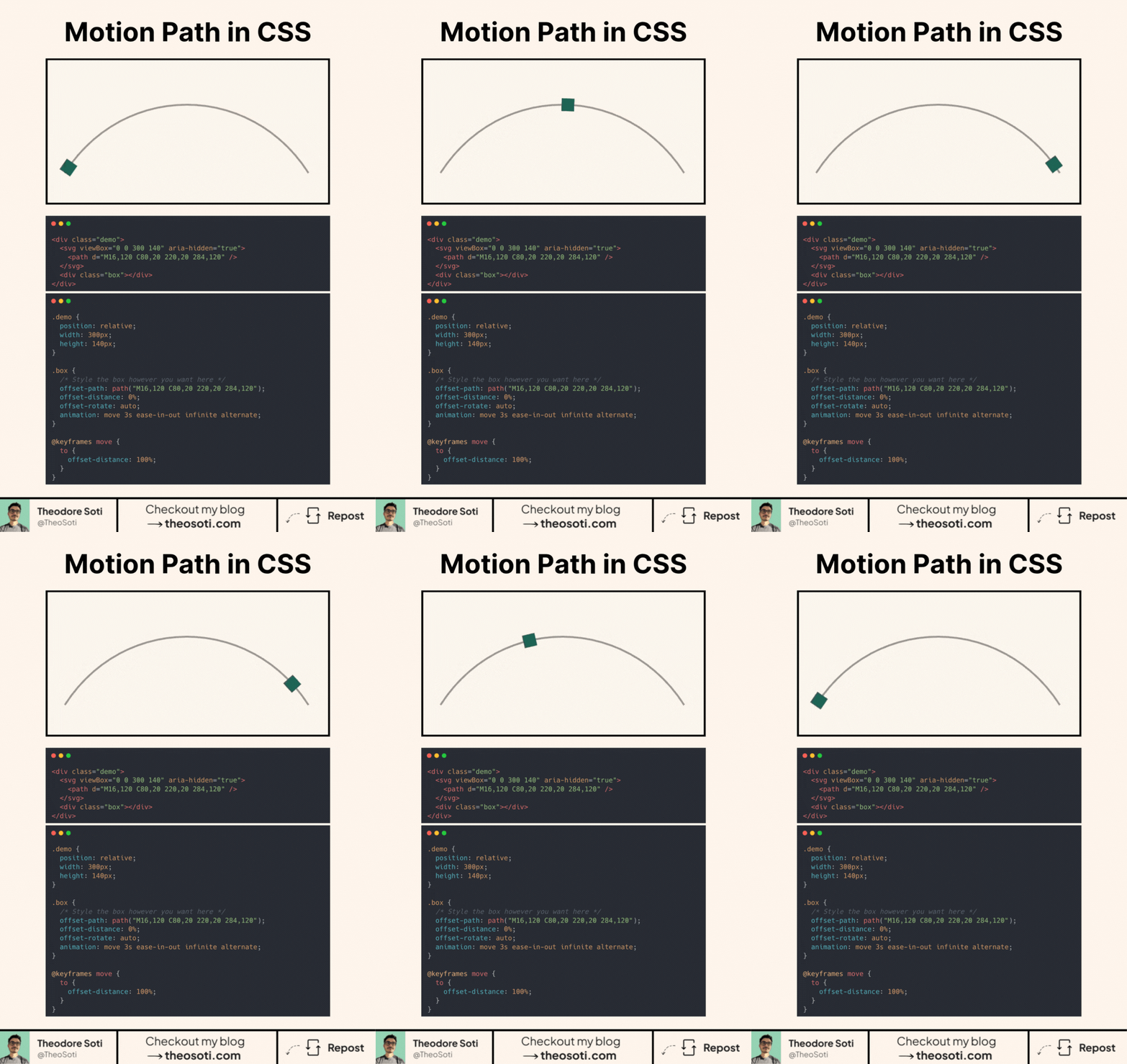
Make elements follow a path without JavaScript or GSAP.
CSS Motion Path lets you animate an element along a curve, loop, or custom shape with three properties.
offset-path defines the route. You can use a path() value or a basic shape.
offset-distance places the element between the start and end of that route.
offset-rotate: auto keeps the element aligned with the direction of travel.
.traveller {
	offset-path: path('M 20 100 C 80 0 220 0 280 100');
	offset-rotate: auto;
	animation: follow-path 3s linear infinite;
}

@keyframes follow-path {
	to {
		offset-distance: 100%;
	}
}

@media (prefers-reduced-motion: reduce) {
	.traveller {
		animation: none;
	}
}
An inline SVG can display the same path as a visual guide, while CSS controls the moving element.
Motion paths work well for loaders, diagrams, timelines, and small interface details. They also avoid animating layout properties such as left and top.
If you liked this tip, you might enjoy my guide “You Don’t Need JavaScript”, which contains more ways to build modern interfaces with HTML and CSS.
You can find it at https://theosoti.com/you-dont-need-js/.
Comments
Nothing yet. Say the first thing.
Sign in to join the conversation.