
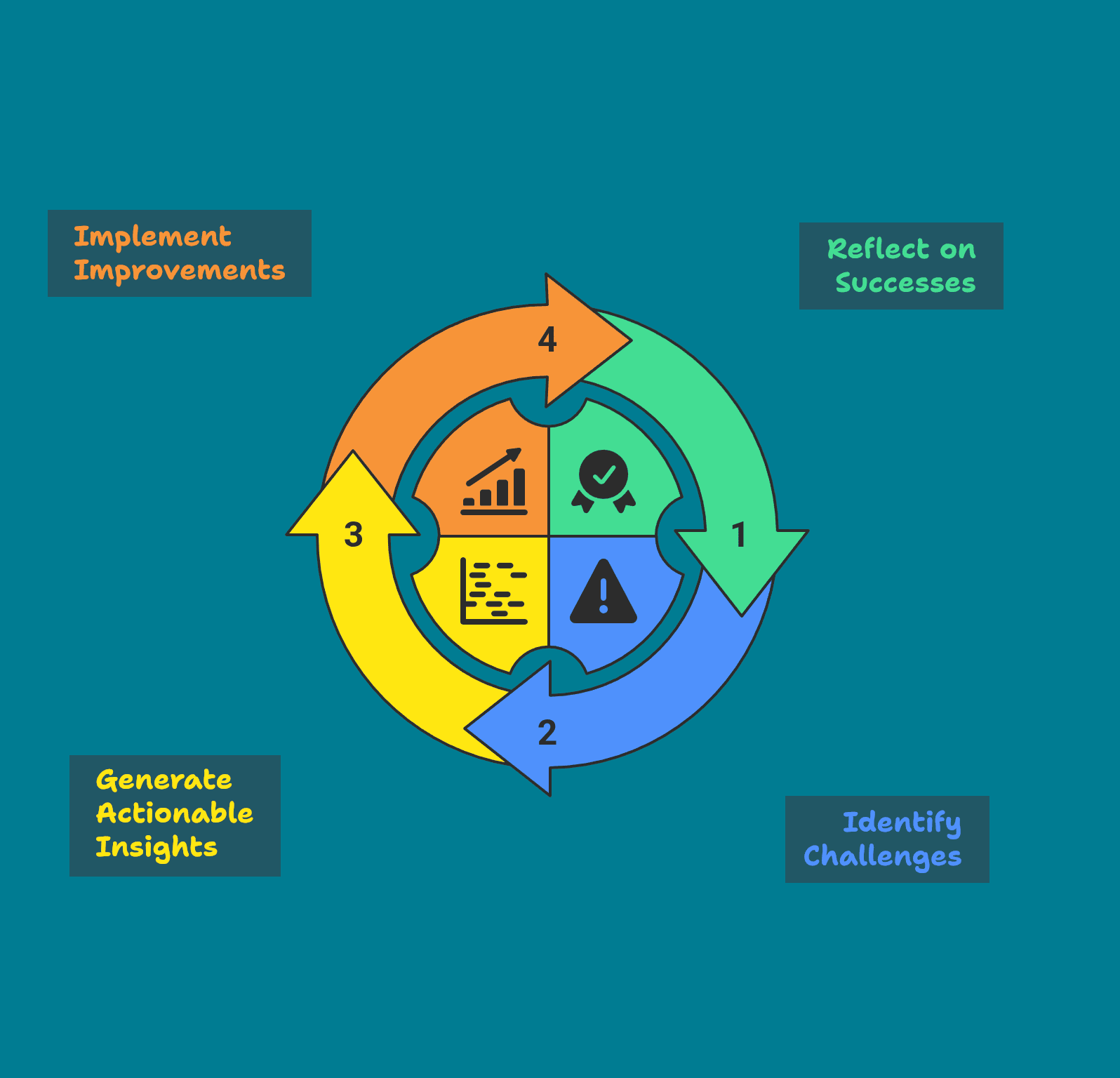
I was speaking with a lead developer about how we can make our dev teams work faster and smoother. We quickly landed on Scrum as a good starting point. He told me that sprint retrospectives are valuable because they let people speak up about what frustrates them.
I replied, “That’s fantastic! But what happens after they share those frustrations?”
He hesitated… and then admitted, “Nothing”
That conversation reminded me why retros need a clear purpose and a concrete follow‑up.
Give everyone a voice – Team members can say what works and what blocks them.
Turn frustration into insight – Naming problems lets us spot patterns.
Create actionable improvements – The goal is not just talking, but deciding what we will change for the next sprint.
If a retro ends with “nothing to do” the meeting has wasted time. The real power lies in written, assigned, and later verified action points that slowly raise the team’s velocity.
Quick opening line: “Our aim is to discover one or two concrete improvements for the next sprint.”
Optionally, you can start with an icebreaker question, such as “What was the best thing that happened in this sprint?”
Each owner gives a 30‑second status: Done / In‑Progress / Blocked
Tick completed items ✅ and note any blockers.
Everyone writes 1‑2 things that went well and 1‑2 things that didn’t on a sticky‑note (physical or digital).
Keep the room silent – this encourages honest input from quieter voices.
Moderator clusters similar items into themes (e.g., “communication”, “build pipeline”).
Each participant gets 2 votes (dot‑vote, emoji) to pick the top 2‑3 pain points.
Spend ~3 min per selected theme: ask why it happened and what could change.
Focus on the root cause, not on who is to blame.
Agree on maximum two concrete actions for the next sprint.
Write them in plain language, assign a single owner, and set a clear due date (usually the next retro).
Recap the actions, thank the team, and remind everyone to update the task board before the next retro.
This flow adds up to exactly 30 minutes, giving enough time for reflection while keeping the meeting tight.
After the retro, many developers forget what was decided and jump straight back into coding. To make sure the actions stick, follow this short checklist:
Log the action immediately – Add it to the team’s task board (Trello, Jira, Asana, etc.) with the owner’s name and the due date.
Mid‑sprint reminder – The owner posts a brief update in the team channel (“Working on the stand‑up reminder, on track for next retro”).
Report at the next retro – At the start of the following retro, the owner marks the item Done, In‑Progress, or Blocked and shares a quick result (e.g., “Stand‑up attendance rose from 70% to 95%”).
Measure impact – Track a simple metric such as number of completed actions per sprint or frequency of the same blocker. Seeing the numbers reinforces the habit of continuous improvement.
Give this flow a try in your upcoming sprint retro. Run it a couple of times, watch how the action items improve your workflow, and then tweak the format to match your team’s style (different voting method, a longer “What Went Well” section, etc.). The key is to keep the focus on action and follow‑up.
That's it for now. Keep experimenting and improving!
—Gábor
Turn the ideas from this newsletter into real results with a focused, nine‑lesson program:
Three modules – each delivered as three × 1‑hour live lessons
Building High‑Performing Teams – team formation, workflow optimisation, continuous improvement.
Effective Tech Leadership – mindset, delegation, feedback & coaching.
Stakeholder Collaboration – mapping expectations, structured updates, negotiation.
What you get: after every lesson you receive 2–3 ready‑to‑use tools (radar charts, time‑blocking templates, negotiation checklists, retro‑action trackers, etc.) that you can apply immediately.
How it works
Free 30‑minute discovery call – we discuss your challenges and confirm fit.
Live online lessons – each session is conducted in real time, so you’ll be fully present for the interaction.
Tool delivery – resources are sent right after each session.
Visit my website at gabortill.com/mentorship for more details and a free discovery call.
No posts
Comments
Nothing yet. Say the first thing.
Sign in to join the conversation.