
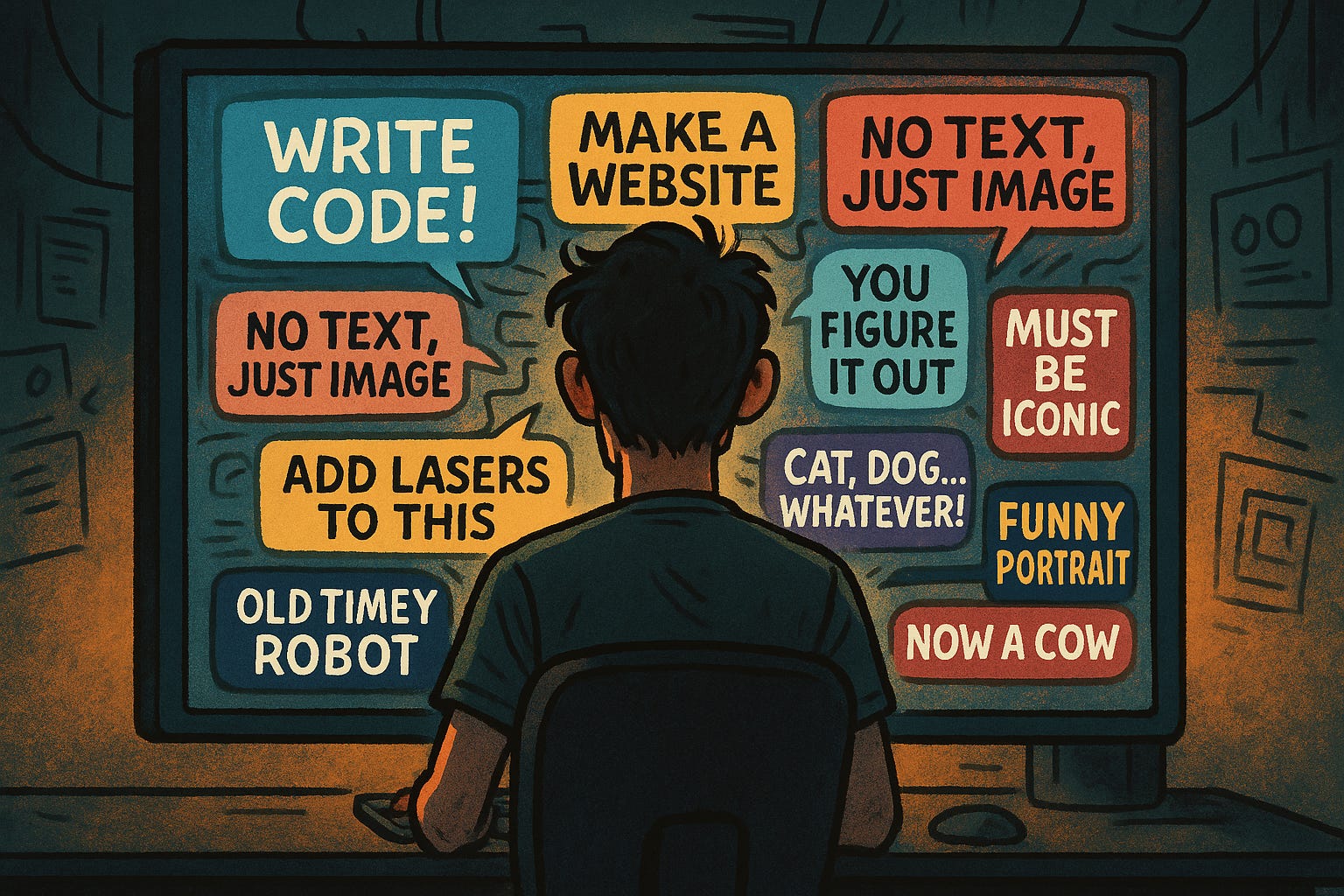
Prompt (or nowadays context) engineering is supposed to be the secret sauce of every LLM-powered project, right? Yet, how you store your precious prompts often gets treated like an afterthought. Some folks hardwire prompts into their code and call it a day. Others, once bitten by the prompt-editing bug, start shoving them into databases. And then there’s the crowd that swears by purpose-built tools like Langfuse—because what’s one more dashboard to babysit? Let’s drop the hype and talk about what actually happens when you pick one of these paths.
Let’s start with the classic: prompts hardcoded in your source files. Nothing says “move fast and break things” quite like copy-pasting a string right into your app. For a solo project or a prototype, it’s hard to argue with the speed. Here’s your garden-variety Python snippet:
SYSTEM_PROMPT = “You are a helpful assistant. Answer as concisely as possible.”
response = openai.chat.completion.create(
    model=”gpt-4”,
    messages=[{”role”: “system”, “content”: SYSTEM_PROMPT}, ...]
)
When your prompt lives in code, you always know what’s live—assuming nobody’s quietly editing things on the server, of course. Rollbacks? Easy. Auditing? Trivial. But heaven help you if you want to let anyone else touch that prompt. Every tweak, no matter how tiny, means a code change, a pull request, a review, and probably another meeting that could have been an email. Suddenly, your “simple” string turns into a bureaucratic nightmare. Speed? Only until you have to work with someone else.
Eventually, you get tired of the deploy dance and move your prompts to a database. Now you can edit on the fly, no code changes, no redeploys, and—gasp!—maybe even let someone from product update the wording. Here’s how you might fetch a prompt from PostgreSQL:
import asyncpg
async def fetch_prompt():
    conn = await asyncpg.connect(dsn)
    prompt = await conn.fetchval(
        “SELECT prompt_text FROM prompts WHERE name = $1”, “system_prompt”
    )
    await conn.close()
    return prompt
Suddenly, product managers can tweak prompts without annoying a developer. Fix a typo at 3am? Sure, why not. But don’t get too comfortable. Now you have schema headaches, version mismatches, and the joy of building admin tools so nobody accidentally deletes your production prompts. And if you thought developers were territorial about code, just wait until you see a data engineer’s face when you suggest “just edit it in prod.”
If your workflow gets any more convoluted, you’ll need a dedicated tool to keep the chaos at bay. Enter platforms like Langfuse, which offer a whole buffet of dashboards, APIs, and version histories. Non-developers can finally stop sending Slack messages begging for prompt changes—they’ll just break things themselves through a web UI instead. Here’s the sort of thing you’d do:
import langfuse
response = langfuse.get_prompt(”system_prompt”)
system_prompt = response.compile(name=”Krisztian”)
Now you’ve got versioning, collaboration, and analytics, plus all the headaches of another external dependency. Sure, caching helps with performance, but now you’re at the mercy of a third-party service. If their API sneezes, your whole app catches a cold. Langfuse is the hot ticket here, but honestly, every team seems to end up building their own “lightweight” dashboard—until it quietly turns into another full-time project.
So you want to evaluate your prompts? Suddenly, where you keep them isn’t just a trivial detail. If your prompts are entombed in code, good luck running batch evaluations in a Jupyter notebook or Deepeval. Every tweak turns into a mini deployment (or, for the truly brave, a hotfix on prod). Trying out a new version? Time to play “guess which branch has the right prompt.”
Naturally, none of this matters if you’re flying solo and manual testing is your idea of fun. But as soon as you want to compare prompt versions, automate tests, or let anyone else join the circus, the pain level spikes. Database or dedicated tool? Now you can actually run experiments, swap prompts on the fly, and maybe even learn something before shipping another bug to production.
Prompt storage isn’t some technical footnote—it shapes how you work, how fast you can adapt, and who gets a seat at the table. Start simple, grow when you must, and don’t let anyone shame you for copy-pasting a prompt now and then. If it works, it works. Just don’t be surprised when you wake up one day managing a prompt dashboard you never wanted.
No posts
Comments
Nothing yet. Say the first thing.
Sign in to join the conversation.