
Playground readers,
This edition is inspired by our great friend Daniel, who writes the brilliant weekly newsletter For Starters – a must-read for anyone starting & building a small business!
Daniel recently shared the stack behind the creation of his newsletter on LinkedIn. I loved the idea and wanted to do the same.
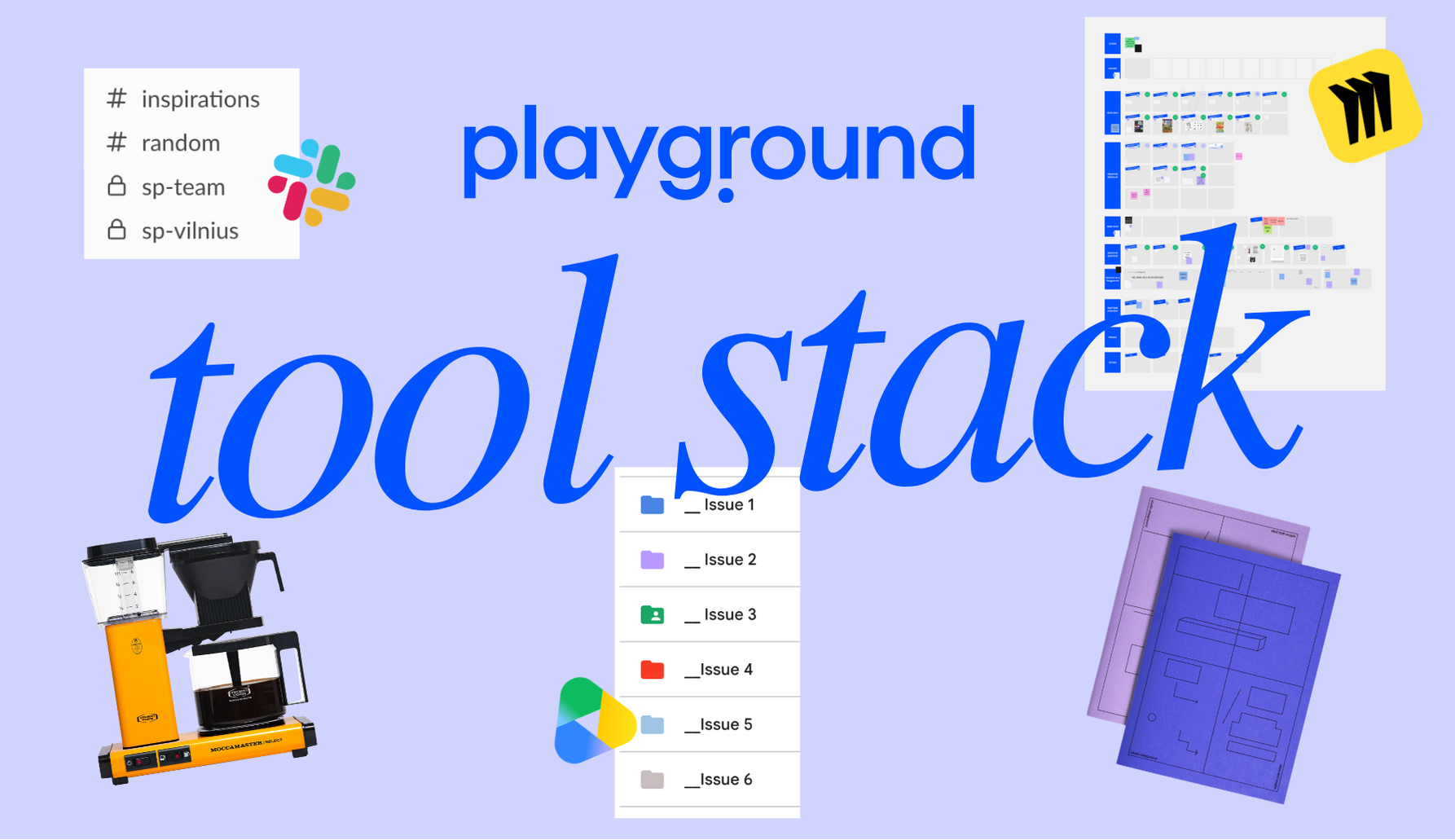
So, here it is: the full list of tools we use to keep our publishing projects and publications going.
For context: We have published five issues of Playground Magazine, a Playbook, a notebook, two client-editorial magazines (1 & 2) – and we’ve used more or less the same way of working for each print project.
We’re also an international, remote team, so we rely on good tools and easy handovers 100%.
The timing of this post feels fitting too… two days ago, we realised that our latest Playground Issue 5 has already surpassed the sales of our previous issues and is selling out in quite a few shops (yay!). A nice little milestone – and a good excuse to show you how we brew things on our end.
I’ve split it into a few categories: what I use personally as the magazine’s editor-in-chief and creative director; where we collaborate as a team; and what our extended team uses.
Let’s dive in – and learn how our whole publishing ecosystem runs.
Apple Notes – very unorganised, but still my go-to for daily notes, spontaneous inspiration, text sketching, references – you name it. Every month or two, I go through and try to organise it all.
Instagram Saves folder – I save a lot of what I see online here, particularly creatives and references. I get inspiration from everywhere, but this is one of the main places where it ends up.
Otter – for voice recordings and interview transcripts. Really amazing for capturing conversations!
Edition Julie Joliat notebooks - since our collaboration notebook, I always take notes in one of ours or another from Julie’s world. I now have quite a stack.
Notepads & paper (separate stationery post incoming!) – I am a paper person. I use different notepads for weekly organisation – I like being able to throw the paper away once the week ends. For the magazine, I also tend to take a plain A4 sheet and literally list every weekly or bi-weekly task, work through them one by one, then rewrite the whole list again the following week.
Moccamaster – I love coffee and have a minimum of three cups a day. Filter coffee from the Moccamaster is my go-to!
Aarke - bubbly water for refreshment in between coffee cups!
Spotify – around 50% of my focused work happens with music on. It gets me into the flow and helps me shut out everything else.
Bose QuietComfort/ Apple AirPods – I am a deep-focus kind of person, and one of these usually helps me teleport into my ‘zone’.
Timer – I use the timer on my Mac and rely on the Pomodoro technique a lot to get myself into focus mode (with music on). It always works. I started doing it 12 years ago while finishing my studies, and somehow never stopped.
Miro – this is where we build our whole world. From ideas gathering, content handovers and design to flatplans, colour palettes, visual inspiration, cover notes and explorations, tracking content progress and collaborators – it all lives there. It’s our main collaboration tool. The system works so well that we now mimic it for every print and publishing project. We love it, it’s like a digital whiteboard!
Google Drive & Gmail – an extension of Miro and essentially our filing and communication system. All content lives on Google Drive, and, of course, our inboxes live in Gmail. We also edit and proof all texts with our editor in Google Docs.
Slack – our main communication tool within the team.
Sana AI – for meeting recordings, notes and tracking.
ChatGPT / Claude / Google Search (Gemini) – for research, alignment and style edits where needed.
Google Forms – for our biannual open calls! The next one is coming in early 2027 – stay tuned.
Keynote or Google Slides – where we make beautiful briefings, sales and distribution presentations, and our media kits.
Shopify – our online shop platform!
Canva – not for the print projects per se, but for many of the graphic assets around their promotion.
Harvest – we track our time. This is, of course, very much due to my initiative. But it genuinely helps us understand how long different things take – and, in turn, scope projects honestly when we work with clients. We know how we work, and what it takes to produce work to our standards. I find it incredibly valuable.
Adobe InDesign – where all the design magic happens.
Adobe Acrobat – where we proof everything before it gets signed off for print!
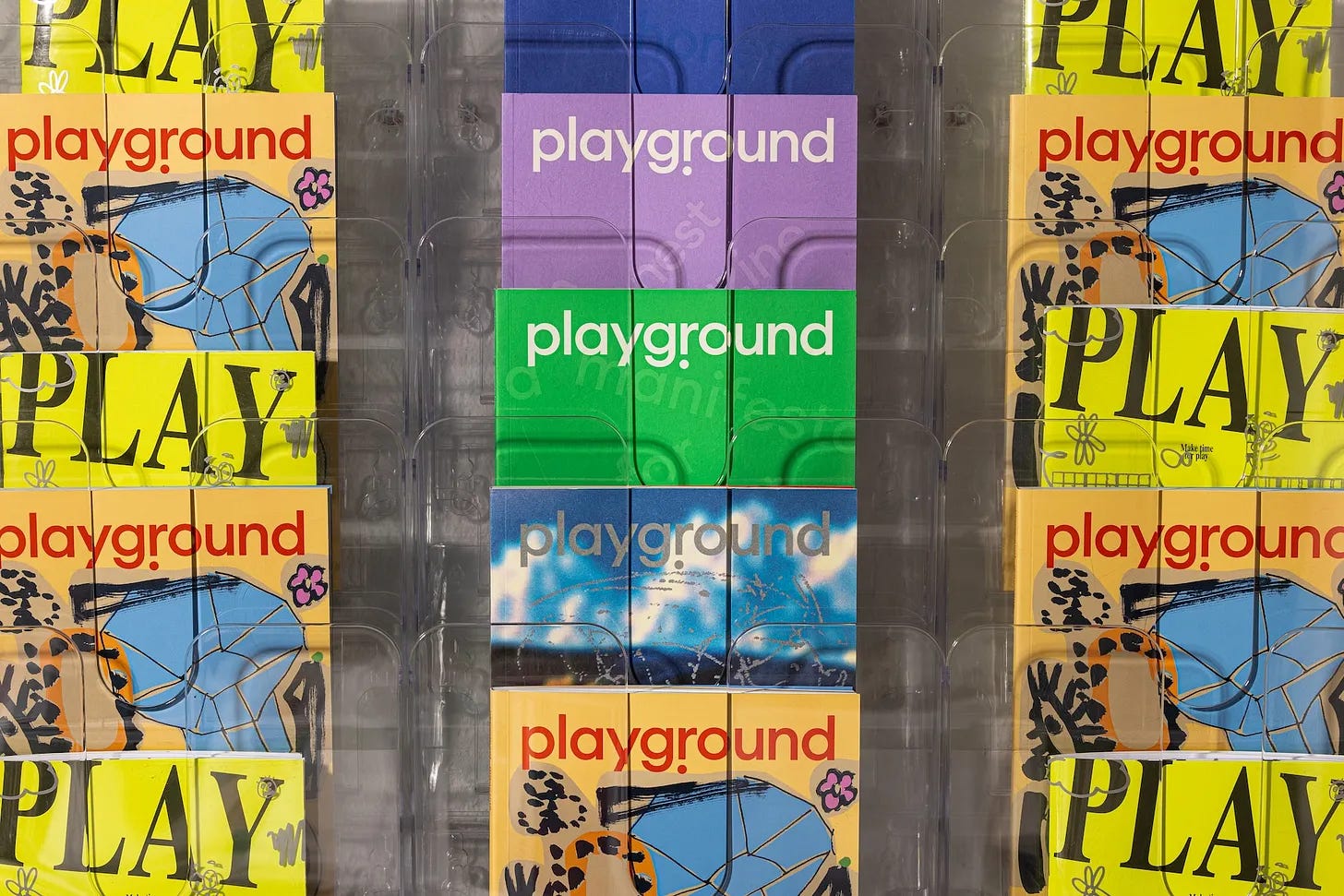
And these are some of the outcomes:
Hope you enjoyed this one. Maybe Daniel started something, we continued it – and now somebody else wants to keep the ‘stack’ trend going?
Until the next one,
Auste & Playground team
If you like how we think and you’re a brand, consider working with us. We’ve just added fresh cases at studioplayground.cc!
If you like what we do, the biggest support is picking up our print magazine, Playbook or merch – it keeps the Playground alive.
A small gesture goes a long way. If you liked what you read, share it with a friend, subscribe to our newsletter, drop us a reply, join the comments – or simply give it a like. Every feedback keeps us moving.
Comments
Nothing yet. Say the first thing.
Sign in to join the conversation.