
Okay, so real talk—passwords are annoying. Nobody likes having to remember a few dozen different ones, and let’s be honest, most people just reuse the same password everywhere or pick something like “pizza123.” But here’s the thing: in 2025, your password is pretty much the only thing standing between your entire digital life and someone who wants to mess with it. That means your email, your Instagram, your bank info, and probably your Netflix account too. It sounds dramatic, but the truth is, a weak password is like locking your front door with a piece of chewing gum.
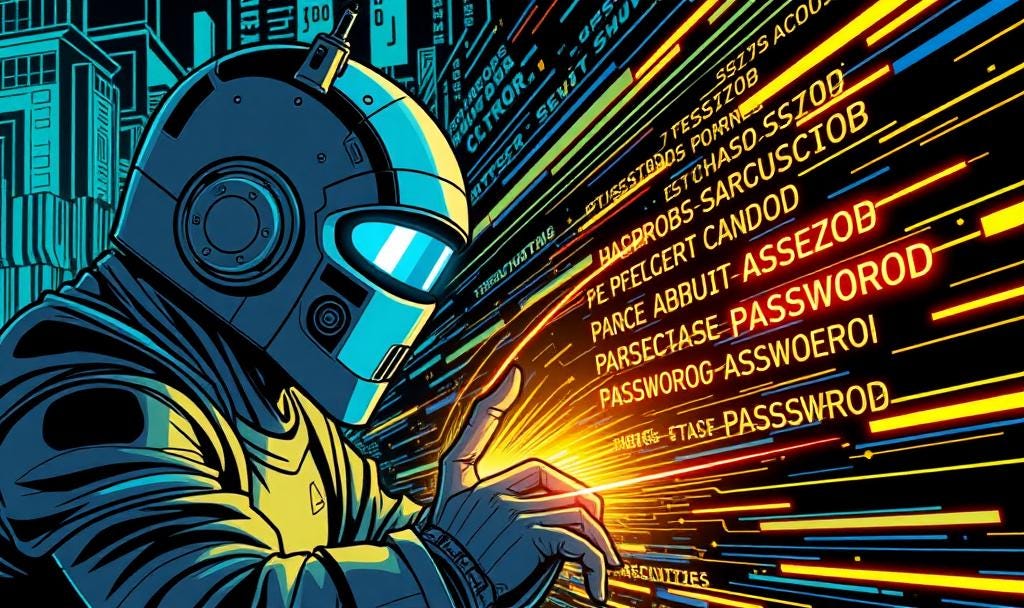
Now here’s the part most people don’t realize: if you can remember your password, it can probably be guessed. That sounds weird at first, right? But think about it—your brain isn’t built to memorize totally random strings of letters, numbers, and symbols. So when we make a password we can remember, we usually go for something that makes sense to us. Maybe it’s your dog’s name and your birth year. Or your favorite band with an exclamation mark. Guess what? Hackers know that. They have software that tries millions of the most common combos in seconds. They don’t sit there guessing “Fluffy2009” by hand—it’s all automated, and it’s scary fast.
This is why strong passwords usually look like a random mess of letters, numbers, and symbols—things that don’t mean anything to you or anyone else. But here’s the catch: those are almost impossible to remember. If you try to memorize something like “X9$Tp7&k!” you’re either going to forget it or write it down somewhere, which can be just as risky. So, the big question is—how do you have a password that’s both strong and memorable? Spoiler: the answer isn’t to pick a “normal” password you can remember, because, like we said, that can be guessed.
One smart trick people use is something called a “passphrase.” Instead of one word or a random jumble, it’s a whole sentence or a few words put together. For example, “PurpleTacoJumped42Times!” is way easier to remember than a random password like “X9$Tp7&k!” but still hard for a hacker to guess. The key is making it personal but not obvious—maybe something funny or weird that only you would think of. This way, you get the best of both worlds: a password you can remember, and one that’s strong enough to keep most hackers out.
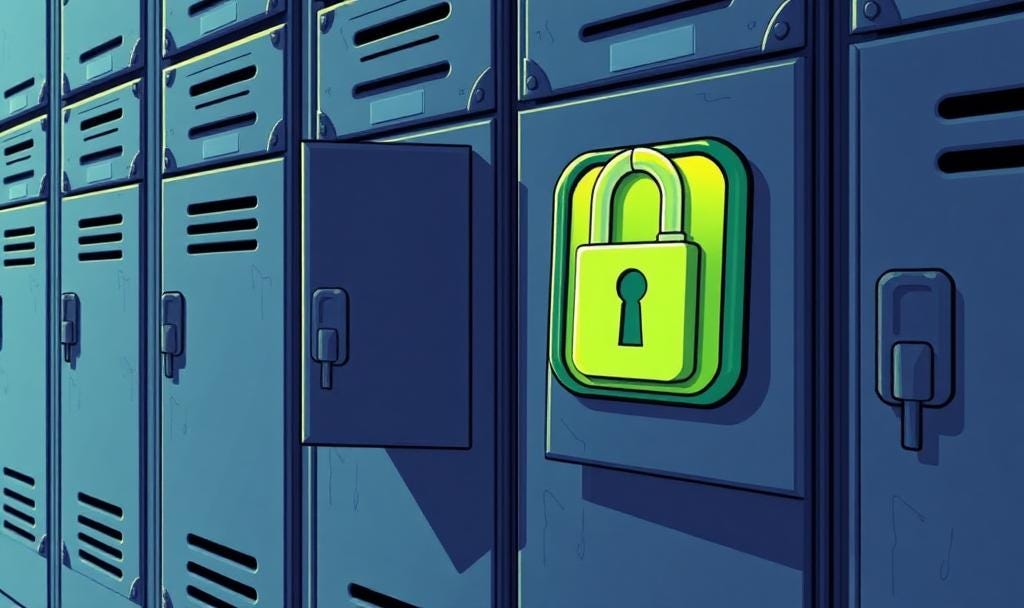
Another important tip is to never use the same password for everything. I know, it’s tempting because it’s easier to remember just one. But if one account gets hacked, all your other accounts are at risk too. Think of it like a bunch of lockers—if you use the same key for all of them and someone steals it, they can open every locker you have. Using different passwords for different sites might sound like a headache, but there are tools called password managers that can help. These apps create, store, and fill in super-strong passwords for you, so you only have to remember one master password.
It’s also super important to update your passwords regularly, especially for important accounts like email or banking. You might think changing passwords is a pain, but it’s like changing the locks on your house every once in a while—just good security practice. If a hacker manages to get your info from a past leak or breach, having an old password still in use makes you an easy target. Plus, with data breaches happening all the time, even big companies get hacked, and your info can end up in the wrong hands without you knowing.
Finally, a quick word about two-factor authentication, or 2FA. This is like adding an extra lock on your digital door. Even if someone guesses or steals your password, they still need a second step to get in—usually a code sent to your phone or generated by an app. It might sound like a hassle, but it’s honestly one of the best ways to keep your accounts safe. Sure, 2FA isn’t completely hack-proof—some hackers can still find ways around it—but it adds an extra step that makes breaking in much harder. Most big websites and apps offer 2FA now, so definitely turn it on whenever you can. It’s a simple step that makes a huge difference.
So, why does all this matter? Because passwords are the front line of defense for your personal information, and the digital world is only getting more connected. Every app, game, or website you use collects data about you—and if that data falls into the wrong hands, it can lead to identity theft, money loss, or just a huge headache trying to fix things. Taking the time to make your passwords strong and unique is one of the easiest ways to protect yourself, even if it feels annoying at first. Remember, the less predictable your password, the harder it is for hackers to guess—and that means you stay safer.
Never share your passwords with anyone. It might seem harmless if it’s a close friend or family member, but the moment your password leaves your control, it becomes a risk. Even if you trust the person, the way you share it can be compromised. Sending a password through text, email, or DMs is a huge no-go—those messages can be hacked, intercepted, or even accidentally leaked. Once your password is out there, you can’t take it back. Treat your passwords like your toothbrush: personal, private.
Scammers have gotten really good at tricking people into handing over their passwords without even realizing it. One of the most common tricks is called phishing—that’s when you get an email or message that looks like legit real email, like it’s from your bank, a social media app, or even a school account, asking you to “verify your password” or “reset your account.” The link takes you to a fake website that looks real, but when you type in your password, boom—it goes straight to the scammer. They also pretend to be tech support or friends in trouble, asking for your login info because of some fake emergency. Rule of thumb: legit companies will never ask for your password out of the blue. If something feels off, it probably is.
Alright, let’s break it all down. If you want to keep your digital life safe, here’s what you need to remember:
Don’t use passwords you can easily remember—they’re usually easy to guess.
Use strong, unique passwords or passphrases for every account.
Don’t reuse the same password across different sites.
Use a password manager to keep track of everything securely.
Turn on two-factor authentication (2FA) wherever possible—it’s not perfect, but it adds a strong extra layer.
Change your passwords regularly, especially on important accounts.
Never share your passwords with anyone, and never send them through texts, emails, or DMs.
Watch out for phishing scams—if something feels off, don’t click it.
Doing just these things can protect you from most of the common ways people get hacked. And if you’re running a business or managing a team, it’s even more important to take cybersecurity seriously. That’s where Stech Group comes in—we help companies assess their security setups, find weak spots, and build stronger systems so that everyone stays protected. Whether it’s your password policy or your entire digital infrastructure, we’ve got your back.
No posts
Comments
Nothing yet. Say the first thing.
Sign in to join the conversation.