
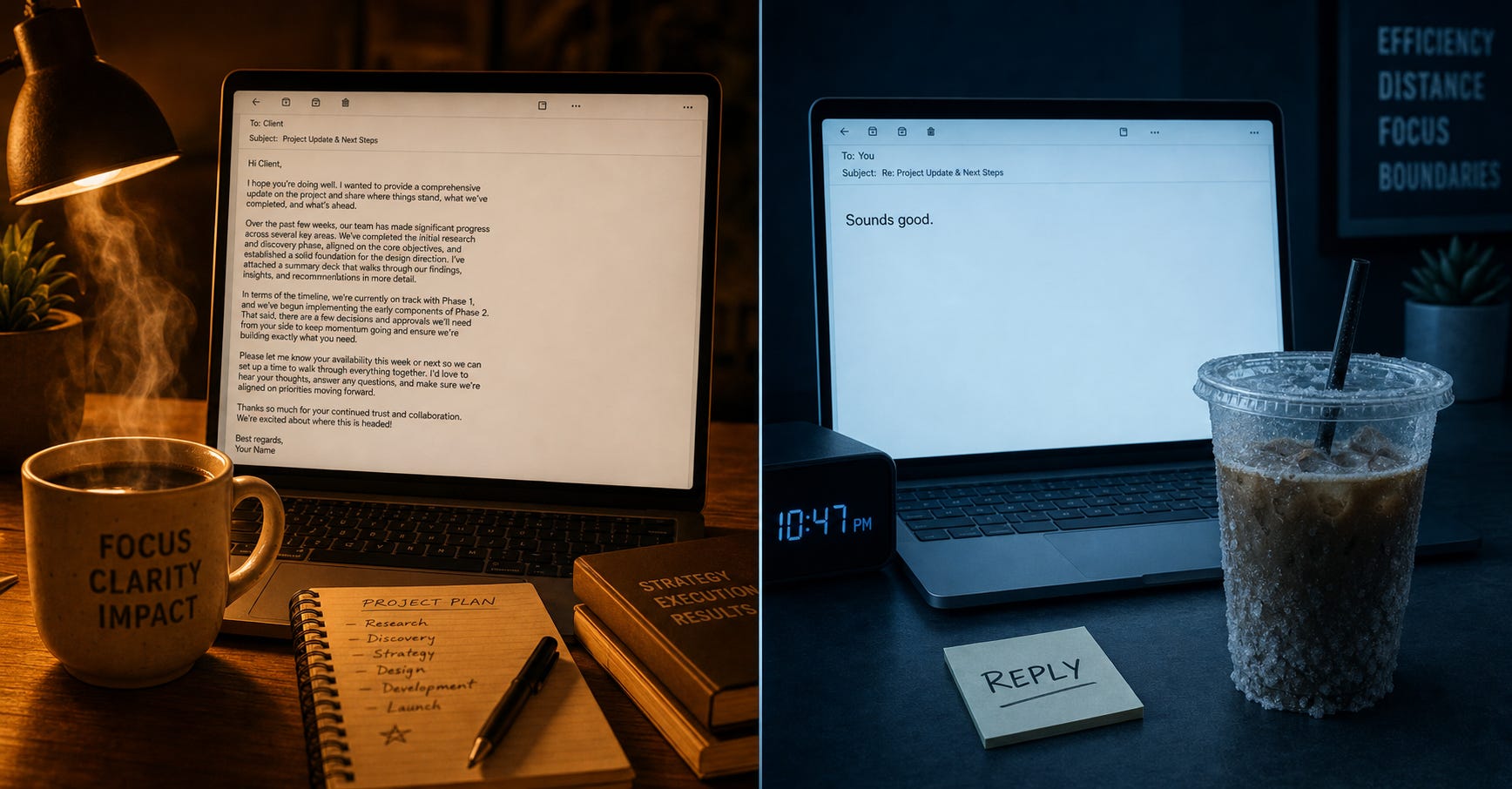
I’m terrible at reading emotional subtext when I’m tired.
Give me a broken Python script or a misconfigured webhook, and I’ll find the bug in four minutes.
But give me a three-line email from a client on a busy Thursday?
My brain takes the path of least resistance: “They replied, so everything is fine.”
That blind spot cost me a lot of money early on.
We convince ourselves that unhappy clients will speak up before they leave.
They don’t.
When a client decides to look elsewhere, they get quiet.
They switch from friendly paragraphs to one-word confirmations.
They stop asking strategic questions.
You don’t notice because you are focused on doing the actual work.
Two years ago, I worked with a mid-sized commercial HVAC design firm who had twelve major general contractors on annual retainers.
The owner was proud of their low support ticket volume.
He told me, “We rarely hear from our biggest account. That means we run a tight ship.”
Four weeks later, that account canceled their monthly retainer with zero notice.
We pulled up the six months of email history to conduct an autopsy.
The warning signs were everywhere:
Month 1:
The client opened emails with “Hey guys, love the quick turn on these blueprints!”Month 3:
The greeting changed to a dry “James,” and the sign-off dropped completely.Month 4:
The client sent three separate emails asking for clarification on permit submission dates. The HVAC team answered with correct technical data, but never addressed the client’s underlying schedule anxiety.Month 5:
The client took four days to reply to a simple approval request.
The design team saw “normal business emails.” The client saw a partner who had checked out.
If the owner had spotted that tone drift in Month 3, a twenty-minute lunch would have saved that account.
AI doesn’t not care about your ego.
It won’t make excuses for a blunt sentence because “the client was probably just driving.”
It evaluates text against baseline communication patterns and alerts you when a relationship starts cooling down.
[Step 1: Sanitize & Export]
          │
          ▼
[Step 2: Semantic Tone Audit]
          │
          ▼
[Step 3: 5-Minute Alignment Call]
Pick your top 5 to 10 revenue-generating accounts. Every Friday, grab the last 2 to 4 email exchanges from each account.
Security Check: Strip out employee last names, customer credit card numbers, and proprietary client blueprints before pasting into public AI windows. If your client data is under NDA, run these prompts locally via Ollama or through a zero-data-retention API endpoint.
Run the text through an evaluation prompt. We instruct the AI to look at sentence length, sign-off changes, and unresolved friction rather than just positive or negative words.
If an account flags as “Medium” or “High” risk, end your email habit. Pick up the phone. Use a non-defensive opening to check in before the client starts looking at your competitors.
Use this prompt on Fridays to audit your active client threads.
Comments
Nothing yet. Say the first thing.
Sign in to join the conversation.