
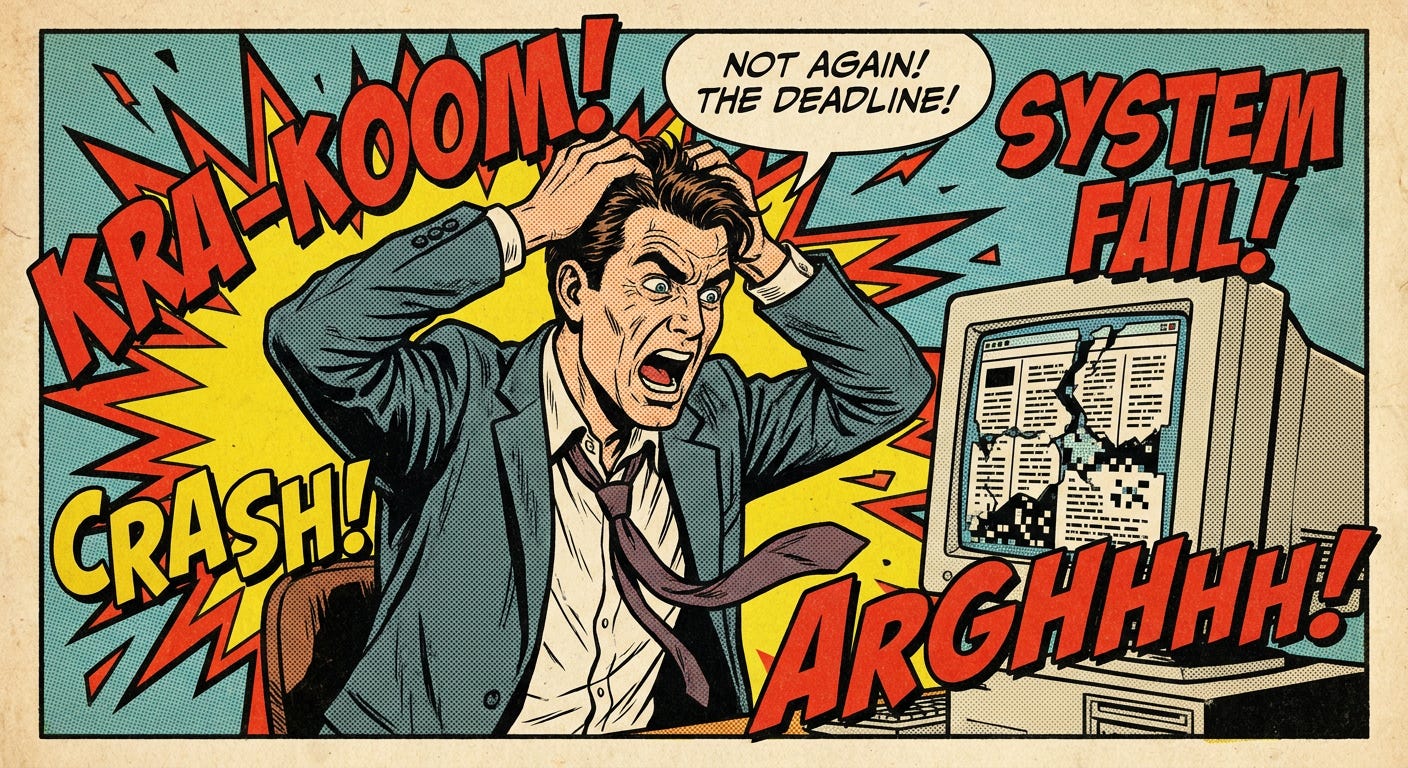
A few years ago, I spent an entire afternoon copying data out of ~50 old PDF client contracts.
I highlighted text with my mouse and pasted it into a spreadsheet.
The columns completely broke.
Phone numbers jumped into fee columns.
Client names split in half across rows.
I ended up typing eighty rows of contact data by hand while my coffee went cold.
I wasted four hours doing work a computer should do in four seconds.
I saw this same issue cost real money with a consulting firm I was working with.
Every month, they received dozens of PDF statements from subcontractors, software vendors, and municipal permit offices.
Their office manager spent fifteen hours every week re-typing line items, hourly rates, and invoice totals into their billing software.
One afternoon, standard PDF software misread a two-column fee schedule.
It merged the hourly rate of a junior project coordinator with a senior engineering rate.
The firm underbilled a commercial client by $8,400.
The client refused to pay the retroactive adjustment.
That single copy-paste error wiped out their profit margin on that project.
What Standard PDF Tools Do:
Column 1 Line 1 [Merges Across] Column 2 Line 1
Project Manager: 40 hrs [Merges Into] $85/hr Junior Rate
What You Actually Need:
[Column 1: Senior Rate] -> $210/hr
[Column 2: Junior Rate] -> $85/hr
Standard PDF tools fail because they read left-to-right across the page like a single line of text.
They don’t understand that tables, sidebars, and columns are separate boxes.
You do not need to write code or hire a developer to fix this.
You only need a document parser like LlamaParse.
Think of it like a scanner with eyes.
Instead of reading flat text, it looks at the visual layout of the page.
It sees the visual borders of a table.
It spots side-by-side columns and leaves them separated.
The best part: you can give it plain-English instructions.
You tell the parser:
“Turn every visual table into a clean spreadsheet format and ignore page footers.”
It gives you clean Markdown text.
Markdown is plain text that uses simple pipes (|) and hyphens (-) to create clean table borders.
You can paste Markdown straight into Excel, Google Sheets, Notion, Word, or ChatGPT without fixing misaligned lines.
Whether you run a medical clinic, a real estate agency, a trade business, or a solo consulting practice, these instructions work on any document.
Step 1: Set the Reading Order.
Tell the tool to read down each column from top to bottom before moving to the next column.Step 2: Lock the Table Borders.
Instruct the tool to turn every visual grid into a standard Markdown table with clear column headers.Step 3: Drop the Page Clutter.
Instruct the tool to skip page numbers, legal footers, and repeated headers.
You can paste these prompts directly into the instruction box on the LlamaParse web interface, or paste them into ChatGPT and Claude to clean up raw document text.
Use this prompt for contracts, newsletters, business proposals, and multi-column reports.
Comments
Nothing yet. Say the first thing.
Sign in to join the conversation.